
Docker
Run the included server on your infrastructure. You own storage, backups, upgrades, and connector setup.
Quick startAn open-source automation platform designed for AI agents
Open Flow connects to 20,000+ ready-to-use tools and uses AI to automate work across apps.
Resource access permissions can be centrally managed, with human approval for critical operations.
Open source, with cloud and self-hosted options.
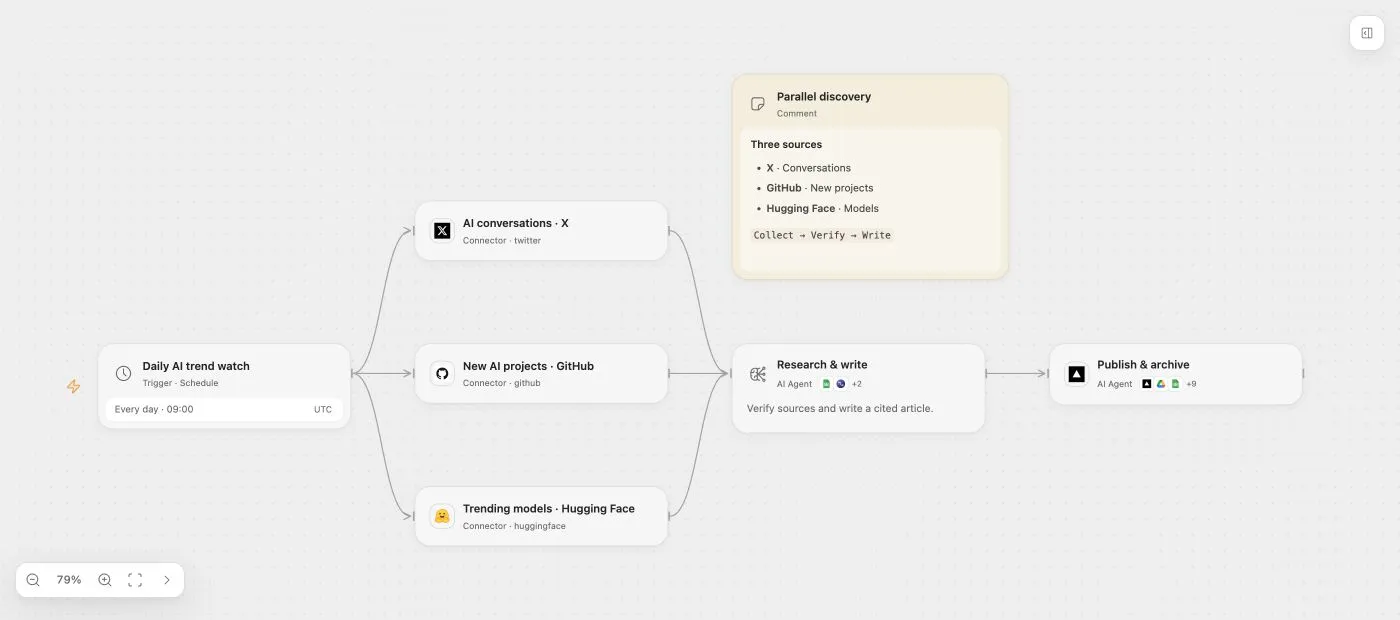
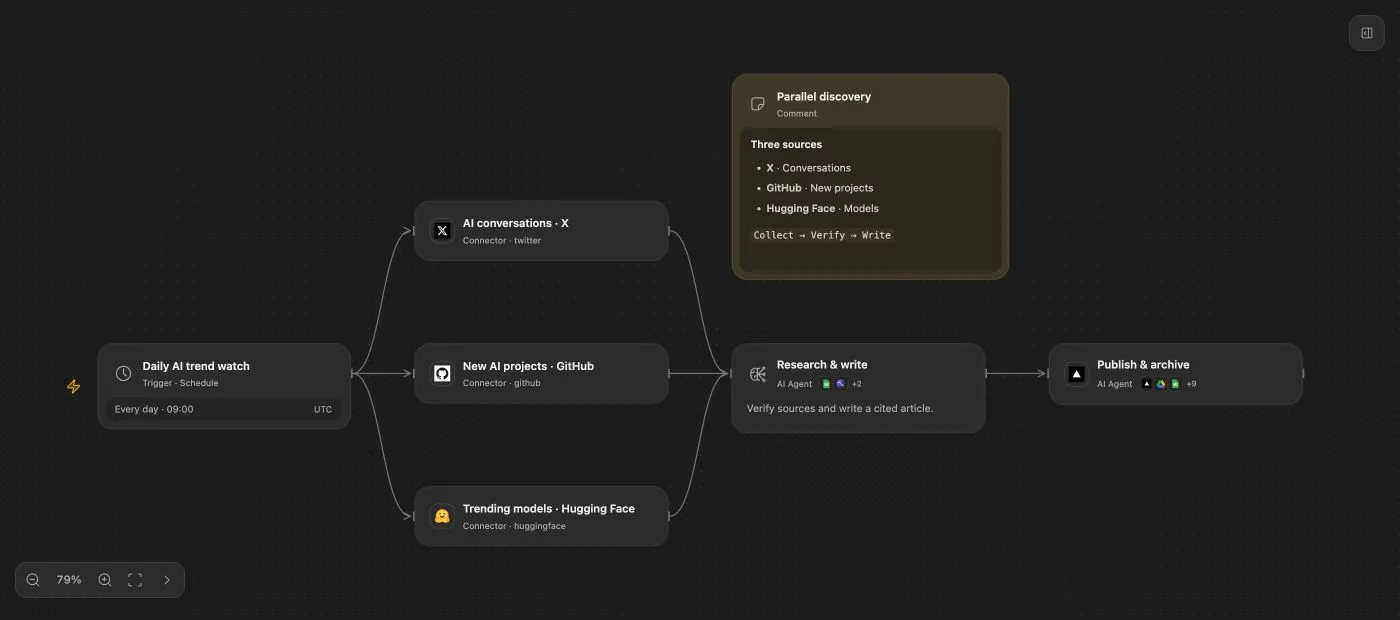
Tools optimized for AI let agents build workflows with the flexibility of writing code. A visual interface makes complex business logic clear, so AI-built automation is easy to understand and execution results can be verified directly.
Connect your agentThe app list could not load.
Read emails, update customer records, organize documents, and notify your team. Prebuilt connectors and account authorization bring work across your apps into one automation, without developing each integration yourself.
Explore app connections and authorizationHuman in the loop
Add an approval step to a workflow, or require human approval for an agent’s tool calls. The run saves its waiting state and resumes after approval, without repeating completed steps.
Build a workflow with approvalAssign app connections to members and agents, and limit the tools each role can use. Define who can read customer data or create records. Review calls at any time and revoke access whenever needed.
Manage your team and permissionsThe runtime, Workbench, and server are open source. Use, modify, and distribute them under the license’s permissive terms.
The same Workbench and versioned Control API, whether you use official hosting or run your own deployment.
Run the included server on your infrastructure. You own storage, backups, upgrades, and connector setup.
Quick startStart without operating a server. OOMOL manages the deployment and OAuth apps for supported integrations.
Use Official HostingDeploy the same image with TLS and a persistent volume. You manage secrets, backups, upgrades, and connector setup.
Fly.ioOpen Flow is an open-source AI workflow automation platform. AI agents can build workflows that connect apps and services, while you inspect the logic and execution results in a visual Workbench. The runtime, Workbench, and server are available under the Apache-2.0 license.
Explore the documentationConnect your AI agent to an Open Flow deployment through the oo CLI and describe the task you want to automate. The agent can create and edit workflow steps and check the workflow. Use the Workbench to review the logic, configure app connections, and test the draft before publishing.
Read the AI workflow setup guideOpen Flow uses OpenConnector to connect to 1,600+ apps and services with 20,000+ ready-to-use tools. Workflows can read email, update CRM records, organize documents, and send team notifications. Available actions depend on the connector and the permissions granted to the connected account.
Browse app connectionsYes. You can run the Open Flow server with Docker on your own infrastructure, or deploy the same image on Fly.io. Self-hosting gives you the same Workbench and versioned Control API, with responsibility for TLS, storage, backups, upgrades, secrets, and connector configuration. Official hosting manages deployment and OAuth apps for supported integrations.
Follow the Docker quick startAssign app connections to members and agents, then limit the tools available to each role. You can review tool calls and revoke access. Workflows and agent tool calls can also require human approval for critical operations, saving execution state while they wait and resuming after approval.
Manage members and permissions