Marketing
Airtable Users to Mailchimp Subscribers
Add Airtable users to a Mailchimp audience as subscribed contacts.
Download workflow
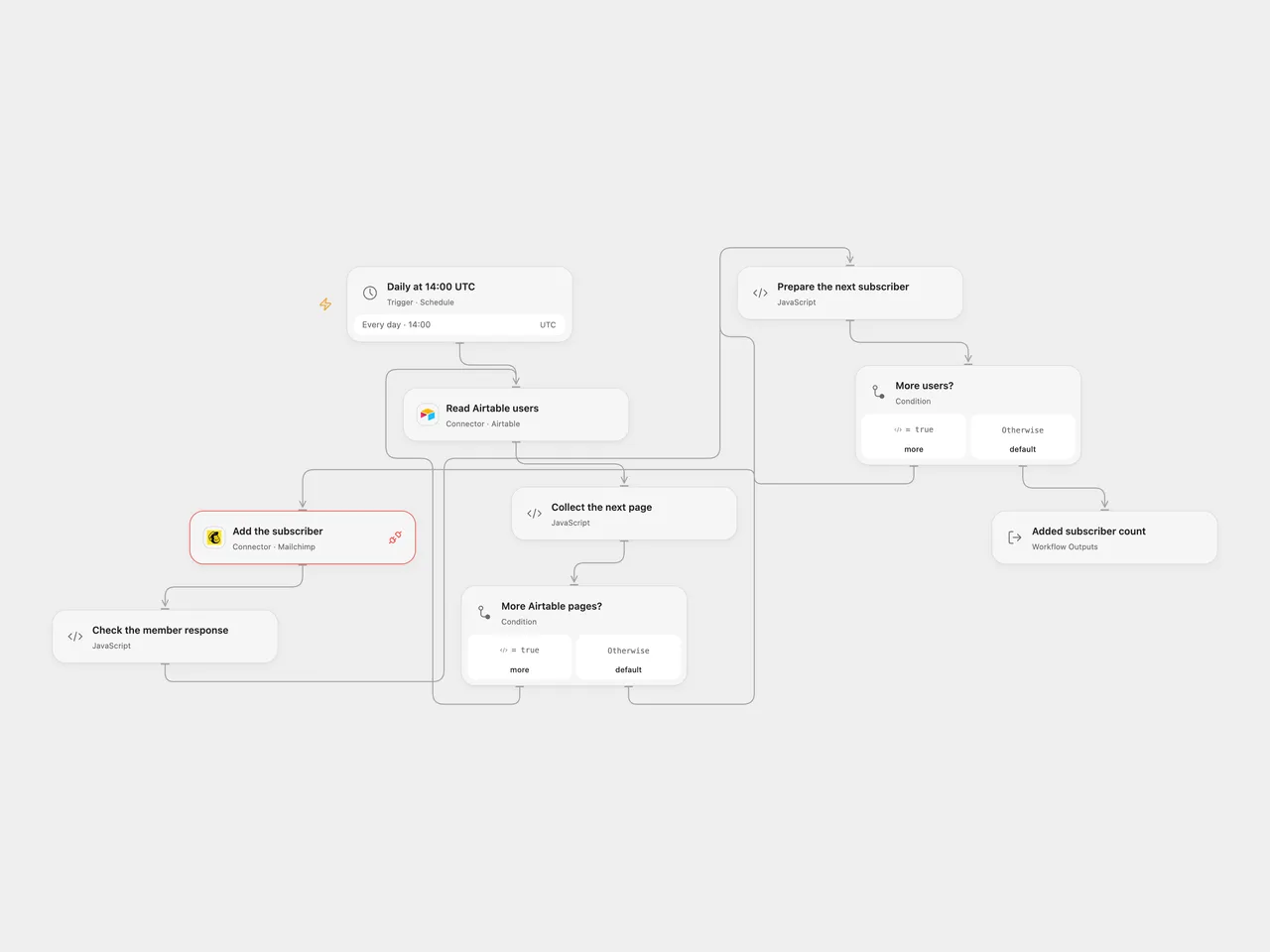
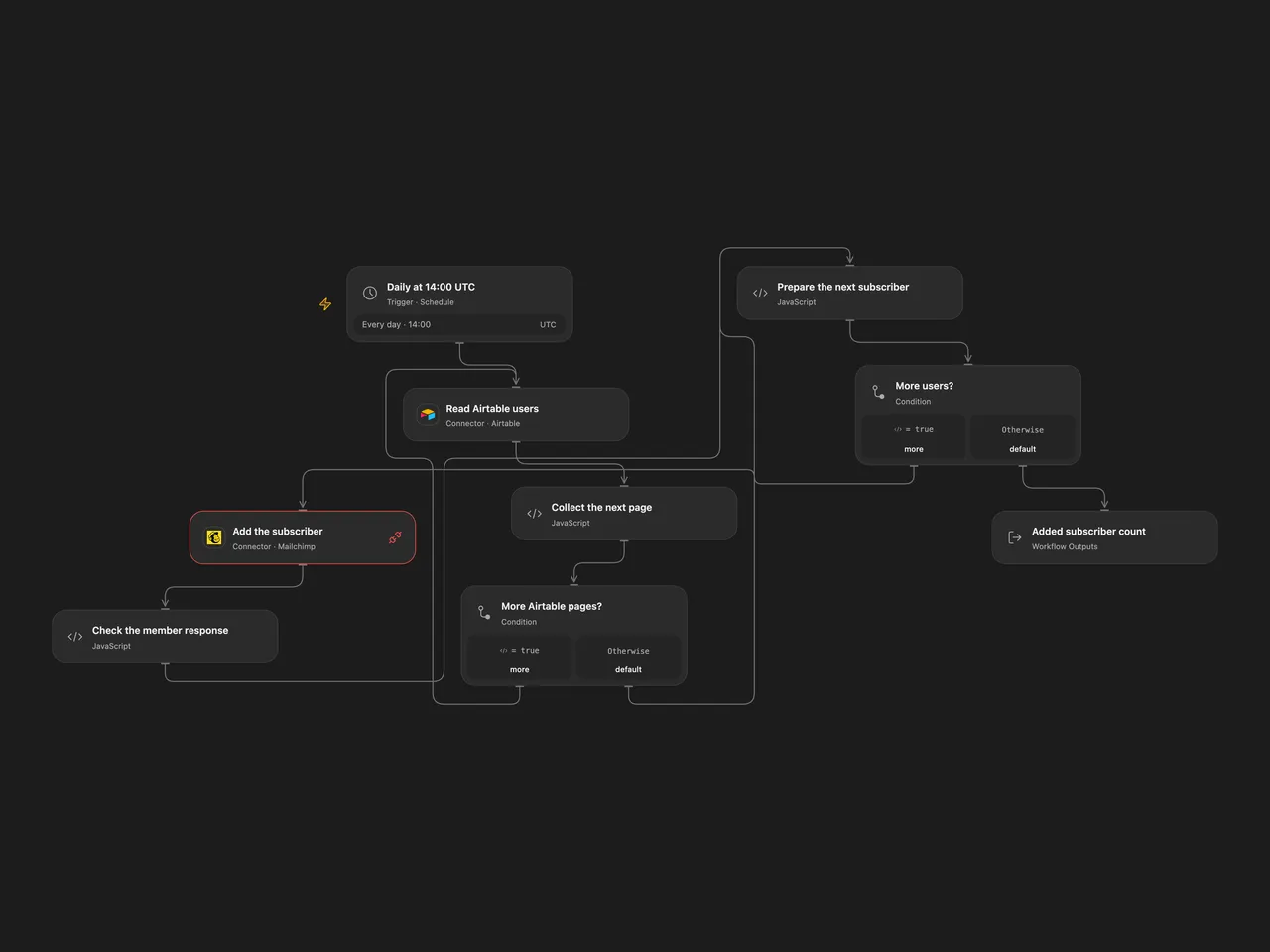
Add Airtable users to a Mailchimp audience as subscribed contacts.
Setup
Connect Airtable in Read Airtable users, set the base ID and table name, and provide text fields named Name and Email and a field named Interest. Connect Mailchimp in Add the subscriber and grant Provider API permission. Enter your audience ID in Prepare the next subscriber. The audience needs an FNAME merge field. In n8n configure the same Airtable base and table, an Airtable personal access token, Mailchimp audience and OAuth2 credentials. Enable one format only.
Only use contacts who have agreed to receive marketing. This workflow directly sets subscribed and does not run a confirmation signup flow.
Behavior
Every day, the workflow reads all Airtable pages and adds each user to Mailchimp in order. It sends Email, Name as FNAME, and the literal tag Interest. The source reads an Airtable field with that name but does not use its value as the tag. A user already in the audience causes an error rather than an update. Since source rows remain in Airtable, a later run can stop on a previously added user before reaching later rows. Use a view or adjust the table selection to supply only new users. An empty table makes no Mailchimp requests.
The source schedule used the n8n instance timezone. Both templates start at 14:00 UTC; review the timezone and schedule. n8n Cron V1 uses a fixed randomized second, while Open Flow runs on the minute boundary.
A read error or a record without text Name and Email stops before writes. A later error stops the run; earlier subscribers remain added. Check Mailchimp before rerunning after a failed or uncertain request. No automatic retries or rollback are configured. Results must fit execution state limits.
Inspiration & credits
Changes to the source
- Remove the private base, audience and credentials; use Airtable personal access token and Mailchimp OAuth2 credentials, and validate all subscribers before writing.
- Open Flow explicitly follows all Airtable pages and writes one member at a time. Use UTC as the starting timezone.
Adapted from Create entry in Mailchimp from Airtable in Zie619/n8n-workflows. The source export does not identify a separate template author or license.
The collection’s MIT notice is pinned at a later revision. This is the collection notice at that revision; it does not establish a separate original template author’s license. Our changes are listed above; see repository licensing.
MIT License
Copyright (c) 2025 Zie619
Permission is hereby granted, free of charge, to any person obtaining a copy of this software and associated documentation files (the “Software”), to deal in the Software without restriction, including without limitation the rights to use, copy, modify, merge, publish, distribute, sublicense, and/or sell copies of the Software, and to permit persons to whom the Software is furnished to do so, subject to the following conditions:
The above copyright notice and this permission notice shall be included in all copies or substantial portions of the Software.
THE SOFTWARE IS PROVIDED “AS IS”, WITHOUT WARRANTY OF ANY KIND, EXPRESS OR IMPLIED, INCLUDING BUT NOT LIMITED TO THE WARRANTIES OF MERCHANTABILITY, FITNESS FOR A PARTICULAR PURPOSE AND NONINFRINGEMENT. IN NO EVENT SHALL THE AUTHORS OR COPYRIGHT HOLDERS BE LIABLE FOR ANY CLAIM, DAMAGES OR OTHER LIABILITY, WHETHER IN AN ACTION OF CONTRACT, TORT OR OTHERWISE, ARISING FROM, OUT OF OR IN CONNECTION WITH THE SOFTWARE OR THE USE OR OTHER DEALINGS IN THE SOFTWARE.