Marketing
Save MailerLite Classic Group Subscribers to Airtable
Save MailerLite Classic group subscriber names and emails to Airtable.
Download workflow
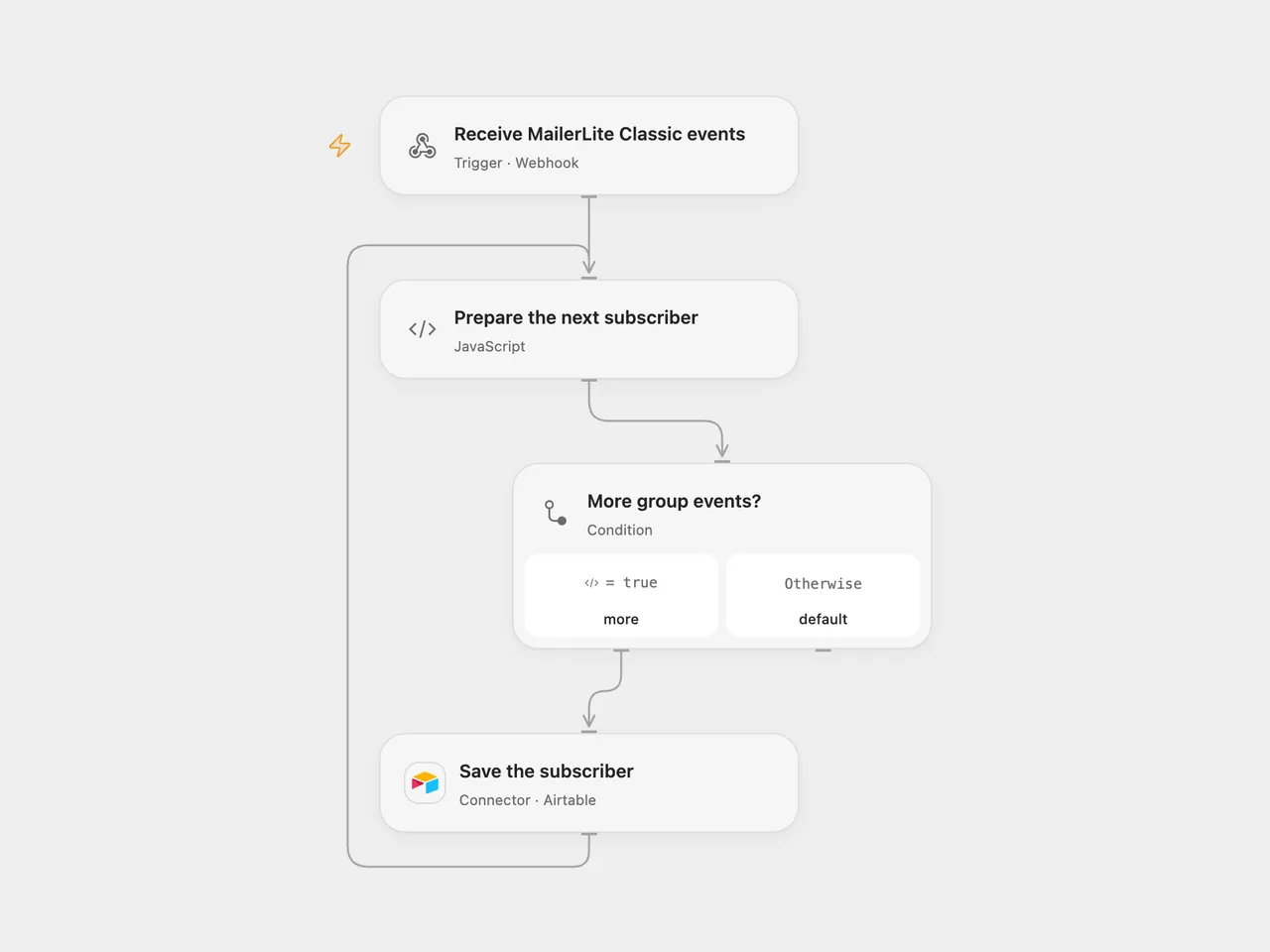
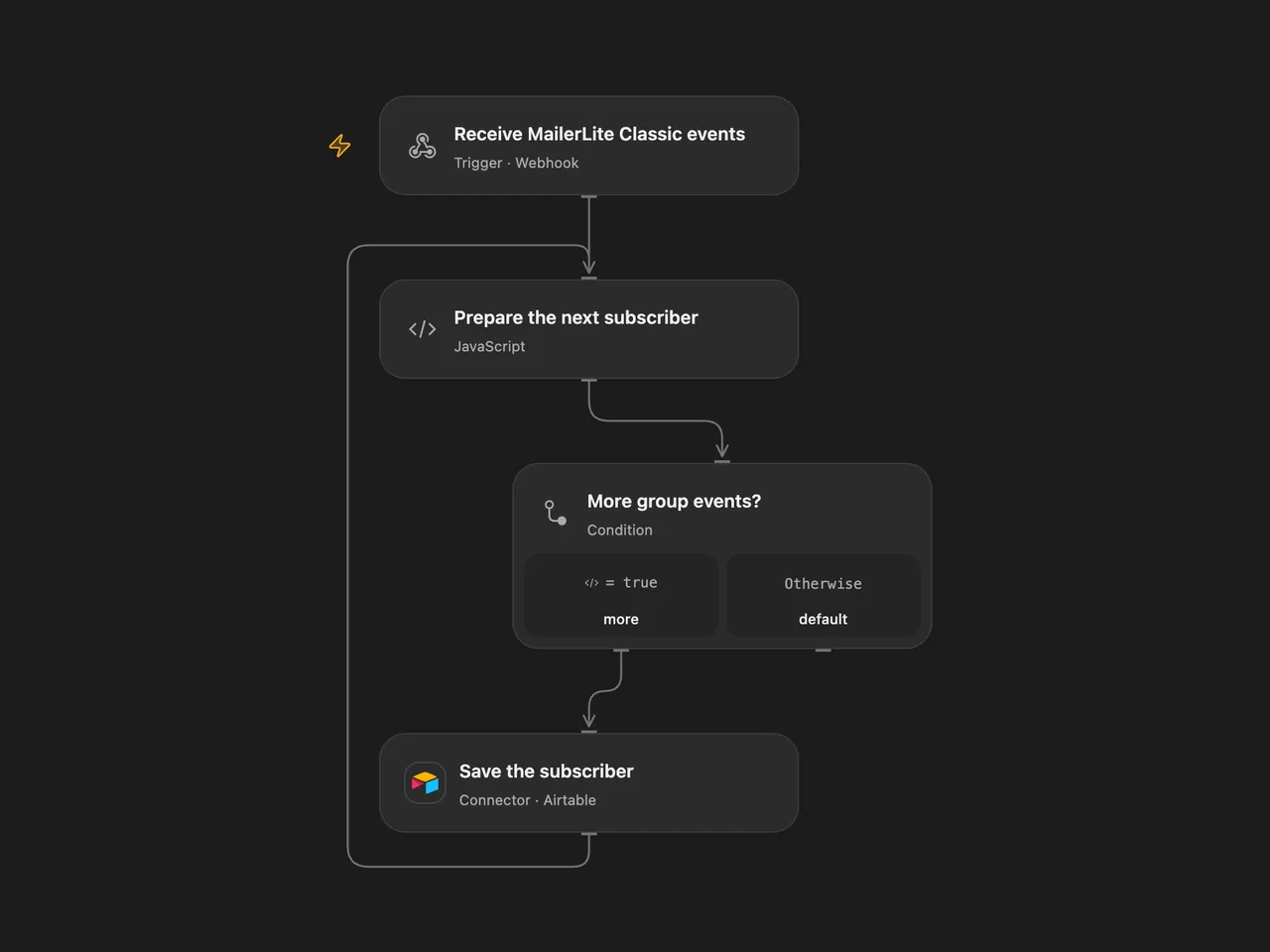
Save MailerLite Classic group subscriber names and emails to Airtable.
Setup
Use a MailerLite Classic account. This workflow uses Classic’s subscriber.add_to_group event and payload; it does not accept the differently named event from current MailerLite accounts. Create an Airtable table with Name and Email fields and connect Airtable. Set the base ID and table name in the Airtable node.
In Open Flow, activate the webhook and register its URL with the MailerLite Classic webhook API for subscriber.add_to_group. In n8n, connect the MailerLite Classic credential to the trigger and Airtable to the append node; activation registers the trigger.
Behavior
Each event contributes the subscriber’s name and email to a new Airtable record. MailerLite can deliver several events together; Open Flow writes the matching events one at a time in delivery order. In n8n, Airtable V1 may send up to ten records in a request; in Open Flow each request contains one record. A failed or unknown write stops later writes. The workflow does not deduplicate or retry writes, so inspect Airtable before replaying a delivery.
The source’s Classic trigger does not validate the MailerLite signature, and this Open Flow webhook likewise does not authenticate callers. Anyone with its URL can submit records. Use a deployment that restricts access if that is required for your Airtable. The webhook acknowledges admission before downstream writes finish.
Inspiration & credits
Changes to the source
- Replace the private Airtable base with configuration. Open Flow uses a manually registered Classic webhook; n8n retains the source’s Classic trigger.
Adapted from Receive updates when a subscriber is added to a group and strore the information in Airtable in Zie619/n8n-workflows. The source export does not identify a separate template author or license.
The collection’s MIT notice is pinned at a later revision. This is the collection notice at that revision; it does not establish a separate original template author’s license. Our changes are listed above; see repository licensing.
MIT License
Copyright (c) 2025 Zie619
Permission is hereby granted, free of charge, to any person obtaining a copy of this software and associated documentation files (the “Software”), to deal in the Software without restriction, including without limitation the rights to use, copy, modify, merge, publish, distribute, sublicense, and/or sell copies of the Software, and to permit persons to whom the Software is furnished to do so, subject to the following conditions:
The above copyright notice and this permission notice shall be included in all copies or substantial portions of the Software.
THE SOFTWARE IS PROVIDED “AS IS”, WITHOUT WARRANTY OF ANY KIND, EXPRESS OR IMPLIED, INCLUDING BUT NOT LIMITED TO THE WARRANTIES OF MERCHANTABILITY, FITNESS FOR A PARTICULAR PURPOSE AND NONINFRINGEMENT. IN NO EVENT SHALL THE AUTHORS OR COPYRIGHT HOLDERS BE LIABLE FOR ANY CLAIM, DAMAGES OR OTHER LIABILITY, WHETHER IN AN ACTION OF CONTRACT, TORT OR OTHERWISE, ARISING FROM, OUT OF OR IN CONNECTION WITH THE SOFTWARE OR THE USE OR OTHER DEALINGS IN THE SOFTWARE.