Marketing
Subscribe and Send a Sendy Campaign
Add a subscriber to a Sendy list, then create and send a campaign to the list.
Download workflow
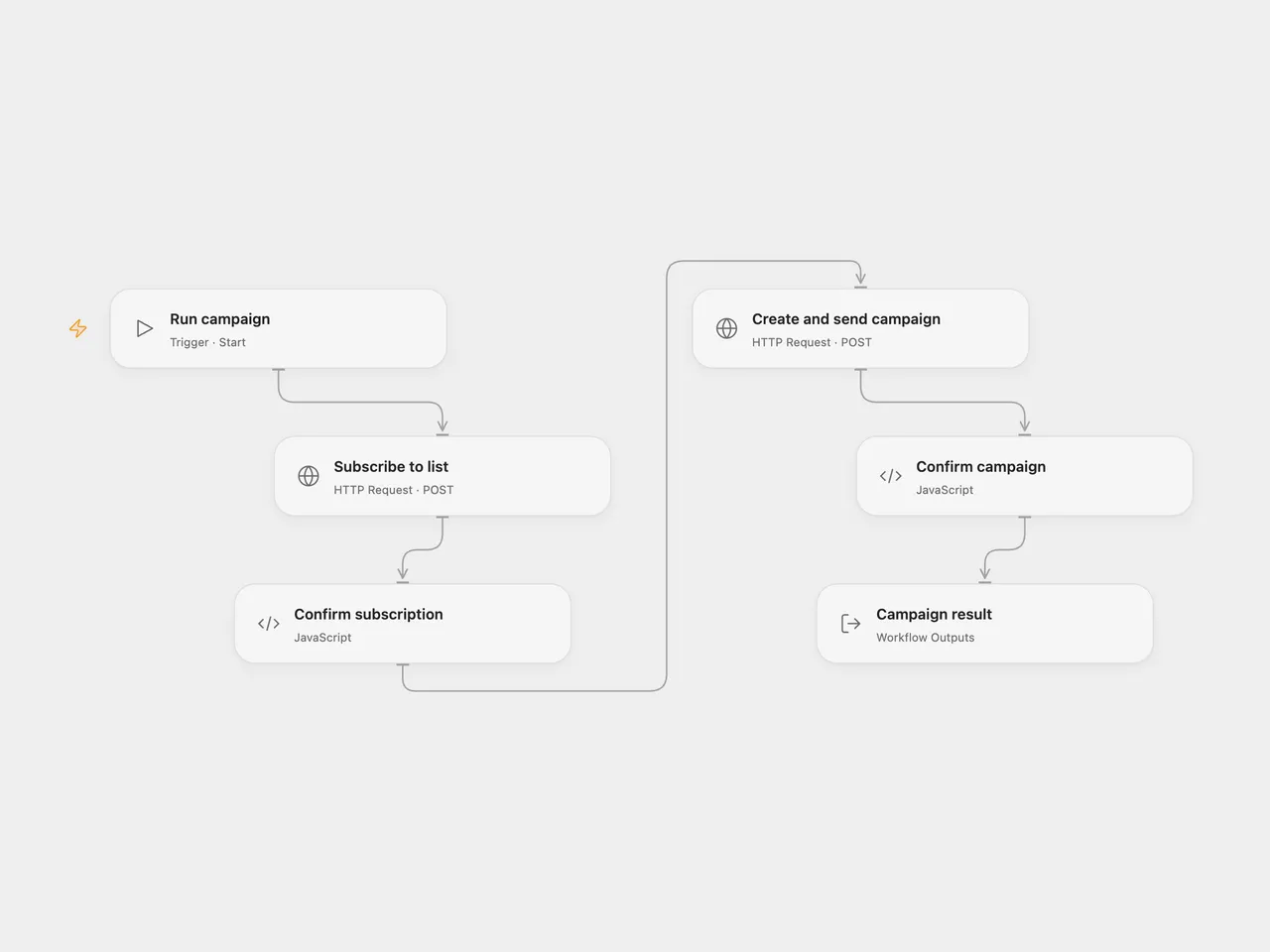
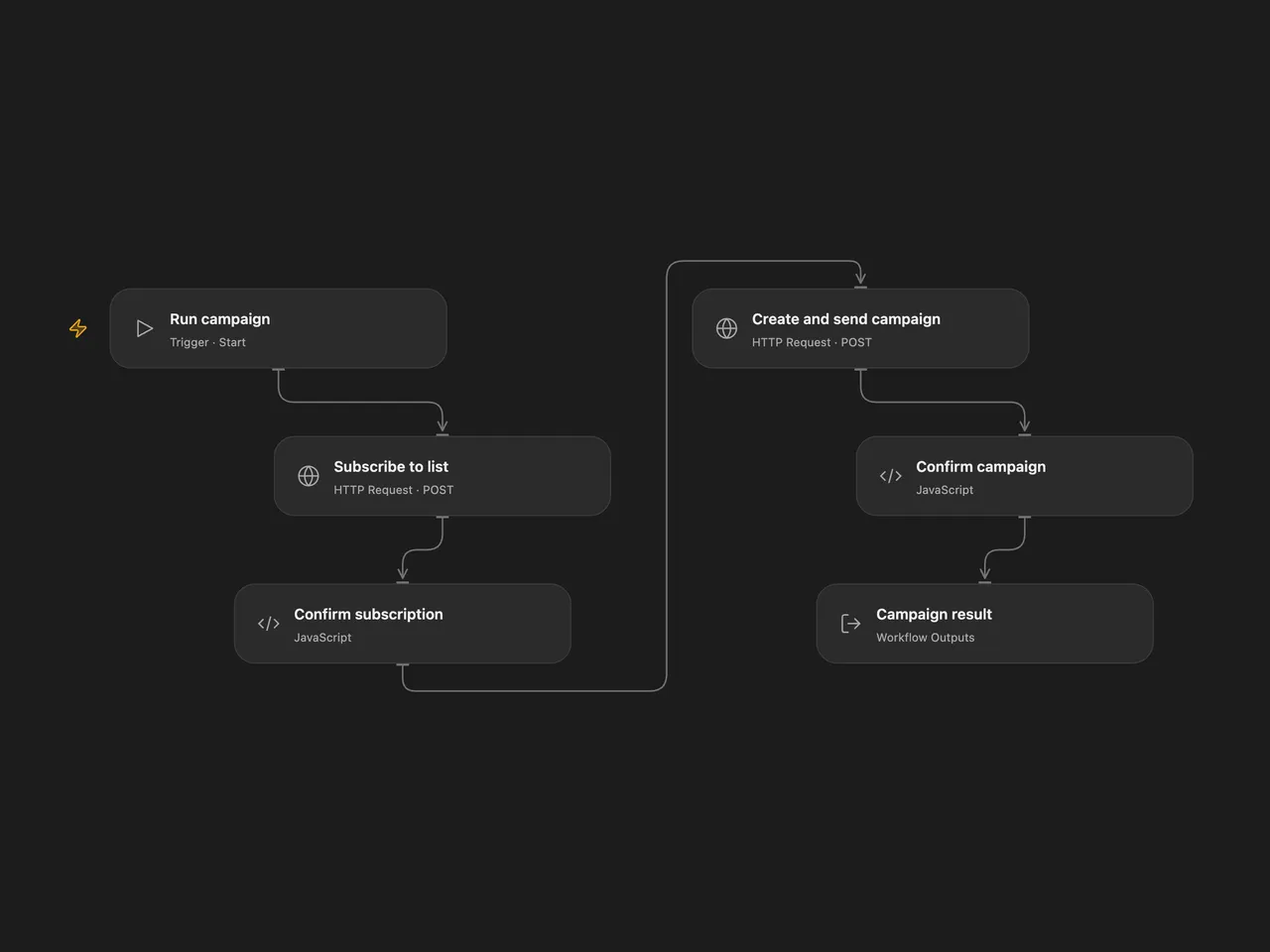
Add a subscriber to a Sendy list, then create and send a campaign to the list.
Setup
Use a trusted HTTPS Sendy installation with its sending cron configured. The campaign is sent to the entire selected list, not only the subscriber added by this run. Use a list whose members agreed to receive the campaign and check its content and recipients before running. Sendy list settings control whether a new subscriber needs double opt-in confirmation.
In Open Flow, replace the host in Subscribe to list and Create and send campaign. Create two secret Variables containing URL-encoded form bodies, then bind each variable to the corresponding node’s Body input. Use the same list ID in both bodies. Encode every value as form data, including the API key and HTML:
- Subscription body:
api_key=KEY&name=NAME&email=EMAIL&list=LIST_ID&boolean=true. - Campaign body:
api_key=KEY&from_name=NAME&from_email=EMAIL&reply_to=EMAIL&title=TITLE&subject=SUBJECT&html_text=HTML&list_ids=LIST_ID&send_campaign=1&boolean=true.
The examples show field names, not ready-to-send values. Encode special characters in each value before joining the fields, keep both bodies secret, and use an endpoint that does not redirect. In n8n, configure Subscribe to list with a Custom Auth credential containing JSON with headers set to { "Content-Type": "application/x-www-form-urlencoded" } and body containing api_key, name, email, list, and boolean set to "true". For example, the credential JSON is:
{ "headers": { "Content-Type": "application/x-www-form-urlencoded" }, "body": { "api_key": "YOUR_KEY", "name": "YOUR_NAME", "email": "YOUR_EMAIL", "list": "YOUR_LIST_ID", "boolean": "true" } }Configure the Sendy credential and sender, campaign and list fields in Sendy1. Use the same list in both nodes.
Behavior
A successful subscription request is followed by campaign creation with immediate sending enabled. Sendy may return that the campaign was created or is now sending; this is not proof of delivery. Failure stops later steps. No automatic retry or rollback is configured. A lost response may mean the subscription or campaign succeeded, so inspect Sendy before retrying.
Inspiration & credits
Changes to the source
- Replace the original personal details and list with configuration. Open Flow sends the documented form requests using secret body Variables; n8n uses Custom Auth for subscription and its native Sendy credential for the campaign, accepting subscription success responses
trueand1.
Adapted from Add a subscriber to a list and create and send a campaign in Zie619/n8n-workflows. The source export does not identify a separate template author or license.
The collection’s MIT notice is pinned at a later revision. This is the collection notice at that revision; it does not establish a separate original template author’s license. Our changes are listed above; see repository licensing.
MIT License
Copyright (c) 2025 Zie619
Permission is hereby granted, free of charge, to any person obtaining a copy of this software and associated documentation files (the “Software”), to deal in the Software without restriction, including without limitation the rights to use, copy, modify, merge, publish, distribute, sublicense, and/or sell copies of the Software, and to permit persons to whom the Software is furnished to do so, subject to the following conditions:
The above copyright notice and this permission notice shall be included in all copies or substantial portions of the Software.
THE SOFTWARE IS PROVIDED “AS IS”, WITHOUT WARRANTY OF ANY KIND, EXPRESS OR IMPLIED, INCLUDING BUT NOT LIMITED TO THE WARRANTIES OF MERCHANTABILITY, FITNESS FOR A PARTICULAR PURPOSE AND NONINFRINGEMENT. IN NO EVENT SHALL THE AUTHORS OR COPYRIGHT HOLDERS BE LIABLE FOR ANY CLAIM, DAMAGES OR OTHER LIABILITY, WHETHER IN AN ACTION OF CONTRACT, TORT OR OTHERWISE, ARISING FROM, OUT OF OR IN CONNECTION WITH THE SOFTWARE OR THE USE OR OTHER DEALINGS IN THE SOFTWARE.