マーケティング
Airtable SMS Broadcast
Read Airtable contacts and send each one a personalized SMS through Twilio.
ワークフローをダウンロード
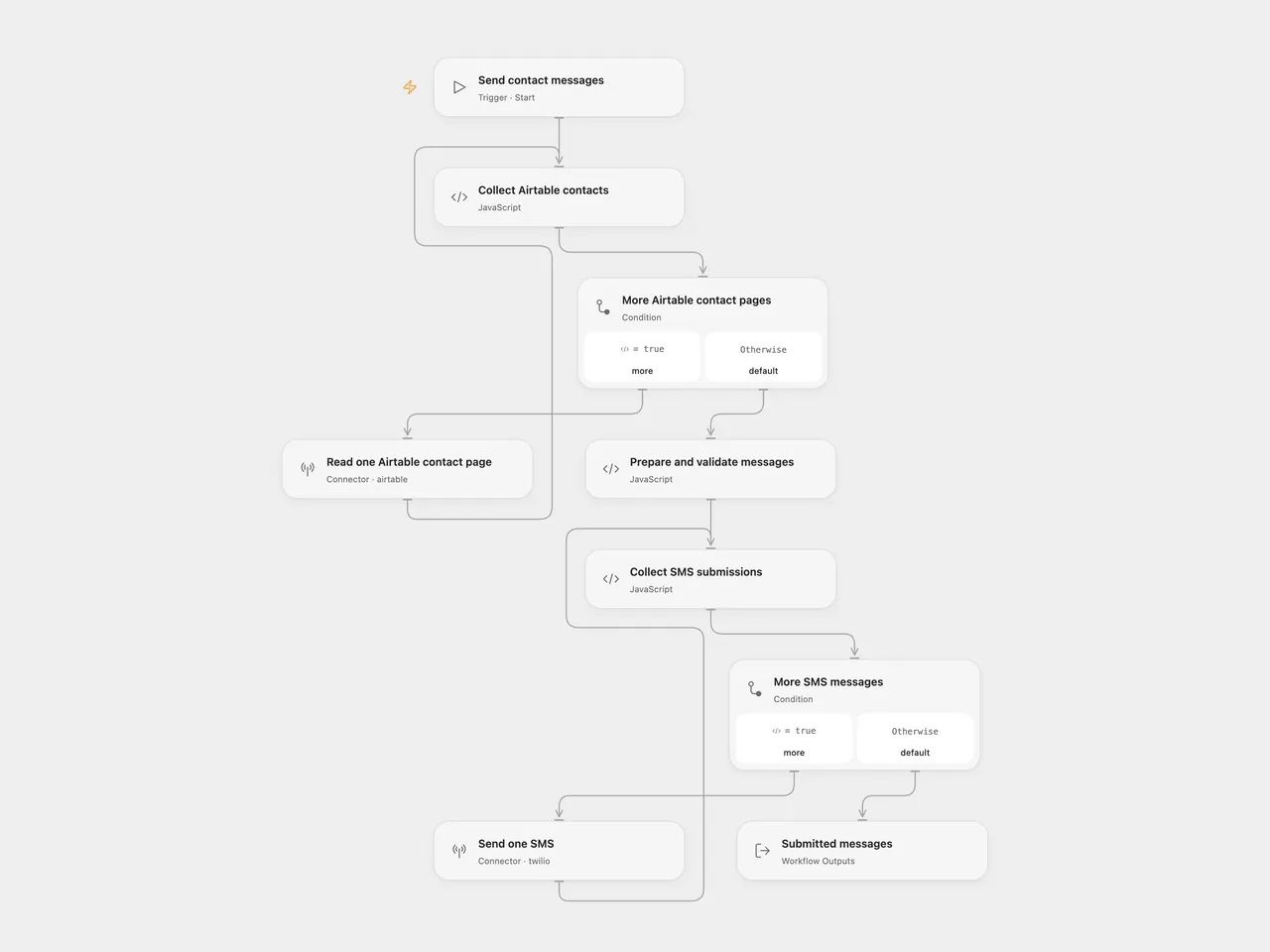
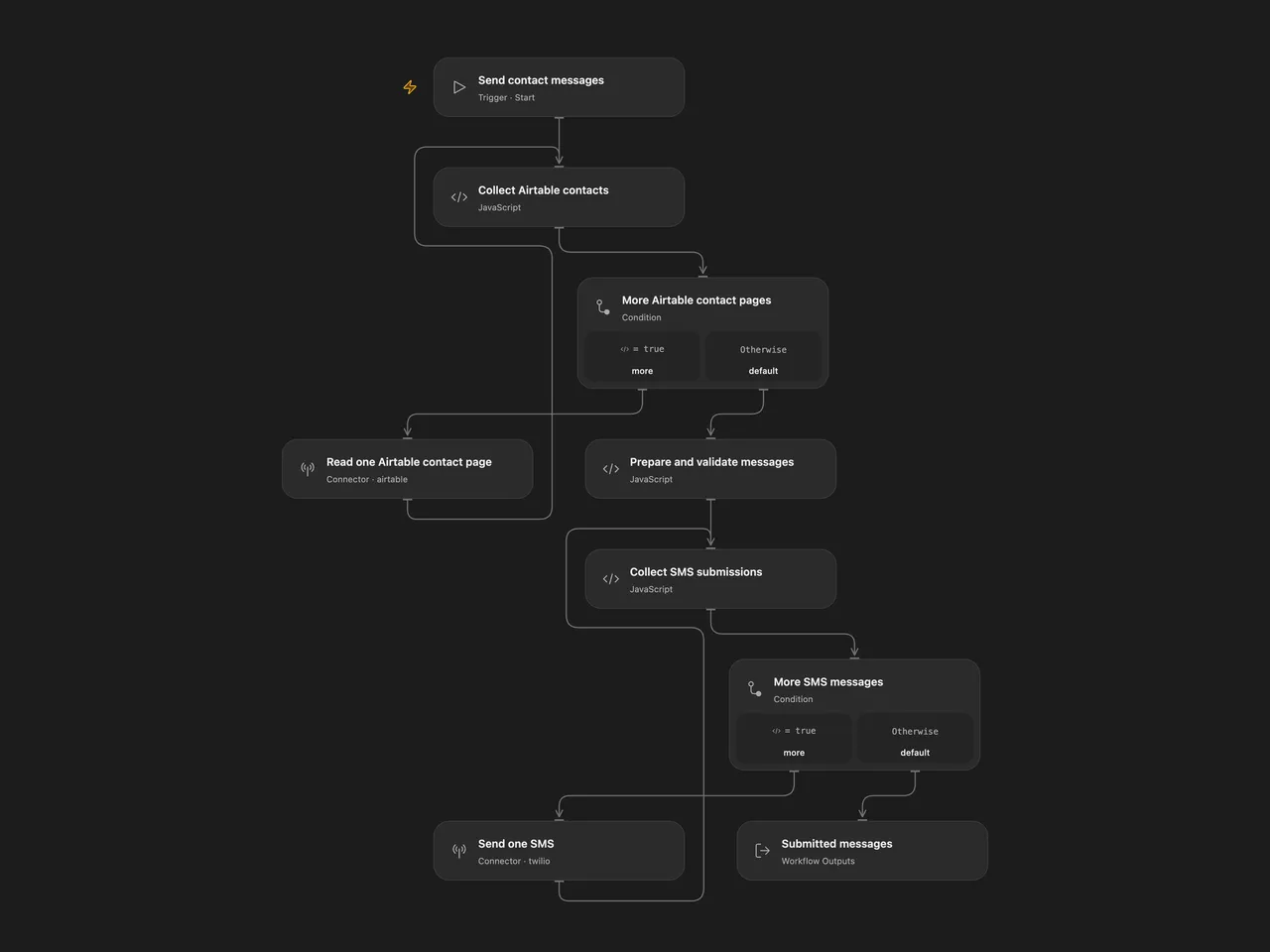
Read every record from an Airtable table and send a personalized SMS to each contact through Twilio.
Setup
Use an Airtable table with Number and Name fields. Store Number as text in E.164 format, such as +12025550123. Name may be empty.
In Open Flow, connect Airtable in Read one Airtable contact page and set the base and table IDs. Connect Twilio in Send one SMS. In Collect SMS submissions, replace YOUR_TWILIO_NUMBER with an SMS-capable sender number in E.164 format. The two visible feedback loops read one page or submit one SMS in each Connector execution.
In n8n, select an Airtable Access Token connection, base, and table in Airtable. Keep Return All enabled. Connect Twilio and set From in Twilio. The template sends SMS rather than WhatsApp messages.
The default message is:
Hello, <Name>! Sending this SMS from n8n!
Edit Prepare and validate messages to change the text. Run manually. The workflow finishes reading all Airtable pages, trims and validates every destination number, then submits messages in record order. Invalid destination data stops the batch before any SMS is submitted. An empty table sends nothing; duplicate numbers receive one message per record. There is no fixed 100-contact or 100-page total cap.
Complete contact and submission collections must fit the execution platform’s Code input and result budgets. The inspected Open Flow host allows 1 MiB for each Code input and result. A large collection can exceed that budget and stop the run; the workflow does not truncate it. A failure while collecting contacts prevents all SMS writes. A failure while collecting submission results leaves earlier accepted messages submitted.
Twilio returns submission IDs and statuses. These confirm submission, not delivery to the recipient. A service failure stops later submissions without replaying earlier ones. Check Twilio’s message log before rerunning an uncertain batch; rerunning sends the records again.
Changes to the source
- Replace Airtable identifiers and the empty sender with setup placeholders.
- Configure the n8n Airtable node for Access Token authentication.
- Validate all destination numbers before sending and treat a missing name as empty text.
- Expose Twilio submission results and the completed count in Open Flow.
Adapted from Send SMS to numbers stored in Airtable with Twilio in Zie619/n8n-workflows. The source export does not identify a separate template author or license.
The collection’s MIT notice is pinned at a later revision. This is the collection notice at that revision; it does not establish a separate original template author’s license. Our changes are listed above; see repository licensing.
MIT License
Copyright (c) 2025 Zie619
Permission is hereby granted, free of charge, to any person obtaining a copy of this software and associated documentation files (the “Software”), to deal in the Software without restriction, including without limitation the rights to use, copy, modify, merge, publish, distribute, sublicense, and/or sell copies of the Software, and to permit persons to whom the Software is furnished to do so, subject to the following conditions:
The above copyright notice and this permission notice shall be included in all copies or substantial portions of the Software.
THE SOFTWARE IS PROVIDED “AS IS”, WITHOUT WARRANTY OF ANY KIND, EXPRESS OR IMPLIED, INCLUDING BUT NOT LIMITED TO THE WARRANTIES OF MERCHANTABILITY, FITNESS FOR A PARTICULAR PURPOSE AND NONINFRINGEMENT. IN NO EVENT SHALL THE AUTHORS OR COPYRIGHT HOLDERS BE LIABLE FOR ANY CLAIM, DAMAGES OR OTHER LIABILITY, WHETHER IN AN ACTION OF CONTRACT, TORT OR OTHERWISE, ARISING FROM, OUT OF OR IN CONNECTION WITH THE SOFTWARE OR THE USE OR OTHER DEALINGS IN THE SOFTWARE.