営業
Enrich Sheet Companies with ProspectLens
Enrich unprocessed company domains in Google Sheets with ProspectLens data.
ワークフローをダウンロード
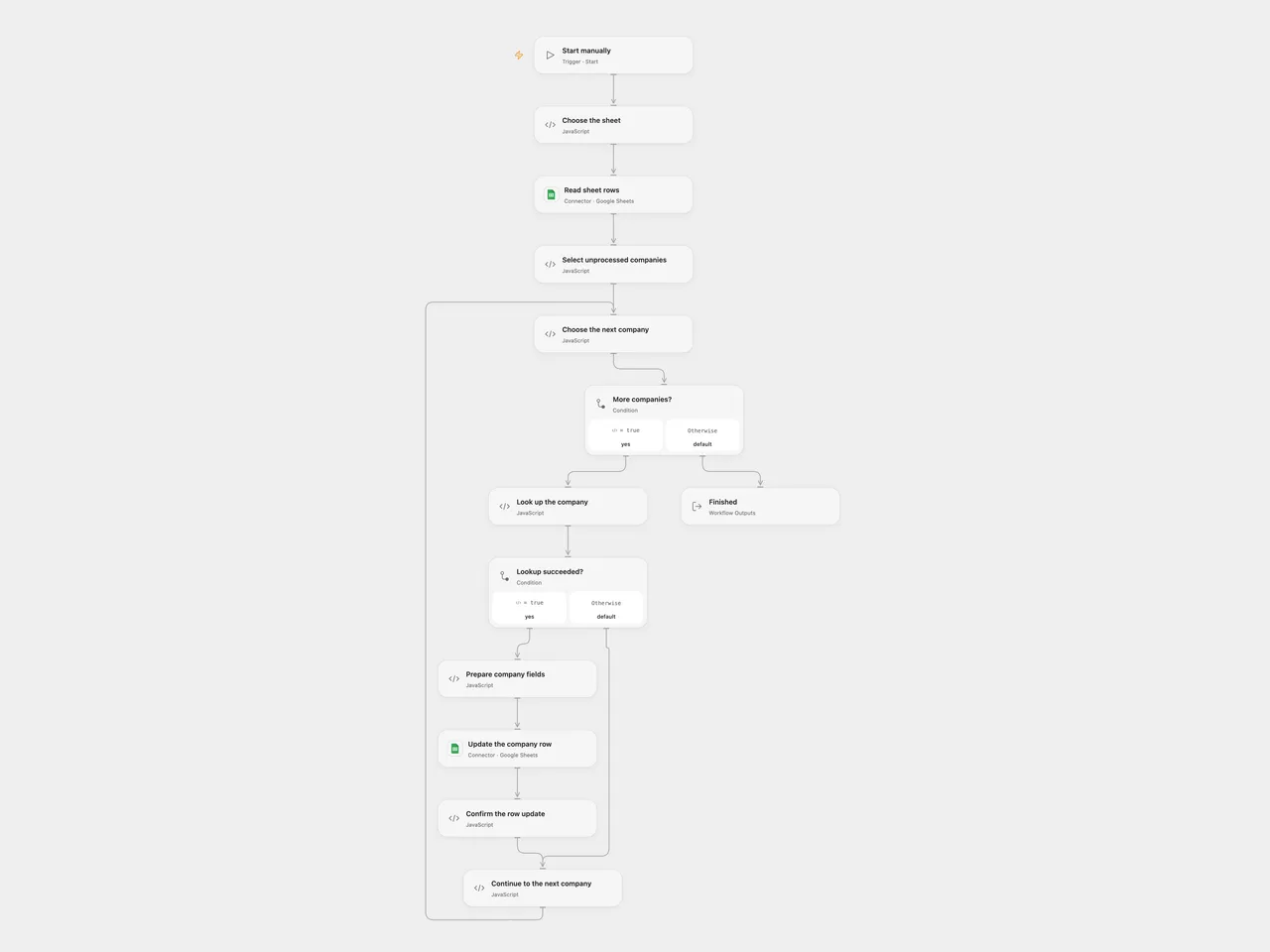
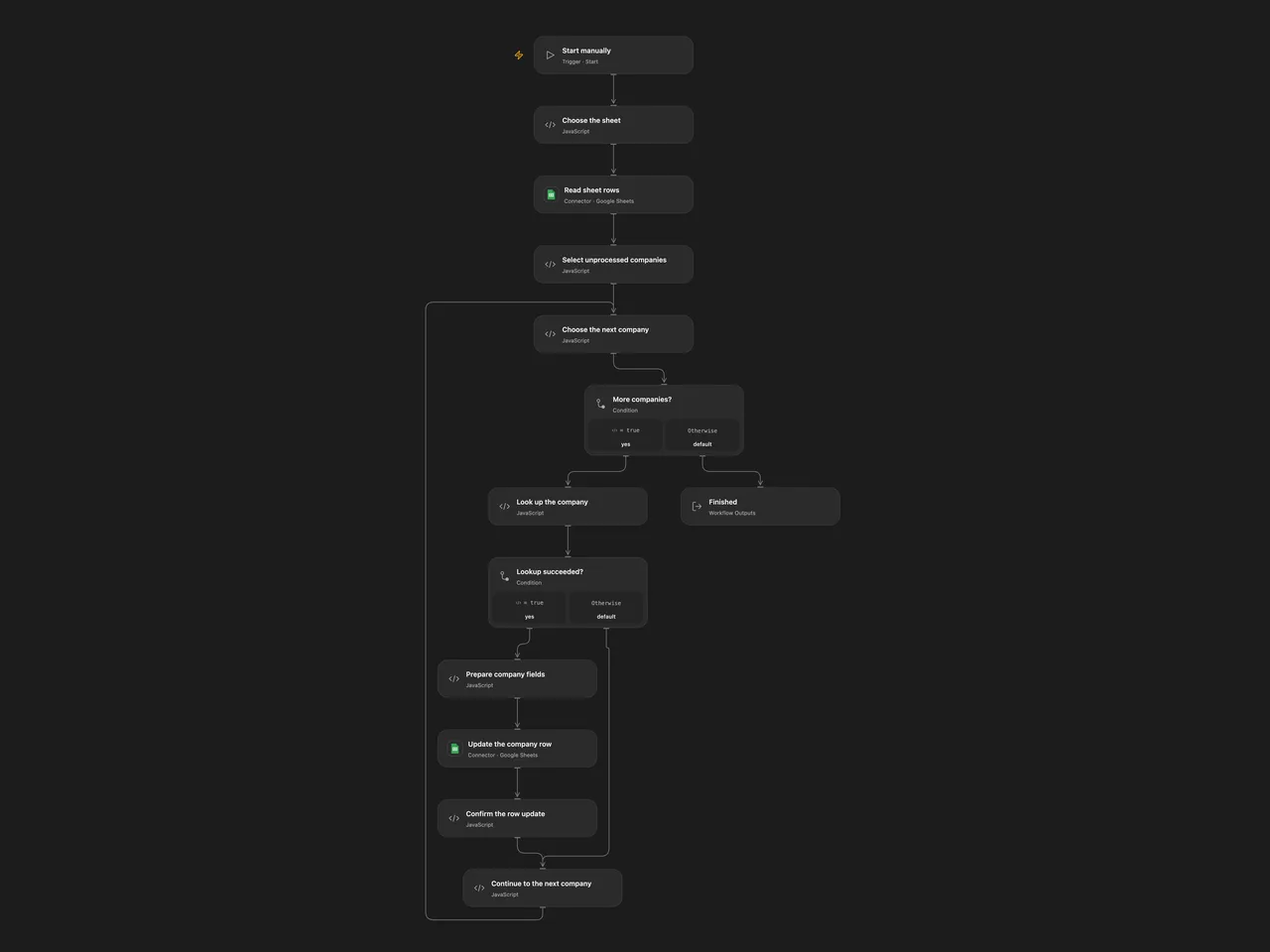
Enrich unprocessed company domains in Google Sheets with ProspectLens data.
Setup
Create a sheet whose first row contains unique headers domain, name, description, processed_at, data, domain_name, traffic, location, funds, year_founded, funding_round, and last_funding_at, all within columns A:Z. Add domains and leave processed_at empty. In Choose the sheet, set the spreadsheet ID and sheet name. Connect Google Sheets in Read sheet rows and Update the company row. Create a secret Variable PROSPECTLENS_API_KEY and bind it to Look up the company.
In n8n, set the same spreadsheet ID and sheet name in Choose the sheet, connect Google Sheets OAuth2 credentials to its HTTP nodes, and configure Header Auth on ProspectLens API call with name x-apiroad-key and the API key as its value. Run either format manually.
Behavior
The workflow reads the sheet and processes rows with a domain and an empty processed_at field. Each domain is sent to ProspectLens. A failed lookup is tried twice, one second apart; after a second failure the workflow leaves that row unprocessed and continues. A successful response must contain the expected company fields. The workflow updates the corresponding row’s twelve named fields, including a timestamp and the first 2,000 UTF-16 code units of the returned data JSON. Values are written as raw cells. The source domain, research data and execution history may be sensitive; review service access and storage.
Missing expected fields or a sheet write failure stops the run. An uncertain write may already have changed cells; inspect the sheet before retrying. Earlier updates remain, and a subsequent run skips rows with processed_at populated. Do not reorder or edit rows during a run, or run copies concurrently. Open Flow’s Code and HTTP response size limits apply; large sheets or responses can fail. The workflow does not create spreadsheet rows.
Inspiration & credits
Changes to the source
- Replace private sheet settings and use the documented x-apiroad-key credential. Write only the selected row’s mapped cells and use raw input to preserve unrelated columns and avoid formula execution.
- Skip empty domains, validate response shape, and preserve the source’s two lookup attempts and continue-on-error behavior. Both formats use the same row index captured at the beginning of the run.
Adapted from ProspectLens company research in Zie619/n8n-workflows. The matching n8n listing credits Anthony. No separate original template license was found.
The collection’s MIT notice is pinned at a later revision. This is the collection notice at that revision; it does not establish a separate original template author’s license. Our changes are listed above; see repository licensing.
MIT License
Copyright (c) 2025 Zie619
Permission is hereby granted, free of charge, to any person obtaining a copy of this software and associated documentation files (the “Software”), to deal in the Software without restriction, including without limitation the rights to use, copy, modify, merge, publish, distribute, sublicense, and/or sell copies of the Software, and to permit persons to whom the Software is furnished to do so, subject to the following conditions:
The above copyright notice and this permission notice shall be included in all copies or substantial portions of the Software.
THE SOFTWARE IS PROVIDED “AS IS”, WITHOUT WARRANTY OF ANY KIND, EXPRESS OR IMPLIED, INCLUDING BUT NOT LIMITED TO THE WARRANTIES OF MERCHANTABILITY, FITNESS FOR A PARTICULAR PURPOSE AND NONINFRINGEMENT. IN NO EVENT SHALL THE AUTHORS OR COPYRIGHT HOLDERS BE LIABLE FOR ANY CLAIM, DAMAGES OR OTHER LIABILITY, WHETHER IN AN ACTION OF CONTRACT, TORT OR OTHERWISE, ARISING FROM, OUT OF OR IN CONNECTION WITH THE SOFTWARE OR THE USE OR OTHER DEALINGS IN THE SOFTWARE.