運用
Morning Brief to LINE
Turn your configured daily tasks into a concise AI morning brief and send it to LINE at 08:00.
ワークフローをダウンロード
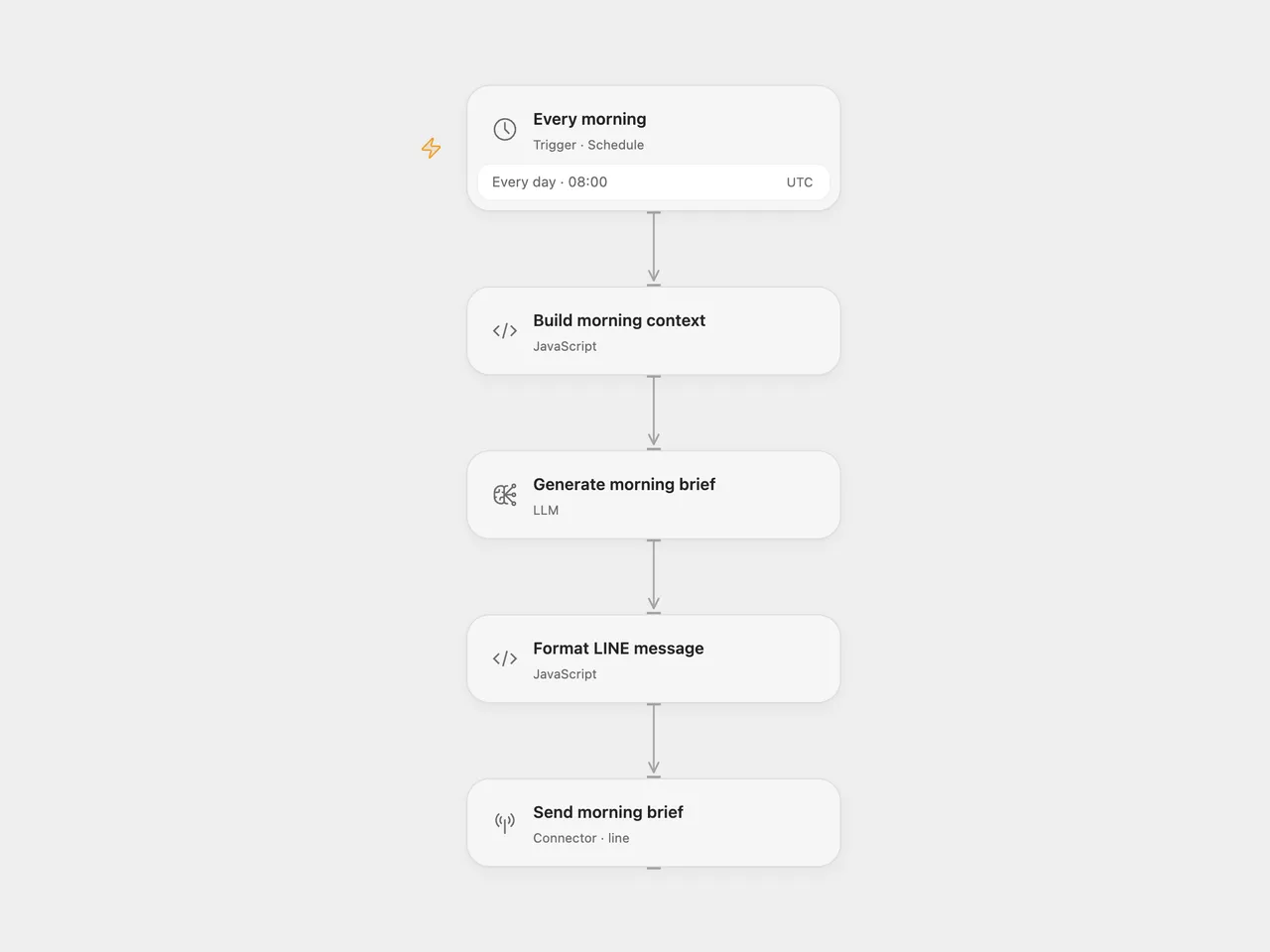
Receive a 3–5 sentence morning brief based on a task list you configure. The workflow runs daily at 08:00 UTC and sends one LINE push message.
Setup
For Open Flow, import the JSON and configure:
| Node | Configuration |
|---|---|
| Every morning | Set the schedule and timezone. |
| Build morning context | Replace the example tasks and set the display timezone. The task list is static; it is reused on each run. |
| Generate morning brief | Select the configured Claude Haiku 4.5 model or a compatible replacement. |
| Send morning brief | Connect your LINE Messaging API account and replace YOUR_LINE_USER_ID with an eligible user, group, or room ID. |
For n8n, configure the task list in Build Context and select an Anthropic credential in Generate Brief. On Send via LINE, select a Header Auth credential with header name Authorization and value Bearer <your LINE channel access token>; replace the recipient ID in its JSON body. Keep the schedule and display timezone aligned.
Enable the workflow after setup. Test with a LINE recipient your bot is allowed to message. Each run sends one new message, even when the task list has not changed. No calendar or task service is read.
Changes to the source
- Use real line breaks in the task prompt and JSON-safe request bodies for quotes and multiline text.
- Put Anthropic and LINE credentials in account settings rather than environment expressions.
- Set an explicit UTC schedule and display timezone.
- Stop before sending if the model returns an empty brief or a message longer than LINE allows.
Adapted from Claude AI Morning Brief in enescingoz/awesome-n8n-templates.
Source collection notice: © 2024–2026 Enes Cingoz, CC BY 4.0. The source export does not identify a separate template author or license. This adaptation includes the changes listed above; see repository licensing for the scope of OOMOL contributions and third-party material.