コンテンツ
Webpage Markdown Extractor
Fetch one page through Firecrawl and return its Markdown content with the reported page status.
ワークフローをダウンロード
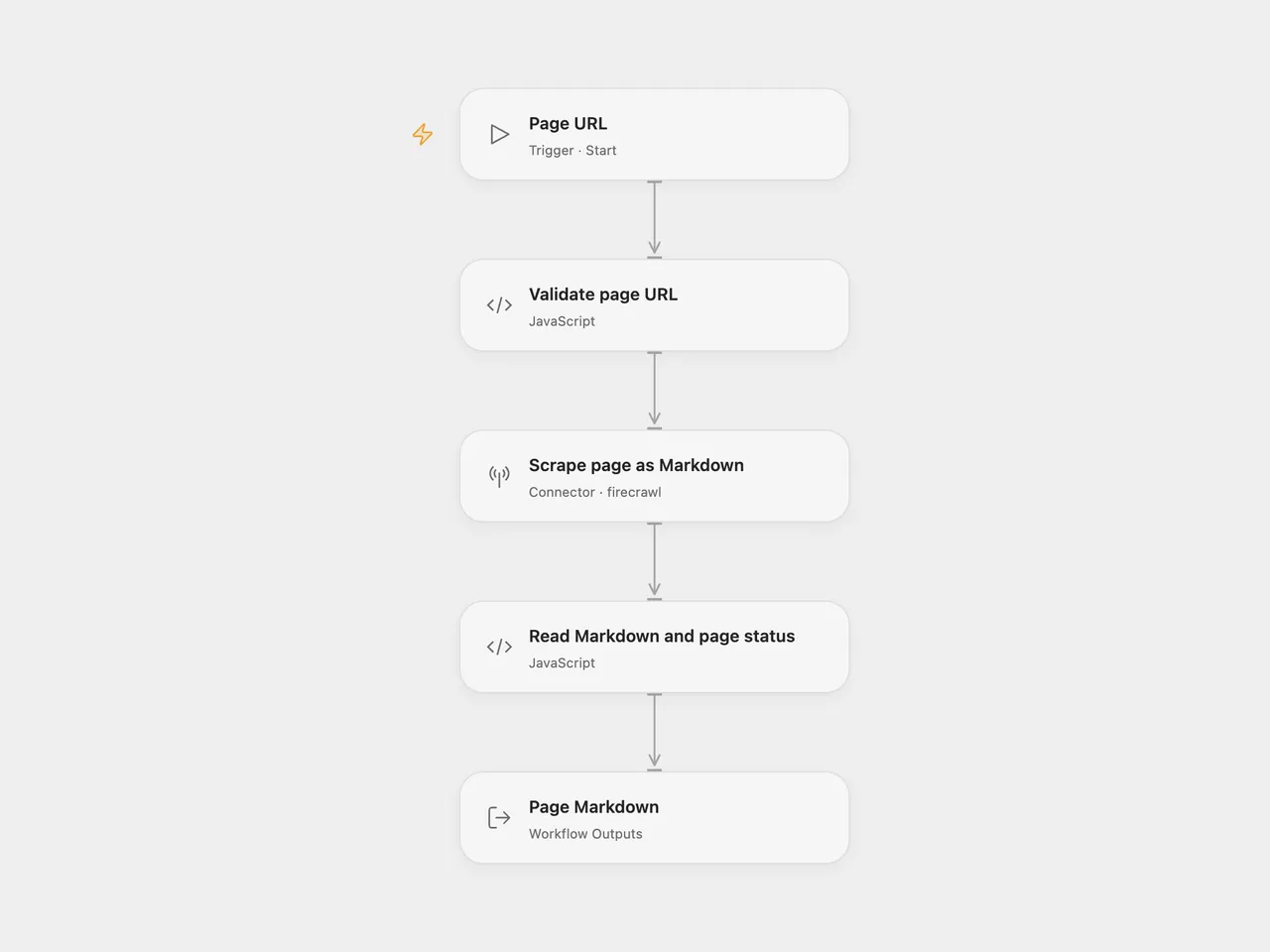
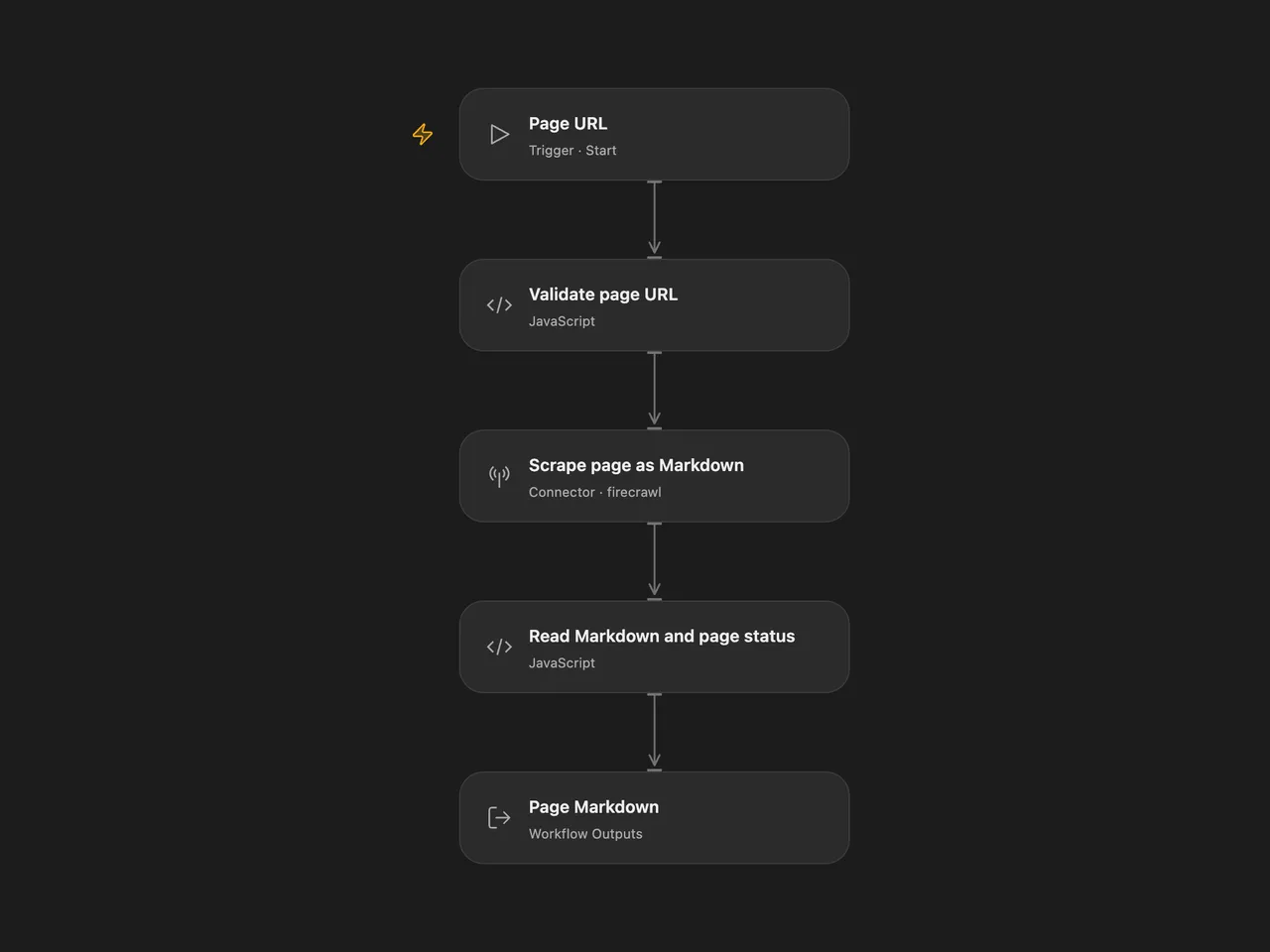
Fetch one page through Firecrawl and return its main content as Markdown.
Setup and use
Connect Firecrawl on Scrape page as Markdown. Use Run and supply one URL:
{ "url": "https://example.com/page" }In n8n, select an HTTP Header Auth credential on FireCrawl, with name Authorization and value Bearer <your Firecrawl API key>. Call the imported workflow through Execute Sub-workflow with the string field url. The workflow returns the Markdown as response and the target website’s reported HTTP status as pageStatus, or null when no valid status was supplied.
Each run has one scrape step. It requests main content in Markdown, with a 30-second Firecrawl timeout and maxAge: 0 to request fresh content. Firecrawl manages rendering, target redirects and extraction. Extraction is subject to the website and your Firecrawl account’s limits and API allowance. The URL is sent to Firecrawl. This workflow does not crawl linked pages, generate a summary or write the extracted content to another service.
A successful Firecrawl request can contain a target error page such as HTTP 404. This template preserves that content and exposes pageStatus so callers can decide how to use it. Firecrawl request failures, unsuccessful service responses and missing or blank Markdown stop the run. There are no workflow-level retries configured; provider request retries remain service controlled.
Changes to the source
- Declare the input as
url, matching the source’s documented call shape instead of its undeclaredquery.urlbinding. - Use the current Firecrawl v2 scrape API in both formats. Firecrawl v1 shuts down on December 10, 2026.
- Preserve the source v1 freshness setting explicitly with
maxAge: 0; v2 otherwise defaults to a two-day cache allowance. - Build the n8n JSON body as an object, remove the empty header entry and keep the API key in its credential.
- Reject unsuccessful or empty scrape results and include the reported page status alongside the Markdown.
Adapted from Using External Workflows as Tools in n8n in enescingoz/awesome-n8n-templates.
Source collection notice: © 2024–2026 Enes Cingoz, CC BY 4.0. The source export does not identify a separate template author or license. See repository licensing for the scope of OOMOL contributions and third-party material.