营销
SERPBear Ranking Report
Analyze one domain’s tracked SERPBear keyword rankings and save a dated SEO report in Baserow.
下载工作流
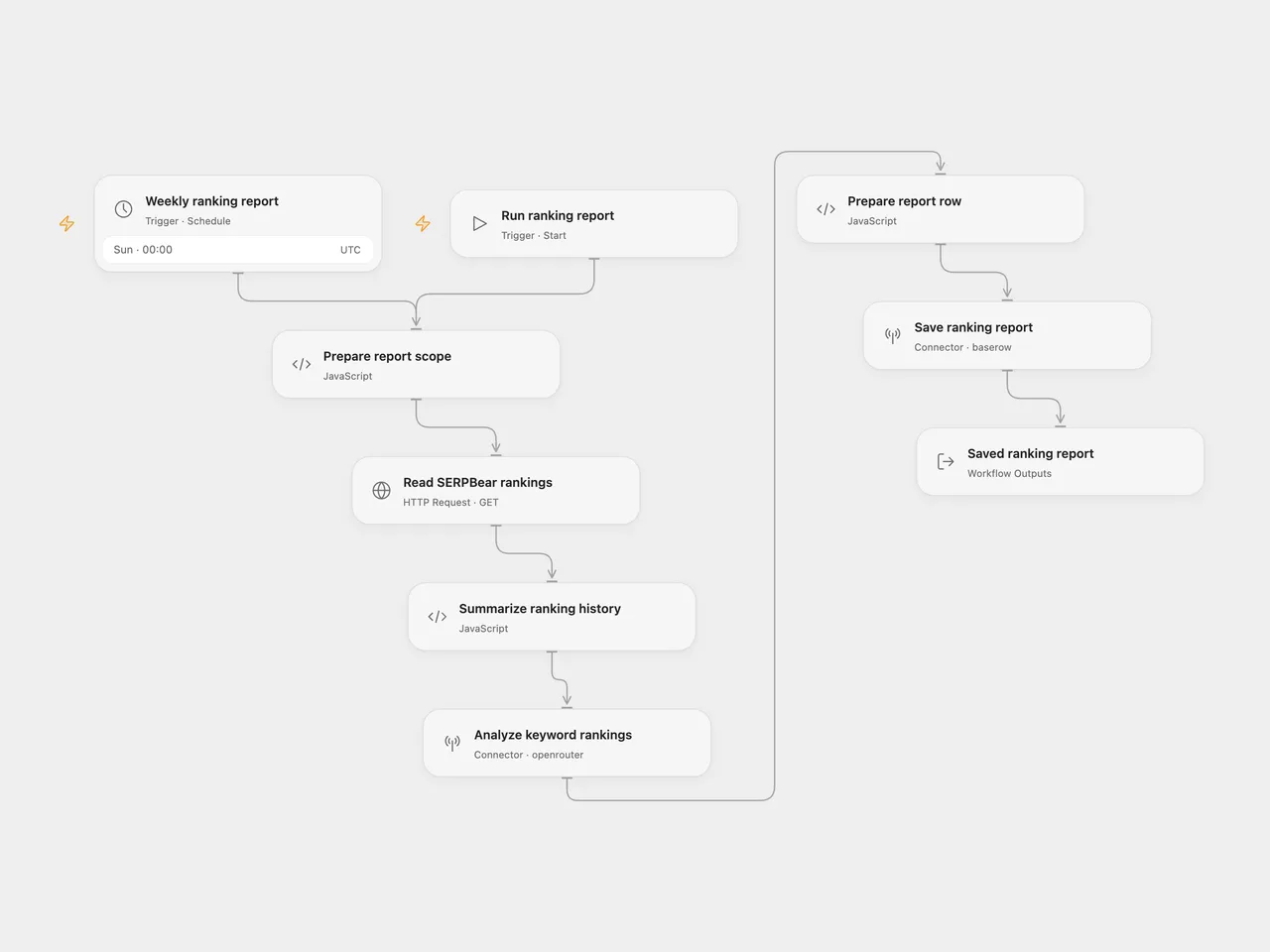
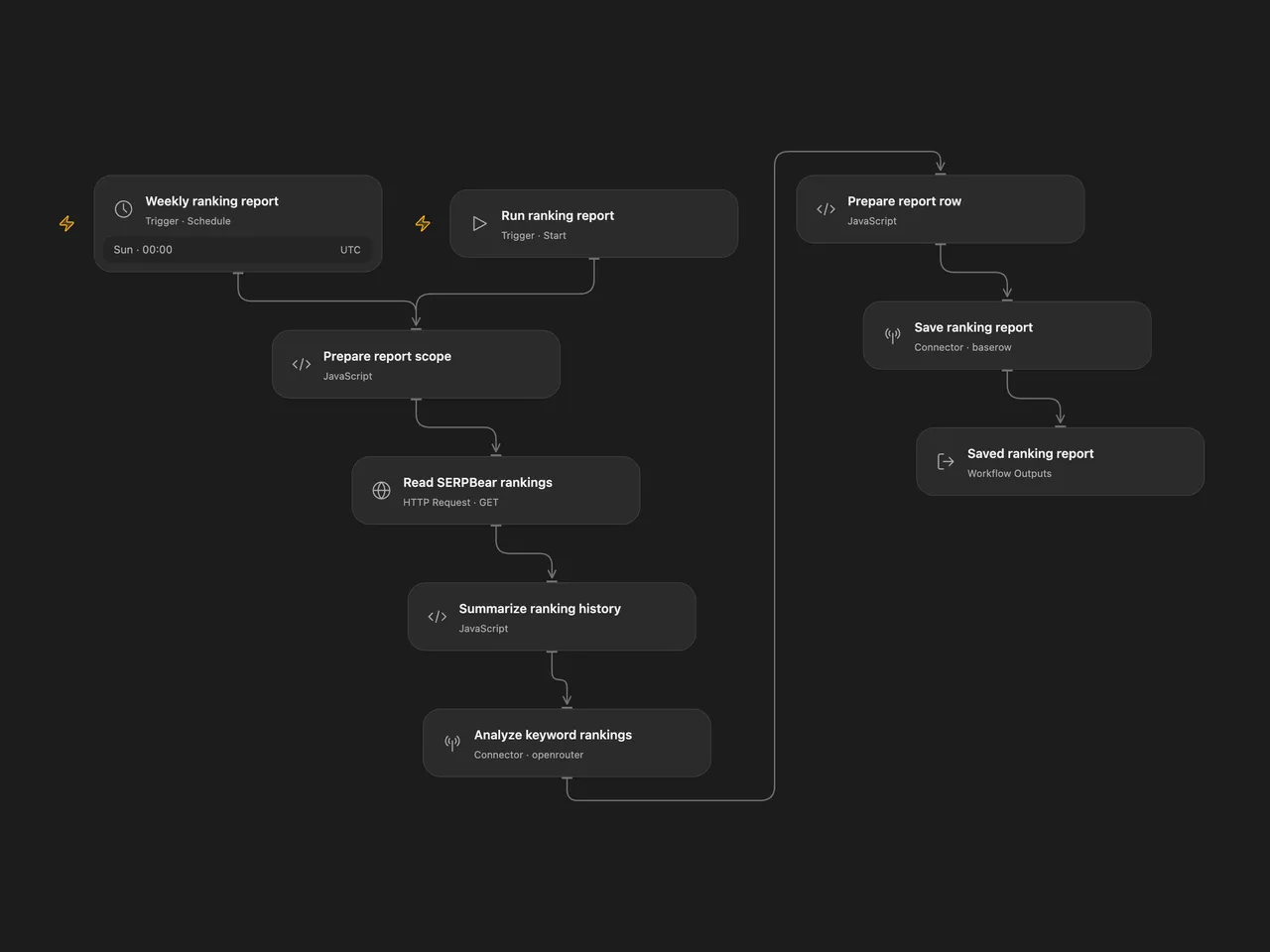
Read a domain’s SERPBear rankings, ask OpenRouter for an SEO analysis and save one dated report row in Baserow.
Setup
Use a SERPBear instance reachable by HTTPS and a Baserow Cloud table with Date (date), Note (long text) and Blog (text) fields. The instance must expose its canonical /api/keywords URL directly; redirects are rejected. Create a SERPBear API key in the instance configuration, an OpenRouter API key and a Baserow database token with permission to create rows in the chosen table.
In Open Flow, set your tracked domain and blog label in Prepare report scope. Replace the host in Read SERPBear rankings and select a secret Variable for its bearer token. Select the OpenRouter connection in Analyze keyword rankings, and set the Baserow connection and tableId in Save ranking report. The Baserow action uses field names. It connects to Baserow Cloud at api.baserow.io.
In n8n, edit Prepare Report Scope, set the SERPBear URL in Read SERPBear Rankings, and select a Header Auth credential with Authorization: Bearer YOUR_SERPBEAR_API_KEY. Set another Header Auth credential with Authorization: Bearer YOUR_OPENROUTER_API_KEY in Analyze Keyword Rankings. Select Database Token credentials in Save Ranking Report, use the Baserow Cloud host and select your table. Field metadata is read to map Date, Note and Blog to field IDs before creating the row. Credentials stay in the normal account fields.
Both formats use meta-llama/llama-3.1-70b-instruct through OpenRouter. The source’s :free route currently lists no available endpoints. Check current model availability before enabling the schedule; model and provider routing can change generated wording. No temperature or output-token budget is added.
Run and results
Use Run in Open Flow or Execute Workflow in n8n for a manual report. The schedule is explicitly Sunday at 00:00 UTC. Check the timezone and time before enabling it. The source inherited the n8n instance timezone.
Each run reads all tracked keywords for one domain, calculates each keyword’s mean over ranked positions in its latest seven available history observations, asks for an analysis table and suggested actions, then creates one Baserow row. Rank 0 means outside the top 100 and is excluded from the mean; it is never reported as an improvement. Empty history produces no numeric average. A valid empty keyword list still produces a report request describing that empty list. It does not refresh rankings or scrape search results.
The UTC report date is captured before reading rankings and is reused in the prompt and saved row. The keyword data is sent to OpenRouter, and the generated report is saved in Baserow. Review its claims and recommendations. Model response quality is not guaranteed, and a large domain can exceed the model or service request limits. Both formats give the ranking read 30 seconds; Open Flow also limits this HTTP response to 4 MiB.
Failed reads or analysis, malformed ranking data, and absent report text stop before creating a row. No workflow-level retries or deduplication are configured. A manual rerun creates another report row; a write with an unknown result may already have created one. A successful response means Baserow accepted the row.
Changes to the source
- Read
/api/keywords?domain=…, whose response contains the keyword list expected by the source, instead of the single-keyword endpoint. - Require the canonical API URL without redirects and use a 30-second read budget in both formats, matching Open Flow’s transport limit. The source used the native HTTP node’s longer default timeout.
- Use the configured domain and blog label, one UTC report date and literal JSON messages, removing the source’s URL-encoding of the prompt.
- Sort history observations by date, handle empty history, and treat position
0as outside the top 100. Show the average of ranked observations rather than counting an unranked zero as the best position. - Select the currently available route from the same Llama model family and disclose the change from the source’s unavailable
:freeroute. - Replace private table IDs and the source’s Matomo setup notes with SERPBear and Baserow configuration. Validate report text and the created row ID before reporting success.
Adapted from Summarize SERPBear data with AI (via Openrouter) and save it to Baserow in enescingoz/awesome-n8n-templates. The source links the rumjahn.com tutorial, retained as its author/tutorial attribution. No separate template license is stated in the export.
Source collection notice: © 2024–2026 Enes Cingoz, CC BY 4.0. See repository licensing for the scope of OOMOL contributions and third-party material.