將 Google Drive 連接至 Open Flow
Ask your AI assistant to locate project files, move them into a chosen folder, or prepare a document export.
每月 20,000 次免費應用程式呼叫(付費服務另計)
應用程式介紹和工具詳情以英文提供。
可以做什麼
Google Drive stores files and Google Workspace documents. Use your connected account to search file information, manage folders, and retrieve files you can access.
Search Files and Folders
Search file metadata and inspect a file’s details or folder location.
Manage Files and Folders
Create folders, copy files, rename them, or move them between folders.
Download and Export Files
Download stored files or export Google Workspace documents to a chosen compatible format.
使用 Google Drive 的範本
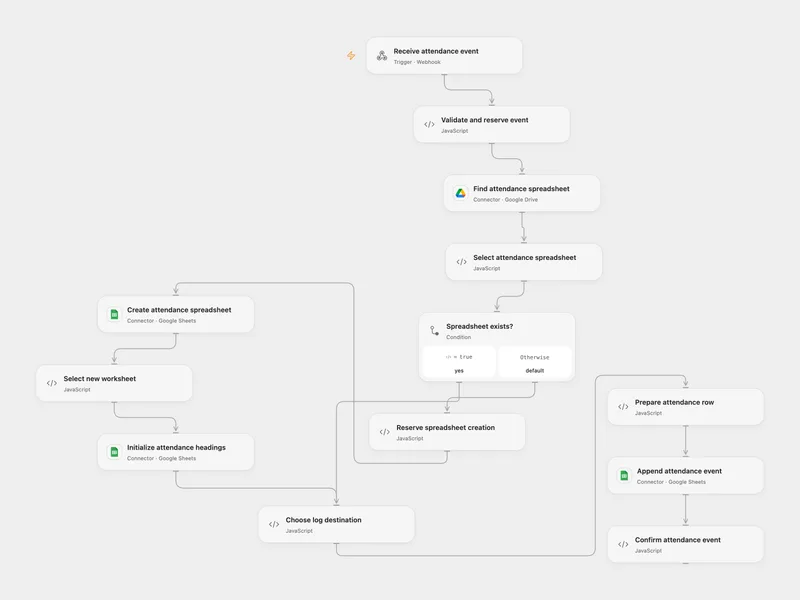
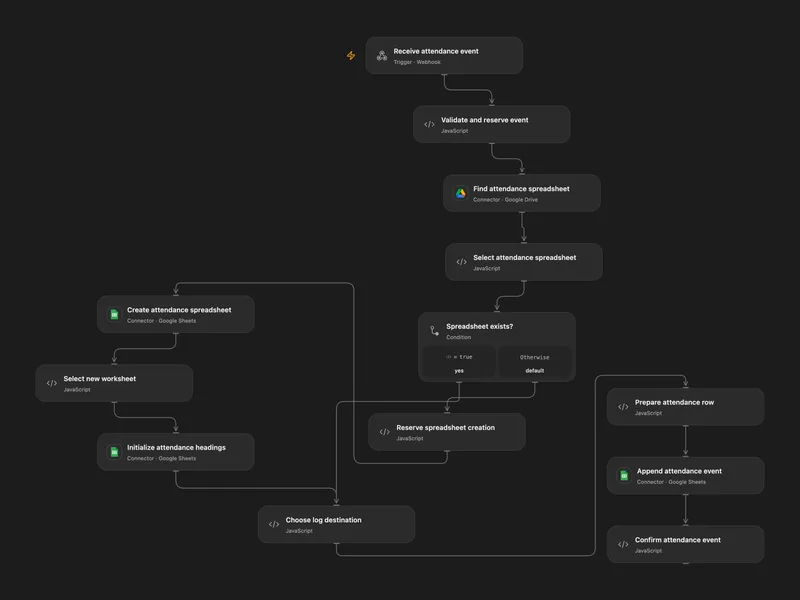
Log Location Attendance to Sheets
Log check-in and check-out events from location shortcuts to a Google Sheet.
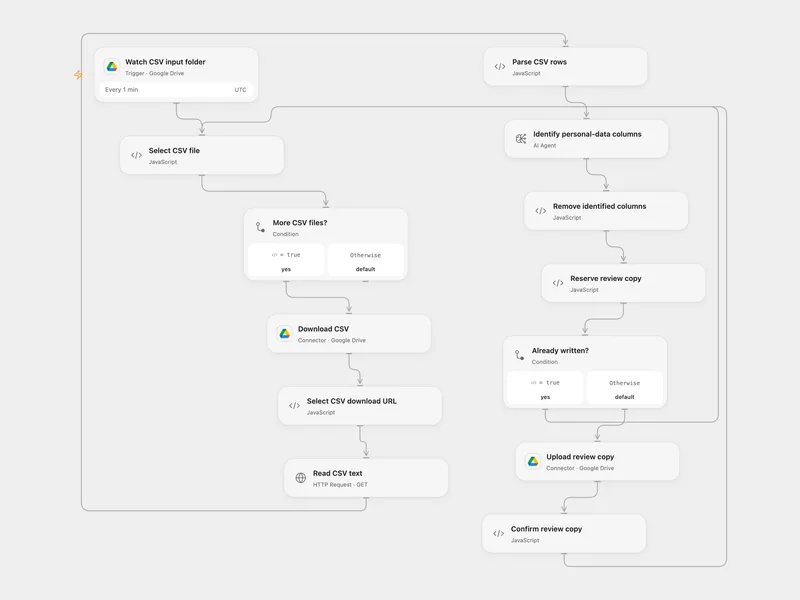
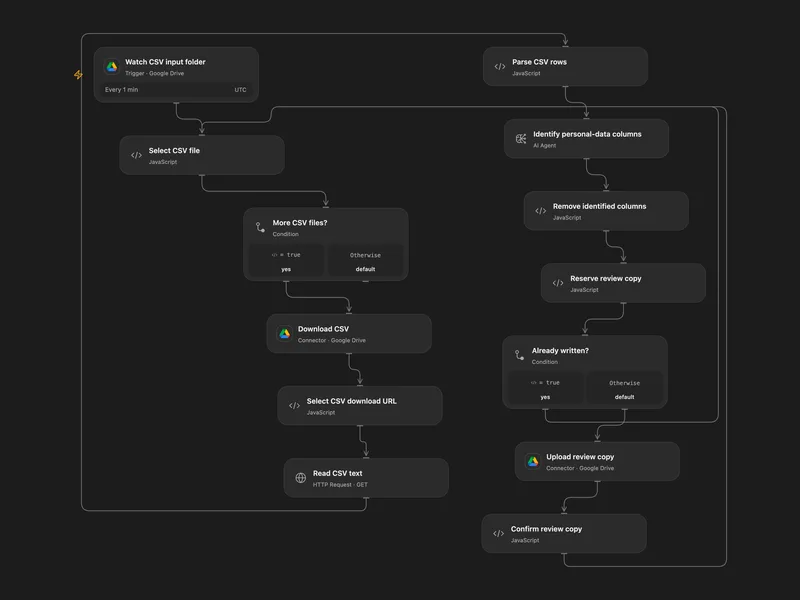
Review and Remove CSV Personal Columns
Identify likely personal-data columns in new CSV files and write a review copy without those columns.
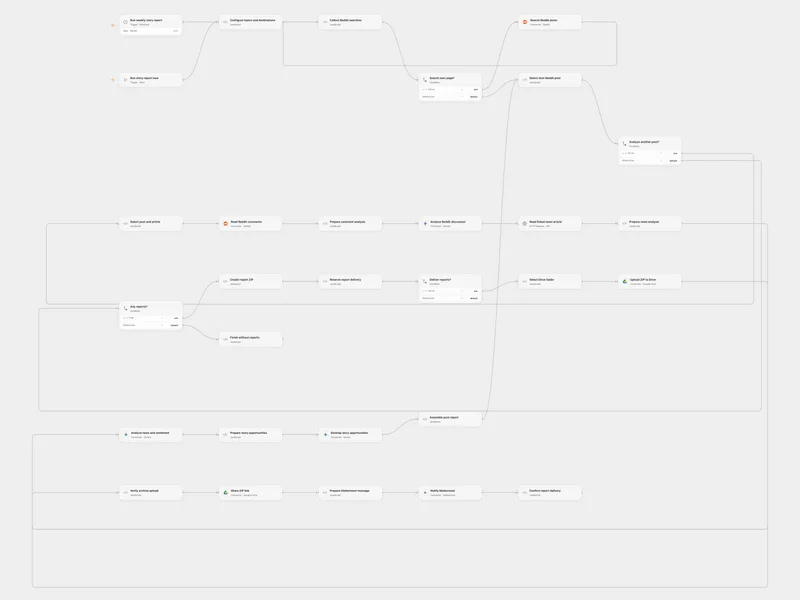
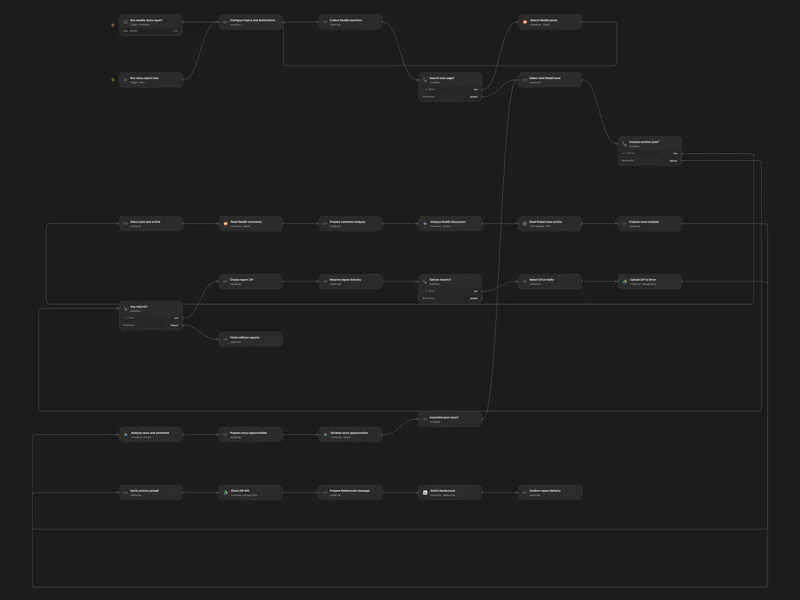
Reddit Trending Stories to Mattermost
Analyze trending Reddit-linked news and share a ZIP of story reports.
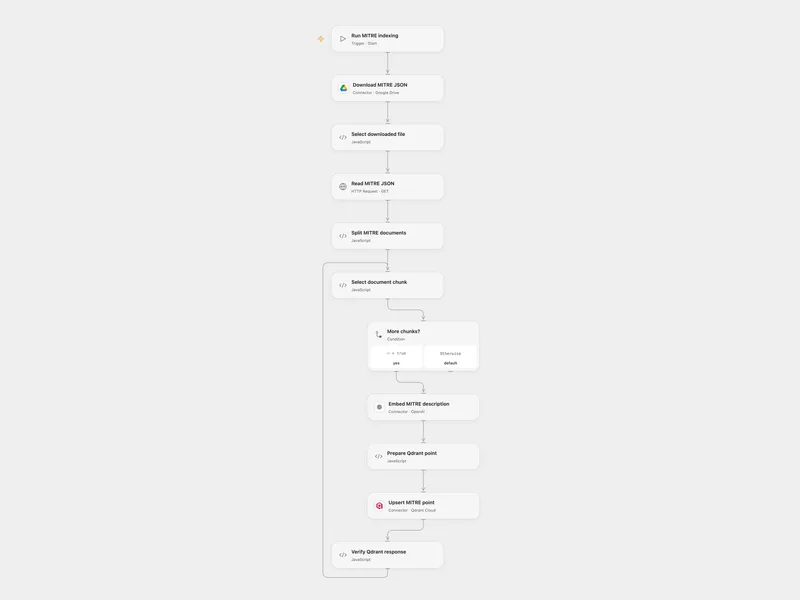
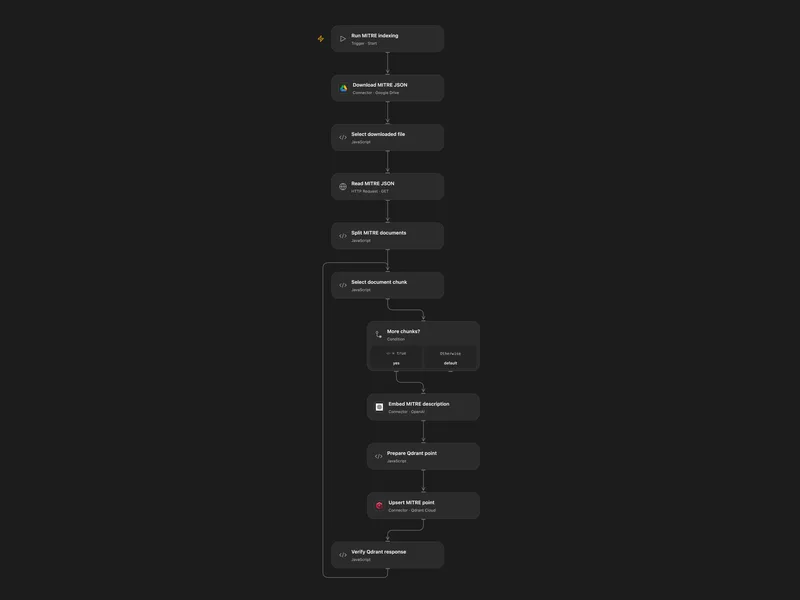
Index MITRE ATT&CK in Qdrant
Load MITRE ATT&CK descriptions from a Drive JSON file into a Qdrant collection.
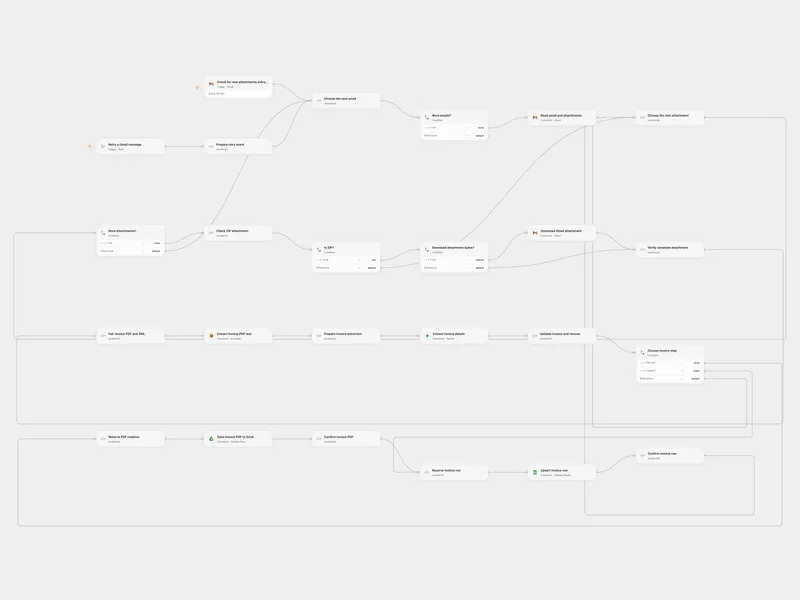
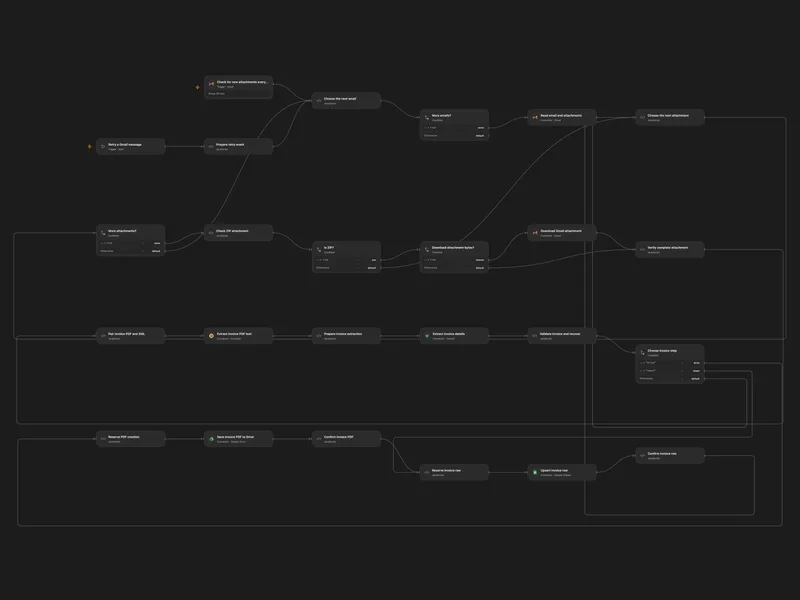
Process Colombian Invoices from Gmail ZIP
Extract Colombian invoice information from ZIP attachments and organize the PDF and invoice row.
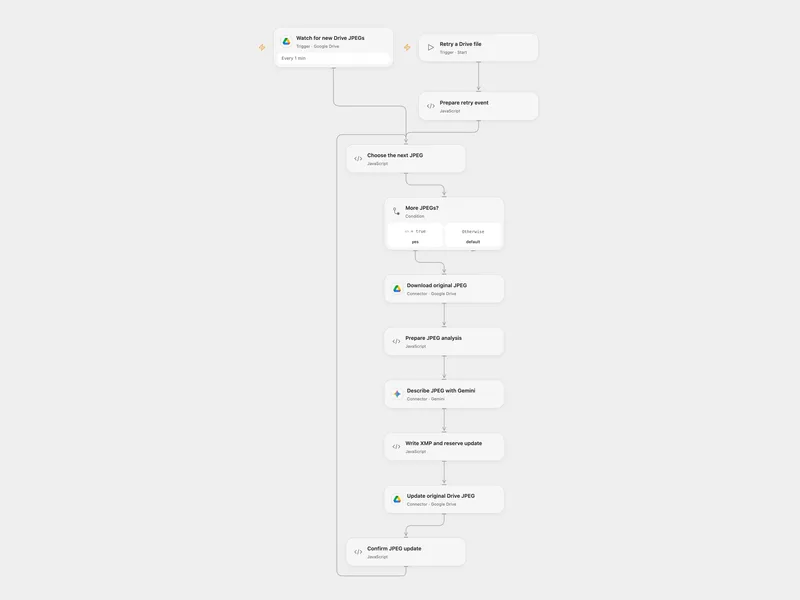
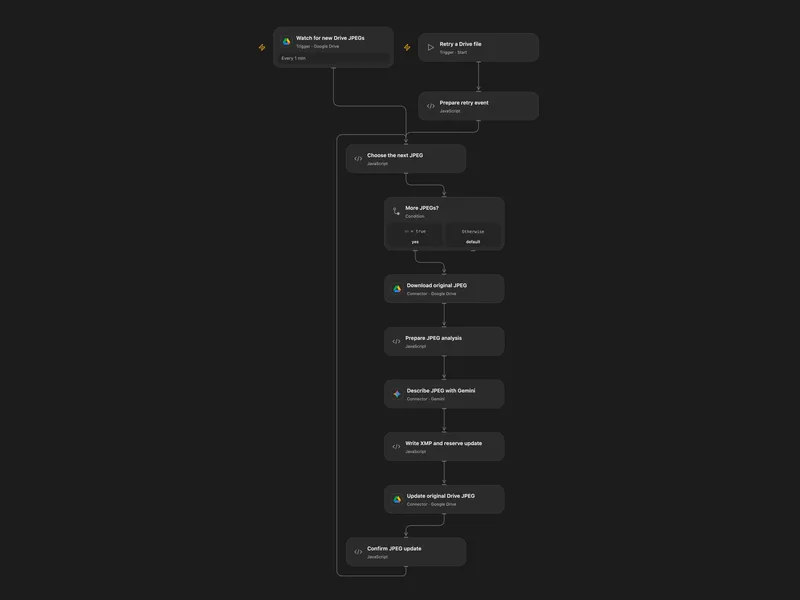
Tag Drive JPEGs with AI Keywords
Analyze new JPEG images and write descriptive XMP keywords into the original Drive files.
更多範本(31)
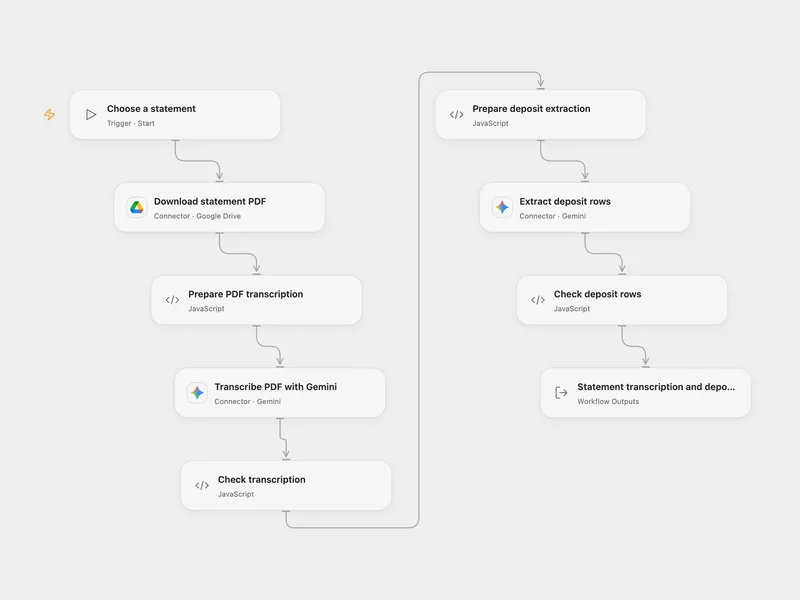
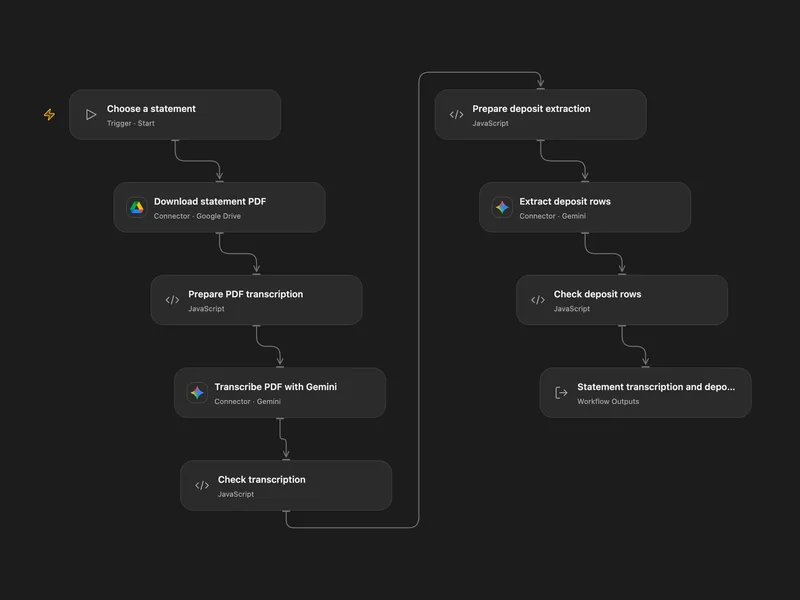
Transcribe Bank Statements and Extract Deposits
Transcribe a bank statement PDF and extract deposit rows.
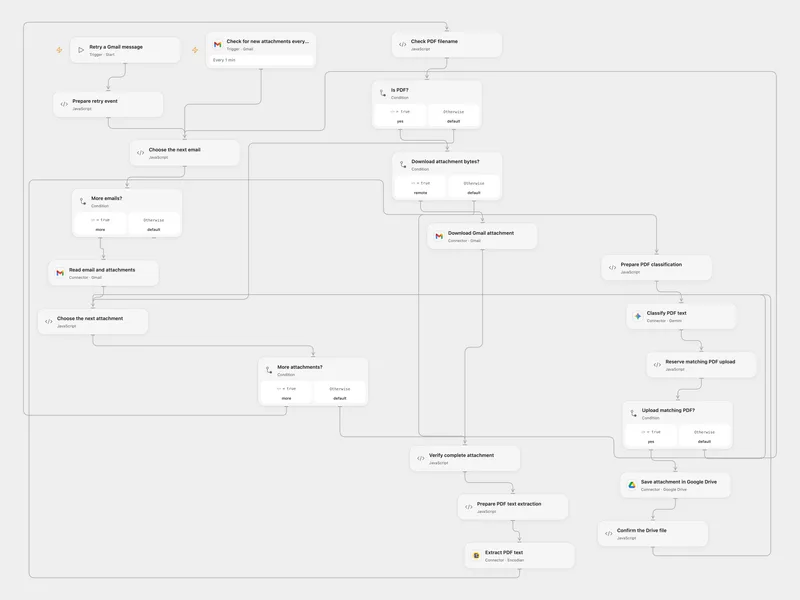
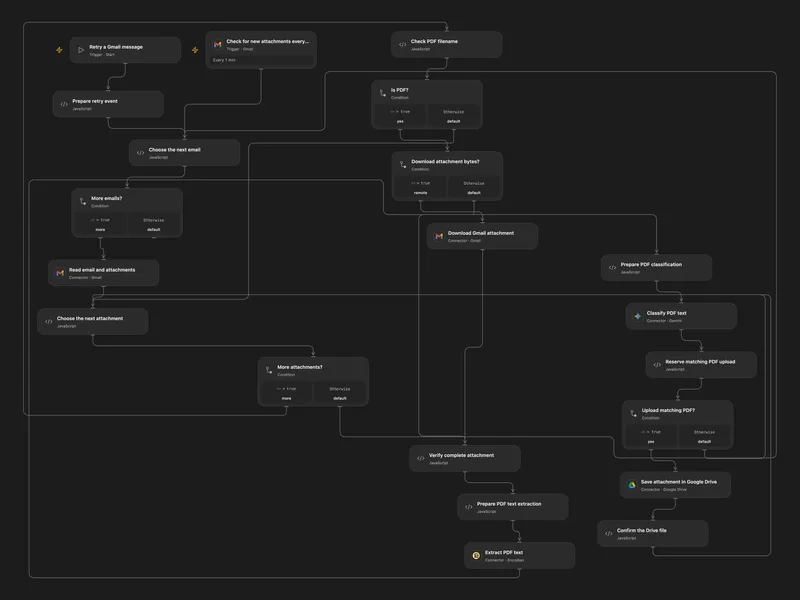
Classify Gmail PDFs and Save to Drive
Classify incoming PDF attachments and save matching originals to Google Drive.
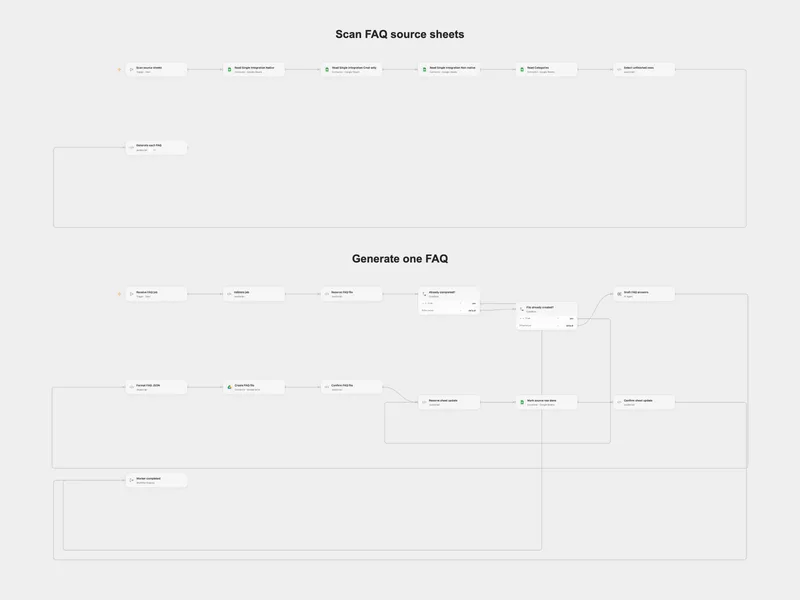
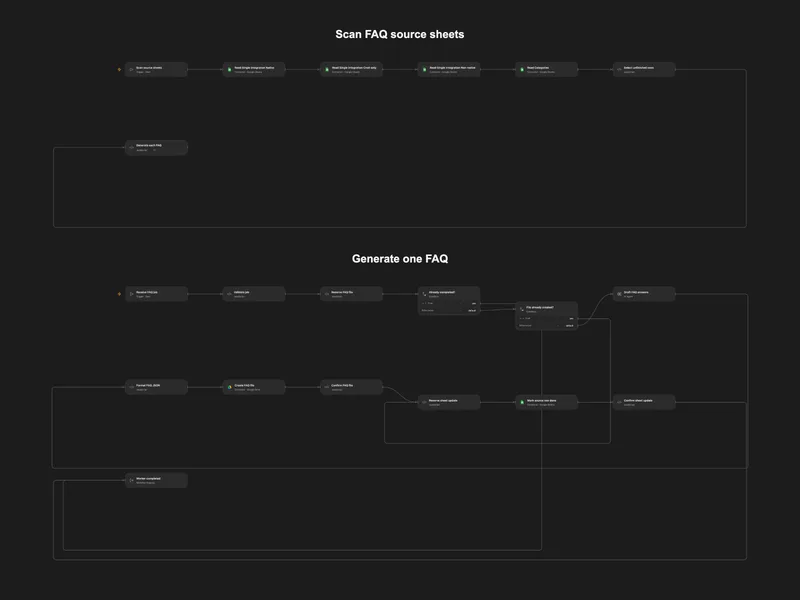
Scan Integration Sheets and Generate FAQs
Scan four integration sheets and generate a FAQ JSON for each unfinished row.
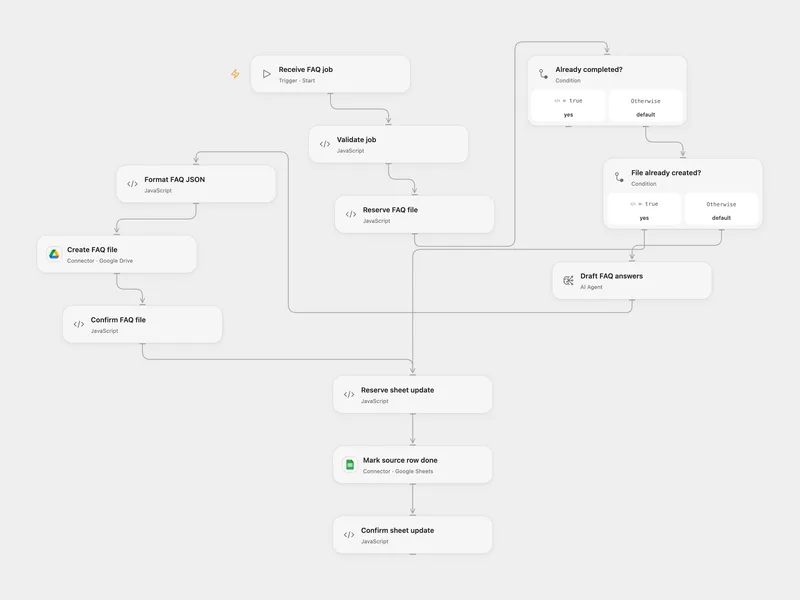
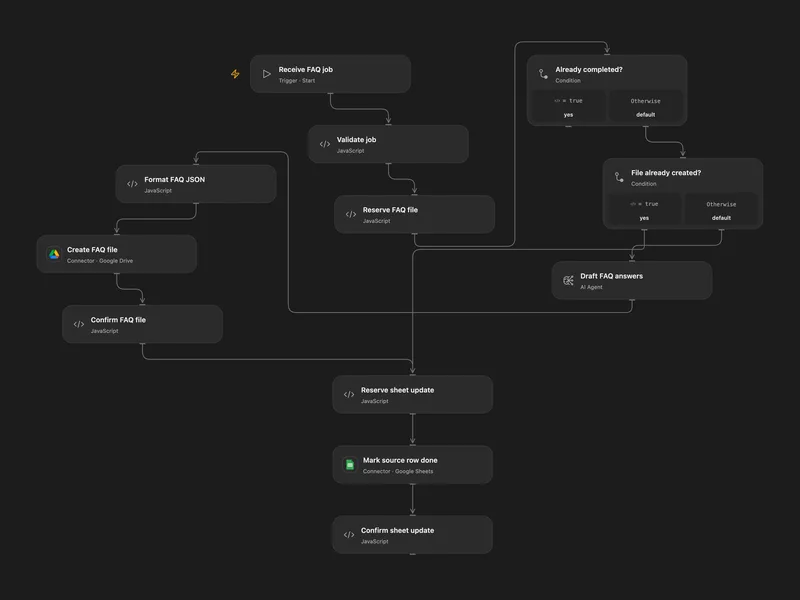
Generate FAQ JSON for an Integration Row
Generate an integration FAQ JSON file and mark its source sheet row done.
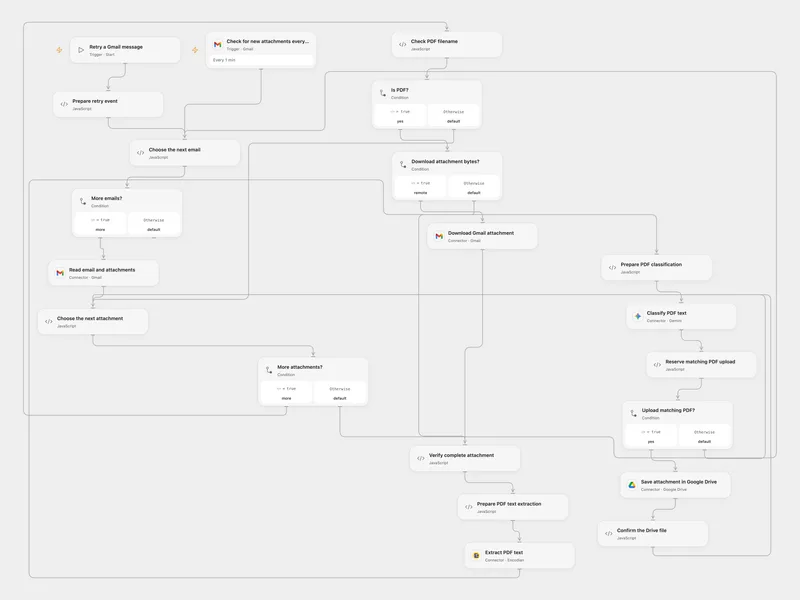
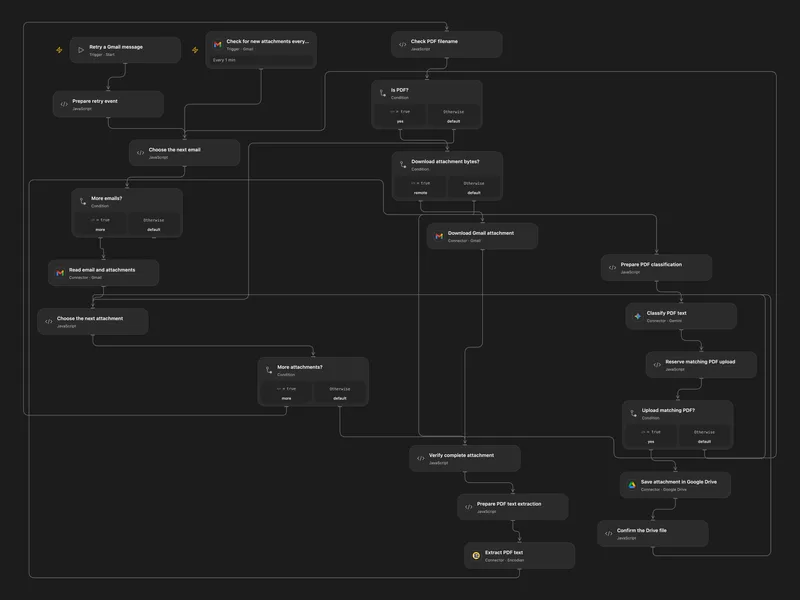
Save Matching Gmail PDFs to Drive
Classify email PDF attachments by text and save matching originals to Google Drive.
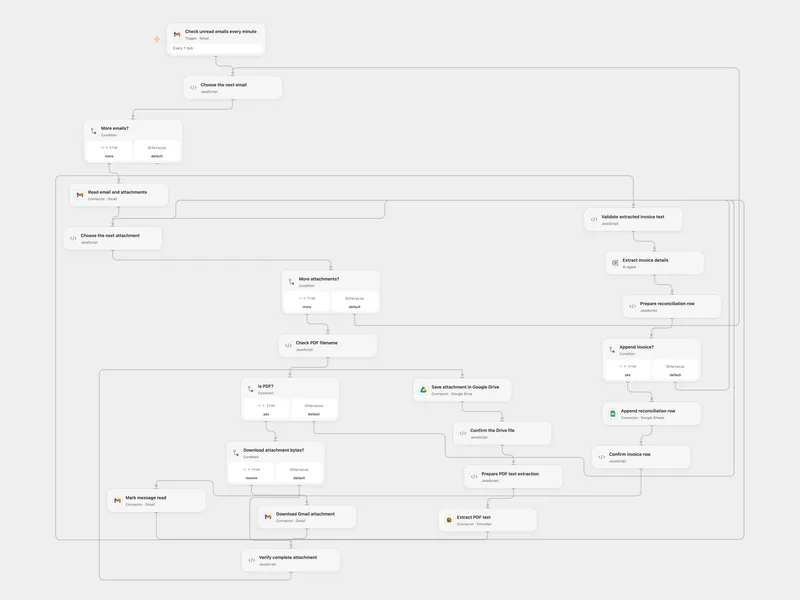
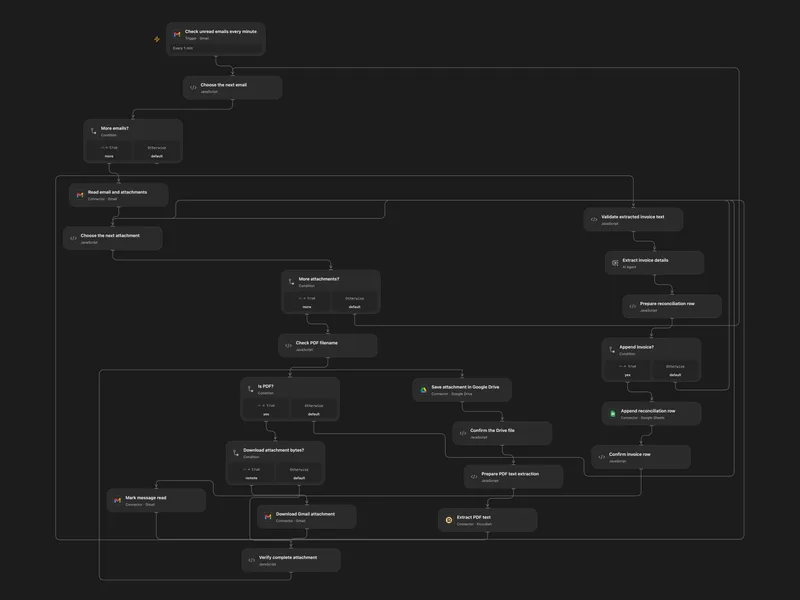
Archive Gmail Invoices in Drive and Sheets
Save unread email PDF invoices to Drive and append extracted invoice details to a reconciliation sheet.
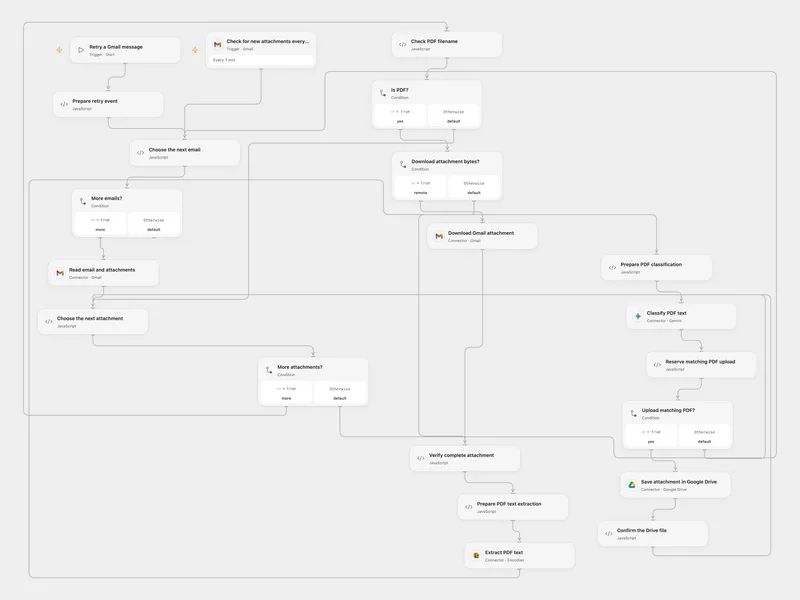
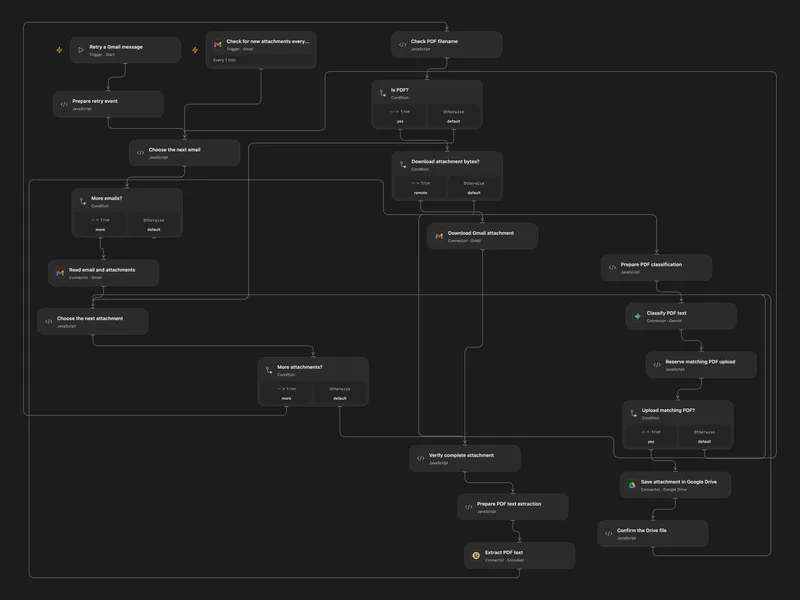
Route Matching Gmail PDFs to Drive
Classify PDF attachments from Gmail by their content and upload matching files to Google Drive.
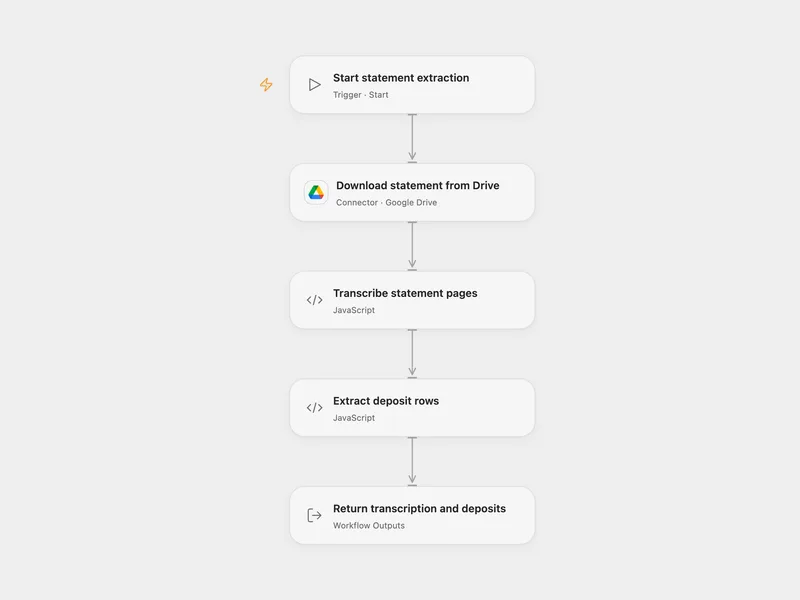
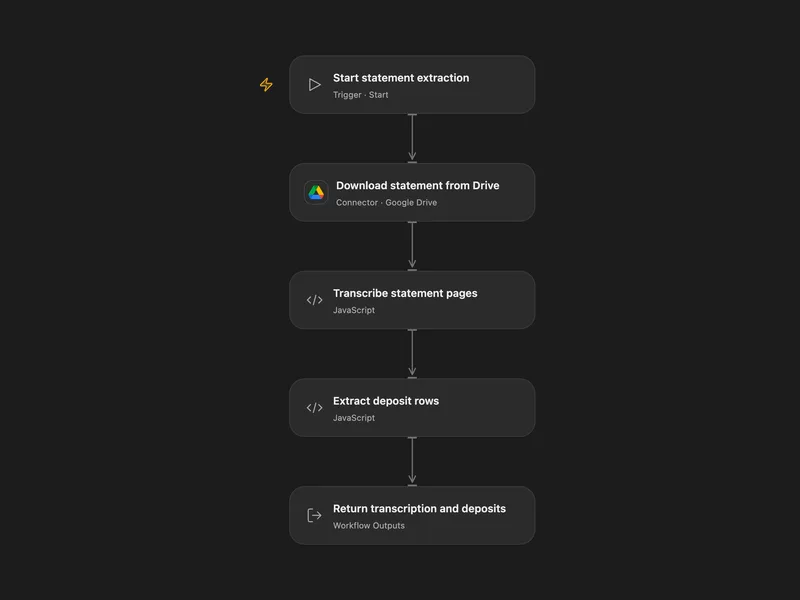
Extract Deposit Rows from a Bank Statement
Transcribe each page of a bank statement and extract deposit rows with a vision model.
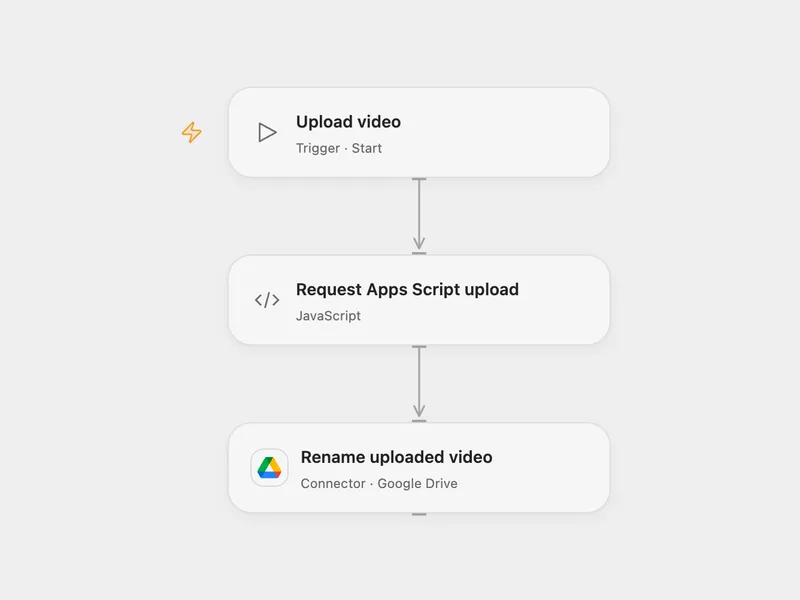
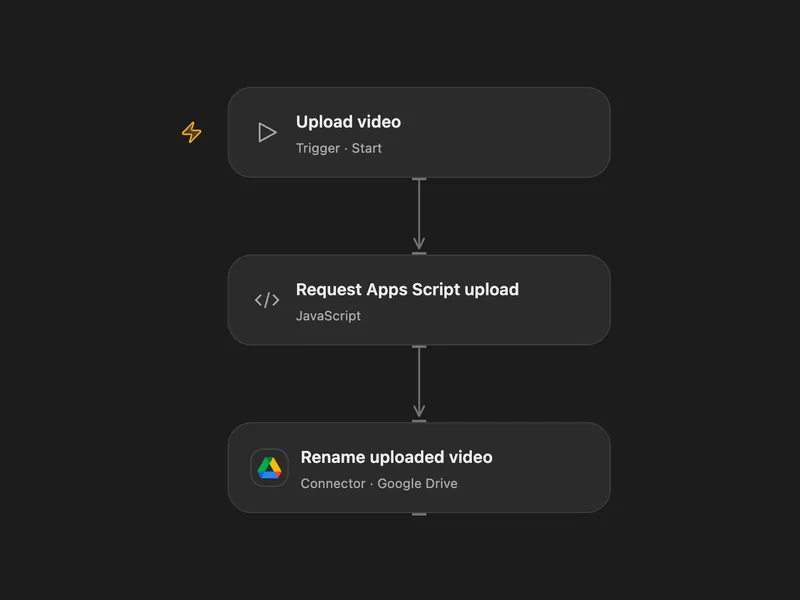
Upload Video via Apps Script and Rename
Send a video URL to a Google Apps Script web app and rename the uploaded Drive file.
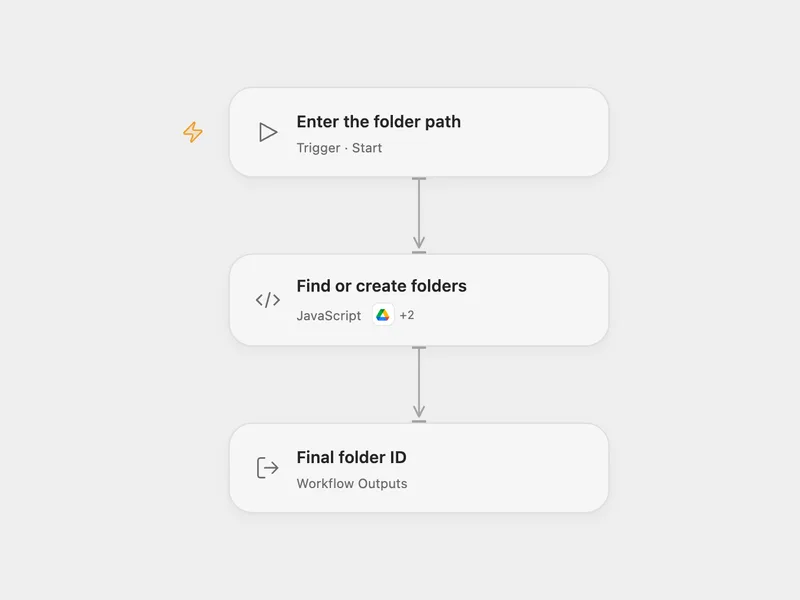
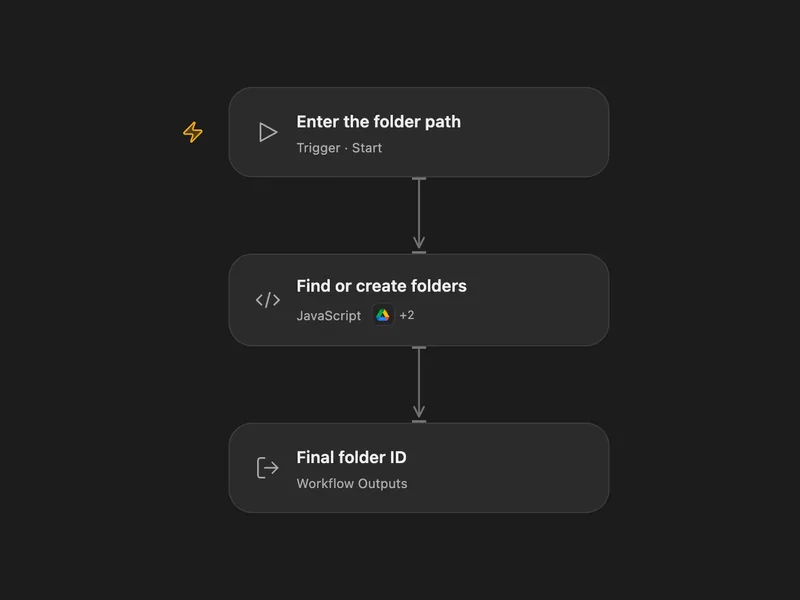
Create Nested Google Drive Folders
Find or create each segment of a folder path in Google Drive.
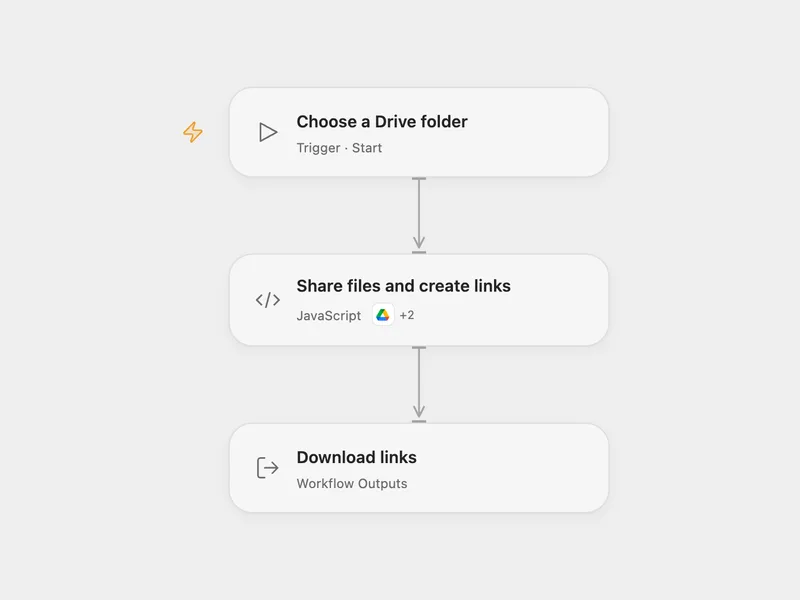
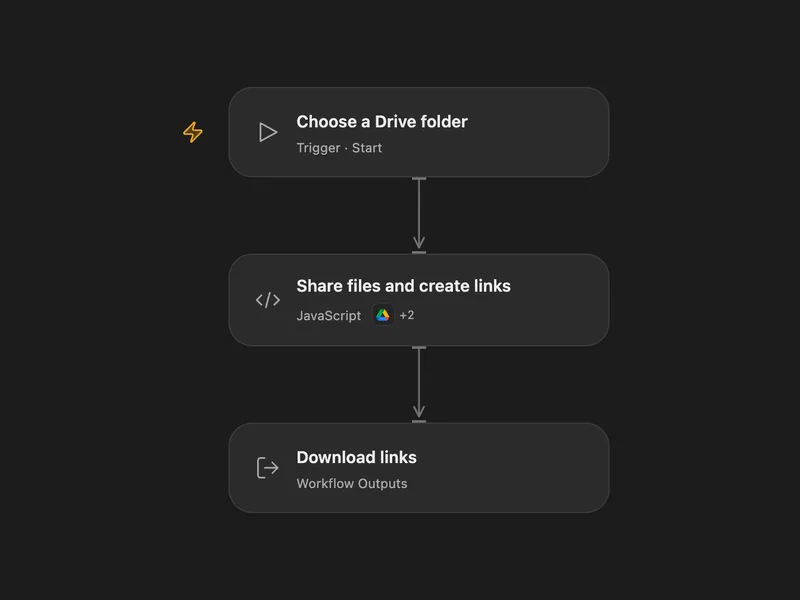
Share Drive Folder Files and Create Download Links
Grant public reader access to files in a Google Drive folder and create download links.
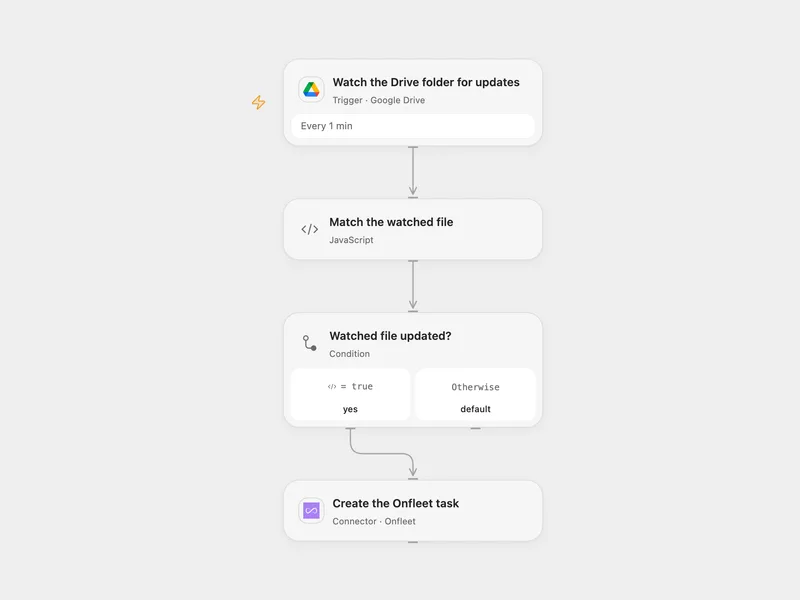
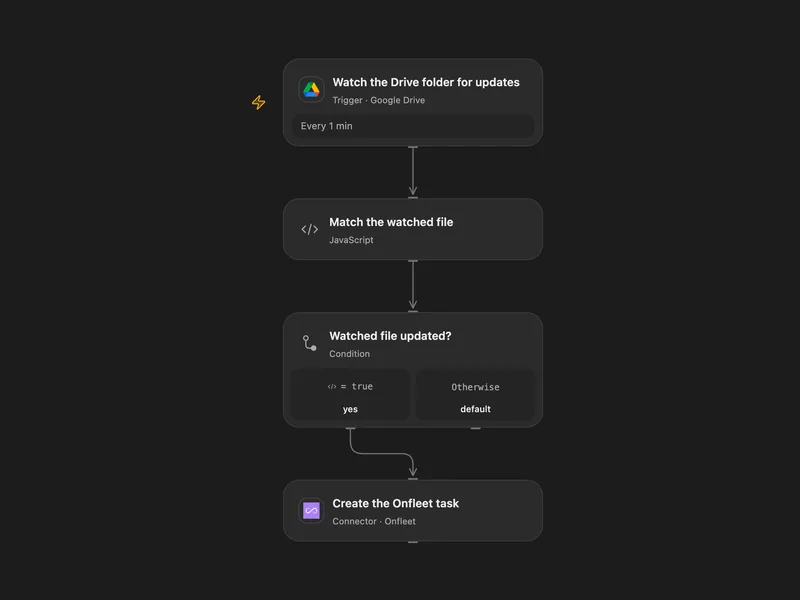
Create an Onfleet Task for an Updated Drive File
Create an Onfleet delivery task when a selected Google Drive file is updated.
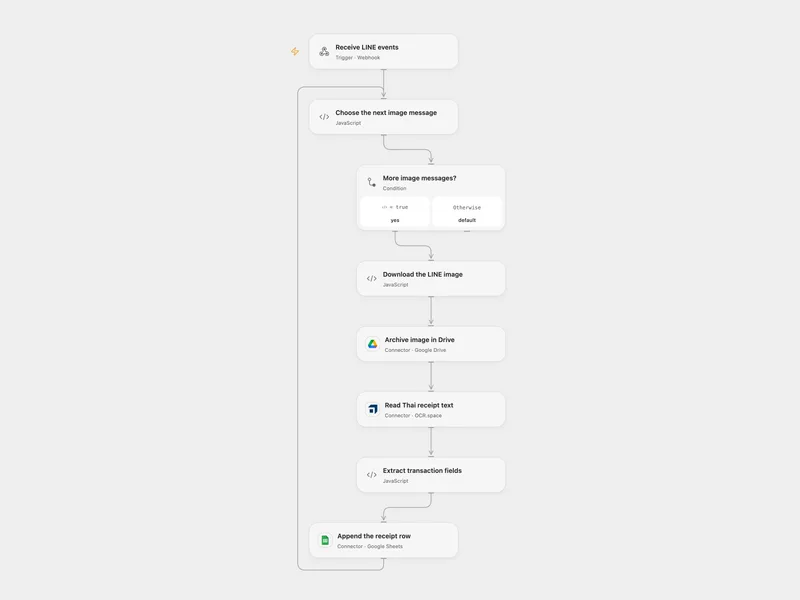
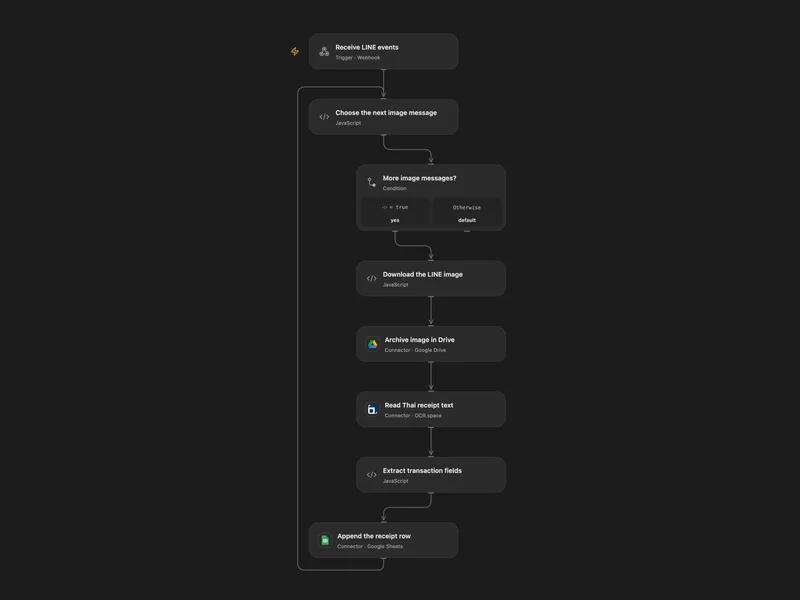
Record LINE Receipt Images in Google Sheets
Archive LINE receipt images and record extracted Thai transfer details in Google Sheets.
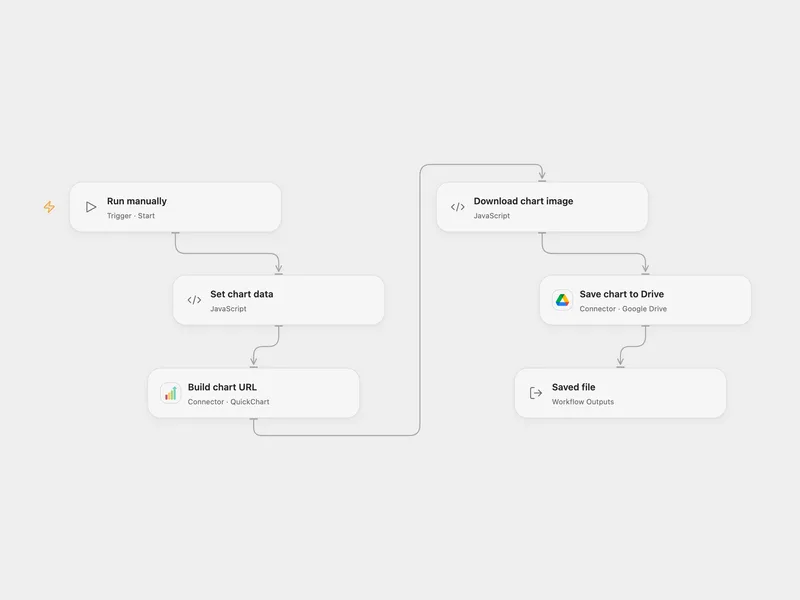
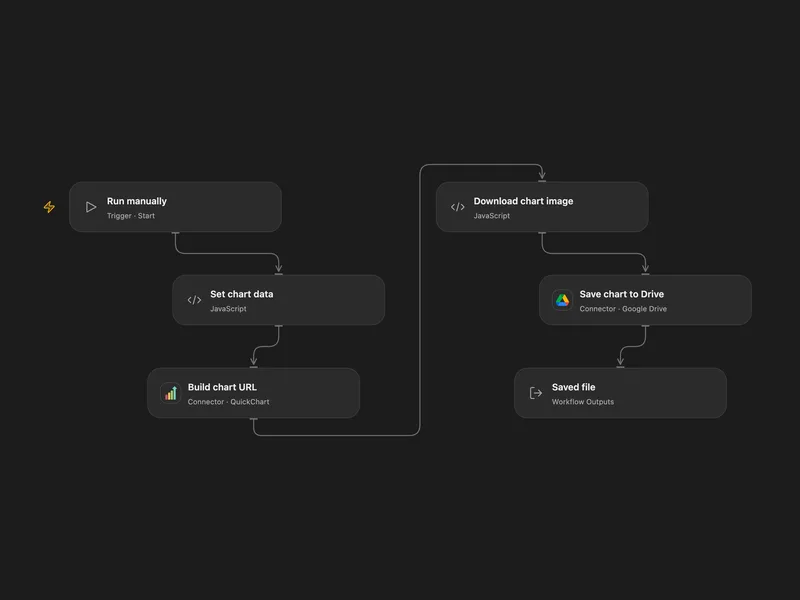
Save a Sales Line Chart to Google Drive
Render a line chart from sales data and save the PNG to Google Drive.
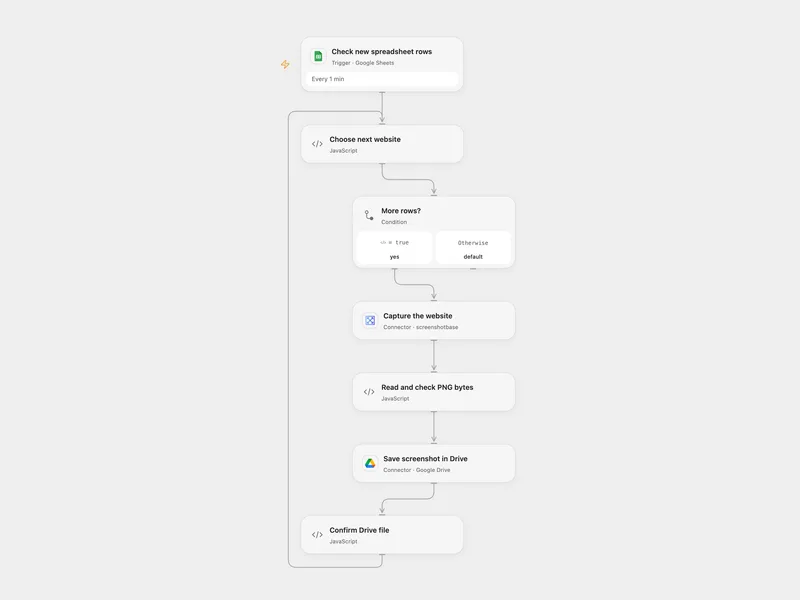
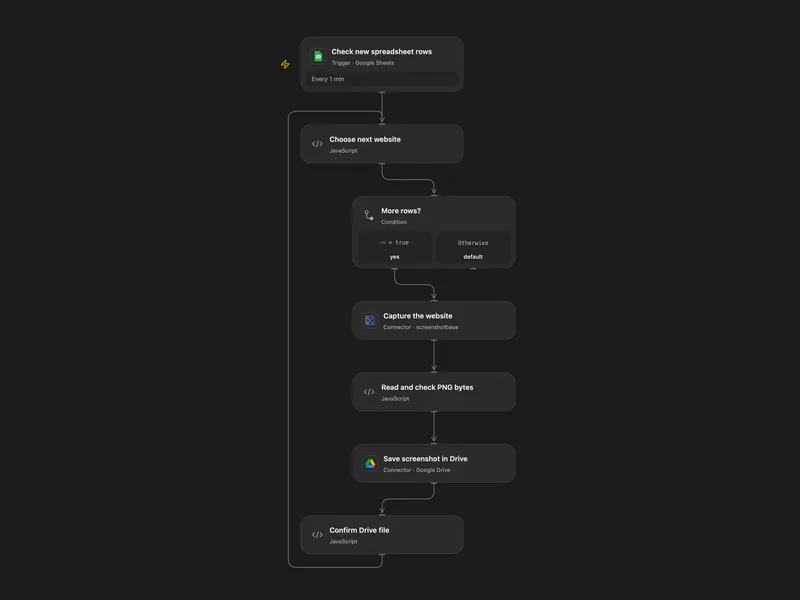
Save Sheet Website Screenshots to Drive
Capture websites listed in newly added spreadsheet rows and save PNG files to Google Drive.
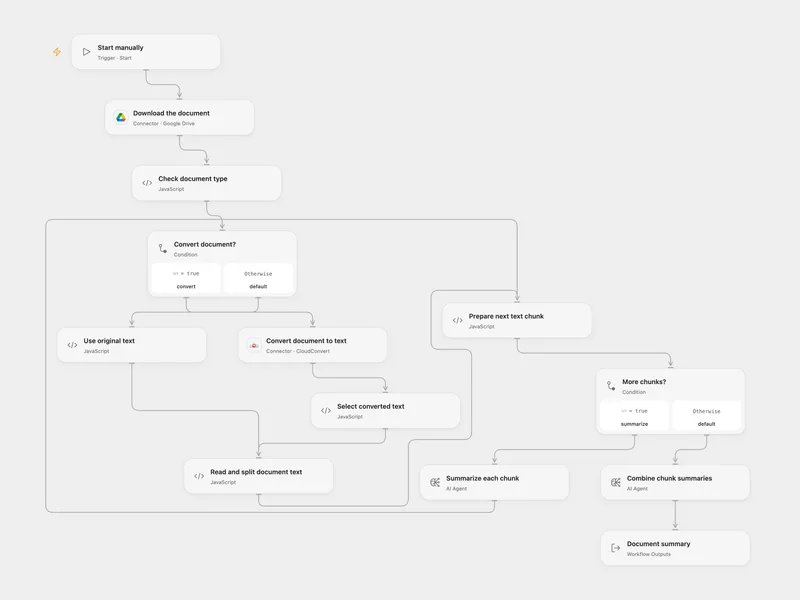
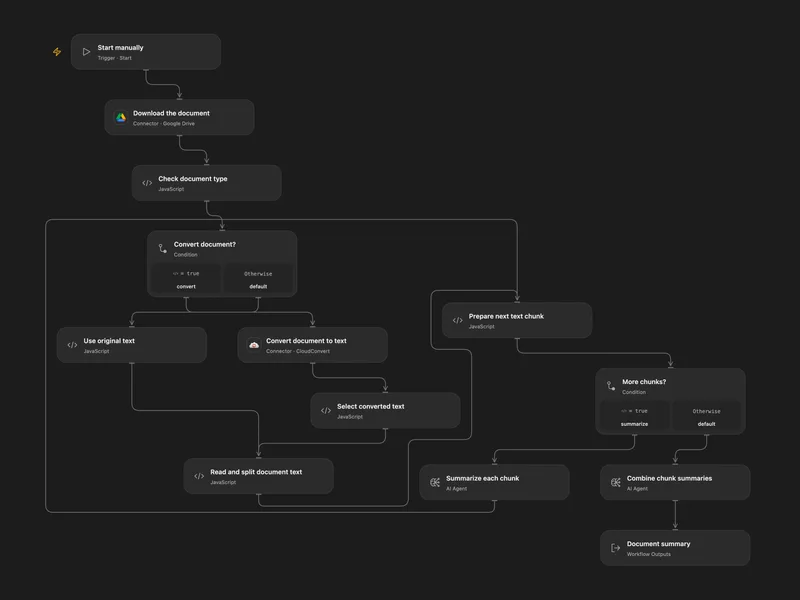
Summarize Drive Documents
Summarize a supported document stored in Google Drive.
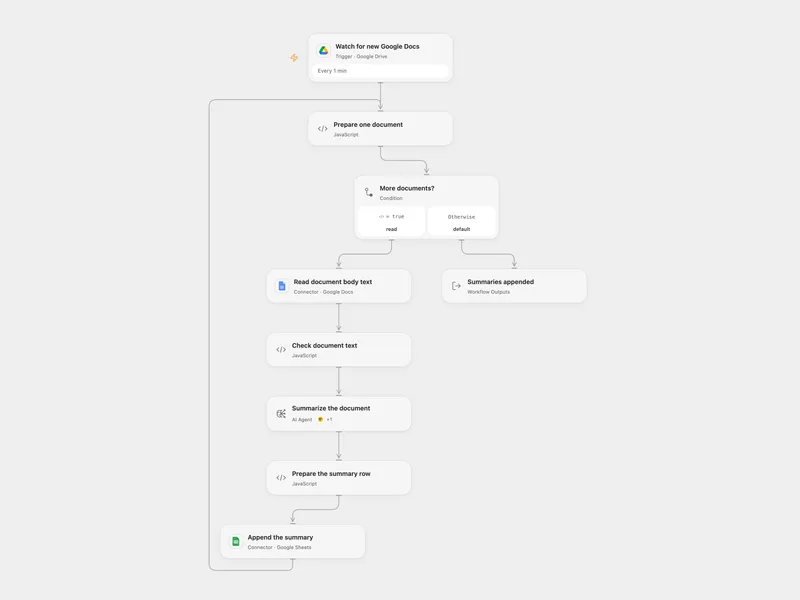
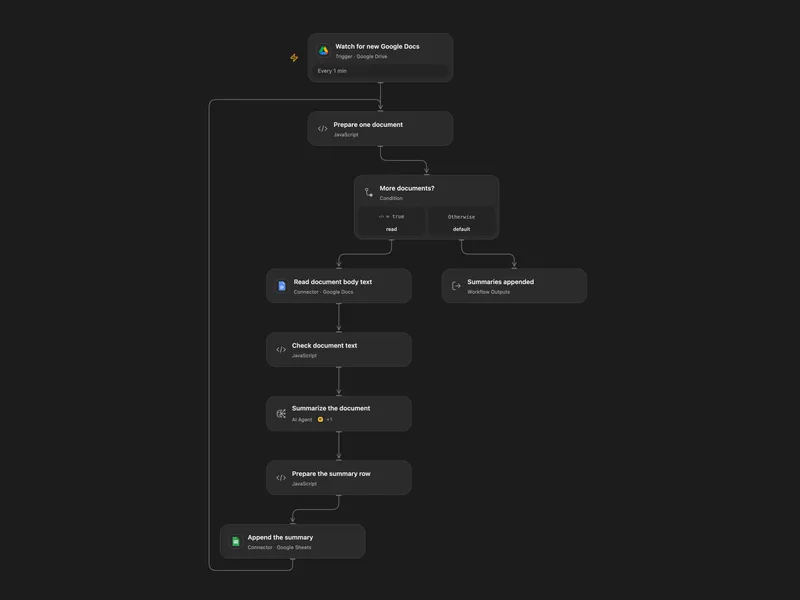
Summarize New Google Docs to Sheets
Summarize new Google Docs in a Drive folder and append each summary with its last editor to Sheets.
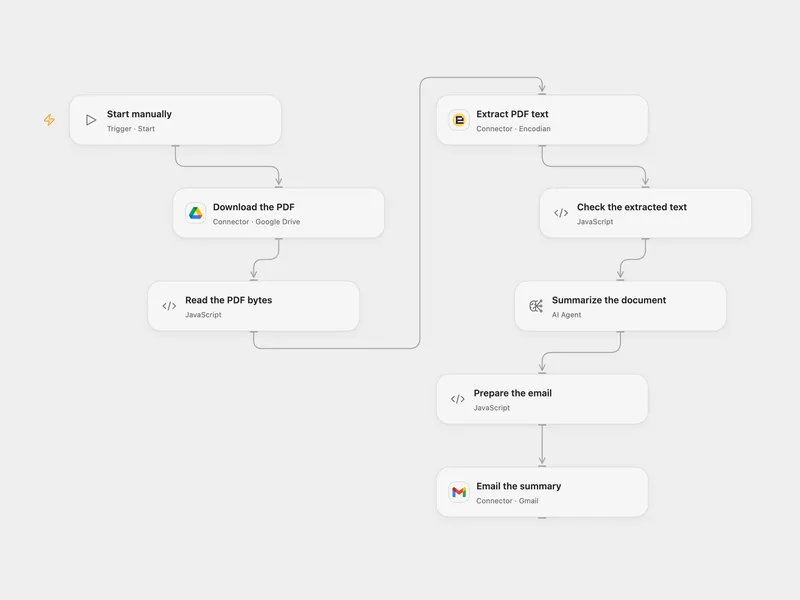
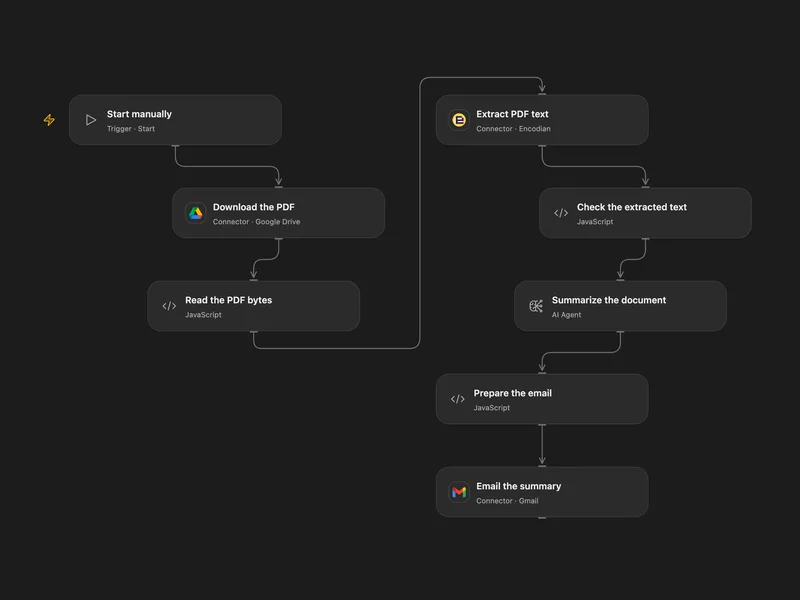
Email a Summary of a Drive PDF
Summarize a PDF stored in Google Drive and email the result.
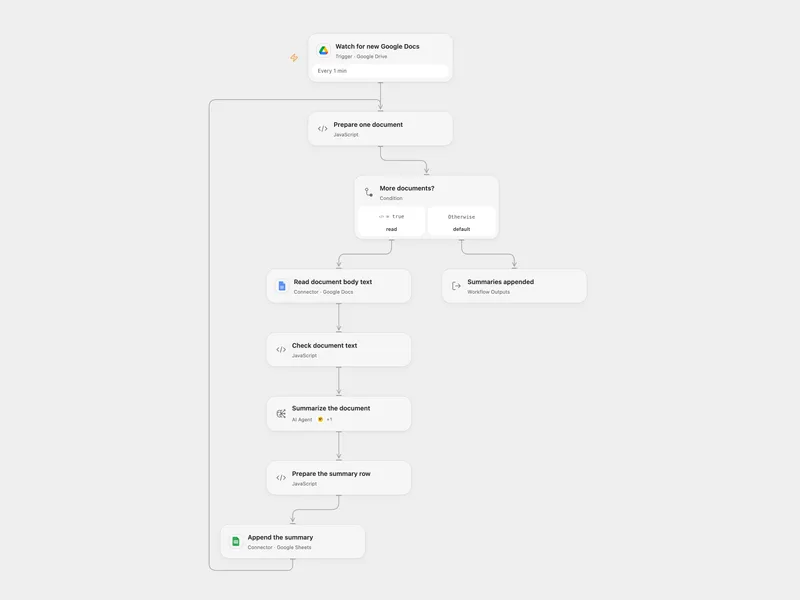
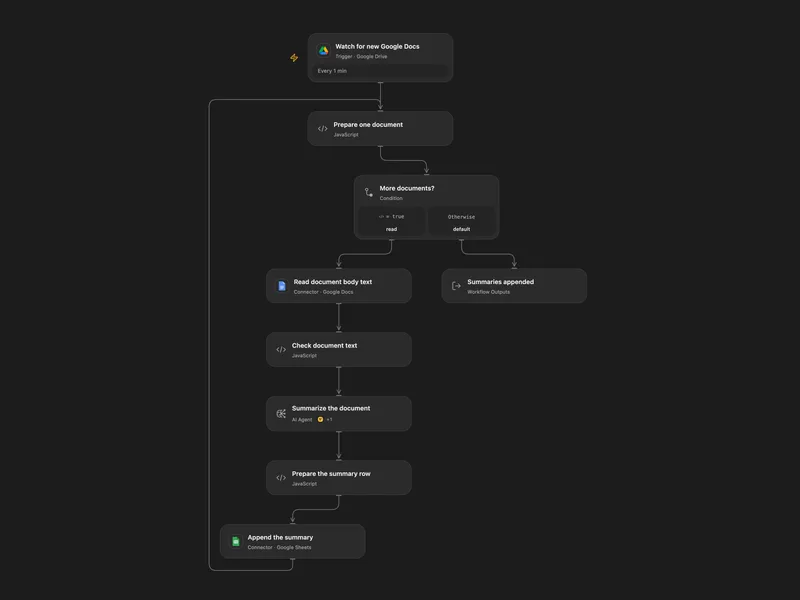
Summarize New Google Docs to Sheets
Summarize new Google Docs in a Drive folder and append each summary with its last editor to Sheets.
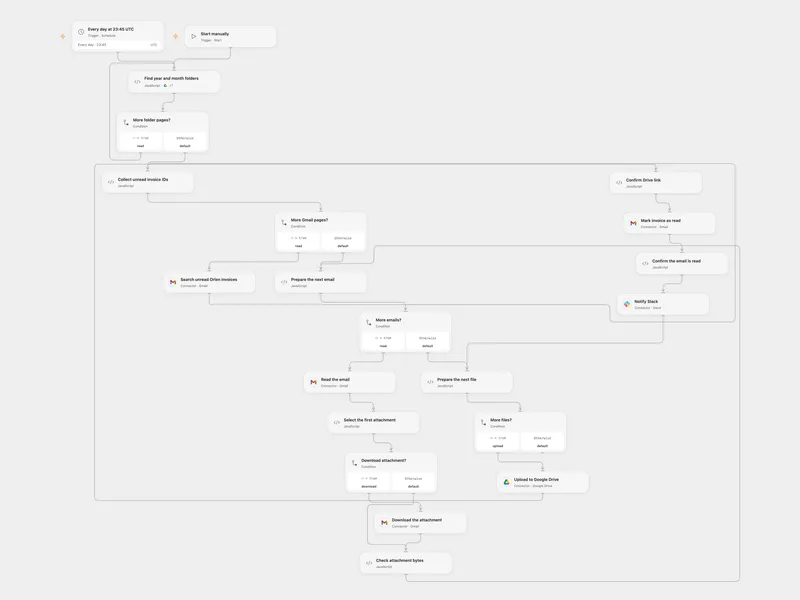
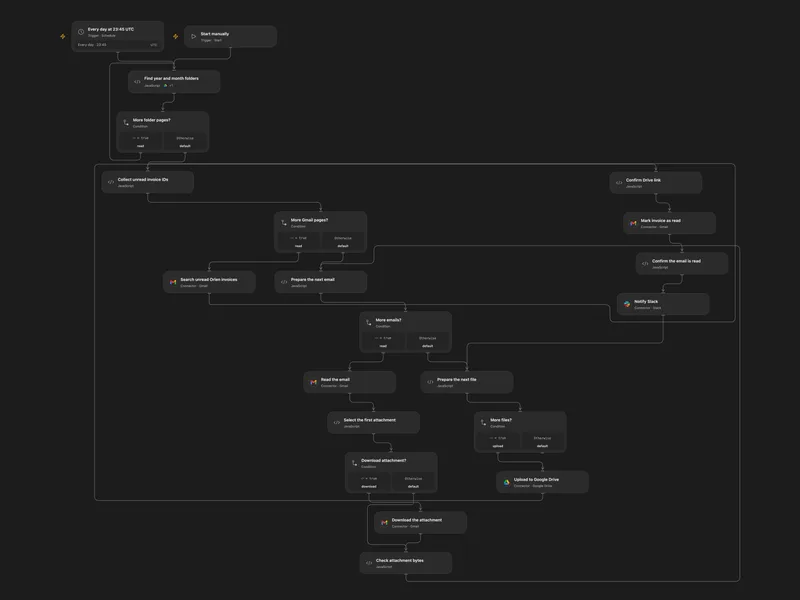
Save Orlen Invoices to Drive
Archive unread Orlen invoice attachments in dated Google Drive folders and notify Slack.
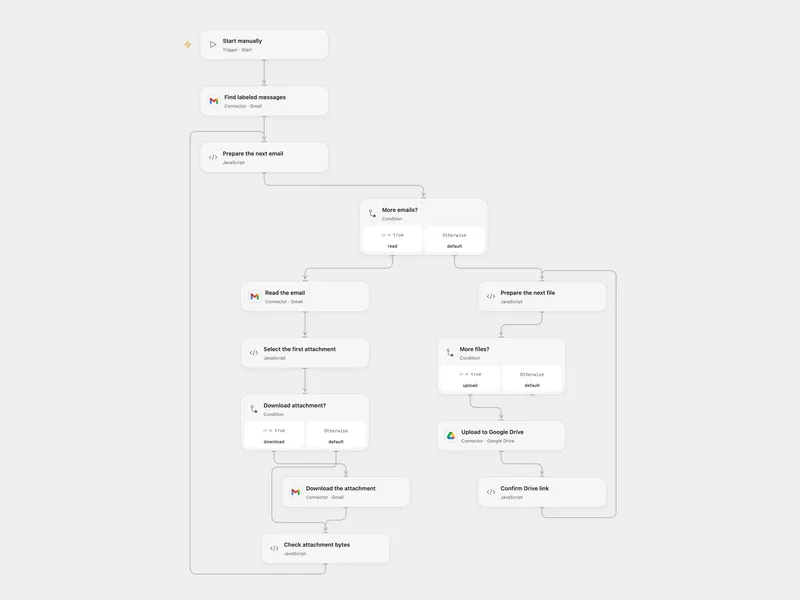
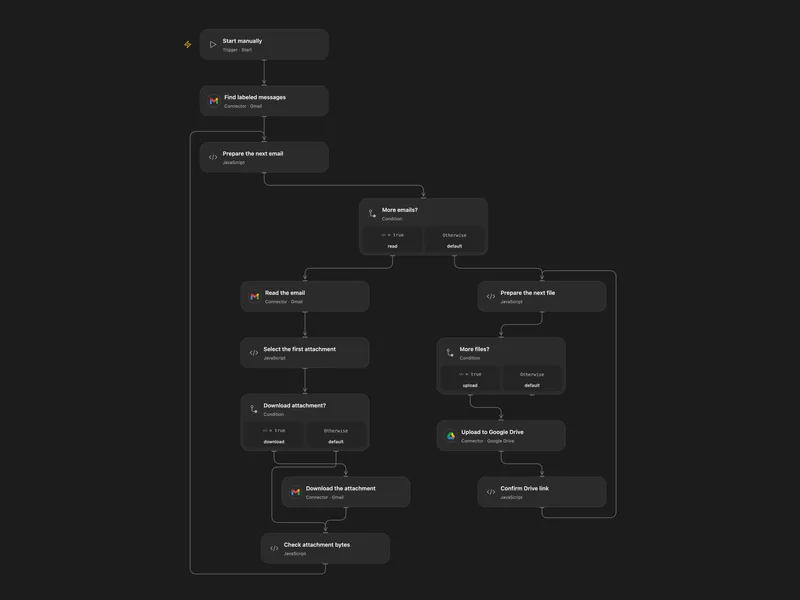
Save First Gmail Attachments to Drive
Save the first attachment from each of up to ten Gmail messages in a chosen label to Google Drive.
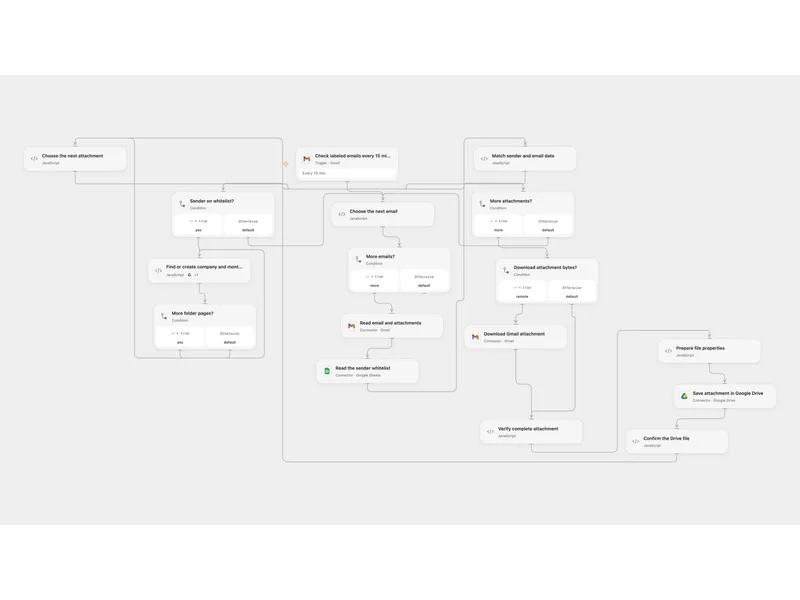
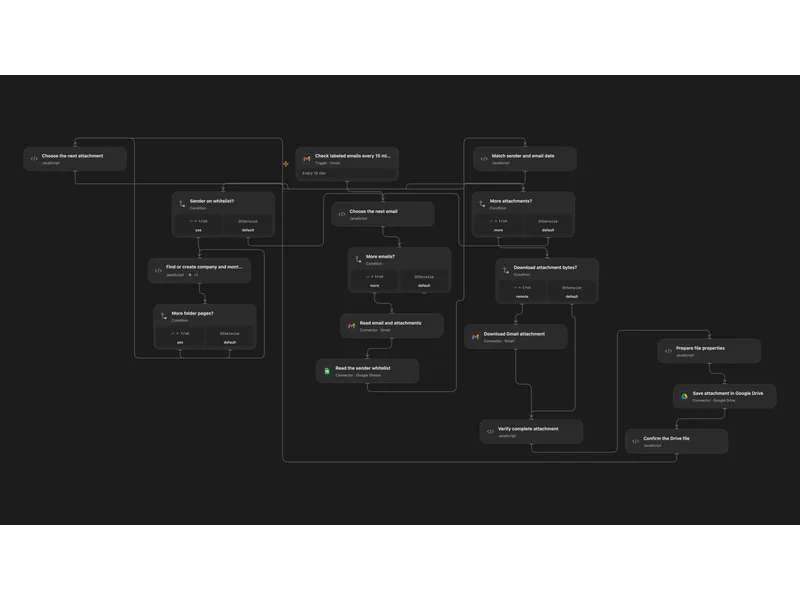
Archive Whitelisted Email Attachments to Drive
Save attachments from whitelisted senders into company and month folders in Google Drive.
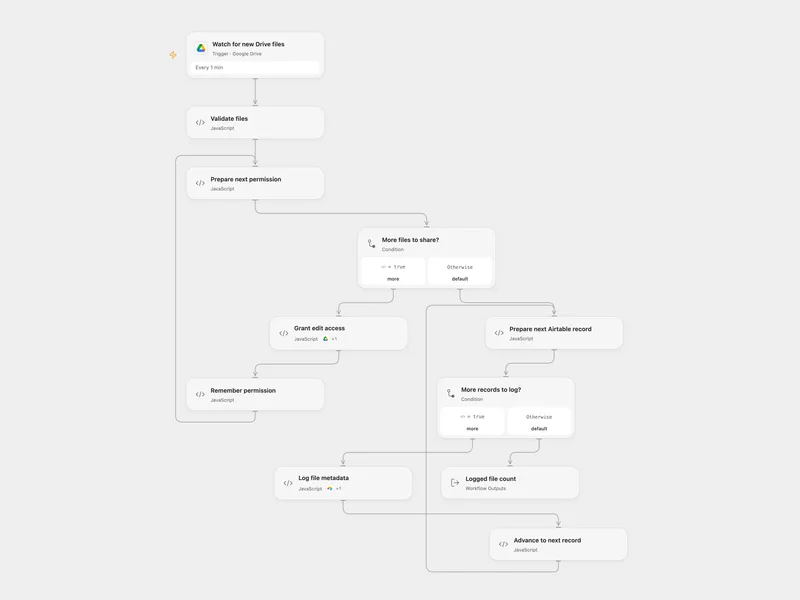
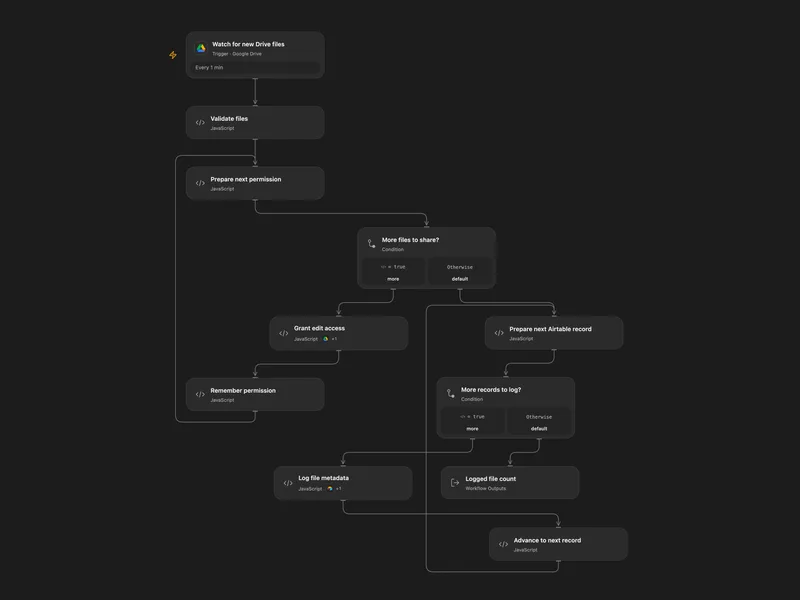
Share New Drive Files and Log to Airtable
Grant a recipient edit access to new files in a Drive folder and log each permission in Airtable.
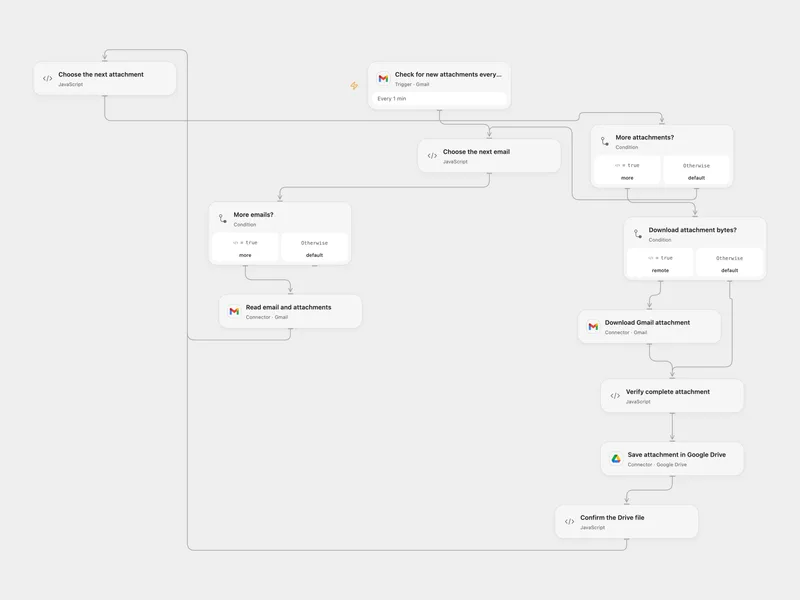
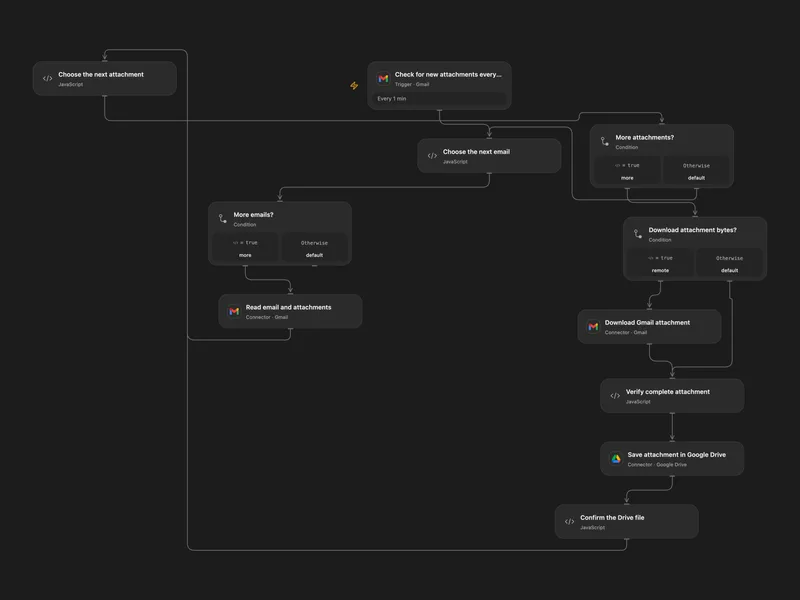
Save Gmail Attachments to Google Drive
Save each incoming Gmail attachment to Google Drive with the sender address in its filename.
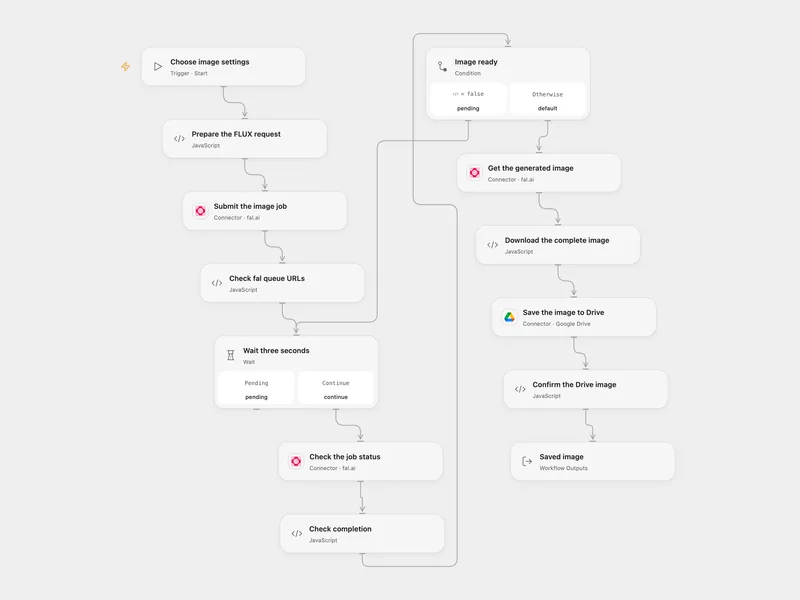
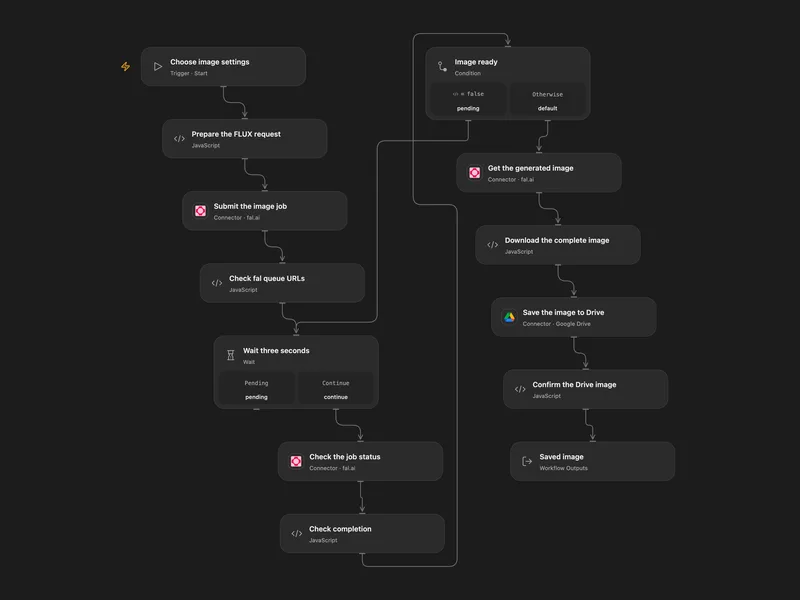
Generate a FLUX Image to Google Drive
Generate a FLUX.1 dev image with fal and save the completed image to Google Drive.
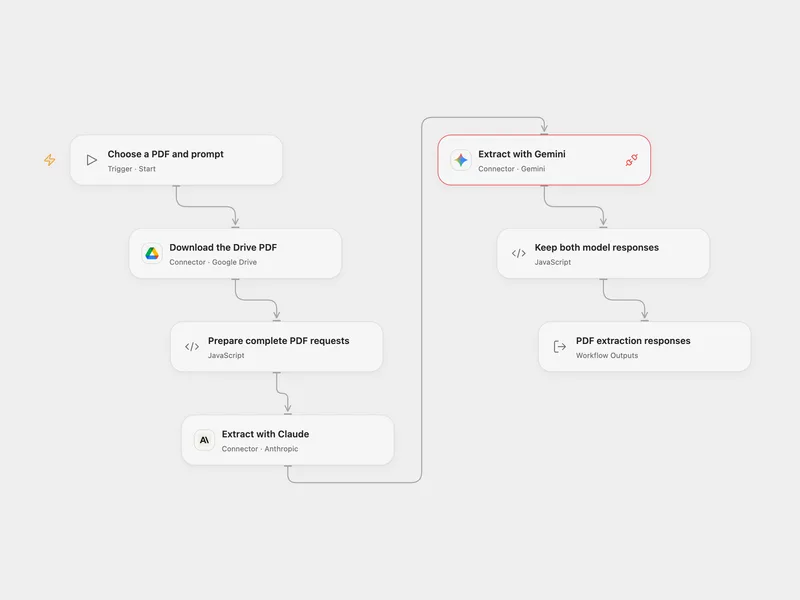
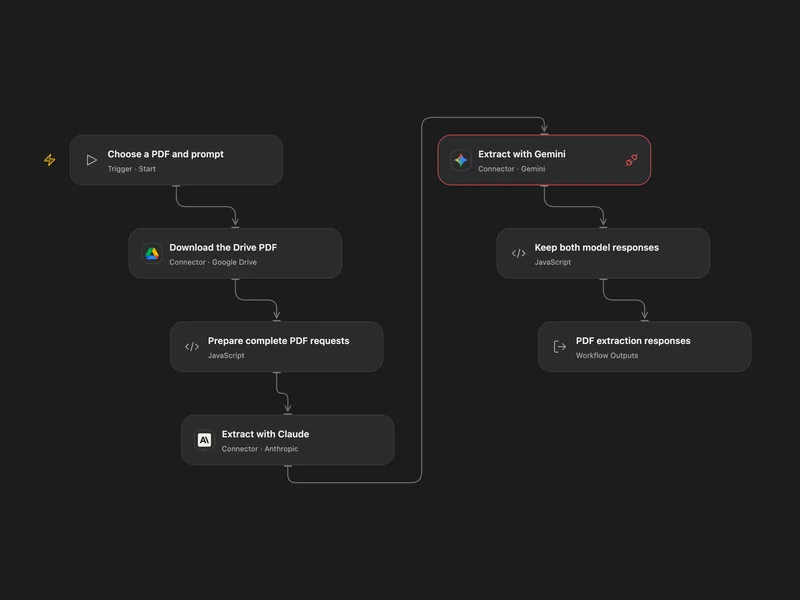
Compare PDF Extraction with Claude and Gemini
Send a Google Drive PDF and one prompt to Claude and Gemini and compare their responses.
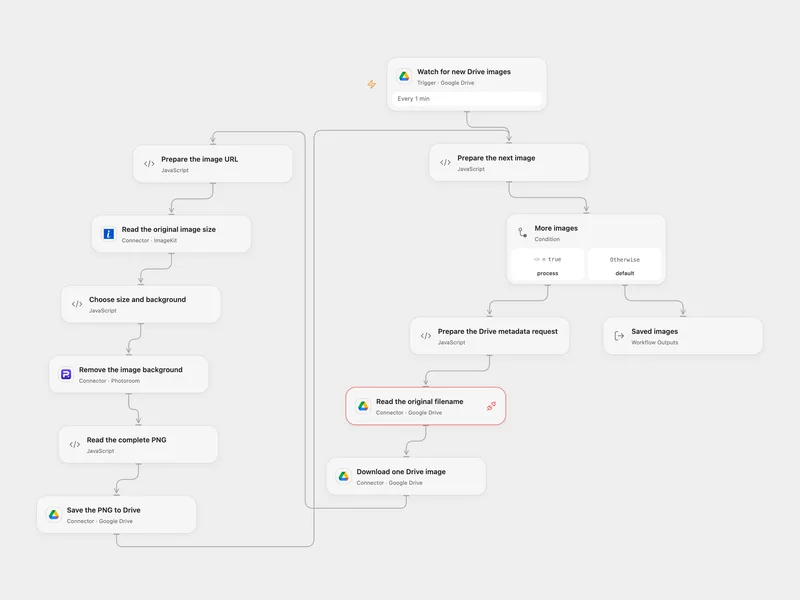
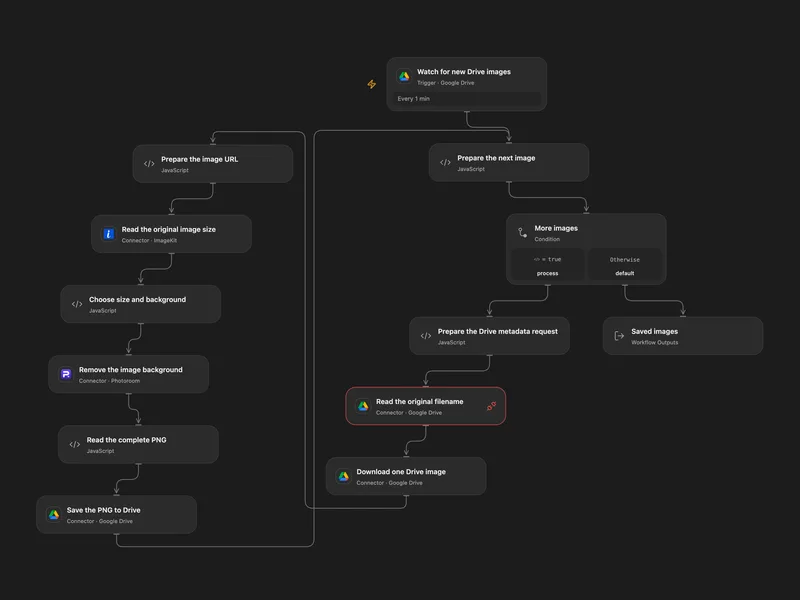
Remove Background from Drive Images
Remove the background of new Drive images and save edited PNGs to a chosen folder.
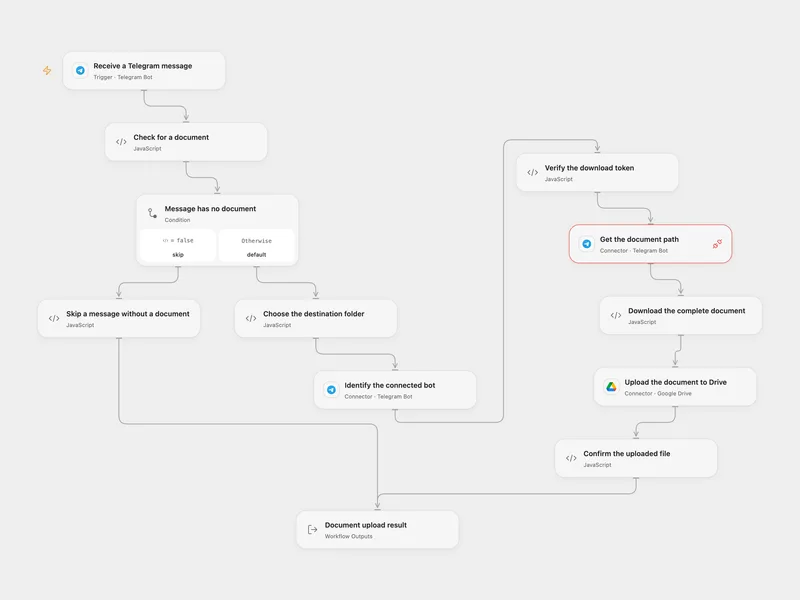
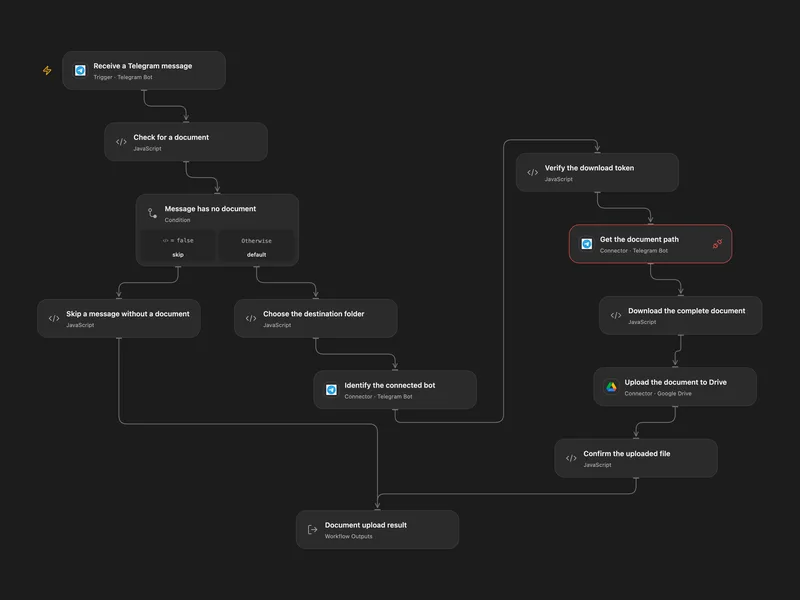
Telegram Documents to Google Drive
Save each document received by a Telegram bot to a Google Drive folder.
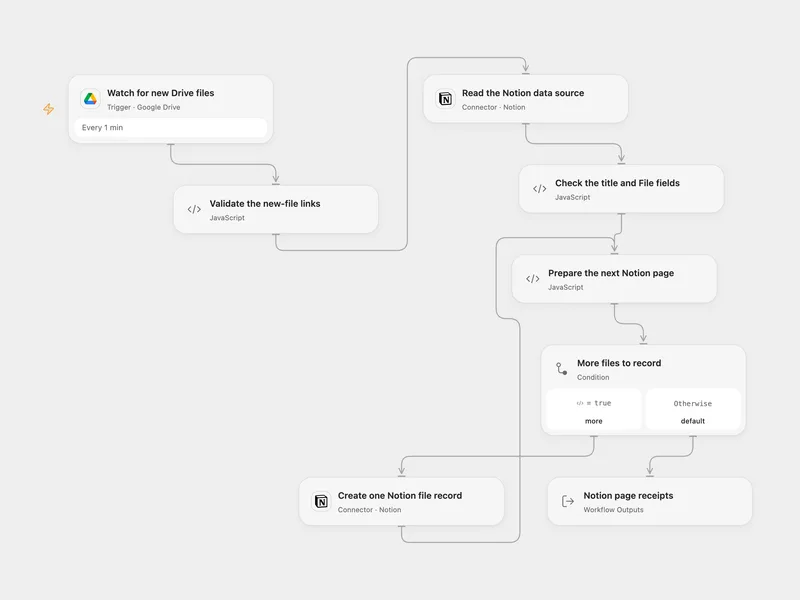
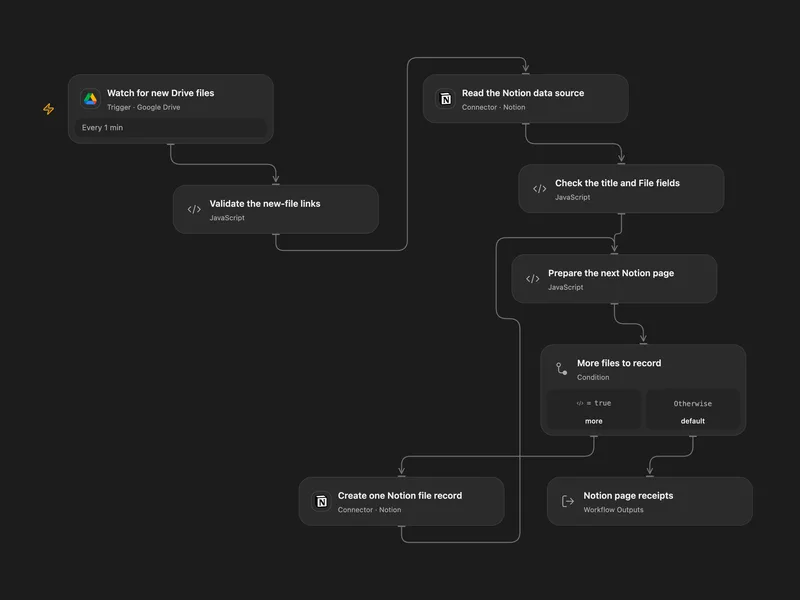
Google Drive New Files to Notion
Record newly created Google Drive files in a Notion data source with their names and original viewer links.
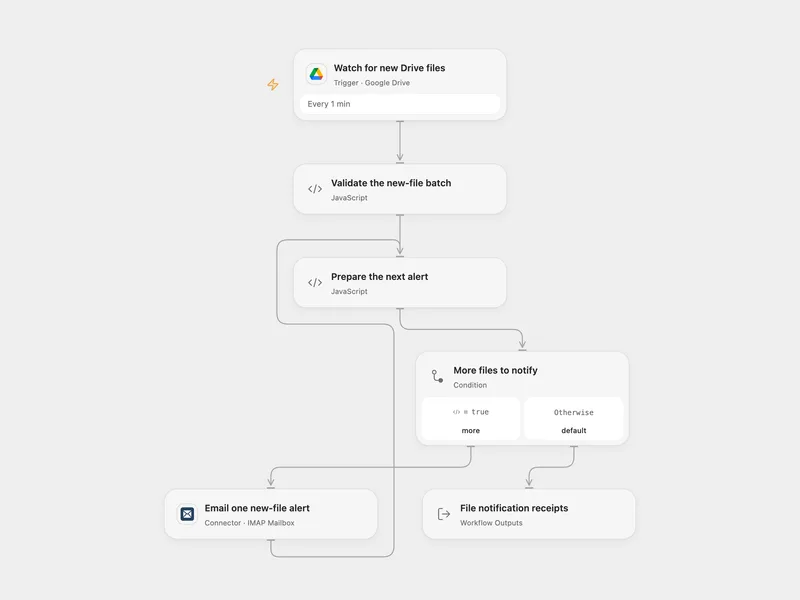
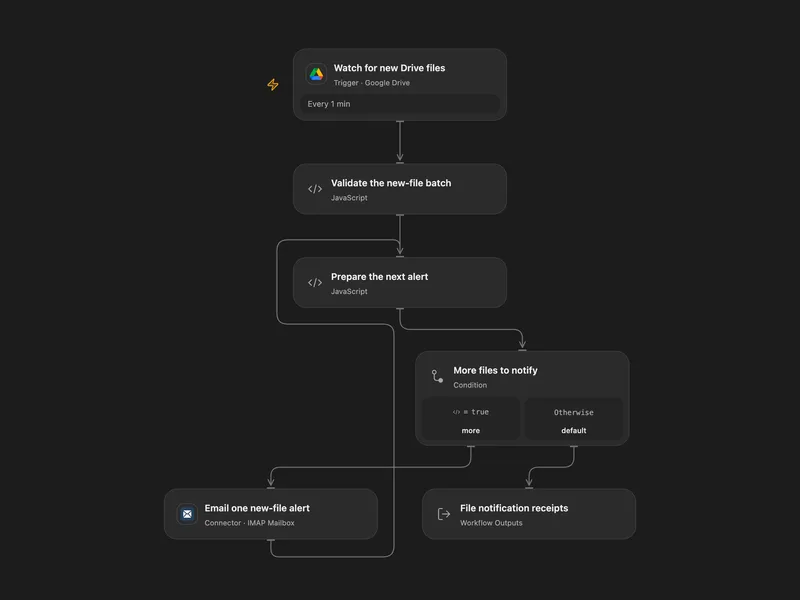
Google Drive New File Email Alert
Watch a Google Drive folder for newly created files and send one plain-text email for each file.
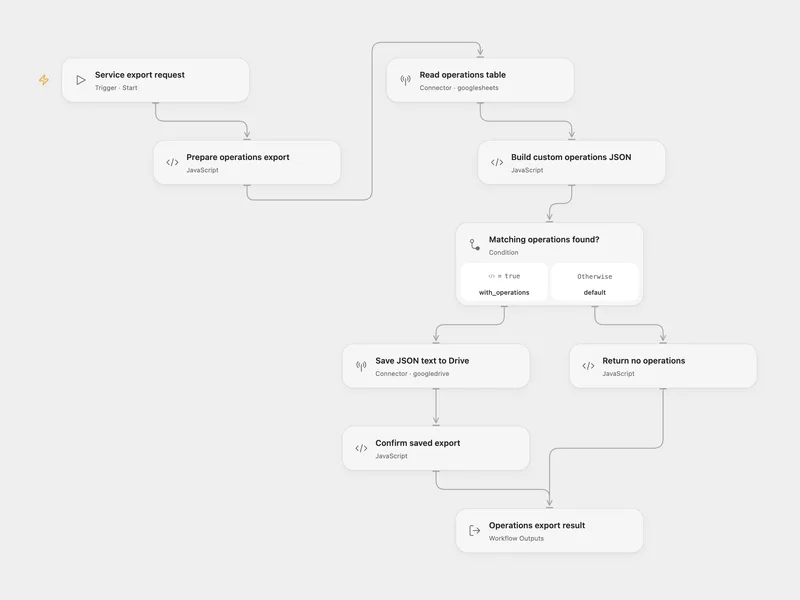
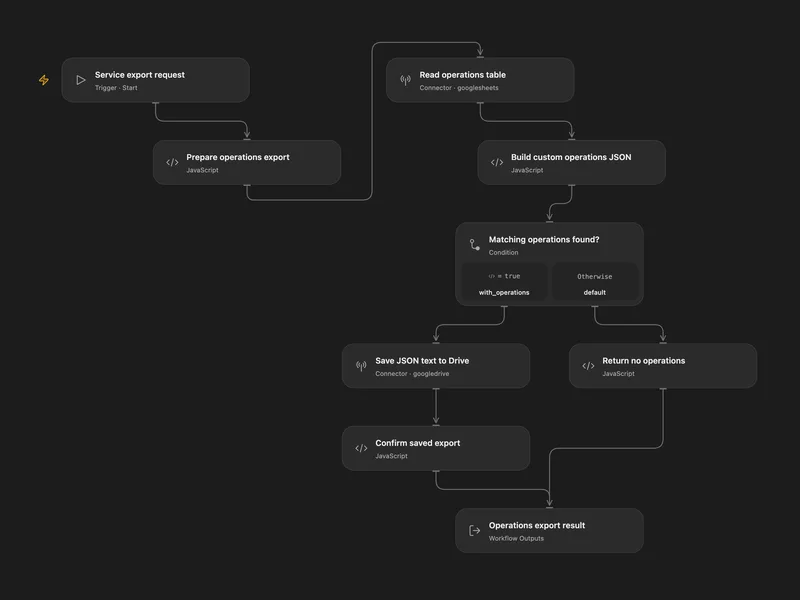
API Operations Schema Export
Group a service’s API operation rows from Google Sheets into a custom JSON catalog and save the export in Google Drive.
所有工具
About.get
Get Drive account information such as user details, quota, and supported capabilities.
googledrive.about.getApps.get
Get metadata for a specific Google Drive app by app ID.
googledrive.apps.getChanges.getStartPageToken
Get the page token for monitoring future Drive changes.
googledrive.changes.getStartPageTokenChanges.list
List file and drive changes for incremental sync workflows.
googledrive.changes.listComments.get
Get a specific comment on a Drive file by comment ID.
googledrive.comments.getComments.list
List comments on a Drive file with pagination.
googledrive.comments.listDrives.get
Get a shared drive by drive ID.
googledrive.drives.getDrives.list
List shared drives accessible to the connected account.
googledrive.drives.listFiles.export
Export a Google Workspace file to the requested MIME type and return a transit URL for the exported content.
googledrive.files.exportFiles.get
Get metadata for a Drive file by ID, or download stored file content with alt=media.
googledrive.files.getFiles.list
List Google Drive files using the official Drive query and pagination parameters. With drive.file, only files authorized for this app are returned; use Google Picker in the host application to select additional files.
googledrive.files.listFiles.listLabels
List the Drive labels currently applied to a file.
googledrive.files.listLabelsPermissions.get
Get a specific permission on a Drive file or shared drive by permission ID.
googledrive.permissions.getPermissions.list
List permissions on a Drive file or shared drive.
googledrive.permissions.listReplies.get
Get a specific reply under a Drive file comment.
googledrive.replies.getReplies.list
List replies under a Drive file comment with pagination.
googledrive.replies.listRevisions.get
Get metadata for a specific Drive file revision.
googledrive.revisions.getRevisions.list
List revision metadata for a Drive file.
googledrive.revisions.listAccessproposals.list
List pending access proposals for a specific Drive file.
googledrive.accessproposals.listApprovals.list
List approvals associated with a specific Drive file.
googledrive.approvals.listComments.create
Create a comment on a Drive file, optionally with anchor or quoted file content.
googledrive.comments.createComments.update
Update the content of an existing Drive file comment.
googledrive.comments.updateDrives.create
Create a new shared drive.
googledrive.drives.createDrives.unhide
Unhide a shared drive and restore it to the default Drive view.
googledrive.drives.unhideDrives.update
Update metadata or restrictions on a shared drive.
googledrive.drives.updateFiles.copy
Copy a Drive file and optionally override official File metadata.
googledrive.files.copyFiles.create
Create a Drive file with official File metadata and optional connector media upload content.
googledrive.files.createFiles.generateIds
Generate one or more Drive file IDs for later create or copy requests.
googledrive.files.generateIdsPermissions.create
Create a permission on a Drive file or shared drive.
googledrive.permissions.createPermissions.update
Update an existing Drive permission using Google Drive v3 patch semantics.
googledrive.permissions.updateReplies.create
Create a reply under an existing Drive file comment.
googledrive.replies.createReplies.update
Update the content of an existing reply on a Drive file comment.
googledrive.replies.updateRevisions.update
Update revision metadata flags on a specific Drive file revision.
googledrive.revisions.updateComments.delete
Permanently delete a comment thread from a Drive file.
googledrive.comments.deleteDrives.delete
Permanently delete a shared drive.
googledrive.drives.deleteDrives.hide
Hide a shared drive from the default Drive view.
googledrive.drives.hideFiles.delete
Permanently delete a Drive file or folder by ID.
googledrive.files.deleteFiles.emptyTrash
Permanently empty the user's trash or a shared drive's trash.
googledrive.files.emptyTrashFiles.modifyLabels
Add, update, or remove Drive labels on a file.
googledrive.files.modifyLabelsFiles.update
Patch a Drive file with official metadata, parent query parameters, and optional connector media upload content.
googledrive.files.updatePermissions.delete
Delete a permission from a Drive file or shared drive.
googledrive.permissions.deleteReplies.delete
Permanently delete a specific reply from a Drive file comment thread.
googledrive.replies.deleteRevisions.delete
Permanently delete a specific revision from a Drive file.
googledrive.revisions.delete沒有符合搜尋條件的工具。
將 Google Drive 連接至 Open Flow
每月 20,000 次免費應用程式呼叫(付費服務另計)