行銷
Airtable Tweet Drafts
Generate a tweet draft for a randomly selected hashtag and save the draft and hashtag in Airtable for review.
下載工作流程
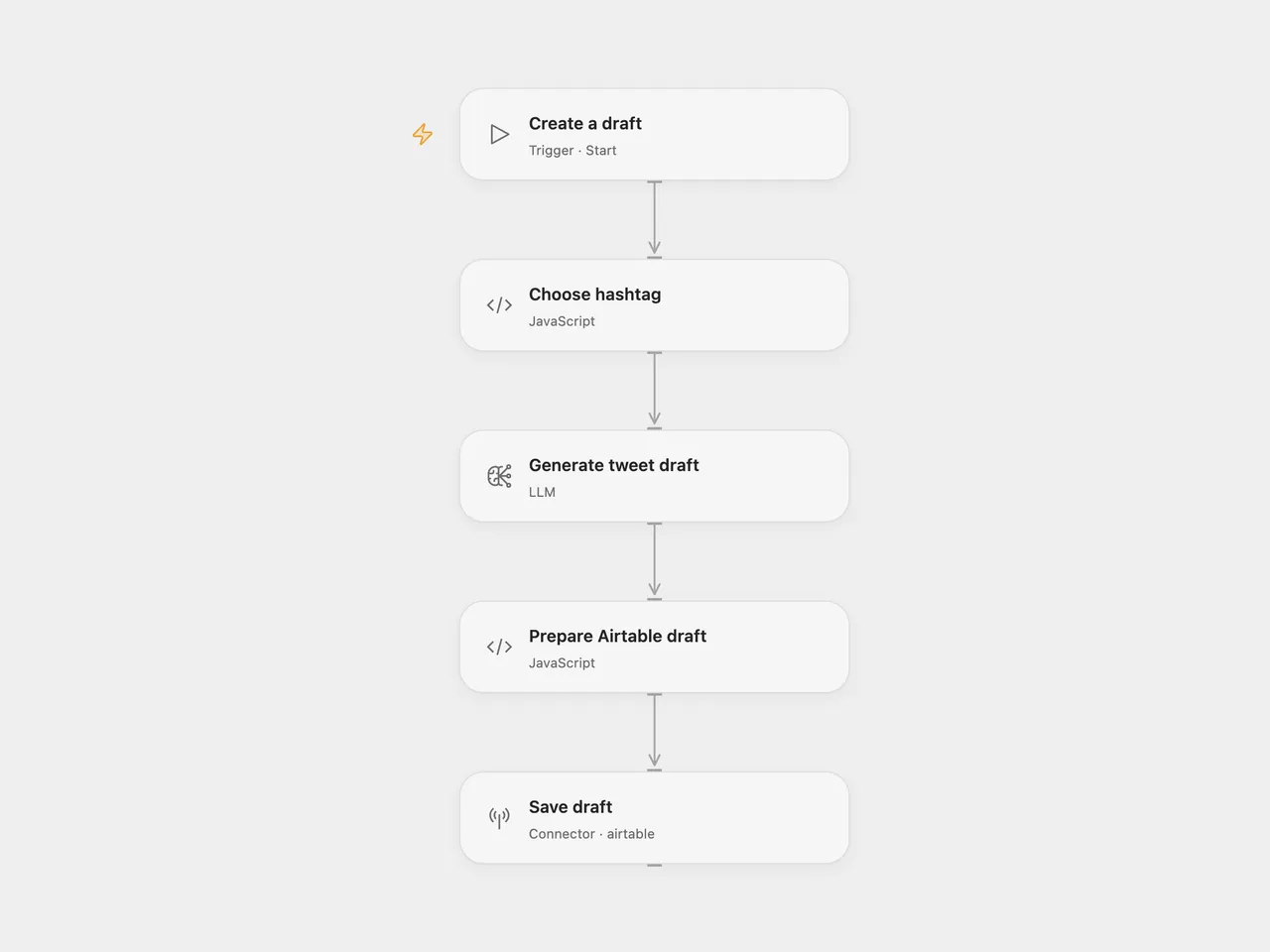
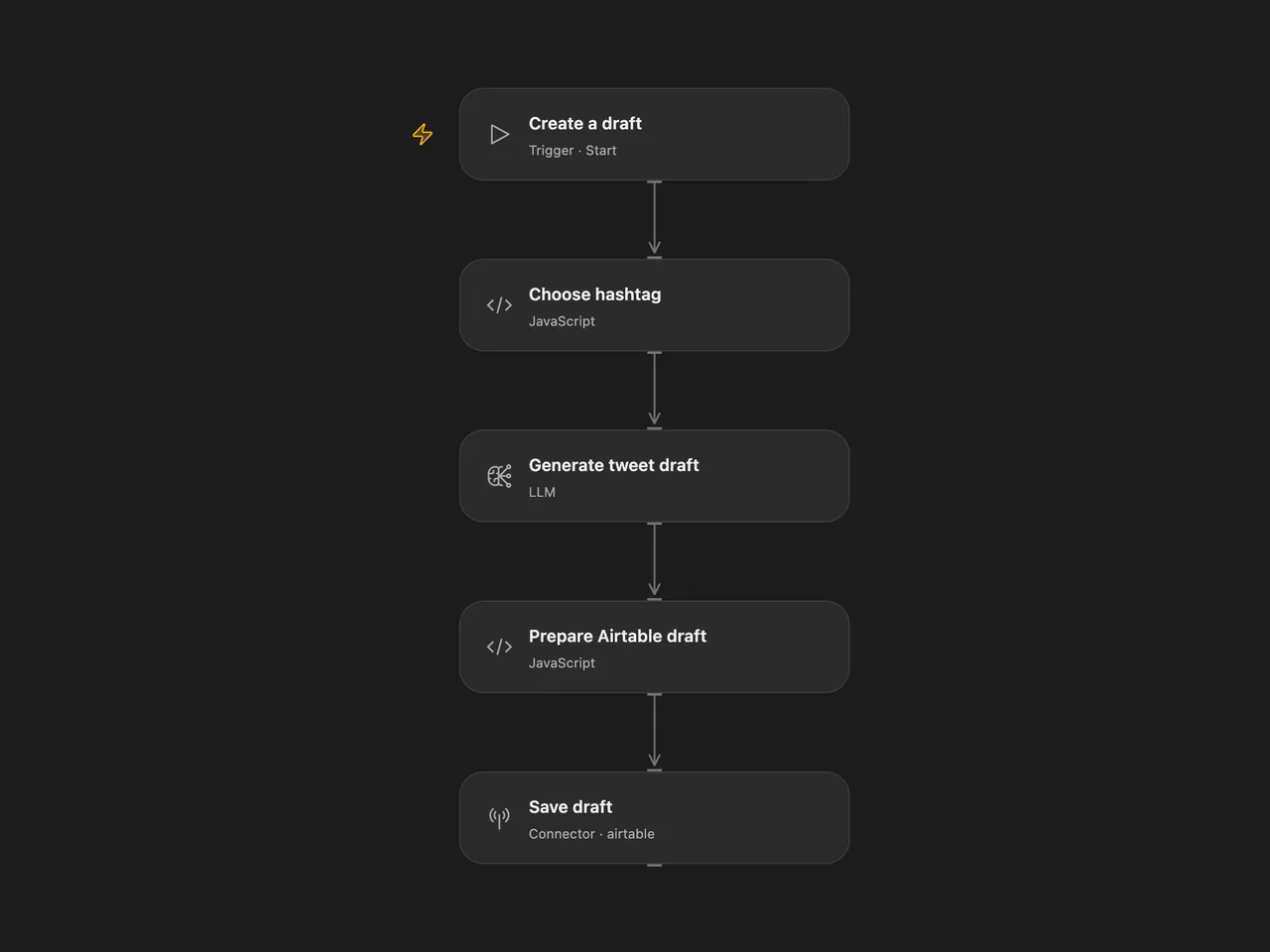
Generate a short tweet draft and save it with its hashtag in Airtable. Run it manually when you want a draft to review.
Setup
Create an Airtable table with text fields named Hashtag and Content.
For Open Flow, import the JSON, edit the hashtag list in Choose hashtag, select a configured gpt-4o-mini model in Generate tweet draft, and connect Airtable in Save draft. Replace the base and table IDs.
For n8n, edit the list in FunctionItem, connect OpenAI in HTTP Request, and select an Airtable access-token credential, base, and table in Airtable. The OpenAI node keeps its original source name.
Run the workflow manually. One run selects one hashtag and creates one Airtable record. It does not publish to X. Review facts, tone, hashtag choice, and length before using the draft. The prompt asks for fewer than 100 characters; that length is not enforced. Repeating a run creates another record.
Changes to the source
- Replace the retired text-davinci-001 completion request with the OpenAI message node and
gpt-4o-miniin both formats. Generated wording will differ from the original model. - Configure Airtable access-token authentication and replace the source base ID with a setup placeholder.
- Stop without creating a record when the model returns an empty draft.
Adapted from OpenAI-powered tweet generator in enescingoz/awesome-n8n-templates.
Source collection notice: © 2024–2026 Enes Cingoz, CC BY 4.0. The source export does not identify a separate template author or license. This adaptation includes the changes listed above; see repository licensing for the scope of OOMOL contributions and third-party material.