效率
Comment on Jira for a Figma Version
Post Figma Commit plugin version details to the linked Jira issue.
下載工作流程
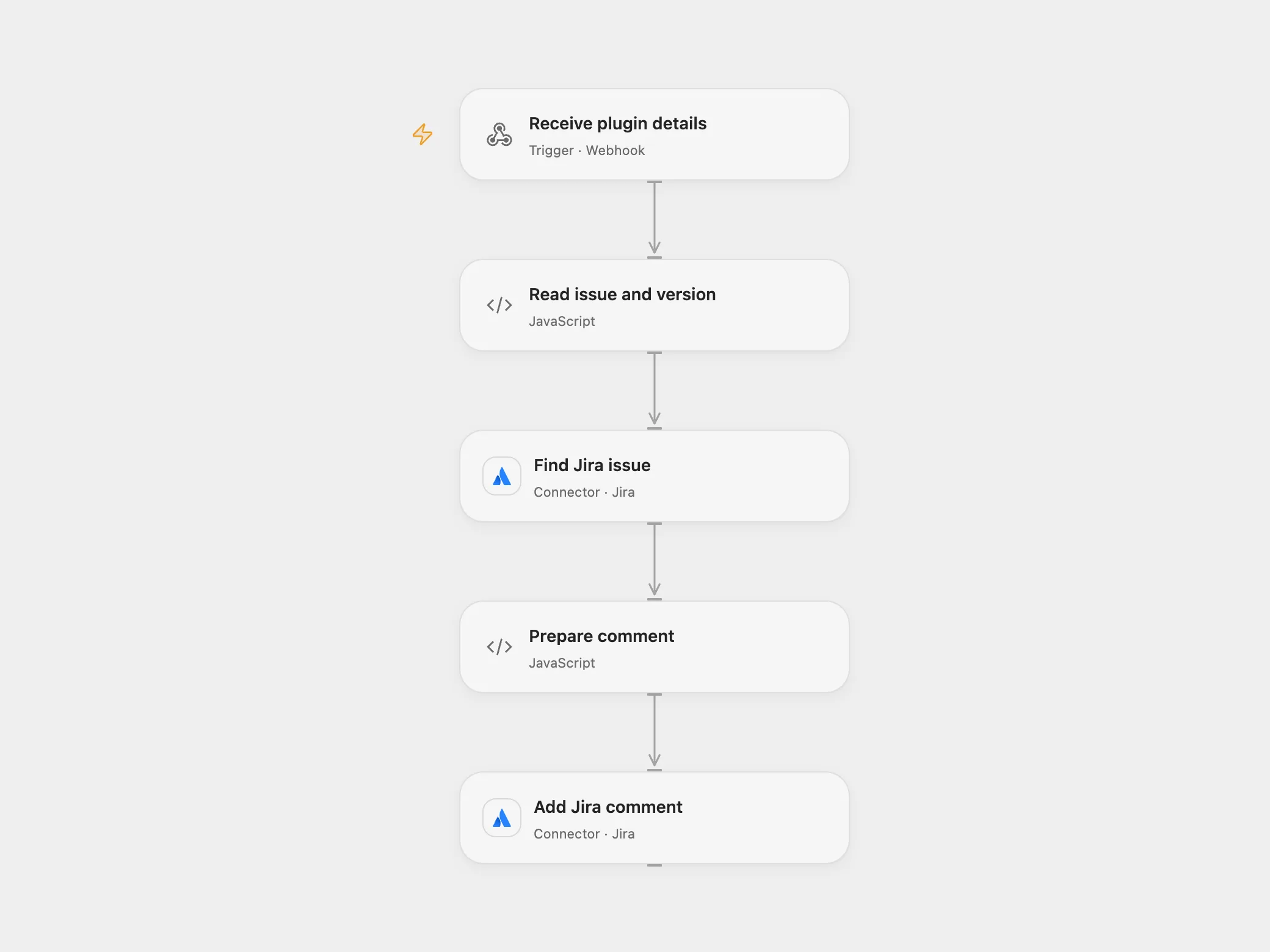
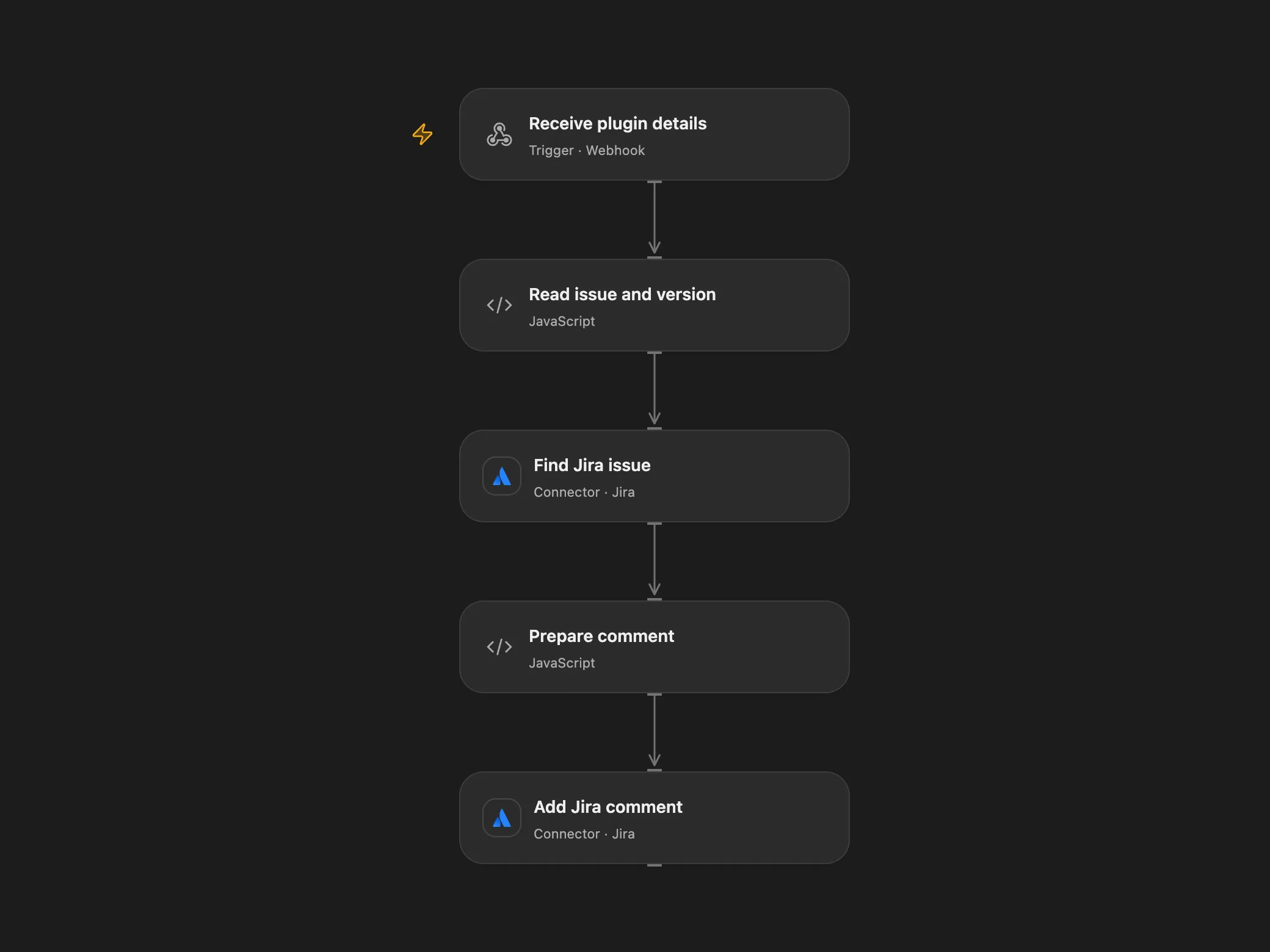
Post Figma Commit plugin version details to the linked Jira issue.
Setup
Connect Jira with permission to read issues and add comments. Deploy the webhook and configure its URL in the Figma Commit plugin. Supply a Jira issue key or browse URL, design link, changes, page and status in the plugin.
Behavior
The plugin sends the details by POST. The workflow reads the linked Jira issue and adds a comment containing page name, version details, design link and current time. The webhook does not authenticate the sender, so restrict access to the endpoint as appropriate. Its acknowledgment confirms receipt; the Jira comment may still fail. The plugin creates Figma version history after a successful webhook response. Repeating a request may create another comment.
In n8n
In n8n connect both Jira nodes and configure the plugin with the n8n webhook URL.
Inspiration & credits
Changes to the source
- Replace the source Figma event trigger with a webhook matching the plugin’s actual POST and accept a Jira browse URL as well as an issue key.
Adapted from Automate Figma Versioning and Jira Updates in Zie619/n8n-workflows. The source export does not identify a separate template author or license.
The collection’s MIT notice is pinned at a later revision. This is the collection notice at that revision; it does not establish a separate original template author’s license. Our changes are listed above; see repository licensing.
MIT License
Copyright (c) 2025 Zie619
Permission is hereby granted, free of charge, to any person obtaining a copy of this software and associated documentation files (the “Software”), to deal in the Software without restriction, including without limitation the rights to use, copy, modify, merge, publish, distribute, sublicense, and/or sell copies of the Software, and to permit persons to whom the Software is furnished to do so, subject to the following conditions:
The above copyright notice and this permission notice shall be included in all copies or substantial portions of the Software.
THE SOFTWARE IS PROVIDED “AS IS”, WITHOUT WARRANTY OF ANY KIND, EXPRESS OR IMPLIED, INCLUDING BUT NOT LIMITED TO THE WARRANTIES OF MERCHANTABILITY, FITNESS FOR A PARTICULAR PURPOSE AND NONINFRINGEMENT. IN NO EVENT SHALL THE AUTHORS OR COPYRIGHT HOLDERS BE LIABLE FOR ANY CLAIM, DAMAGES OR OTHER LIABILITY, WHETHER IN AN ACTION OF CONTRACT, TORT OR OTHERWISE, ARISING FROM, OUT OF OR IN CONNECTION WITH THE SOFTWARE OR THE USE OR OTHER DEALINGS IN THE SOFTWARE.