效率
Create Latest Sheet Event in Google Calendar
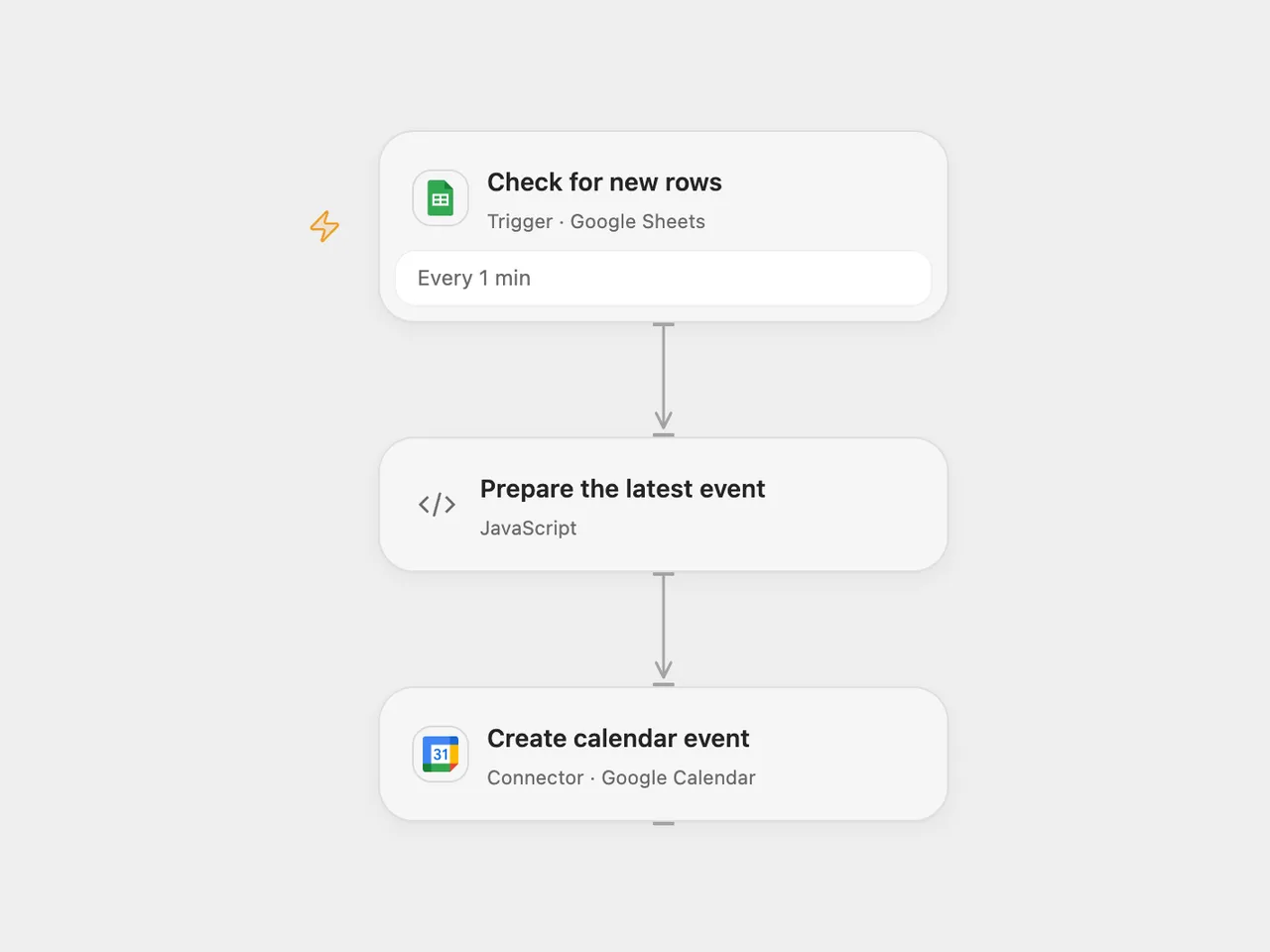
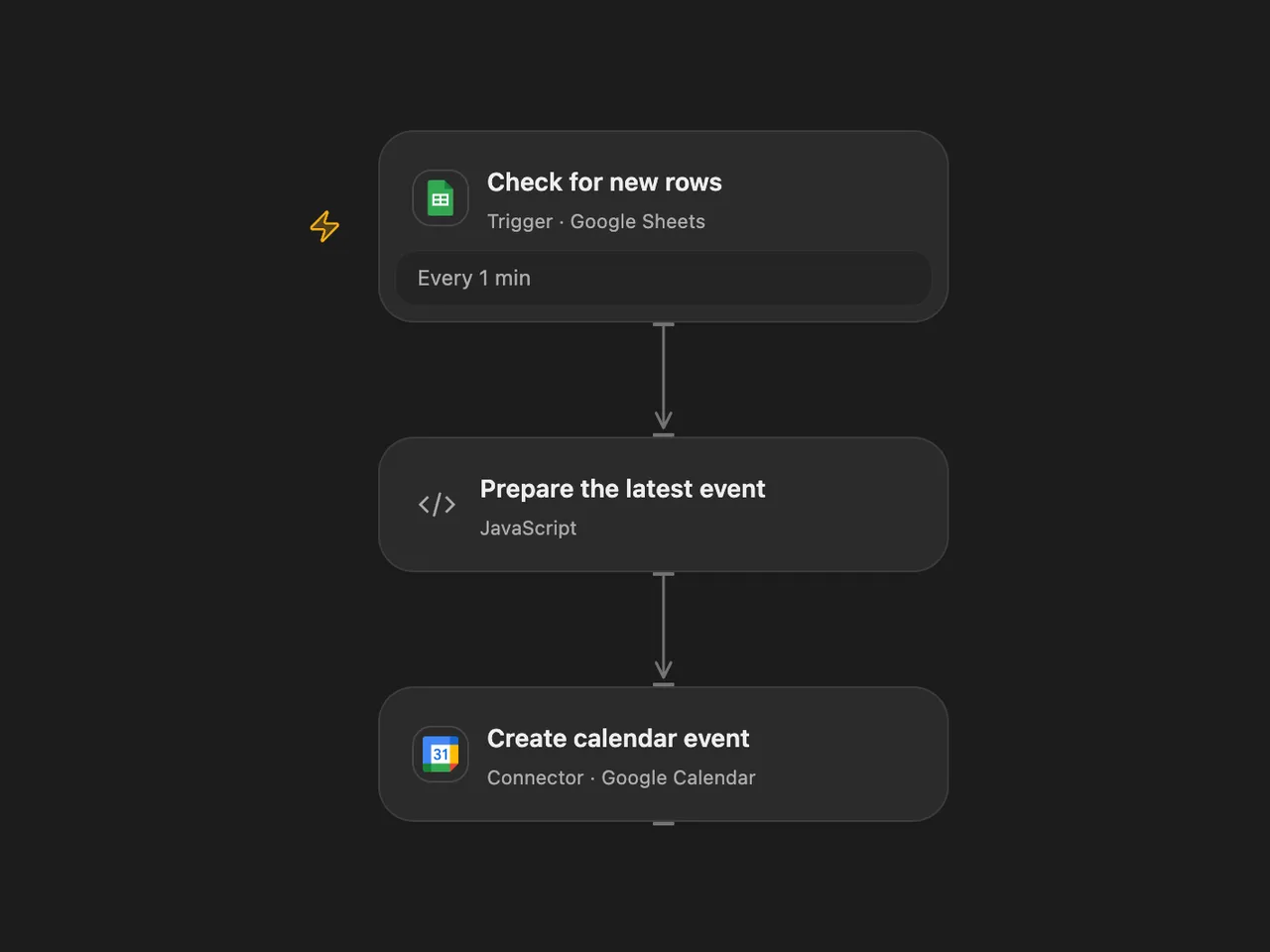
Create a Google Calendar all-day event from the latest newly added sheet row.
下載工作流程
Create a Google Calendar all-day event from the latest newly added sheet row.
Setup and use
Connect Google Sheets and Google Calendar. Select the spreadsheet, sheet and calendar. Add headers Event Name, Event Description, Event Start Date and Location; use a date string such as 11 March 2026. Enable one format to avoid duplicate events.
Behavior
The workflow checks for new rows every minute and creates an all-day event from the last row in each received batch. The event is marked available and uses calendar color 3. The date formatter follows the source: if the date text does not include the current year, it appends that year before parsing. Dates are parsed in UTC; review them before enabling. Open Flow processes up to 500 rows per poll, so a larger burst may result in one event per page. The trigger starts from its initial baseline.
If creation has an unknown outcome, inspect the calendar before retrying; the event may already exist. The workflow does not deduplicate events across runs.
Inspiration & credits
Changes to the source
- Replace personal spreadsheet IDs with configuration and parse dates in UTC and use the next day as the exclusive end of the all-day event in both formats.
Adapted from Automate Event Creation in Google Calendar from Google Sheets in Zie619/n8n-workflows. The source export does not identify a separate template author or license.
The collection’s MIT notice is pinned at a later revision. This is the collection notice at that revision; it does not establish a separate original template author’s license. Our changes are listed above; see repository licensing.
MIT License
Copyright (c) 2025 Zie619
Permission is hereby granted, free of charge, to any person obtaining a copy of this software and associated documentation files (the “Software”), to deal in the Software without restriction, including without limitation the rights to use, copy, modify, merge, publish, distribute, sublicense, and/or sell copies of the Software, and to permit persons to whom the Software is furnished to do so, subject to the following conditions:
The above copyright notice and this permission notice shall be included in all copies or substantial portions of the Software.
THE SOFTWARE IS PROVIDED “AS IS”, WITHOUT WARRANTY OF ANY KIND, EXPRESS OR IMPLIED, INCLUDING BUT NOT LIMITED TO THE WARRANTIES OF MERCHANTABILITY, FITNESS FOR A PARTICULAR PURPOSE AND NONINFRINGEMENT. IN NO EVENT SHALL THE AUTHORS OR COPYRIGHT HOLDERS BE LIABLE FOR ANY CLAIM, DAMAGES OR OTHER LIABILITY, WHETHER IN AN ACTION OF CONTRACT, TORT OR OTHERWISE, ARISING FROM, OUT OF OR IN CONNECTION WITH THE SOFTWARE OR THE USE OR OTHER DEALINGS IN THE SOFTWARE.