仕事効率化
Reply to Gmail and Record Feedback
Draft replies to selected Gmail messages and record recipient feedback in Google Sheets.
ワークフローをダウンロード
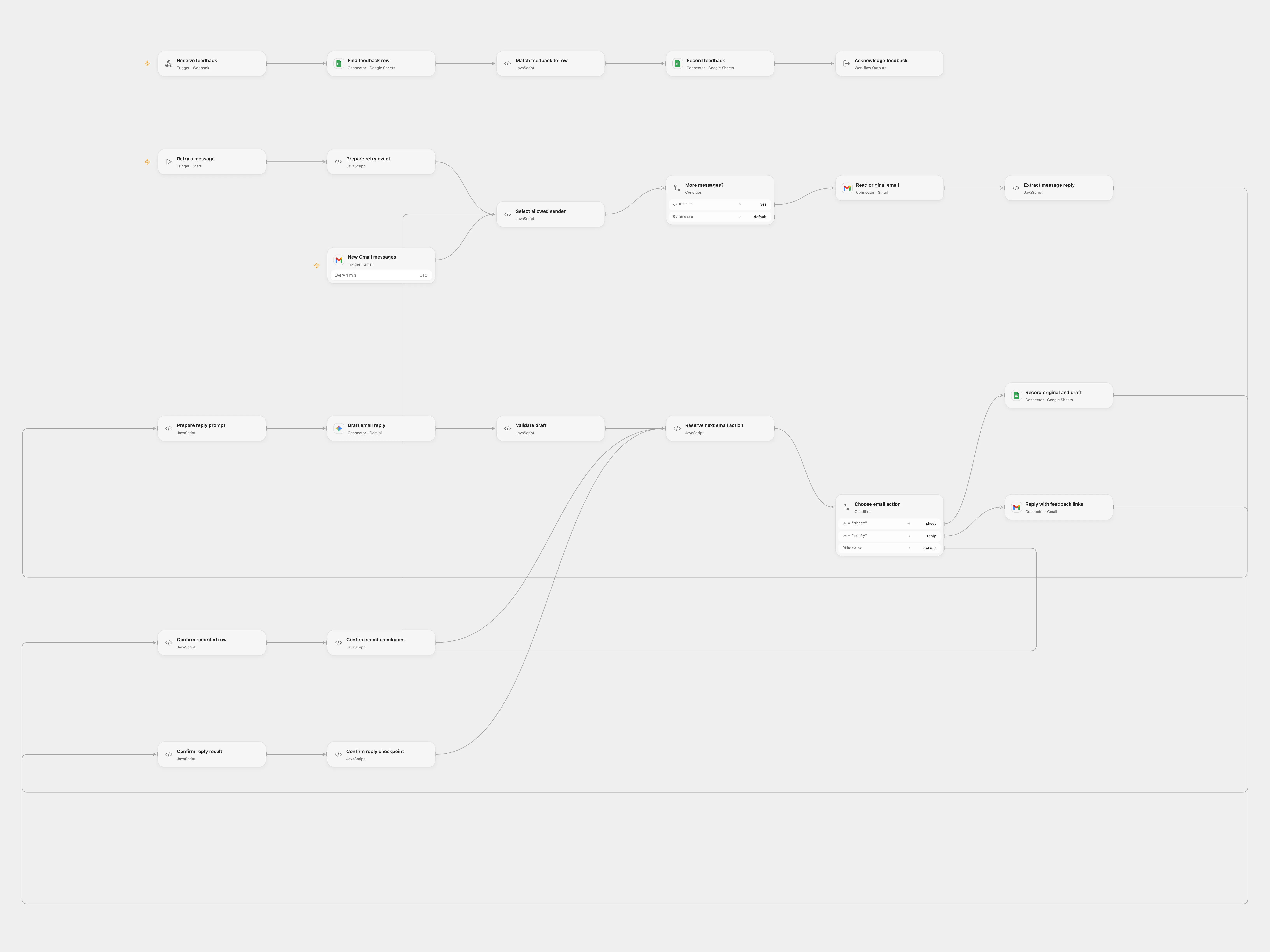
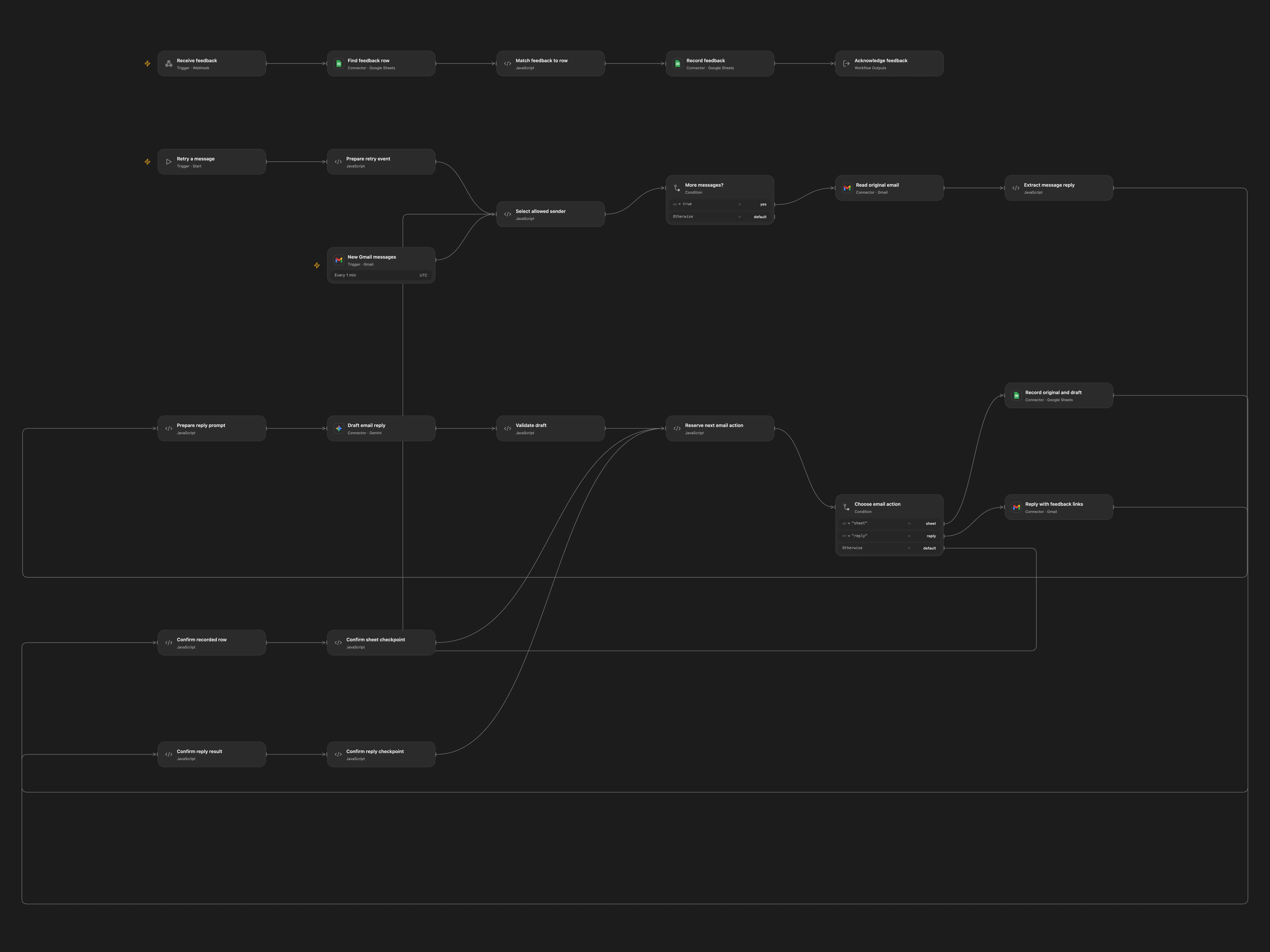
Draft replies to selected Gmail messages and record recipient feedback in Google Sheets.
Setup
Connect Gmail, Google Sheets and Gemini. Create a sheet named Database with columns ID, Initial message, Generated reply and Good response?. Enter its ID in all three Sheets nodes, configure sender addresses in Select allowed sender, and set the public feedback webhook URL in Reserve next email action. Enable persistent State and use one format at a time.
Behavior
Incoming messages from allowed senders generate a reply. The workflow saves the message and reply before sending links that record Yes or No against the matching row. Feedback links grant the holder the ability to change that response. Avoid overlapping executions and protect stored email content. The model can produce incorrect replies; configure the allowed sender list carefully. Unquoted message text longer than 14,800 characters stops processing, and earlier messages may already have been processed.
If a sheet append or email reply has an unknown result, inspect the destination before retrying. Enter the pending key and confirmed or absent in Reserve next email action, run Retry a message with the original message ID, thread ID and sender, and clear the recovery fields afterward. For reply_pending set done if sent or sheet_done if absent.
In n8n
In n8n configure Gmail, Gemini, Google Sheets, the matching spreadsheet and sheet IDs, the allowed senders and the feedback URL. Select the same Data Table in all checkpoint nodes, with text columns item_key, status, token, initial and draft. In n8n inspect the matching pending Data Table row: after confirming an append set status to sheet_done; if absent delete the row.
Inspiration & credits
Keep the email reply and feedback loop, use configured Sheets and stop for uncertain writes.
Adapted from Send a ChatGPT email reply when email received and save responses to Google Sheets in Zie619/n8n-workflows. The source export does not identify a separate template author or license.
The collection’s MIT notice is pinned at a later revision. This is the collection notice at that revision; it does not establish a separate original template author’s license. Our changes are listed above; see repository licensing.
MIT License
Copyright (c) 2025 Zie619
Permission is hereby granted, free of charge, to any person obtaining a copy of this software and associated documentation files (the “Software”), to deal in the Software without restriction, including without limitation the rights to use, copy, modify, merge, publish, distribute, sublicense, and/or sell copies of the Software, and to permit persons to whom the Software is furnished to do so, subject to the following conditions:
The above copyright notice and this permission notice shall be included in all copies or substantial portions of the Software.
THE SOFTWARE IS PROVIDED “AS IS”, WITHOUT WARRANTY OF ANY KIND, EXPRESS OR IMPLIED, INCLUDING BUT NOT LIMITED TO THE WARRANTIES OF MERCHANTABILITY, FITNESS FOR A PARTICULAR PURPOSE AND NONINFRINGEMENT. IN NO EVENT SHALL THE AUTHORS OR COPYRIGHT HOLDERS BE LIABLE FOR ANY CLAIM, DAMAGES OR OTHER LIABILITY, WHETHER IN AN ACTION OF CONTRACT, TORT OR OTHERWISE, ARISING FROM, OUT OF OR IN CONNECTION WITH THE SOFTWARE OR THE USE OR OTHER DEALINGS IN THE SOFTWARE.