仕事効率化
Translate SRT Subtitles with Google
Translate SRT subtitle text into English or Japanese while retaining cue numbers and timestamps.
ワークフローをダウンロード
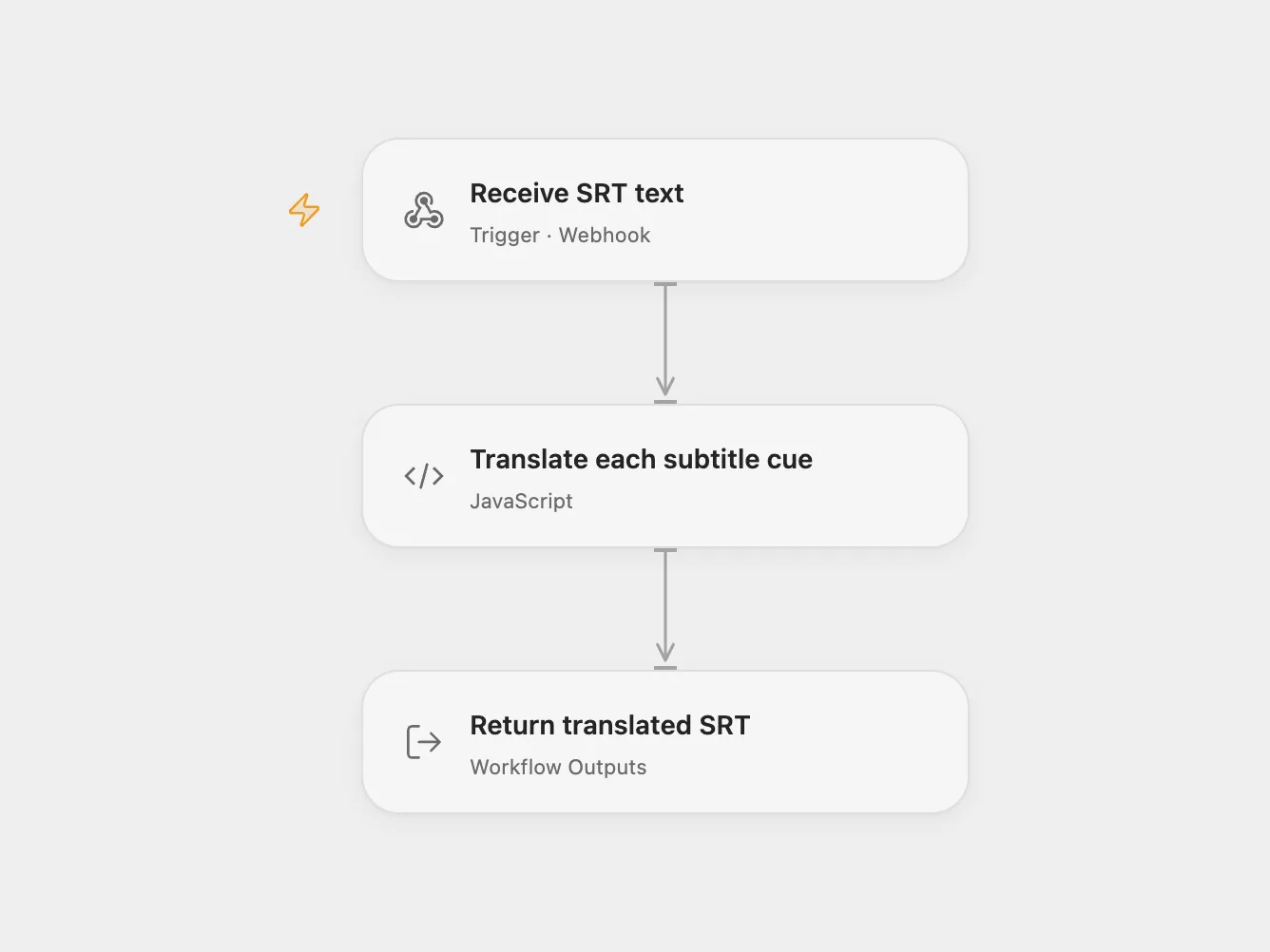
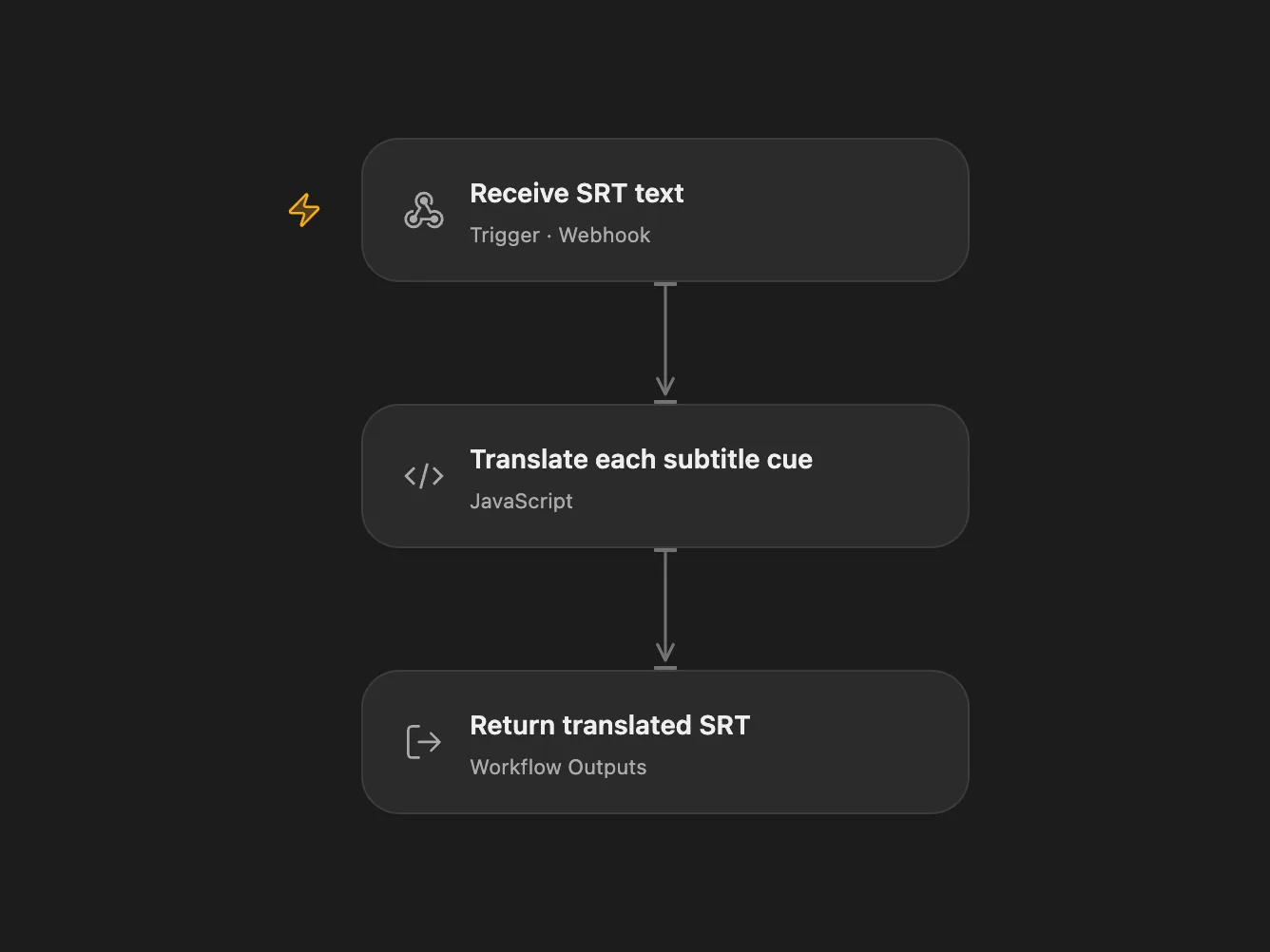
Translate SRT subtitles into English or Japanese while retaining cue numbers and timestamps.
Setup
Enable the Google Cloud Translation API and bind its API key as the Secret Variable GOOGLE_TRANSLATE_API_KEY. Enable the Open Flow webhook. The public endpoint can invoke translation requests; control access to its URL.
Use
POST JSON to the Open Flow webhook with srt containing the full UTF-8 subtitle text and language set to EN or JP. The response is JSON with an srt field; save its contents as an SRT file. The workflow sends each cue’s text to Google in order and retains the cue number and timestamp. JP maps to Google’s ja language code.
The endpoint waits up to 60 seconds. Long files can exceed this timeout or host input limits; use shorter files if needed. Translation failures stop the workflow. Subtitle text is sent to Google Cloud Translation and may contain sensitive content.
In n8n
For n8n, connect Google Translate OAuth2 credentials and activate the form. Select EN or JP and upload an SRT file. The completed form returns the translated file.
Inspiration & credits
Changes to the source
- Send subtitle text without JSON-stringifying it and map JP to the valid Japanese language code.
- Open Flow accepts SRT text over a webhook and returns text in JSON; n8n retains the file upload and download form.
Adapted from Translate SRT subtitles in Zie619/n8n-workflows. The source export does not identify a separate template author or license.
The collection’s MIT notice is pinned at a later revision. This is the collection notice at that revision; it does not establish a separate original template author’s license. Our changes are listed above; see repository licensing.
MIT License
Copyright (c) 2025 Zie619
Permission is hereby granted, free of charge, to any person obtaining a copy of this software and associated documentation files (the “Software”), to deal in the Software without restriction, including without limitation the rights to use, copy, modify, merge, publish, distribute, sublicense, and/or sell copies of the Software, and to permit persons to whom the Software is furnished to do so, subject to the following conditions:
The above copyright notice and this permission notice shall be included in all copies or substantial portions of the Software.
THE SOFTWARE IS PROVIDED “AS IS”, WITHOUT WARRANTY OF ANY KIND, EXPRESS OR IMPLIED, INCLUDING BUT NOT LIMITED TO THE WARRANTIES OF MERCHANTABILITY, FITNESS FOR A PARTICULAR PURPOSE AND NONINFRINGEMENT. IN NO EVENT SHALL THE AUTHORS OR COPYRIGHT HOLDERS BE LIABLE FOR ANY CLAIM, DAMAGES OR OTHER LIABILITY, WHETHER IN AN ACTION OF CONTRACT, TORT OR OTHERWISE, ARISING FROM, OUT OF OR IN CONNECTION WITH THE SOFTWARE OR THE USE OR OTHER DEALINGS IN THE SOFTWARE.