将 Notion 接入 Open Flow
让 AI 查找工作区页面、提取文档要点,并把笔记整理成结构清晰的文档。
每月 20,000 次免费应用调用(付费服务另计)
可以做什么
通过 Notion 页面、数据库和评论读取资料、保存结果或更新内容。访问范围限于已向连接共享的内容。
查找与读取页面
搜索有权访问的页面,读取 Markdown 内容,用于总结资料和核对来源。
创建与编辑内容
创建页面、更新正文,或向已有文档追加内容区块。
查询与维护数据库
按条件筛选和排序数据源,创建记录并更新页面属性。
读取与添加评论
在集成获得相应权限后,读取未解决的评论或在页面上添加评论。
使用 Notion 的模板
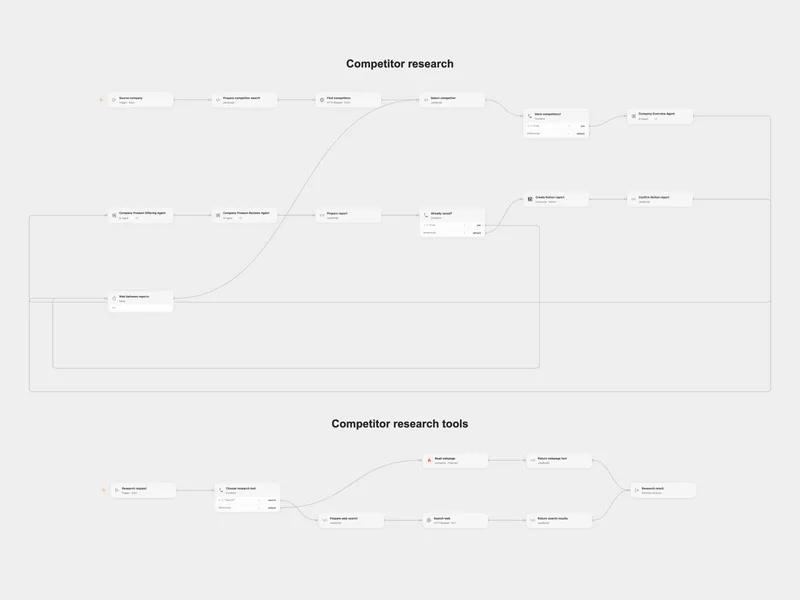
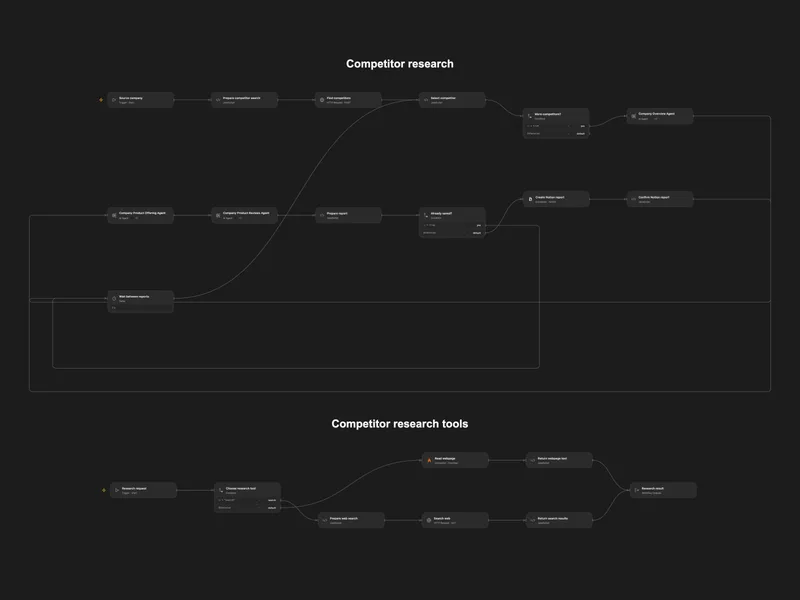
Research Competitors into Notion
Find competitors and research their company, products, and reviews in Notion.
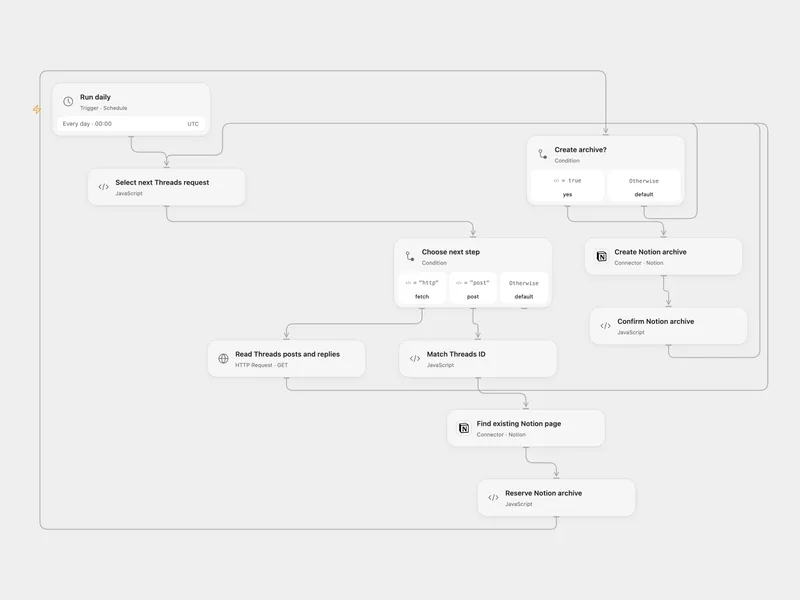
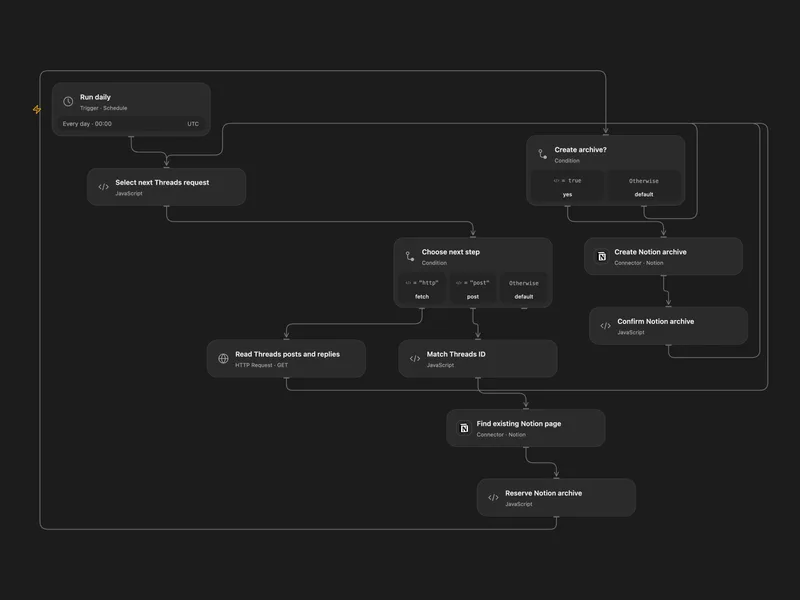
Archive Threads Posts to Notion
Archive recent Threads posts and your replies as Notion pages.
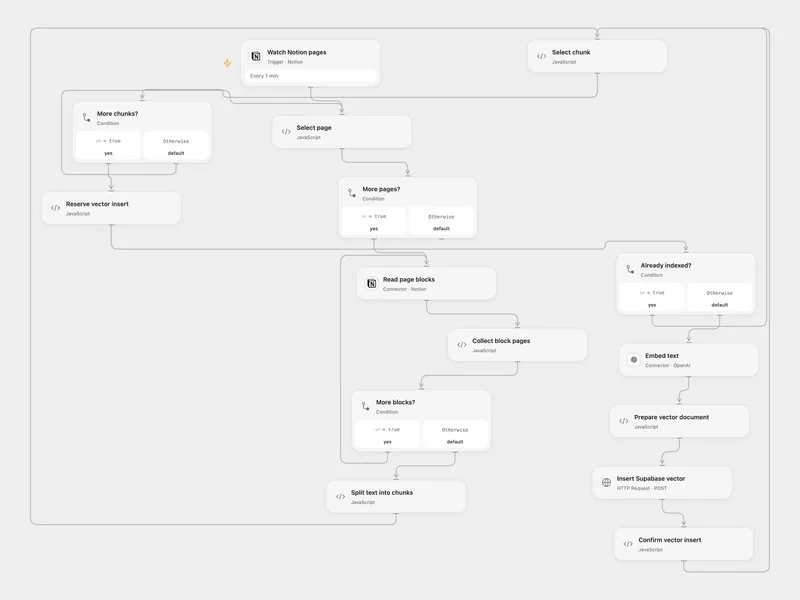
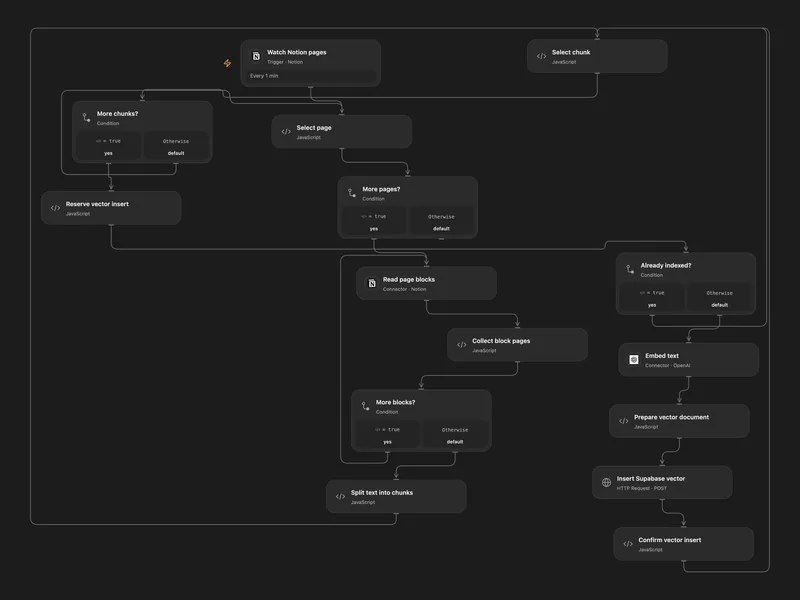
Index Notion Pages in Supabase
Embed newly added Notion page text and store chunks in a Supabase vector table.
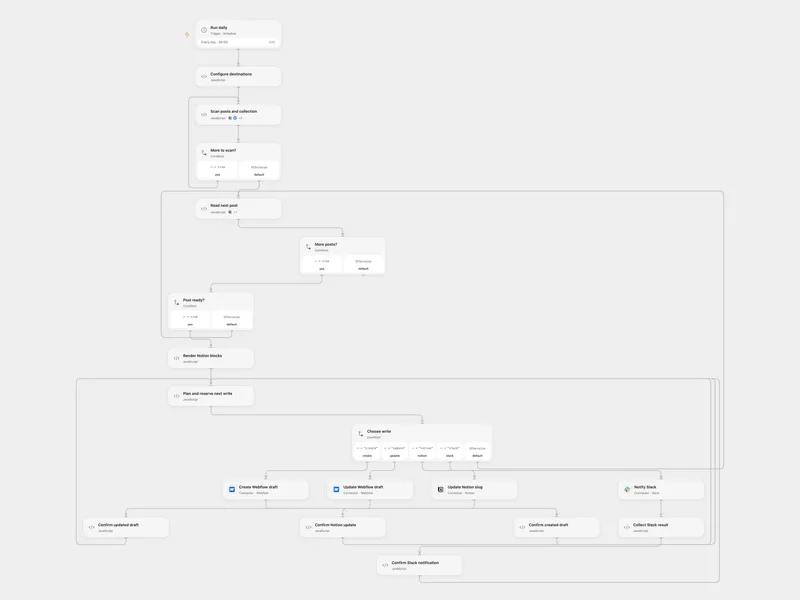
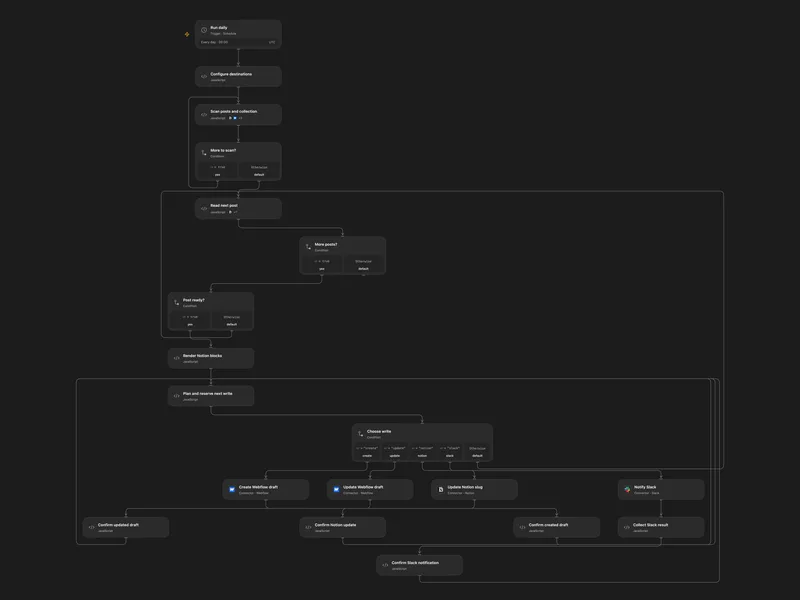
Sync Notion Blog Posts to Webflow
Sync selected Notion posts as Webflow drafts and notify Slack.
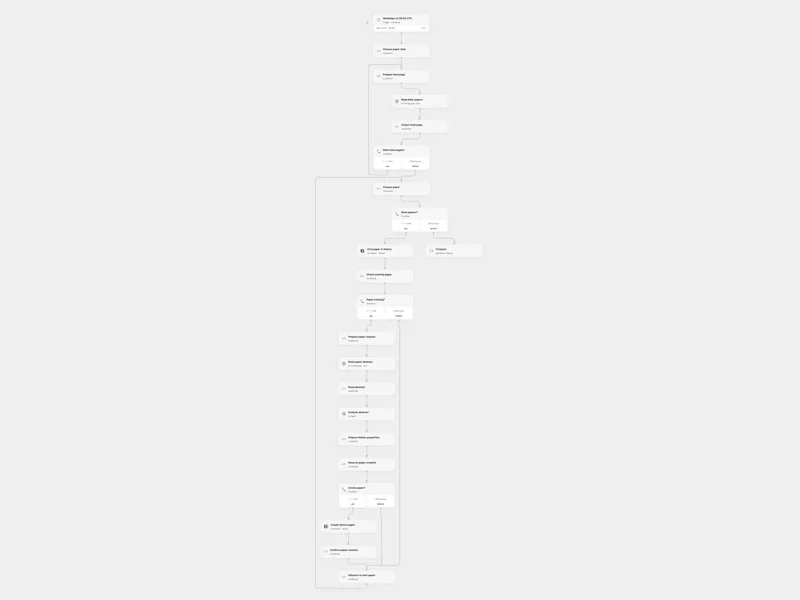
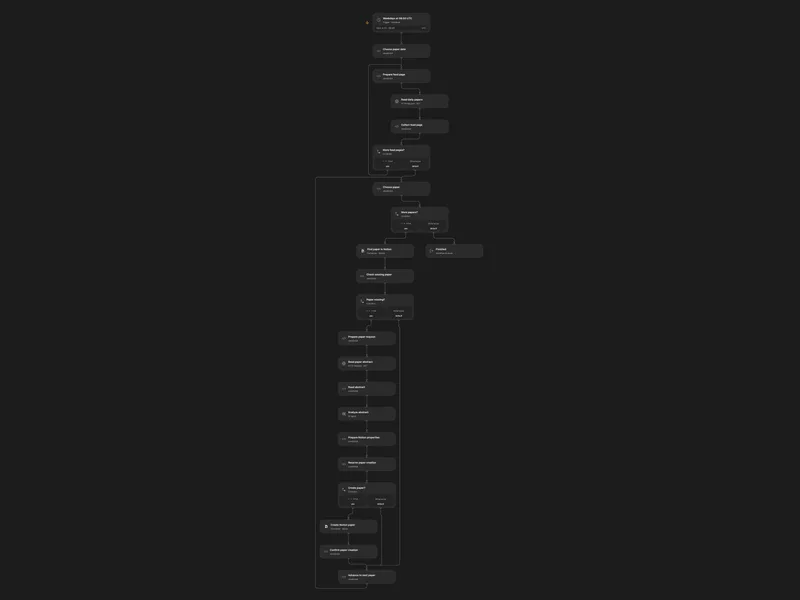
Analyze Daily Papers in Notion
Analyze daily paper abstracts and save new papers to a Notion data source.
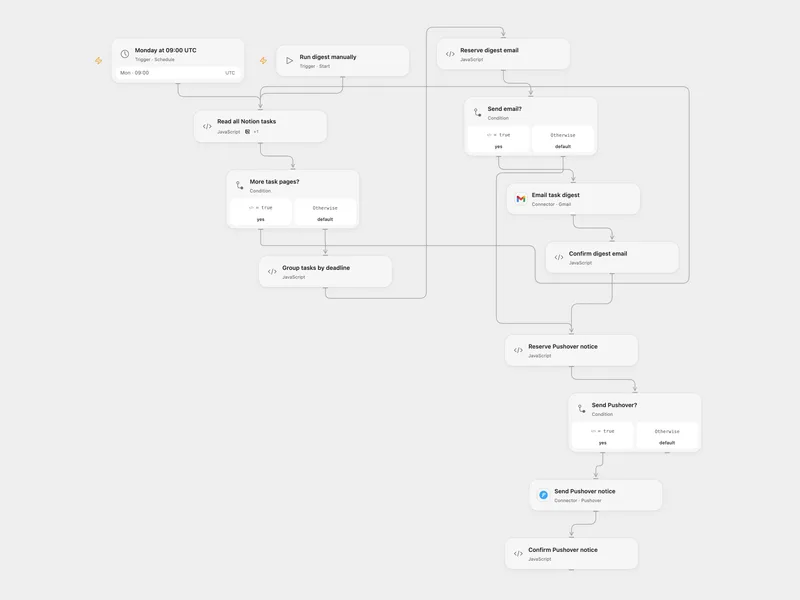
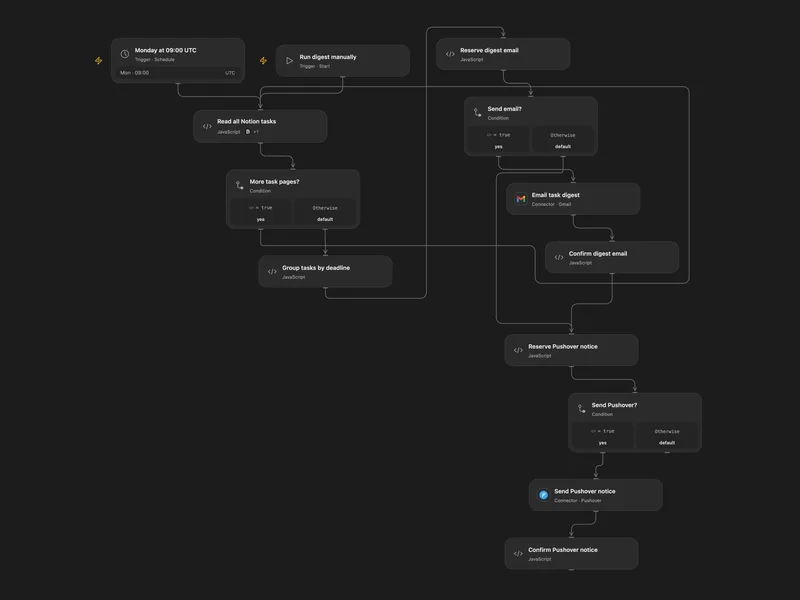
Weekly Notion Task Deadline Digest
Email overdue and upcoming Notion tasks and send a Pushover notification each week.
更多模板(17)
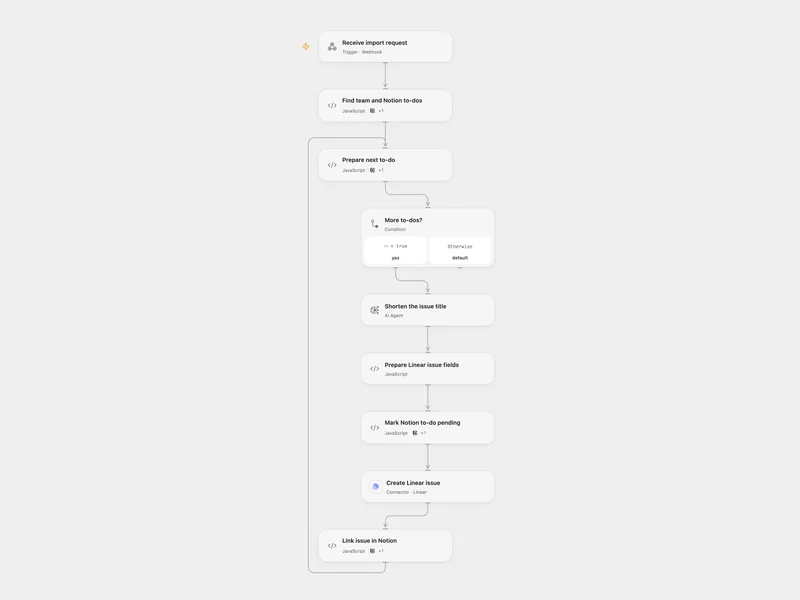
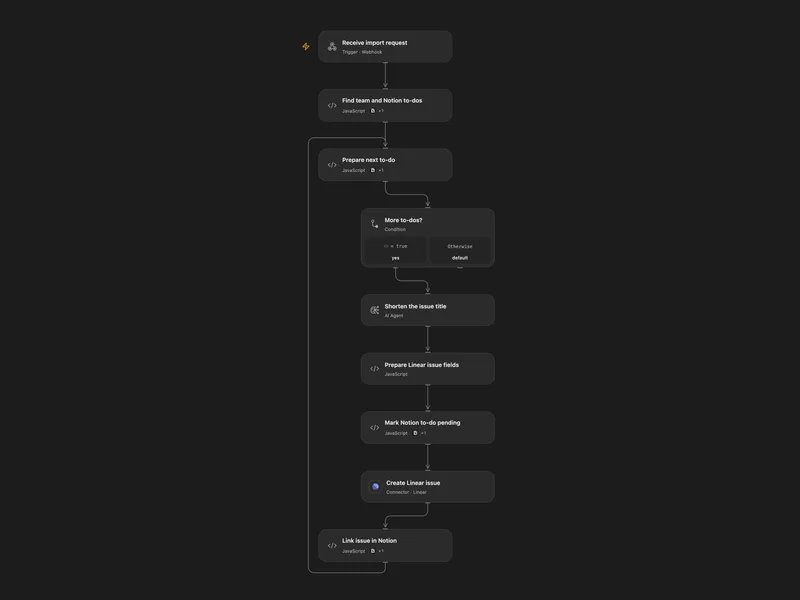
Import Notion To-Dos into Linear
Create Linear issues from unchecked Notion to-dos, including their nested contents, and add issue links back.
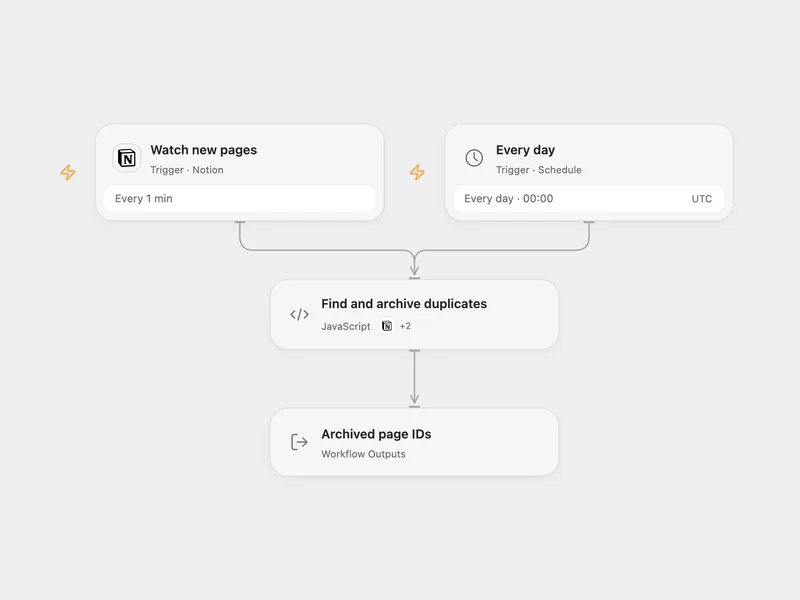
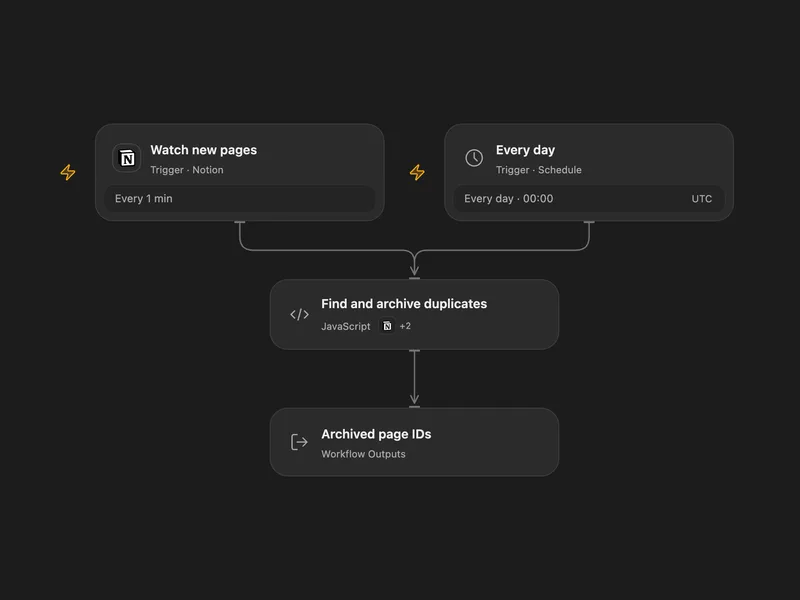
Archive Duplicate Notion Pages
Archive extra Notion database pages with the same text property.
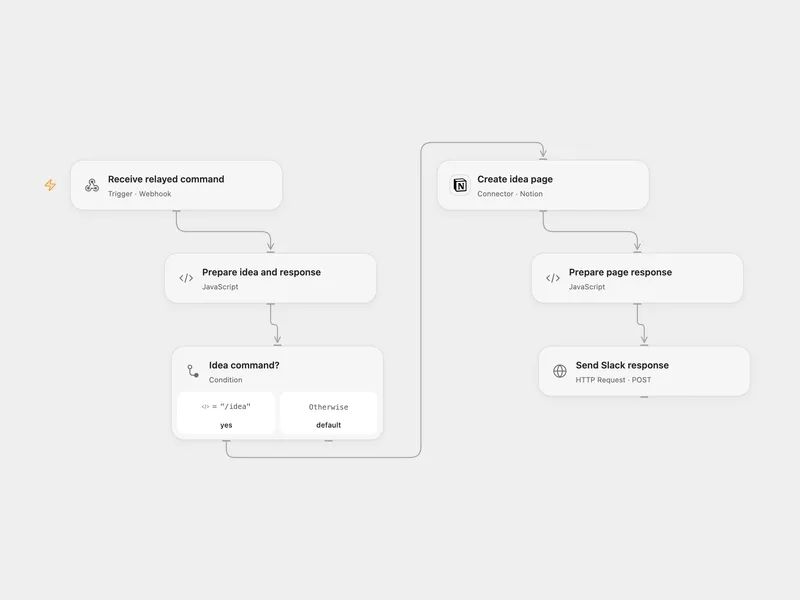
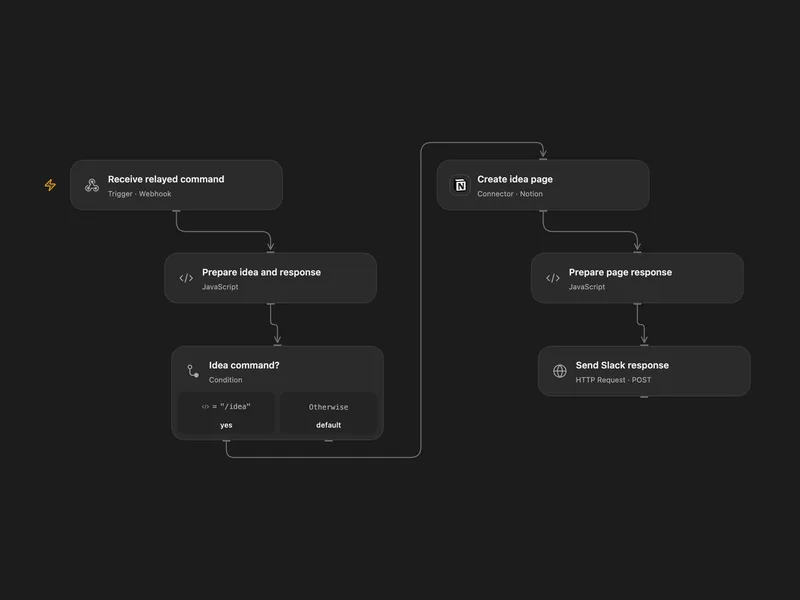
Save Slack Ideas to Notion
Create a Notion idea page from a Slack slash command and reply with a details link.
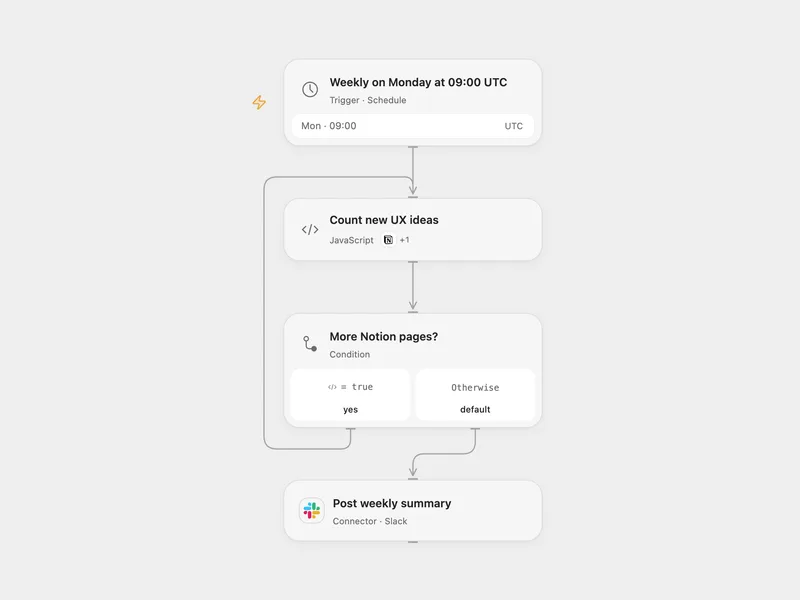
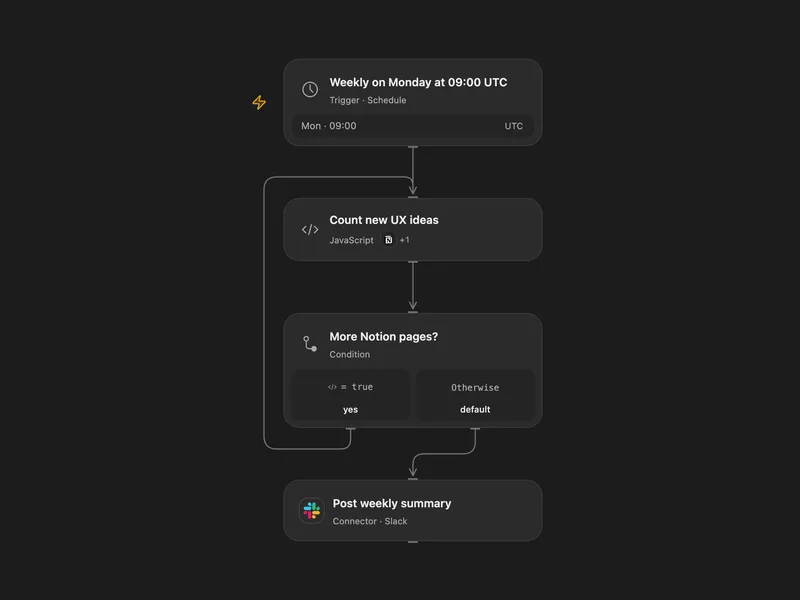
Weekly Notion UX Ideas to Slack
Count new UX ideas in a Notion data source and post a weekly Slack summary.
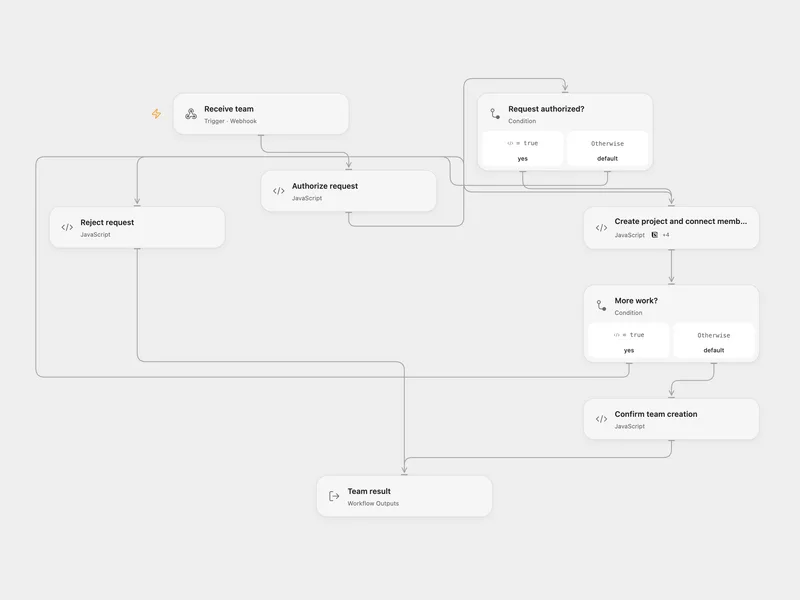
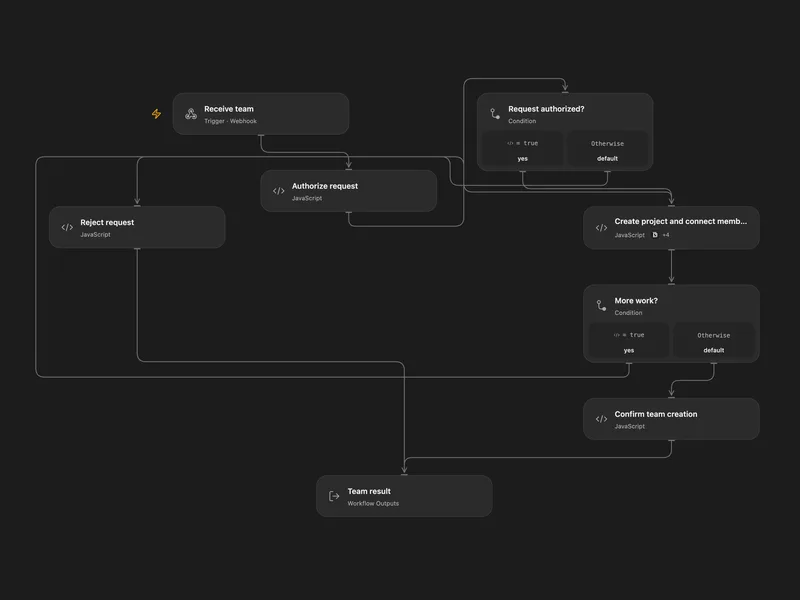
Create a Notion Project and Enroll a Team
Create a semester project and connect each team member to the project and current semester in Notion.
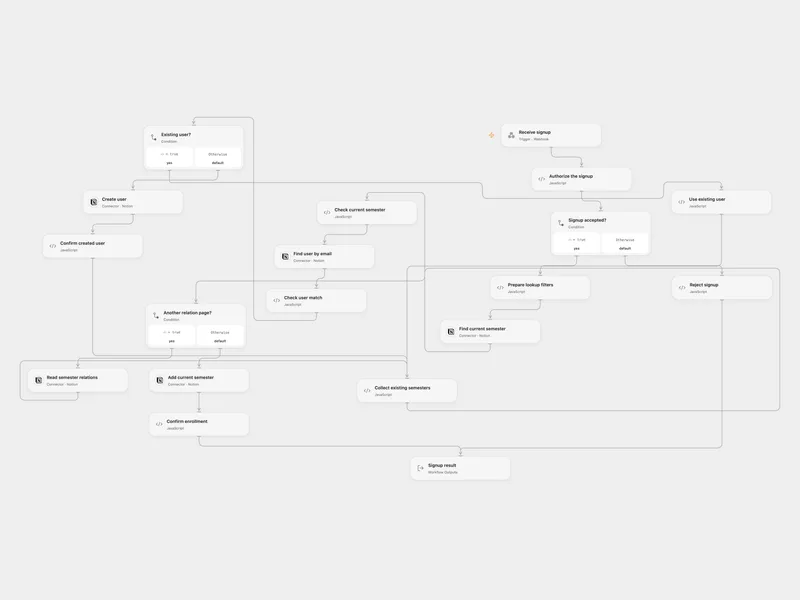
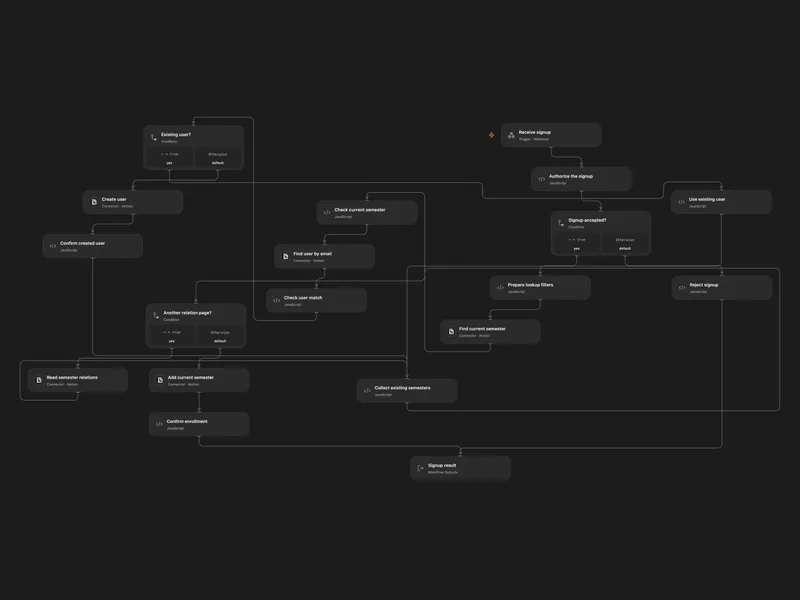
Enroll Webhook Signups in the Current Notion Semester
Find or create a Notion user and add the current semester without removing existing relations.
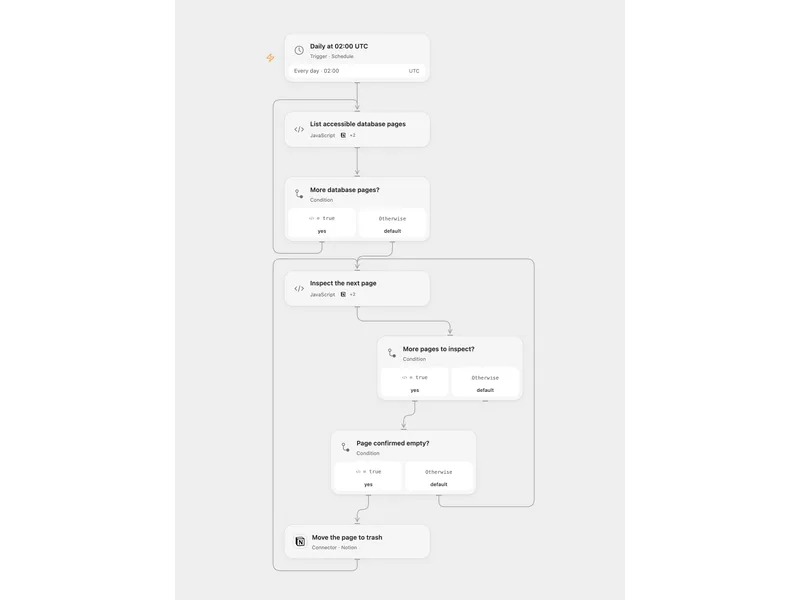
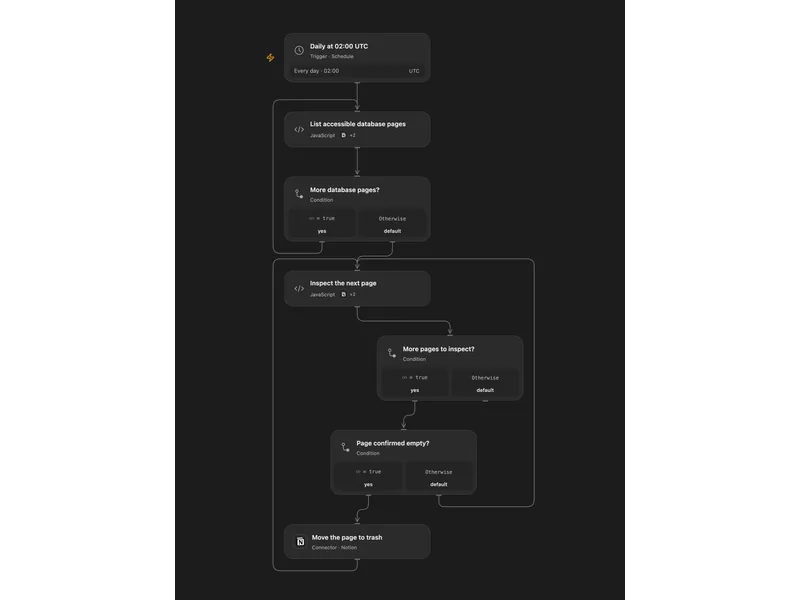
Archive Empty Notion Database Pages
Find database pages with empty properties and empty paragraph content and move them to the Notion trash.
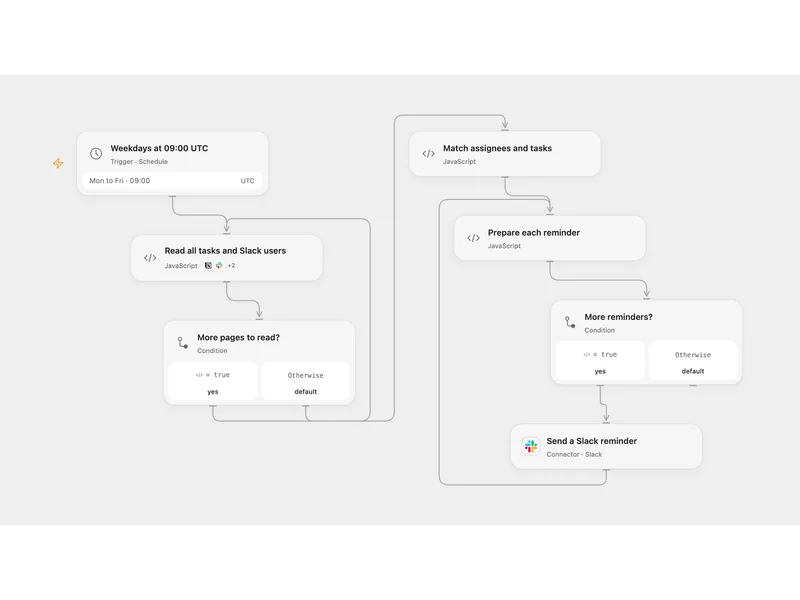
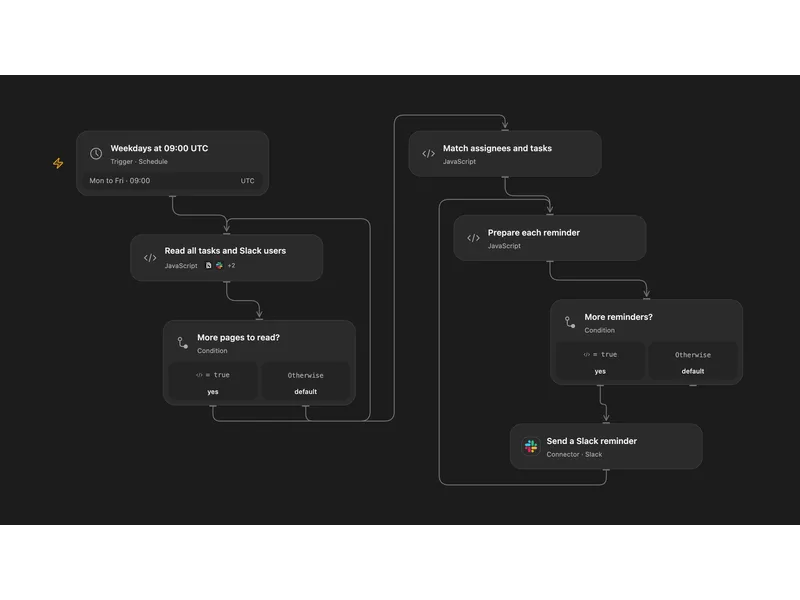
Remind Notion Assignees in Slack
Send weekday Slack reminders for incomplete Notion database tasks assigned to two configured people.
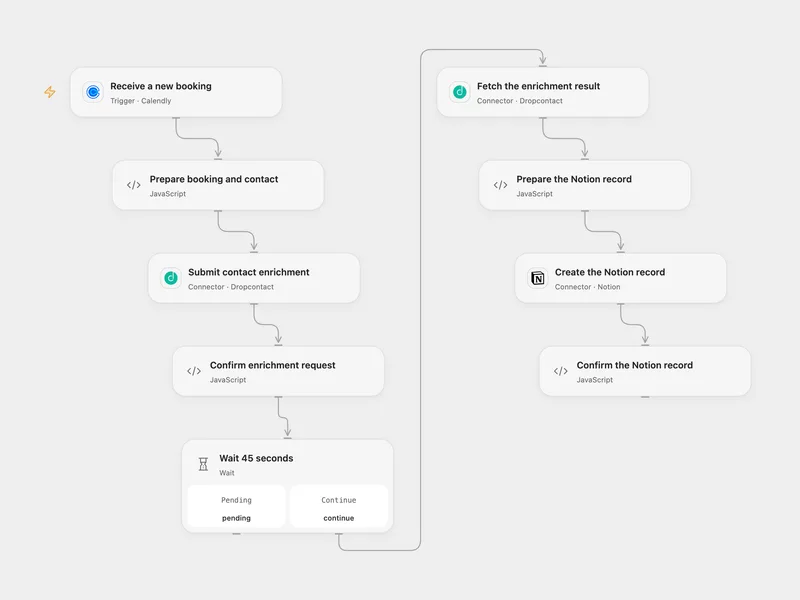
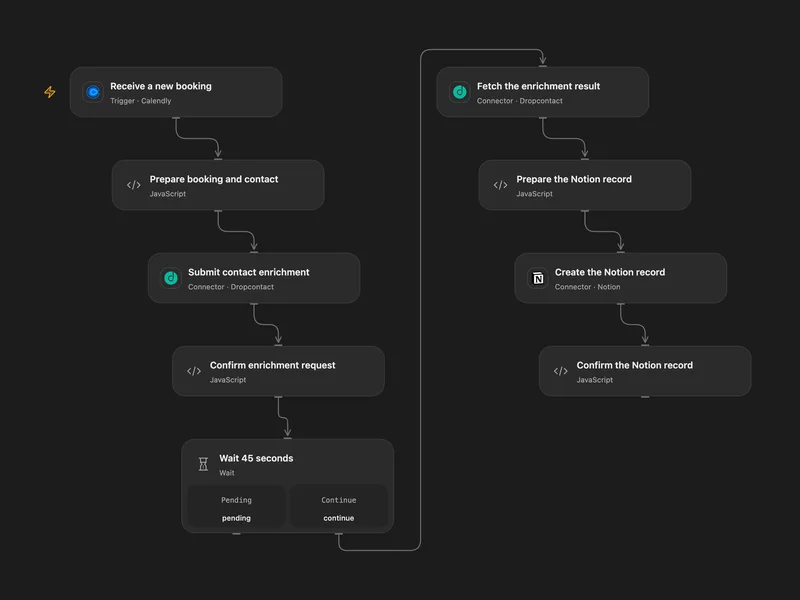
Enrich Calendly Bookings in Notion
Enrich each new Calendly invitee and save the booking and contact details in Notion.
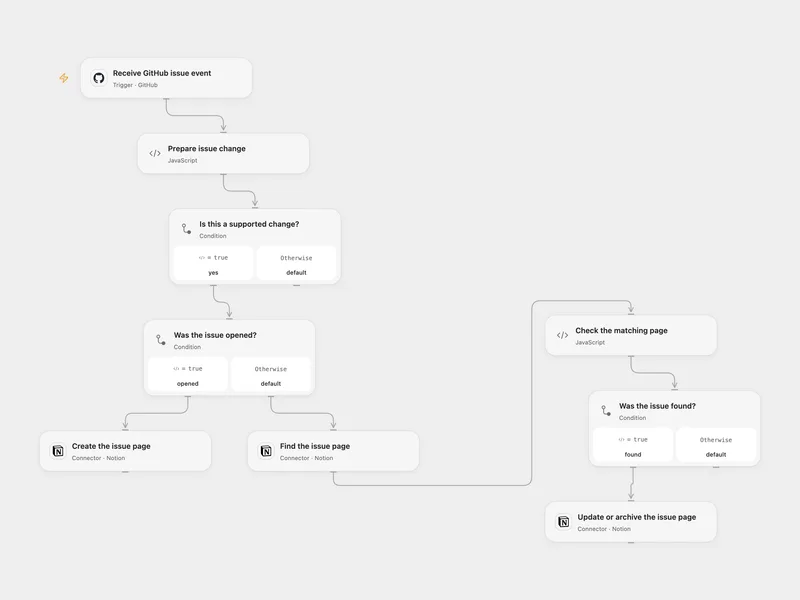
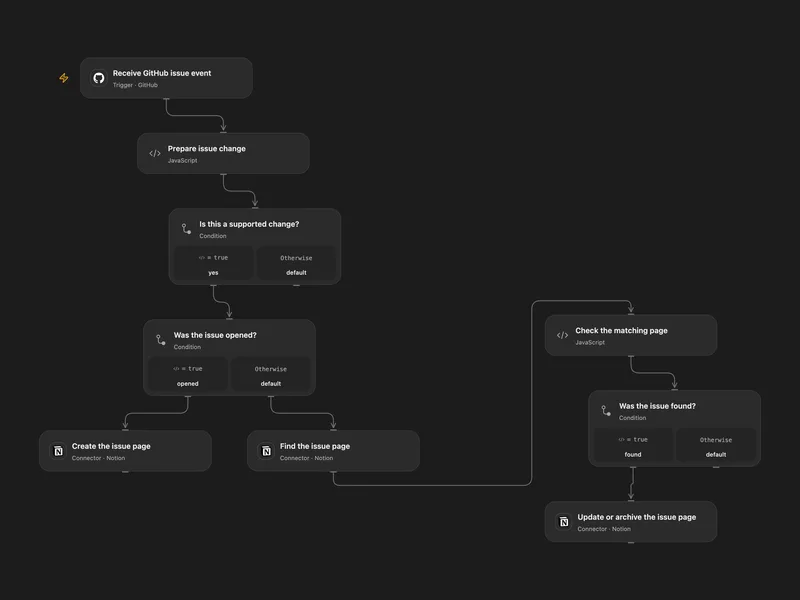
Sync GitHub Issues to a Notion Database
Keep a Notion database updated when GitHub issues are opened, edited, closed, reopened or deleted.
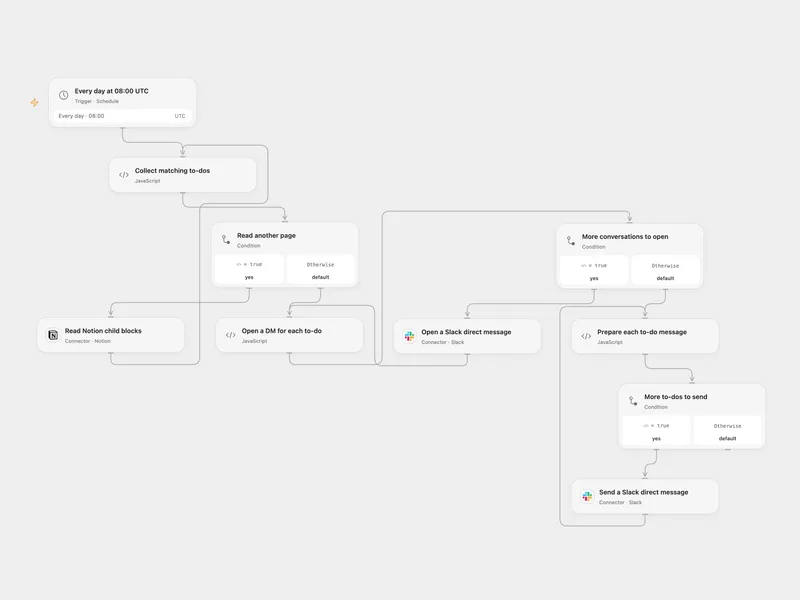
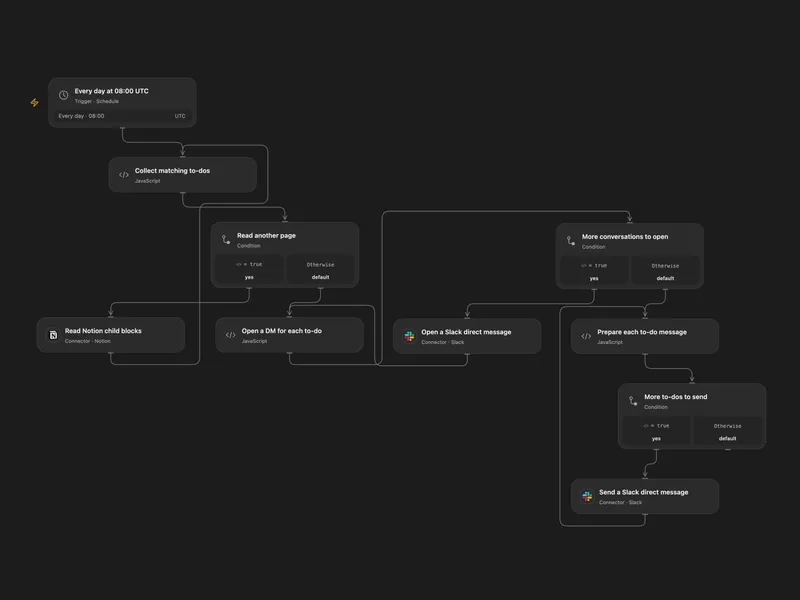
Notion Mentioned To-Dos to Slack DM
Send a daily Slack direct message for each unchecked Notion to-do mentioning a selected user.
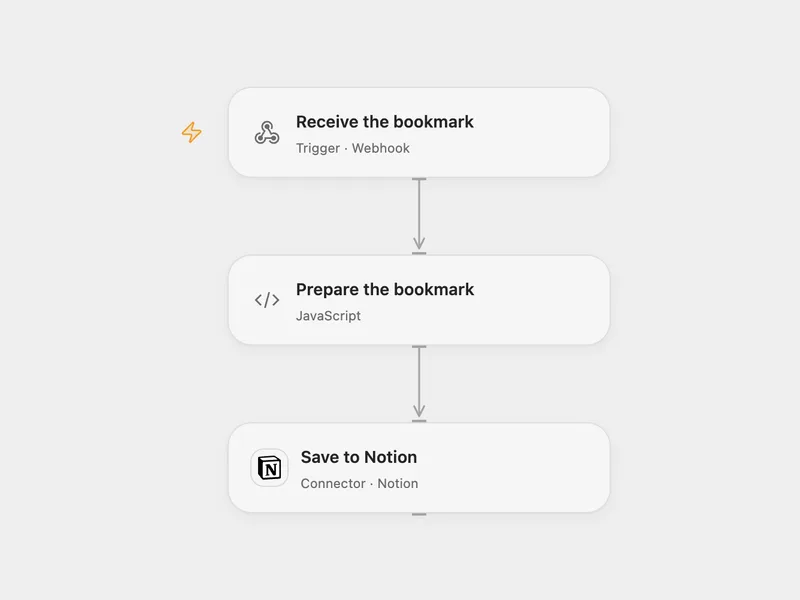
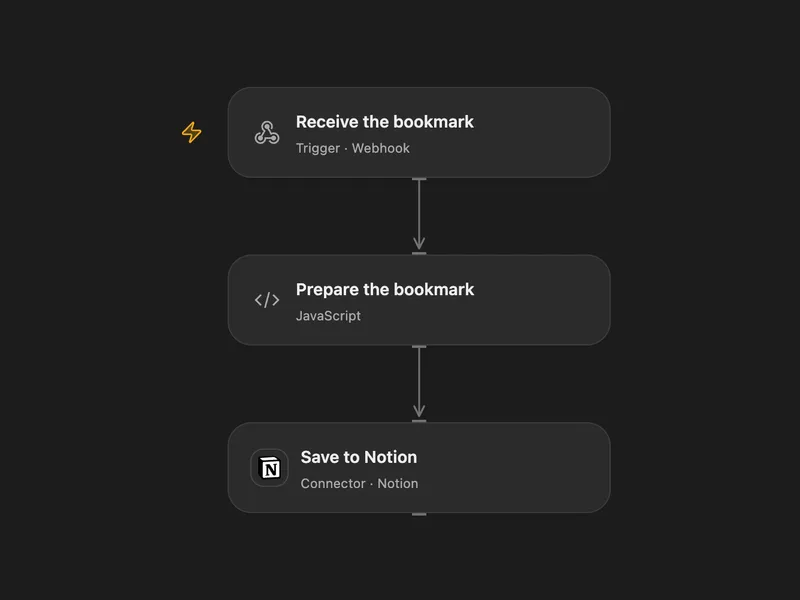
Save a Browser Bookmark to Notion
Send the current browser page URL to a webhook and save it as a Notion database page.
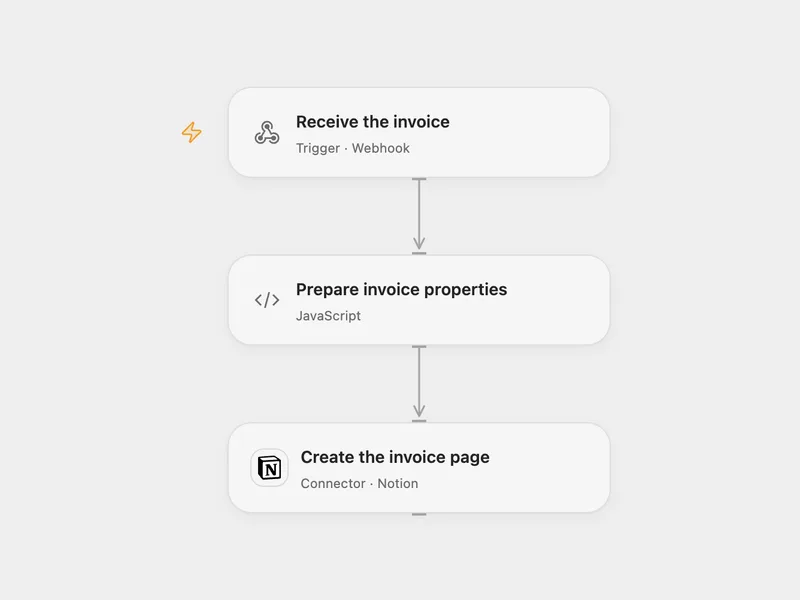
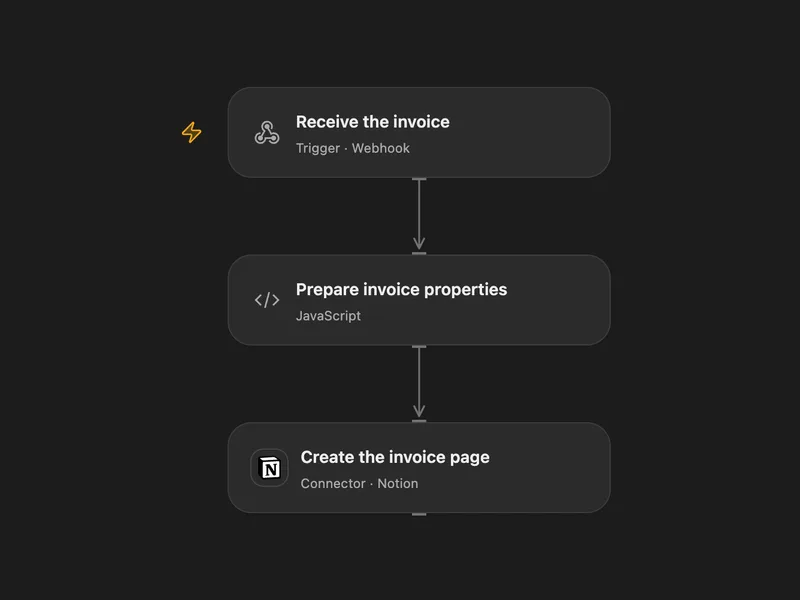
Clockify Invoice to Notion
Create a Notion database page when a Clockify invoice webhook arrives.
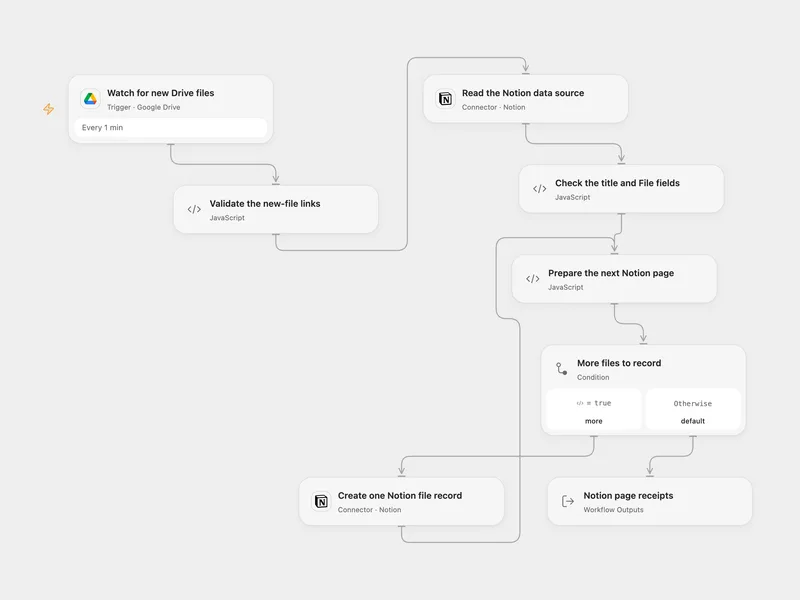
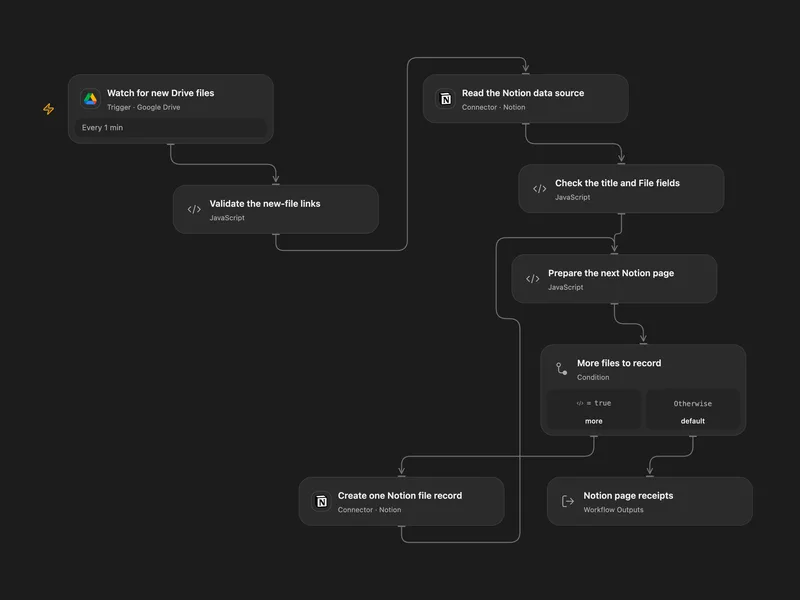
Google Drive New Files to Notion
Record newly created Google Drive files in a Notion data source with their names and original viewer links.
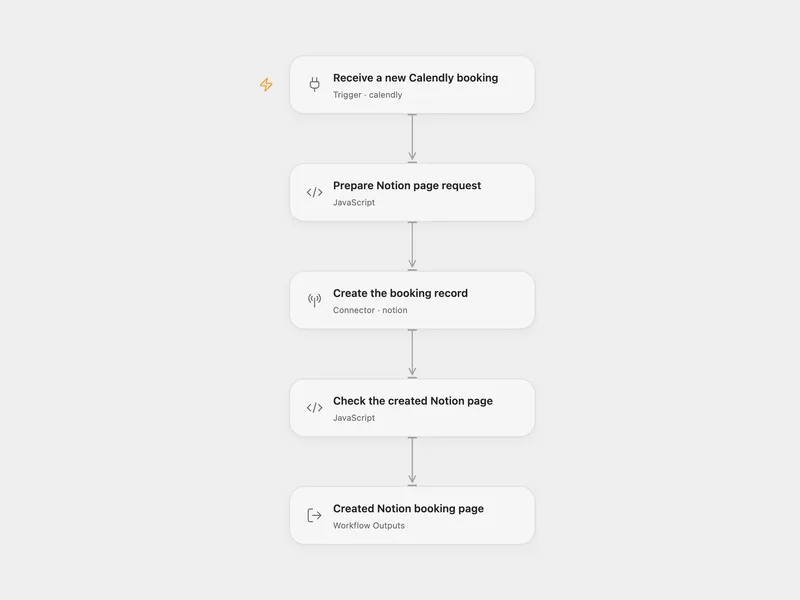
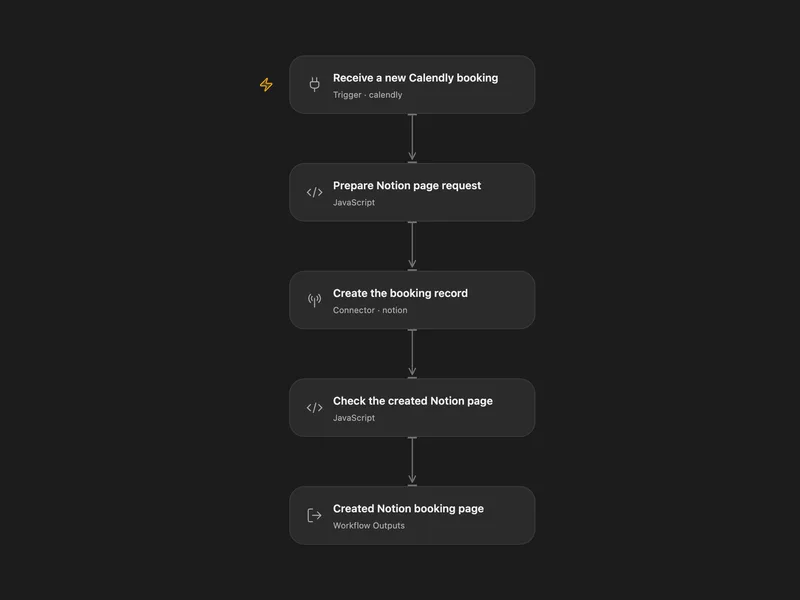
Calendly Booking to Notion
Add each new Calendly booking to Notion with the invitee name, email and a configured status.
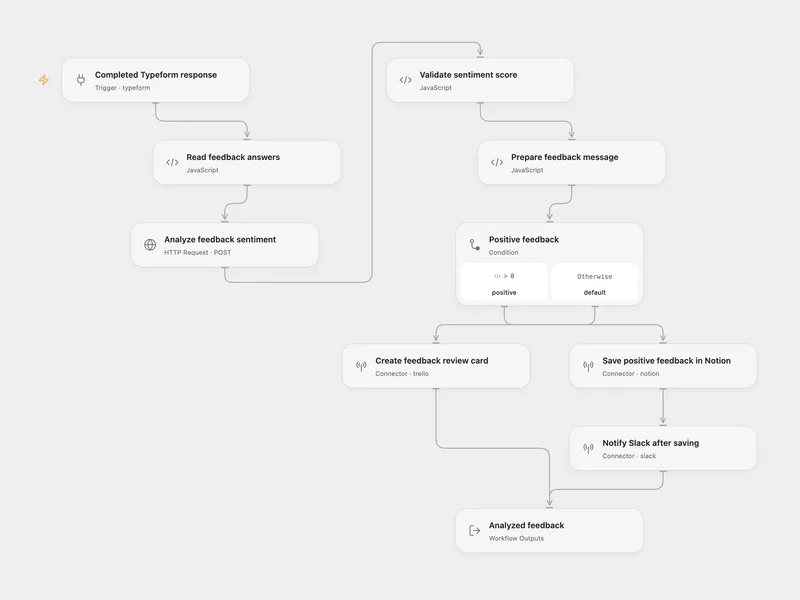
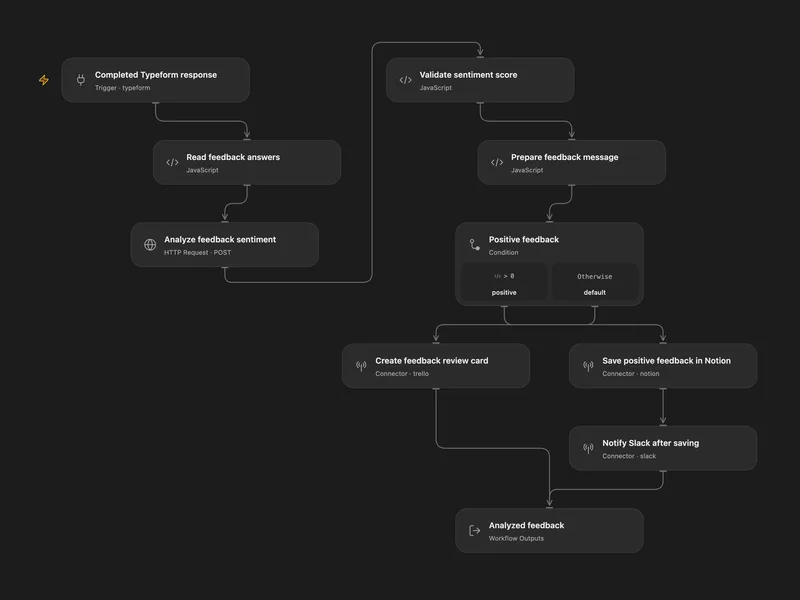
Feedback Sentiment Routing
Save positive Typeform feedback in Notion and notify Slack, or create a Trello card for neutral and negative feedback.
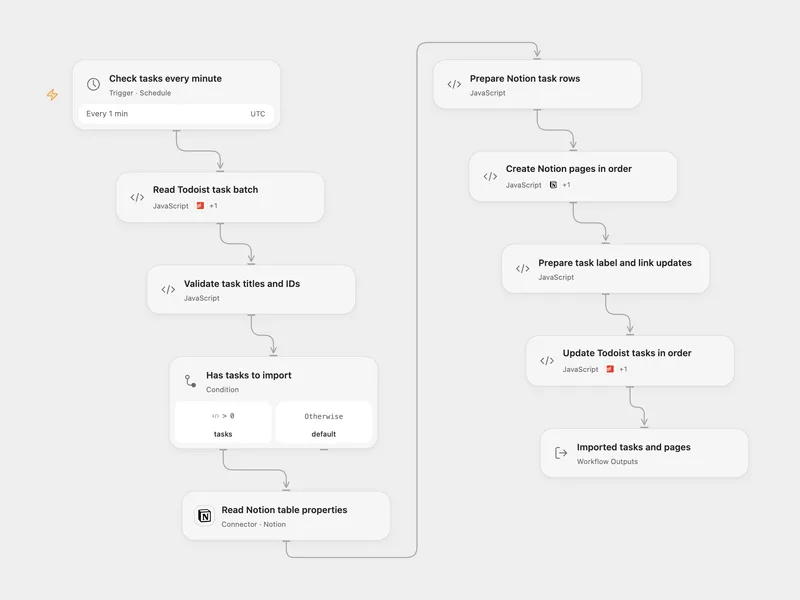
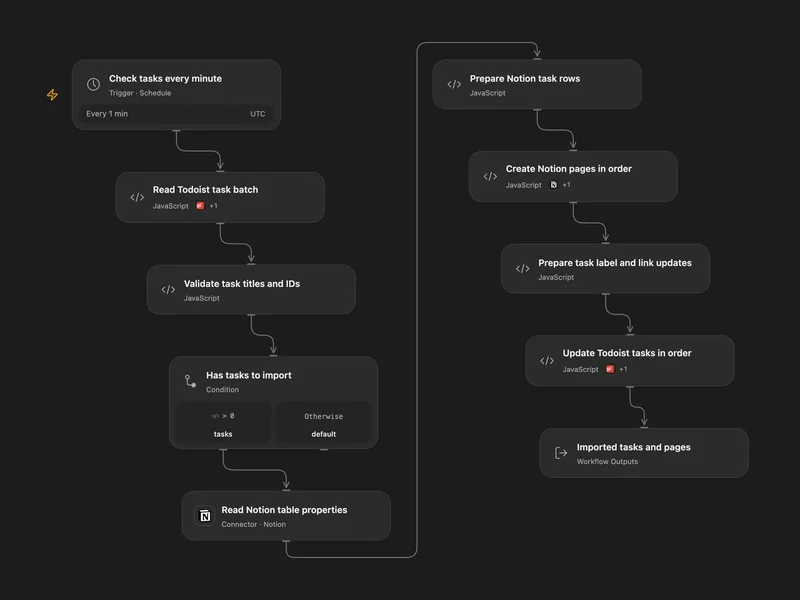
Todoist to Notion Sync
Create Notion rows for labeled Todoist tasks, then add each Notion link to its task and replace the routing label.
所有工具
Search
搜索 Notion 页面和数据源,可选用过滤器、排序和分页控制。
notion.searchGet Page
获取 Notion 页面及其第一级子块。这是页面检索和块子列表的仓库级聚合辅助函数。
notion.get_pageCreate Page
在父页面、数据源或工作区级私有区域下创建 Notion 页面。使用 parentId + title 在现有页面下创建简单子页面。对于高级情况,使用 parent 和官方 Notion 父载荷:{ page_id: "..." }、{ data_source_id: "..." } 或 { workspace: true } 用于 OAuth 公共集成。提供 parent 时,不要使用顶层 title 字段;通过 properties.title 提供页面标题。内部集成密钥通常无法创建工作区级私有页面,应使用父页面或数据源。
notion.create_pageUpdate Page
更新 Notion 页面的属性、标题、图标、封面、回收站状态或锁定状态。
notion.update_pageMove Page
通过官方页面移动 API 将 Notion 页面移动到另一个页面或数据源下。
notion.move_pageAppend Block
向 Notion 页面追加单个段落块。这是对 `append_block_children` 的简化兼容辅助函数。
notion.append_blockRetrieve Page
按页面 ID 检索 Notion 页面的属性和元数据。这不包括子块内容。
notion.retrieve_pageRetrieve Page Markdown
通过官方页面 Markdown API 检索渲染为增强 Markdown 的 Notion 页面或块子树。
notion.retrieve_page_markdownUpdate Page Markdown
通过官方页面 Markdown API 将 Notion 页面内容更新为增强 Markdown。
notion.update_page_markdownRetrieve Page Property
按页面 ID 和属性 ID 从 Notion 页面检索特定属性项。标题、rich_text、关系和人员属性返回类型为 property_item 的分页列表响应。
notion.retrieve_page_propertyList Users
分页列出 Notion 工作区中的用户。
notion.list_usersRetrieve User
按用户 ID 检索 Notion 用户。
notion.retrieve_userRetrieve Block
按块 ID 检索 Notion 块。
notion.retrieve_blockList Block Children
分页列出 Notion 块下的直接子块。
notion.list_block_childrenAppend Block Children
使用官方块子项追加 API,将原始 Notion 子块追加到现有父块。
notion.append_block_childrenUpdate Block
使用原始块字段更新 Notion 块,包括块类型载荷和可选的回收站状态。
notion.update_blockDelete Block
通过官方删除端点归档 Notion 块。
notion.delete_blockCreate Database
在父页面或工作区下创建 Notion 数据库容器,可选带初始数据源。
notion.create_databaseRetrieve Database
按数据库 ID 检索 Notion 数据库的元数据和架构。
notion.retrieve_databaseUpdate Database
更新 Notion 数据库容器的父项、标题、描述、图标、封面、内联显示、回收站状态或锁定状态。
notion.update_databaseList Views
分页列出 Notion 保存视图。databaseId 限定数据库,dataSourceId 包含工作区内可访问的关联视图;读取单个视图可取得完整过滤、排序和布局设置。
notion.list_viewsRetrieve View
读取 Notion 保存视图的名称、布局配置、过滤器、排序和显示属性。
notion.retrieve_viewUpdate View
更新 Notion 保存视图的名称、过滤器、排序、快捷过滤器或展示设置。省略字段保持不变,null 清空过滤器或排序;配置类型必须匹配现有布局,不更改布局类型。
notion.update_viewCreate Data Source
在父数据库下创建具有属性架构的 Notion 数据源。
notion.create_data_sourceRetrieve Data Source
按数据源 ID 检索 Notion 数据源。
notion.retrieve_data_sourceUpdate Data Source
更新 Notion 数据源的标题、图标、属性架构、父项或回收站状态。
notion.update_data_sourceQuery Data Source
使用筛选器、排序、分页和可选属性筛选查询 Notion 数据源。
notion.query_data_sourceList Data Source Templates
列出 Notion 数据源上可用的模板。
notion.list_data_source_templatesList Comments
列出 Notion 页面或区块中尚未解决的评论,需要读取评论能力。
notion.list_commentsCreate Comment
通过 parent 在页面或区块上发表评论,或通过 discussion_id 回复讨论。需要插入评论能力;没有读取评论能力时只返回 object 和 id。
notion.create_comment没有符合搜索条件的工具。
将 Notion 接入 Open Flow
每月 20,000 次免费应用调用(付费服务另计)