Connect ClickSend with Open Flow
Check a message and its recipients before submitting it for sending.
20,000 free app calls per month (paid services billed separately)
What you can do
Calculate prices and submit SMS messages through ClickSend, including optional scheduled send times. Contact list and contact operations help organize a defined audience and keep its records current.
SMS estimates and sends
Estimate a defined SMS payload and submit it for immediate or scheduled sending.
Lists and contacts
Read and maintain selected contact lists and contact details.
Templates using ClickSend
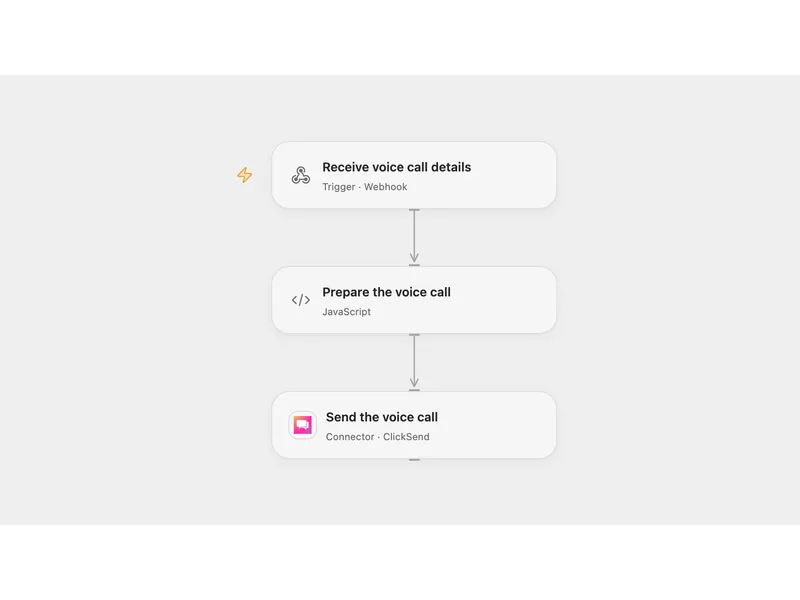
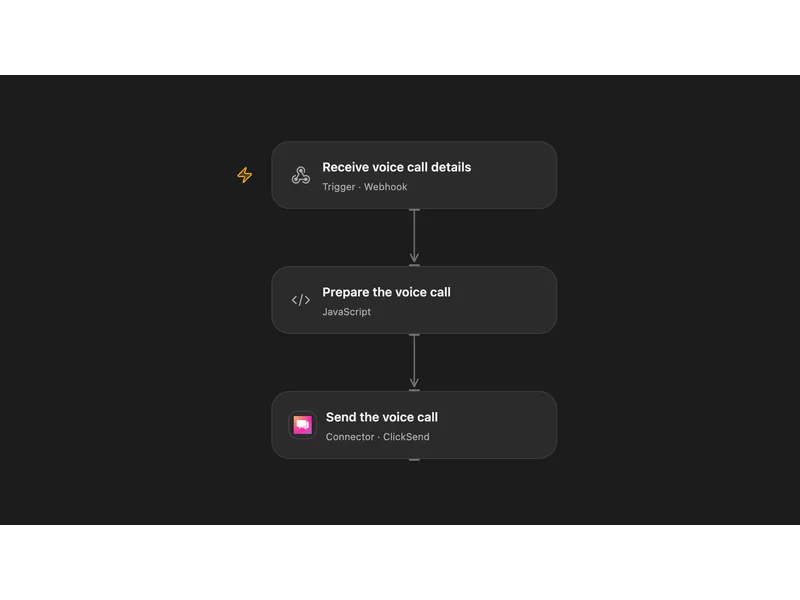
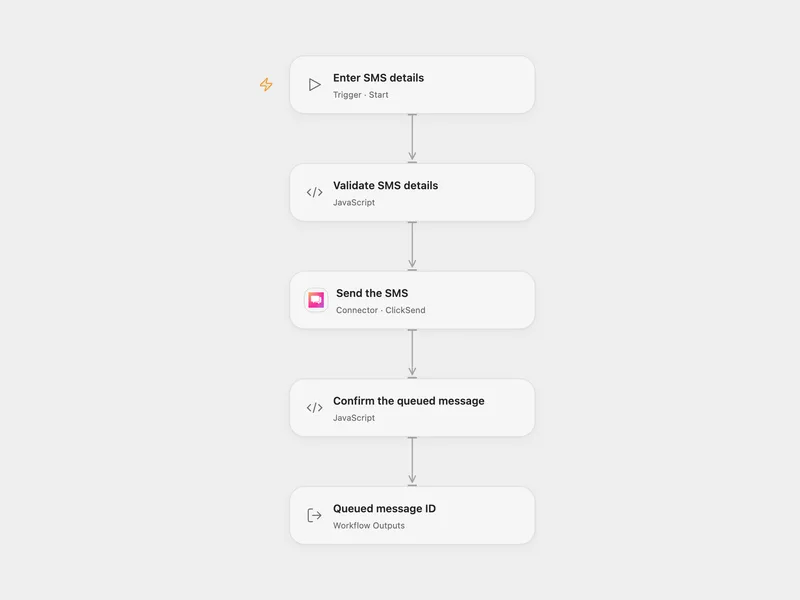
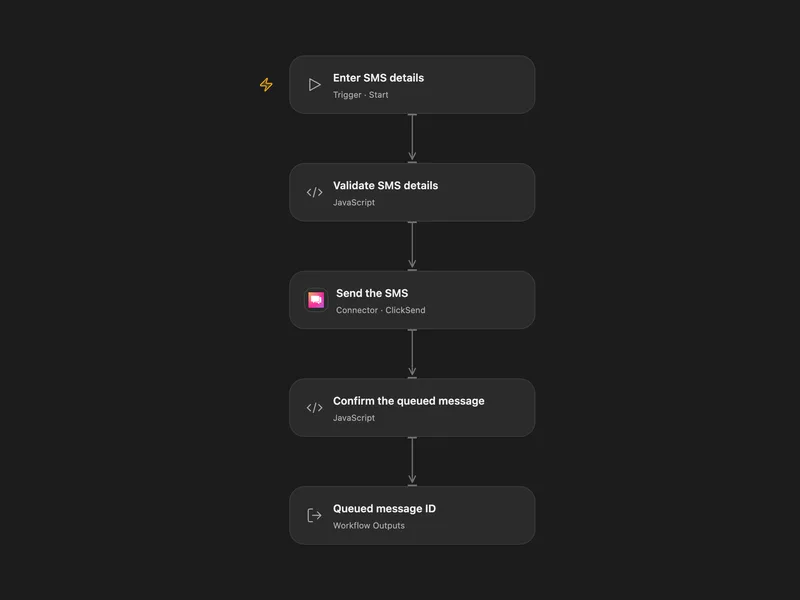
All actions
Get Account
Get the ClickSend account profile associated with the configured credentials.
clicksend.get_accountSend Sms
Send one or more SMS messages through ClickSend.
clicksend.send_smsCalculate Sms Price
Calculate the ClickSend price for one or more SMS messages without sending them.
clicksend.calculate_sms_priceList Contact Lists
List ClickSend contact lists with pagination controls.
clicksend.list_contact_listsCreate Contact List
Create a ClickSend contact list.
clicksend.create_contact_listGet Contact List
Get one ClickSend contact list by ID.
clicksend.get_contact_listUpdate Contact List
Update a ClickSend contact list name.
clicksend.update_contact_listDelete Contact List
Delete a ClickSend contact list by ID.
clicksend.delete_contact_listList Contacts
List contacts in a ClickSend contact list.
clicksend.list_contactsCreate Contact
Create a contact in a ClickSend contact list.
clicksend.create_contactGet Contact
Get one ClickSend contact by list ID and contact ID.
clicksend.get_contactUpdate Contact
Update a ClickSend contact by list ID and contact ID.
clicksend.update_contactDelete Contact
Delete a ClickSend contact by list ID and contact ID.
clicksend.delete_contactNo actions match your search.
Connect ClickSend with Open Flow
20,000 free app calls per month (paid services billed separately)