Connect Harvest with Open Flow
Choose a project and dates to see where time was recorded and summarize the work notes.
20,000 free app calls per month (paid services billed separately)
What you can do
Harvest exposes clients, projects, tasks, and time entries. Entries can be created or edited, and running timers can be stopped or restarted.
Time tracking records
Read clients, projects and task assignments, create or edit time entries, and stop or restart timers.
Templates using Harvest
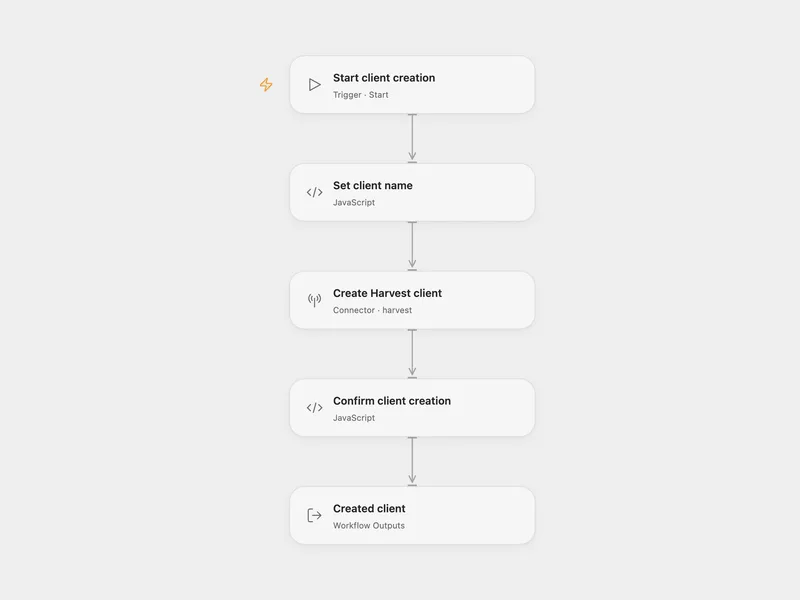
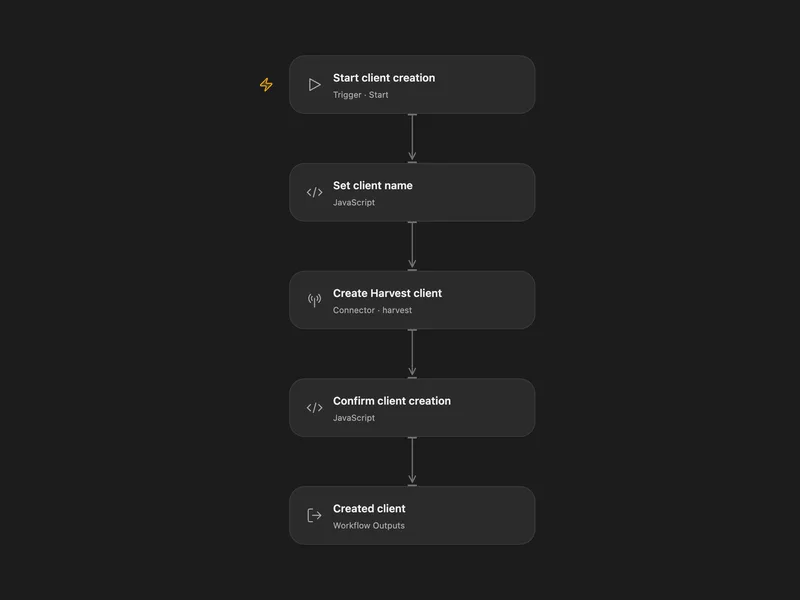
All actions
Get Current User
Get the current authenticated Harvest user.
harvest.get_current_userList Clients
List clients available in the connected Harvest account.
harvest.list_clientsGet Client
Get a single Harvest client by ID.
harvest.get_clientList Projects
List projects available in the connected Harvest account.
harvest.list_projectsGet Project
Get a single Harvest project by ID.
harvest.get_projectList Tasks
List tasks available in the connected Harvest account.
harvest.list_tasksGet Task
Get a single Harvest task by ID.
harvest.get_taskList Project Task Assignments
List task assignments for a specific Harvest project.
harvest.list_project_task_assignmentsList Time Entries
List Harvest time entries with optional resource and date filters.
harvest.list_time_entriesGet Time Entry
Get a single Harvest time entry by ID.
harvest.get_time_entryCreate Time Entry
Create a new Harvest time entry.
harvest.create_time_entryUpdate Time Entry
Update an existing Harvest time entry.
harvest.update_time_entryRestart Time Entry
Restart a stopped Harvest time entry.
harvest.restart_time_entryStop Time Entry
Stop a running Harvest time entry.
harvest.stop_time_entryDelete Time Entry
Delete a Harvest time entry by ID.
harvest.delete_time_entryNo actions match your search.
Connect Harvest with Open Flow
20,000 free app calls per month (paid services billed separately)