Connect ImageKit with Open Flow
Ask AI to locate files in a library folder and compare the image or video metadata you need.
20,000 free app calls per month (paid services billed separately)
What you can do
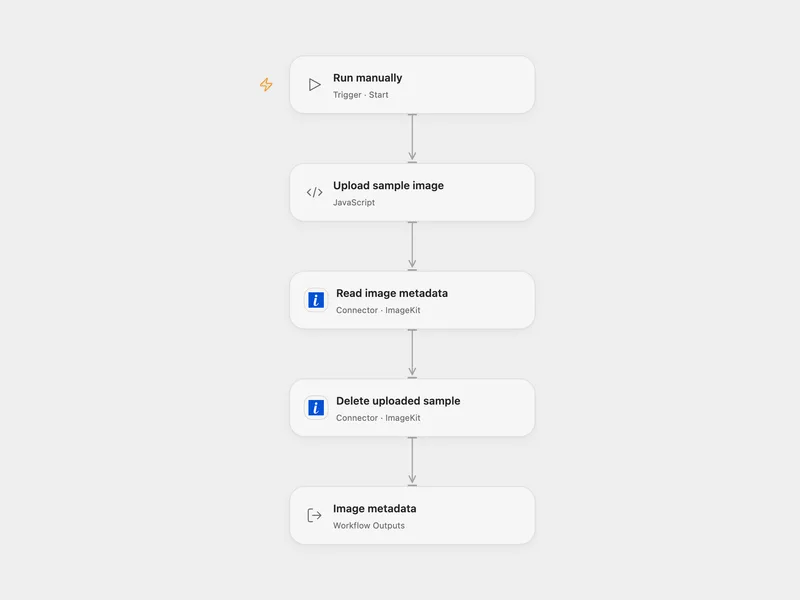
The connection searches the ImageKit media library and retrieves file details or media metadata. It also permanently deletes files and tracks cache purge requests.
Media library and metadata
Search assets and inspect details or metadata for library files and remote media URLs.
File and cache management
Delete files permanently or submit a cache purge and check its status.
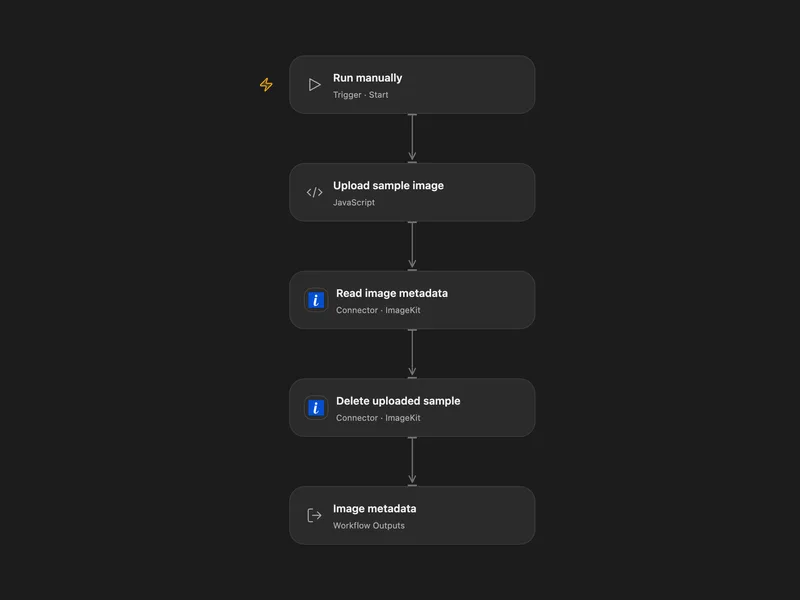
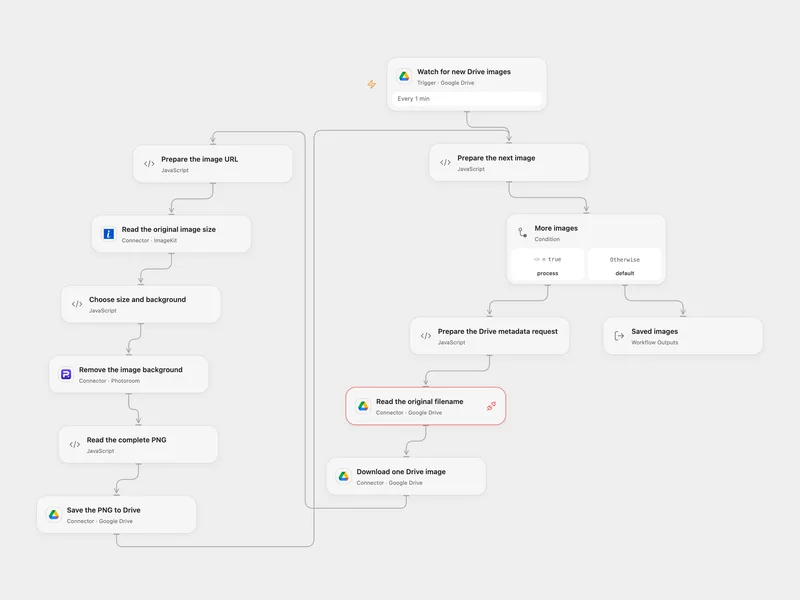
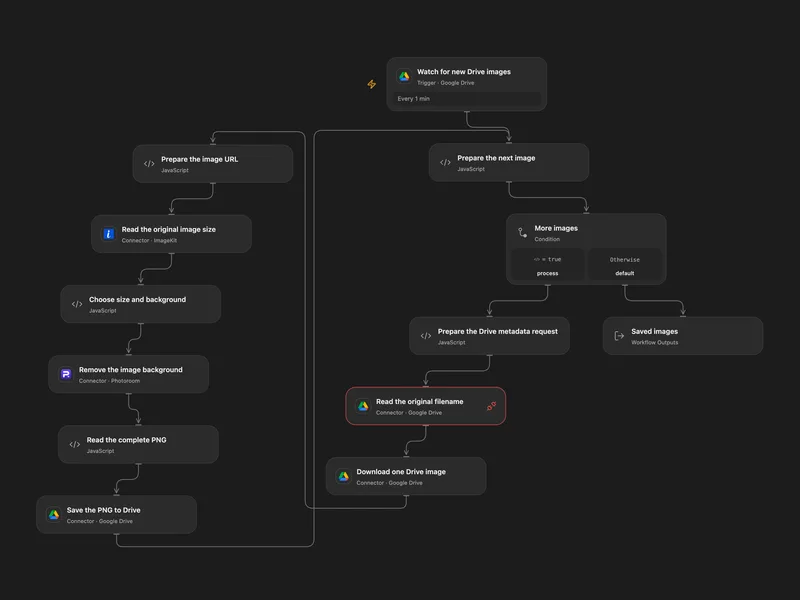
Templates using ImageKit
All actions
List Assets
List or search assets in the ImageKit media library.
imagekit.list_assetsGet File Details
Get details for the current version of an ImageKit file.
imagekit.get_file_detailsGet Uploaded File Metadata
Get image or video metadata for an uploaded ImageKit file.
imagekit.get_uploaded_file_metadataGet Remote File Metadata
Get image or video metadata from a remote URL through ImageKit.
imagekit.get_remote_file_metadataDelete File
Delete one ImageKit file and all of its versions permanently.
imagekit.delete_filePurge Cache
Submit a cache purge request for an ImageKit file URL.
imagekit.purge_cacheGet Purge Status
Get the status of an ImageKit cache purge request.
imagekit.get_purge_statusNo actions match your search.
Connect ImageKit with Open Flow
20,000 free app calls per month (paid services billed separately)