Connect Jira with Open Flow
Ask AI to compare reports, extract the current understanding of a problem, and organize new findings into an issue.
20,000 free app calls per month (paid services billed separately)
What you can do
Search Jira issues, read their details and comments, and create issues or add comments through your authorized connection.
Search Project Issues
Search issues using Jira query criteria and list available projects.
Read Issue Context
Retrieve issue details and comments for analysis.
Create Issues and Add Comments
Create an issue with the specified project and issue type, or add a comment to an existing issue.
Templates using Jira
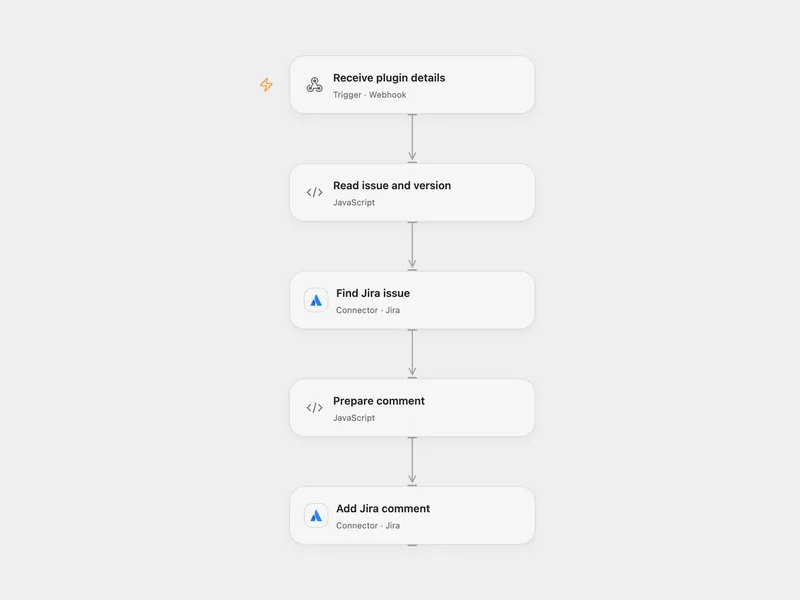
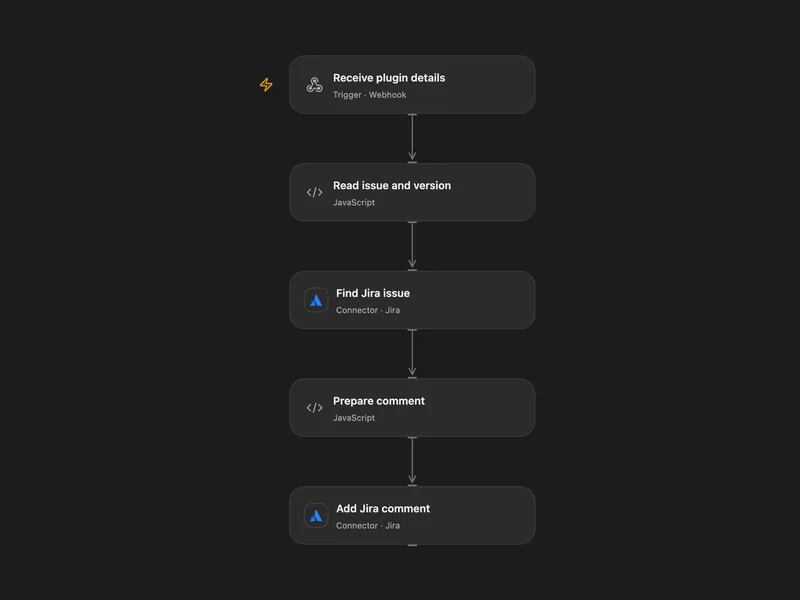
Comment on Jira for a Figma Version
Post Figma Commit plugin version details to the linked Jira issue.
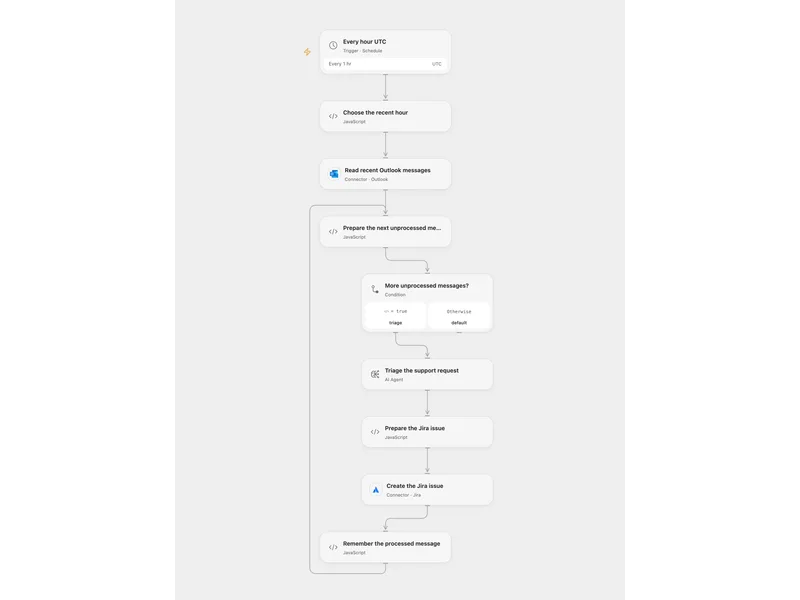
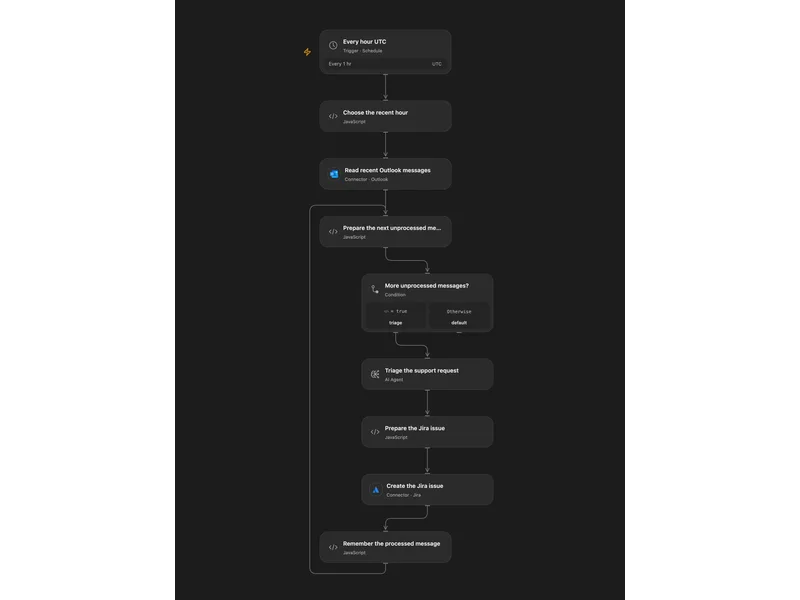
Triage Outlook Support in Jira
Triage recent Outlook support messages with AI and create Jira issues.
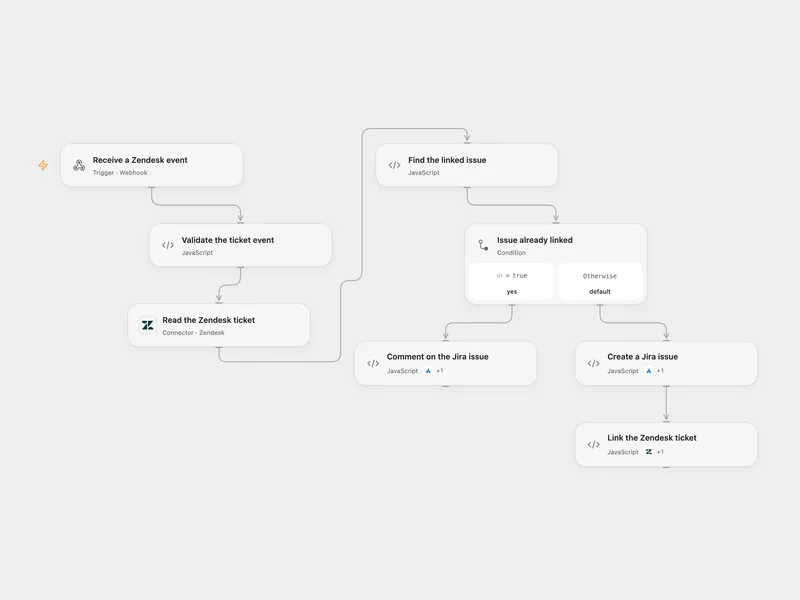
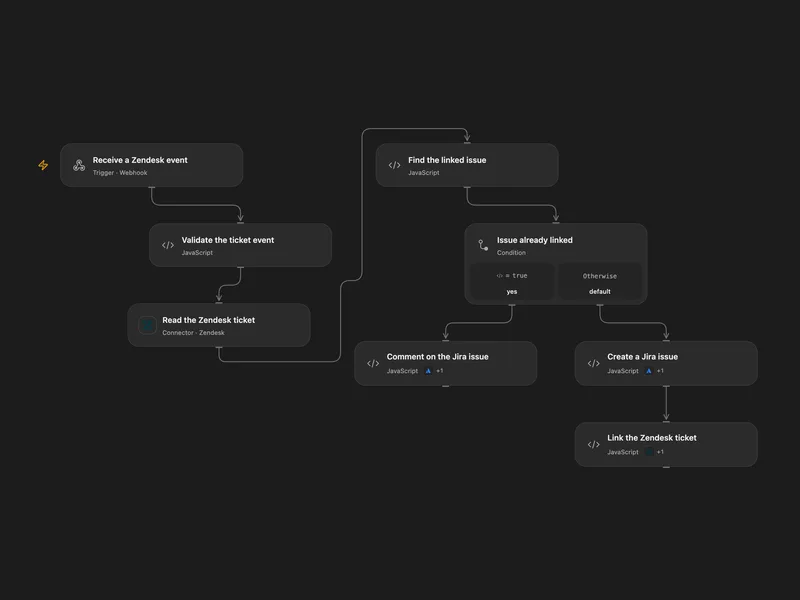
Create or Comment on Jira Issues from Zendesk
Create a Jira Cloud issue for a Zendesk ticket or add a comment to its linked issue.
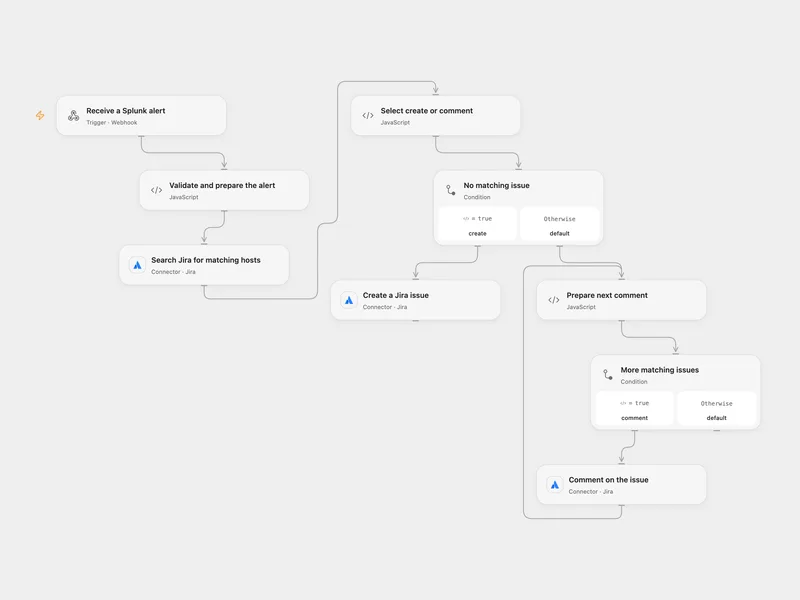
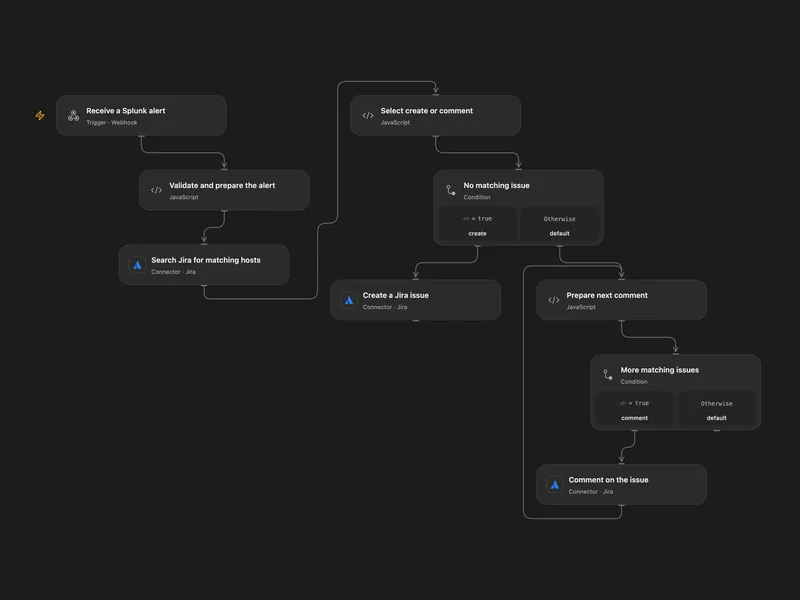
Create or Comment Jira Issues for Splunk Alerts
Search Jira for a Splunk host alert, then create an issue or comment on matching issues.
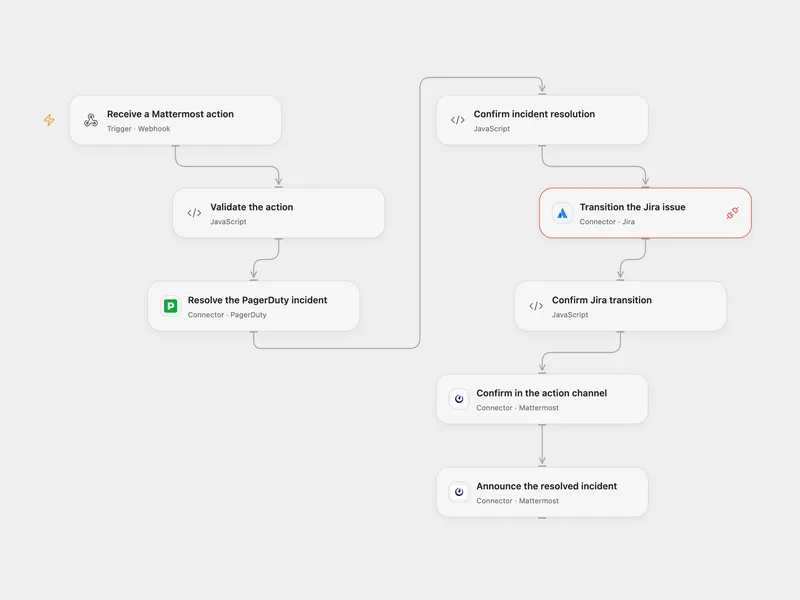
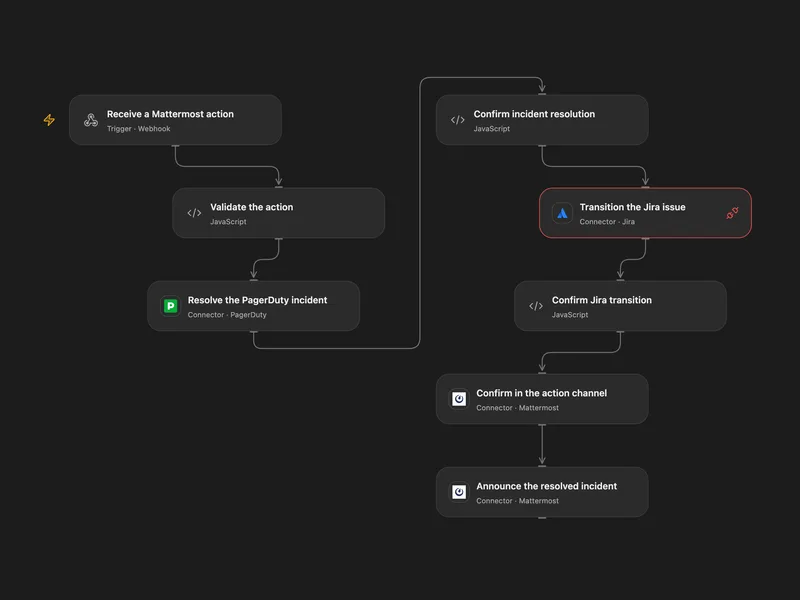
Resolve PagerDuty and Jira from Mattermost
Resolve a PagerDuty incident and transition a Jira issue from a Mattermost button, then post two confirmations.
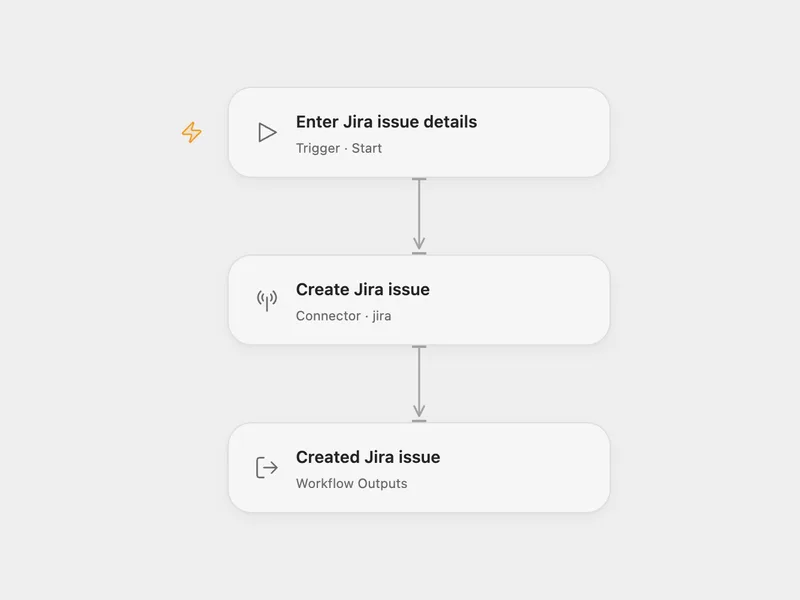
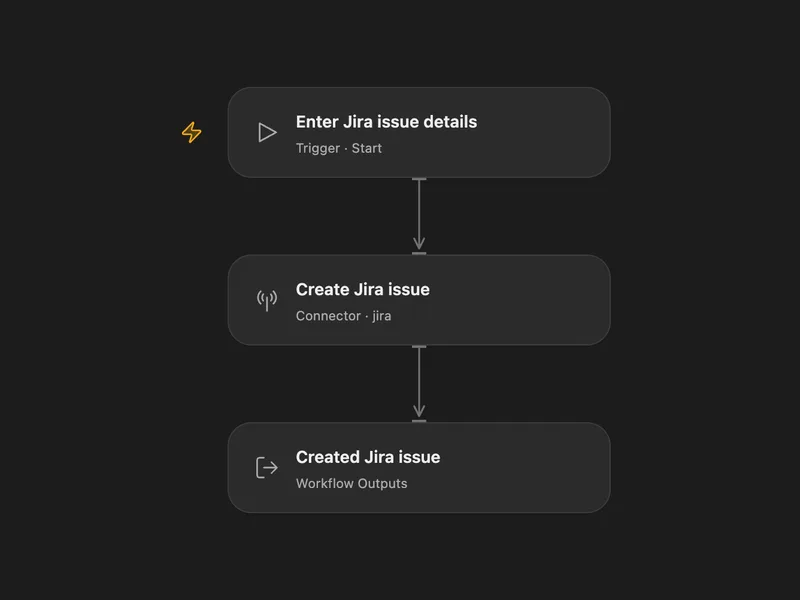
Jira Issue Creator
Create a Jira Cloud issue with a project ID, issue type ID and summary.
All actions
List Projects
List Jira projects available to the connected Jira site.
jira.list_projectsGet Project
Get one Jira project by project ID or key.
jira.get_projectSearch Issues
Search Jira issues with JQL on the connected Jira site.
jira.search_issuesGet Issue
Get one Jira issue by issue ID or key.
jira.get_issueCreate Issue
Create a Jira issue and return the normalized issue detail.
jira.create_issueList Issue Comments
List comments for one Jira issue.
jira.list_issue_commentsAdd Comment
Add a comment to one Jira issue.
jira.add_commentDownload Attachment
Download a Jira attachment and upload it to Connector file transit storage for downstream processing.
jira.download_attachmentUpload Attachment
Upload a file attachment from a public URL to one Jira issue.
jira.upload_attachmentNo actions match your search.
Connect Jira with Open Flow
20,000 free app calls per month (paid services billed separately)