Connect Mautic with Open Flow
Use an AI assistant to inspect Mautic contact records, update selected fields and organize segment membership.
20,000 free app calls per month (paid services billed separately)
What you can do
Use an AI assistant to inspect Mautic contact records, update selected fields and organize segment membership.
Review Contacts
Search contact records and summarize relevant profile fields.
Update Contact Fields
Read a contact before changing specified standard or custom fields.
Add a Contact to a Segment
List available segments and add a specified contact to the selected segment.
Templates using Mautic
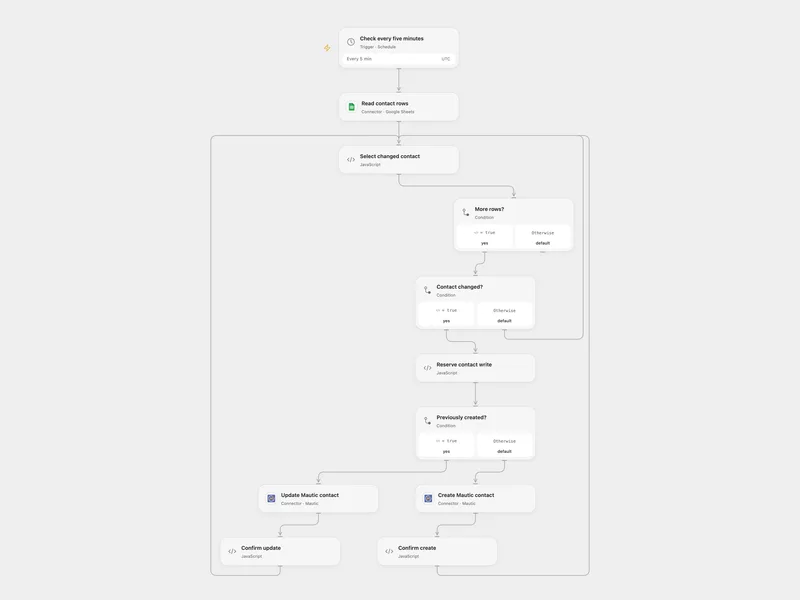
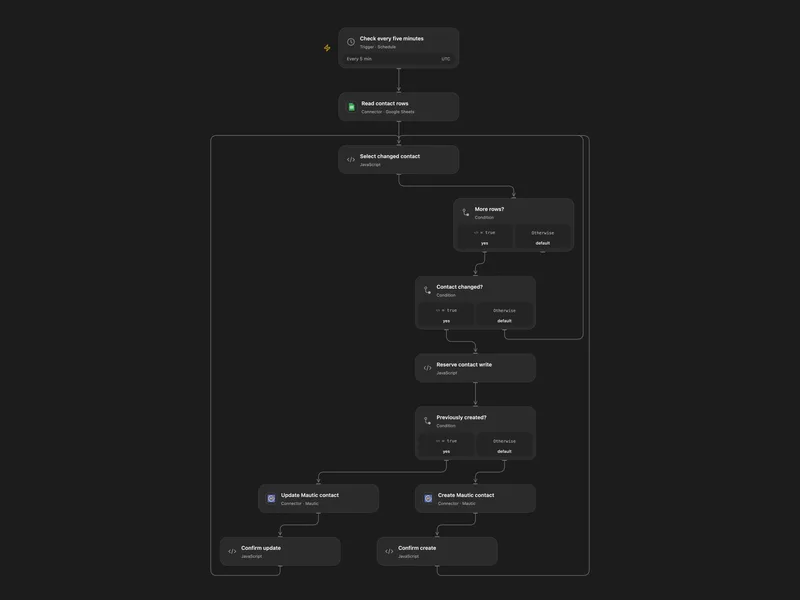
Sync Google Sheet Contacts to Mautic
Keep Mautic contacts aligned with email, first name and mobile fields in a Google Sheet.
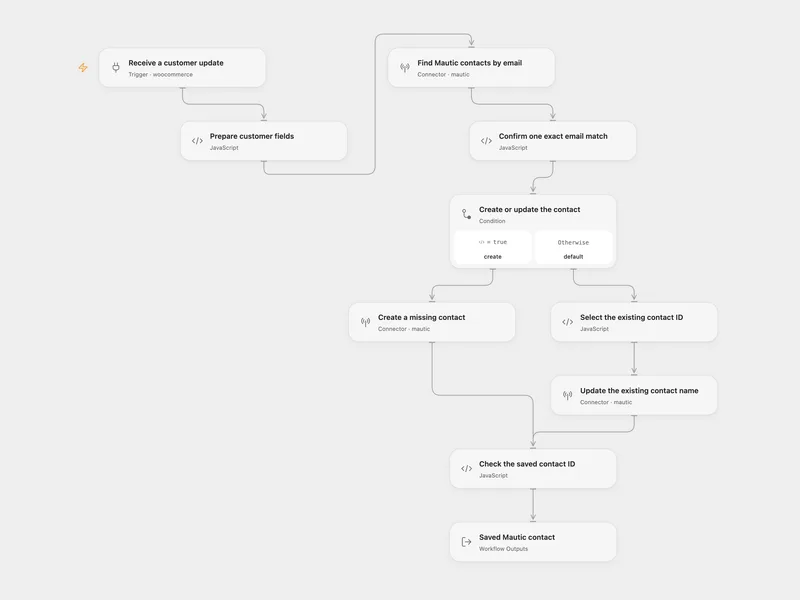
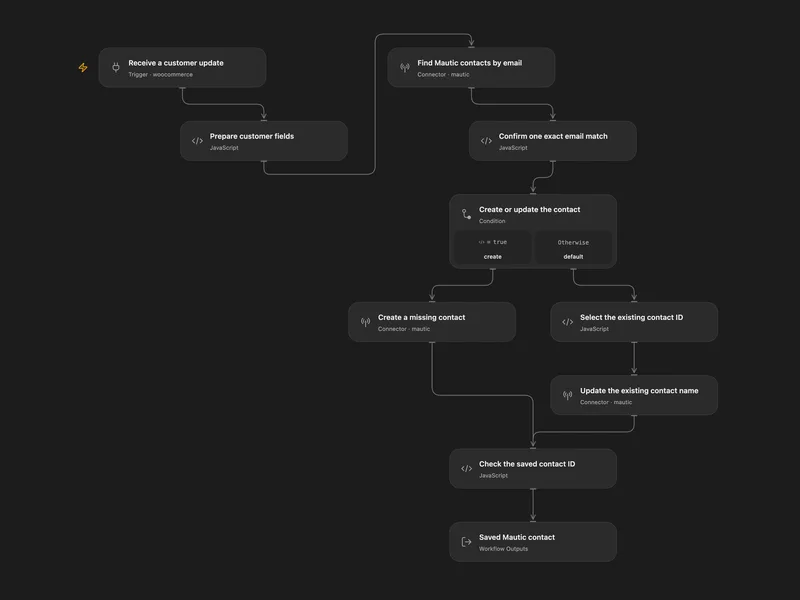
WooCommerce Customer to Mautic
Create a missing Mautic contact or update its name when a WooCommerce customer changes.
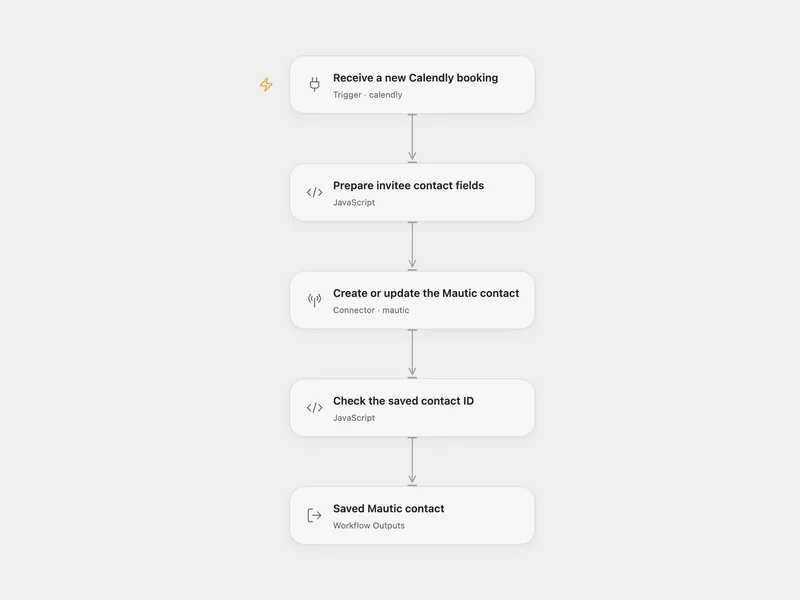
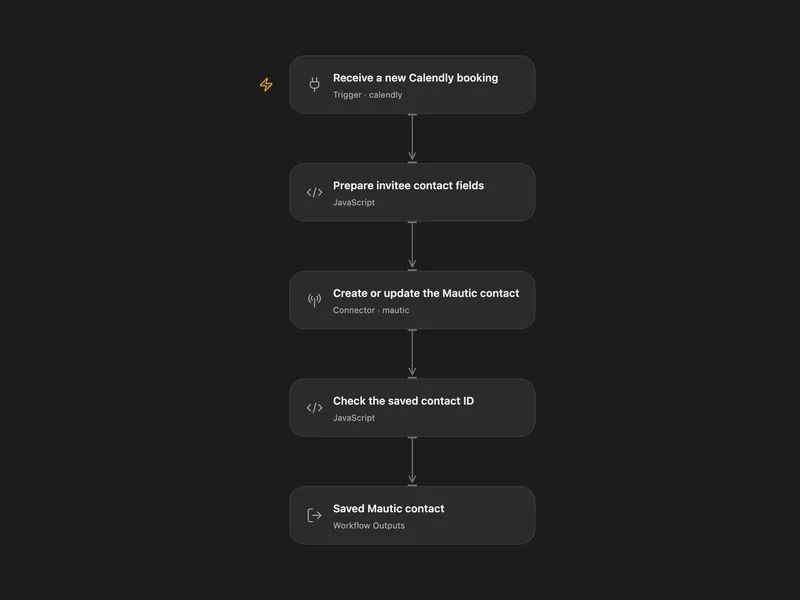
Calendly Booking to Mautic Contact
Create a Mautic contact or update its name when an invitee books a Calendly meeting.
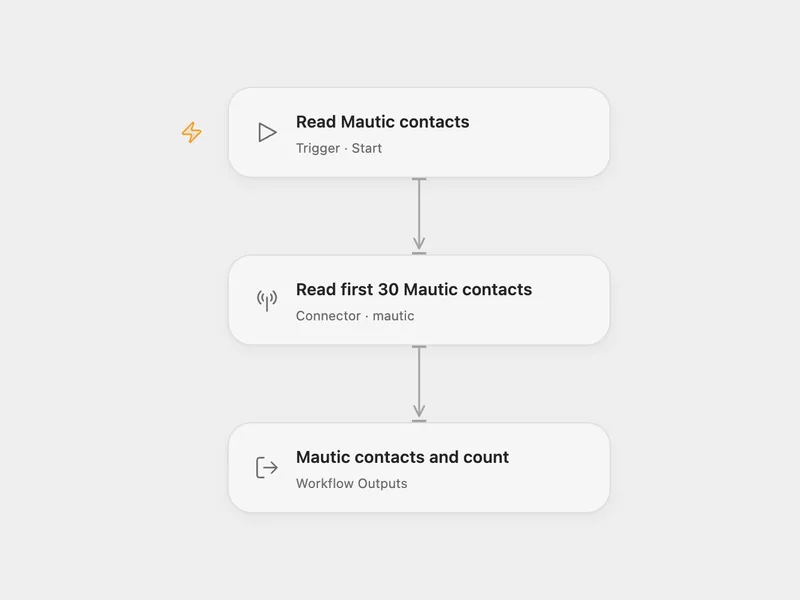
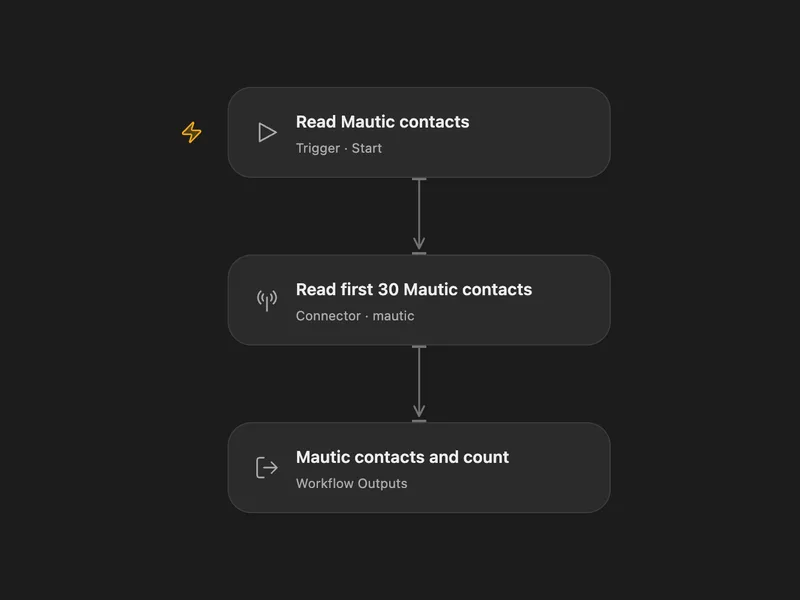
Mautic Contact Reader
Read the first 30 contact records from a Mautic instance.
All actions
List Contacts
List Mautic contacts with optional search, pagination, and ordering controls.
mautic.list_contactsGet Contact
Get a Mautic contact by numeric contact ID.
mautic.get_contactCreate Contact
Create a Mautic contact using standard or instance-specific custom contact field aliases.
mautic.create_contactUpdate Contact
Update selected fields on an existing Mautic contact without creating a missing contact.
mautic.update_contactDelete Contact
Delete a Mautic contact by numeric contact ID.
mautic.delete_contactList Segments
List Mautic segments with optional search, pagination, and ordering controls.
mautic.list_segmentsAdd Contact To Segment
Manually add a Mautic contact to a segment.
mautic.add_contact_to_segmentRemove Contact From Segment
Manually remove a Mautic contact from a segment.
mautic.remove_contact_from_segmentNo actions match your search.
Connect Mautic with Open Flow
20,000 free app calls per month (paid services billed separately)