Connect Outlook with Open Flow
Ask your AI assistant to review messages, compose a draft for you to check, or update your out-of-office replies.
20,000 free app calls per month (paid services billed separately)
What you can do
This Outlook integration works with messages, drafts, and mailbox settings. Use your connected Microsoft account to read email and prepare or send messages.
Read Mailbox Messages
List mailbox folders, filter messages, and read individual email content.
Draft and Send Email
Create or revise drafts, send a reviewed draft, and reply to existing messages.
Manage Mailbox Settings
Read or update automatic replies, time zone, and working hours.
Templates using Outlook
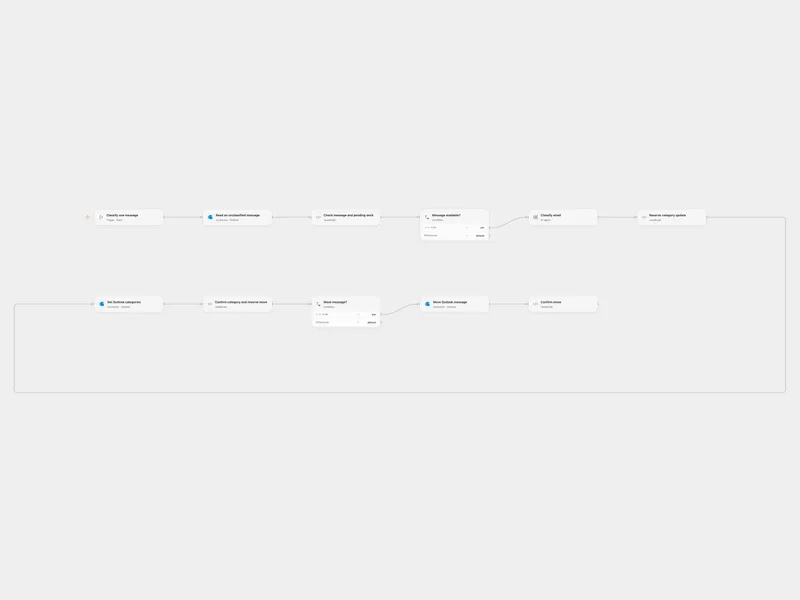
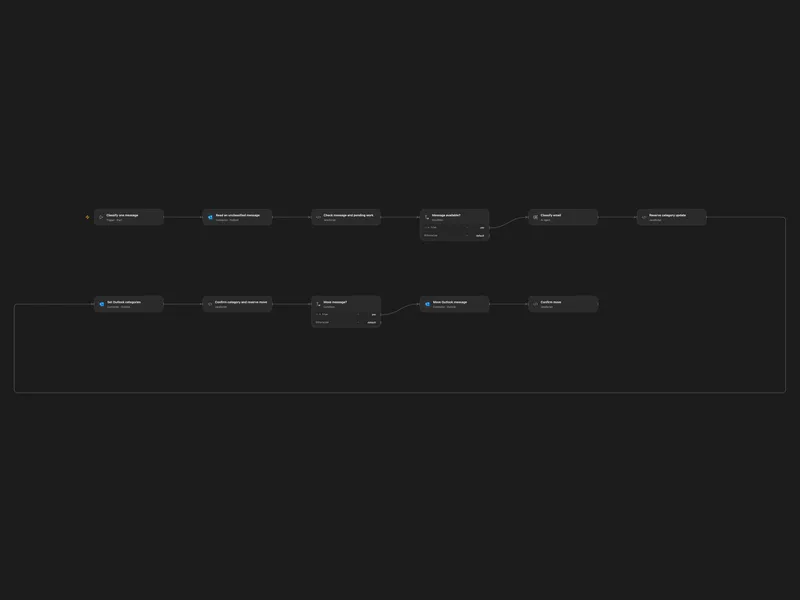
Categorize Outlook Email with AI
Classify an unflagged Outlook message and move it to a matching folder.
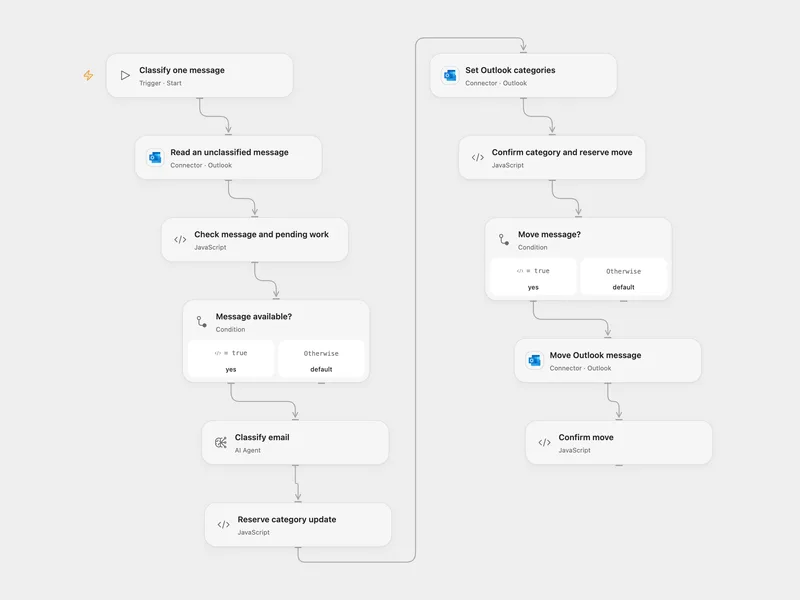
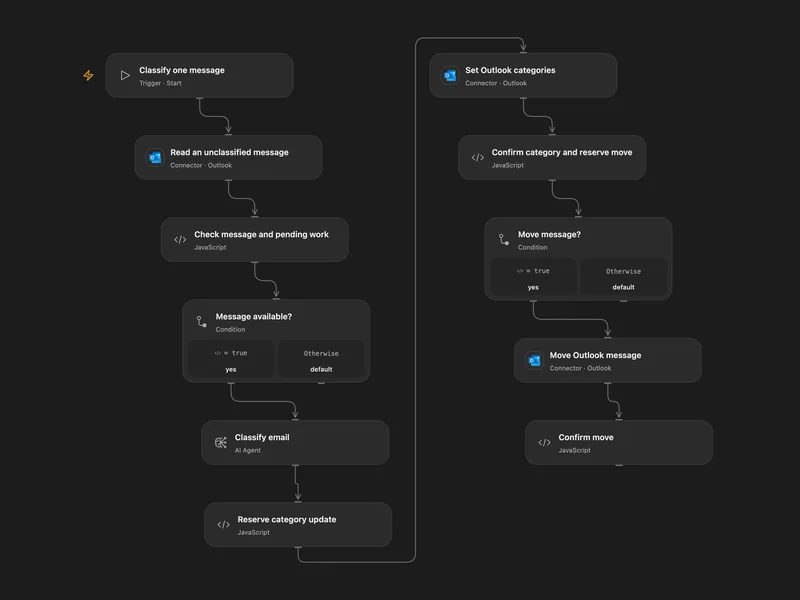
Classify Outlook Mail with Custom Folders
Classify an unflagged Outlook message and move it to a matching folder.
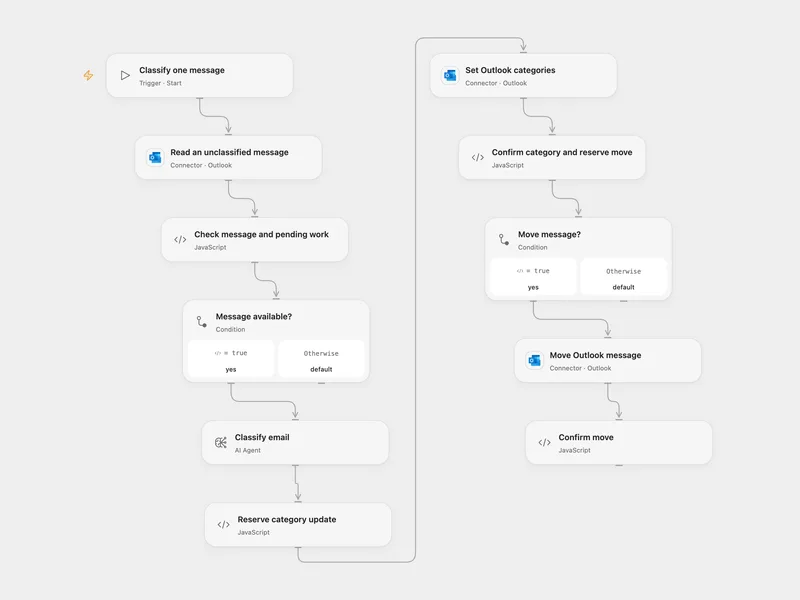
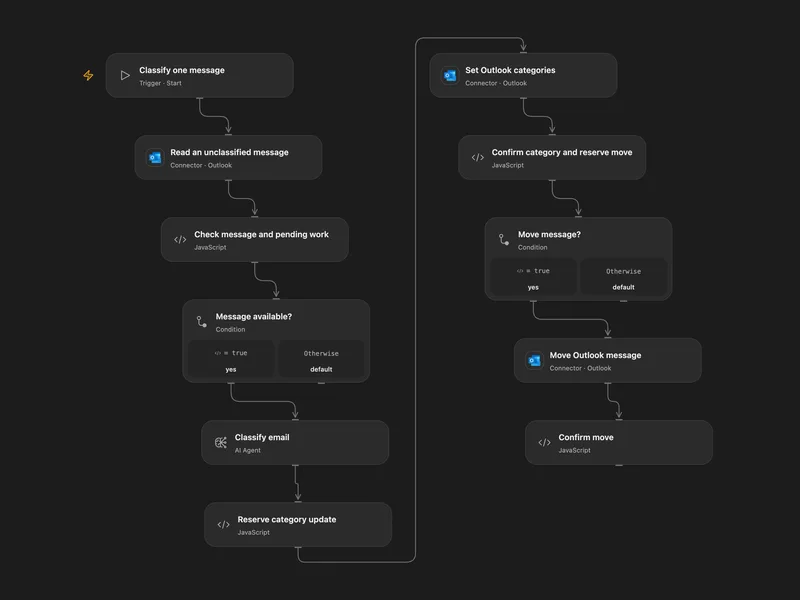
Categorize and Route Outlook Mail
Classify an unflagged Outlook message and move it to a matching folder.
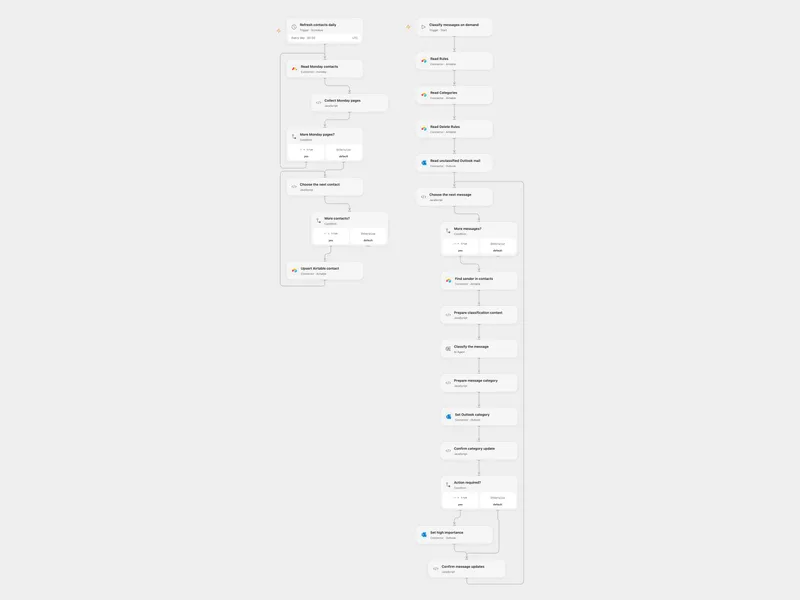
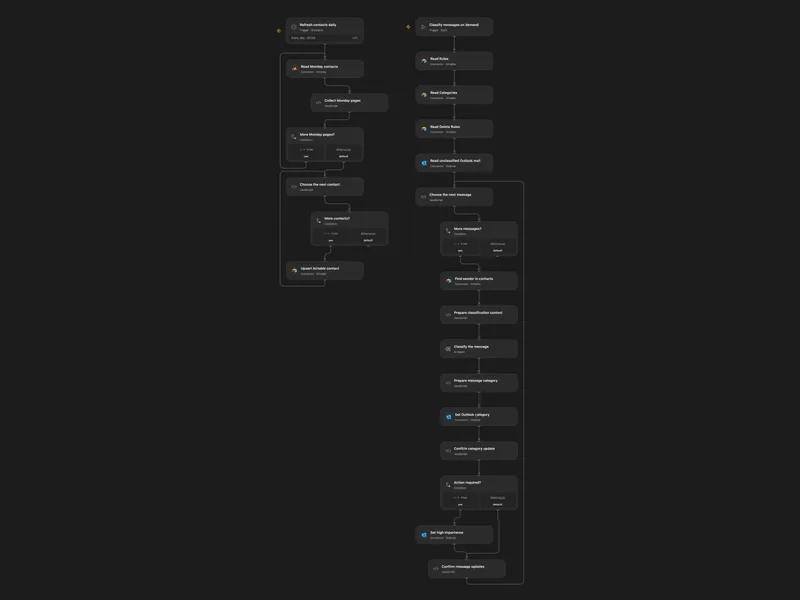
Categorize Outlook with Contact Context
Classify unflagged Outlook messages using Airtable categories and contacts, and refresh contacts from Monday.
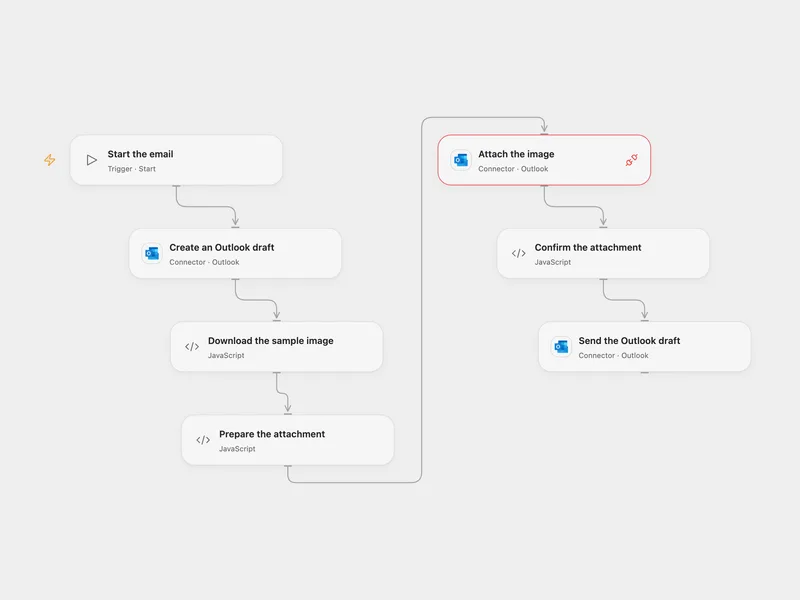
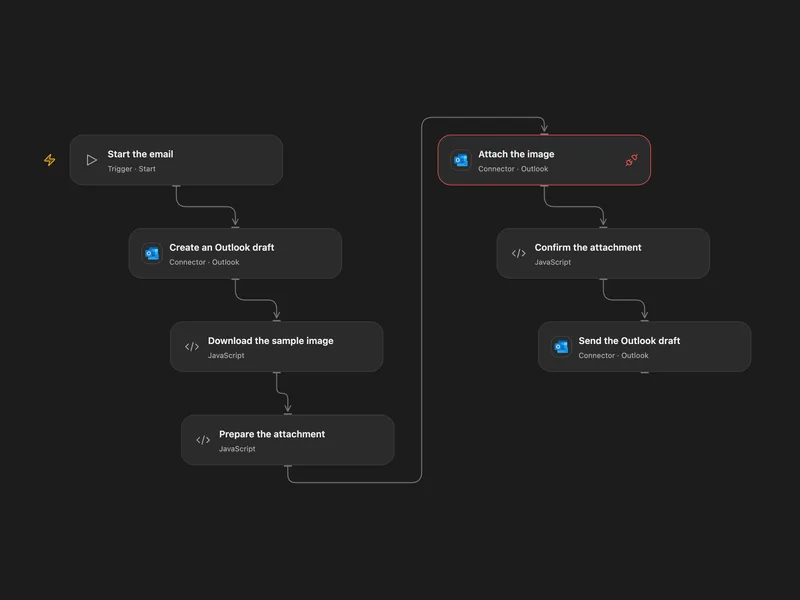
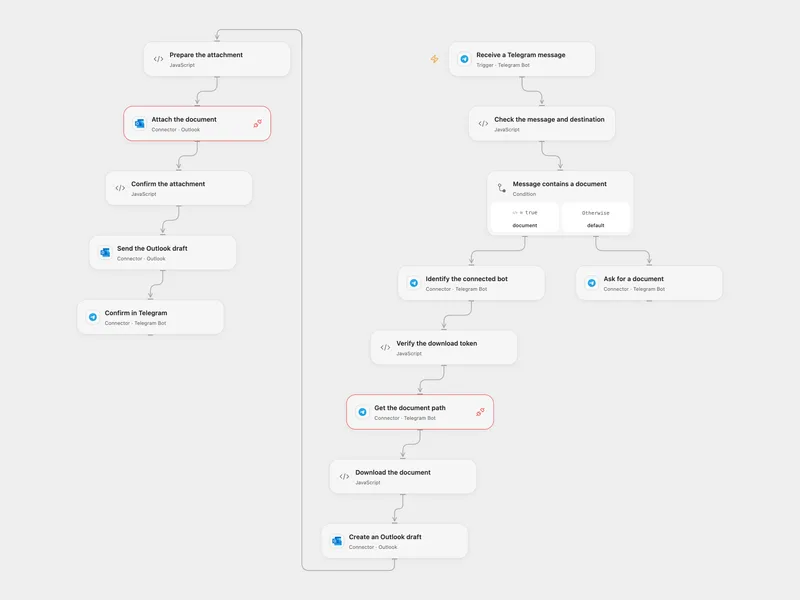
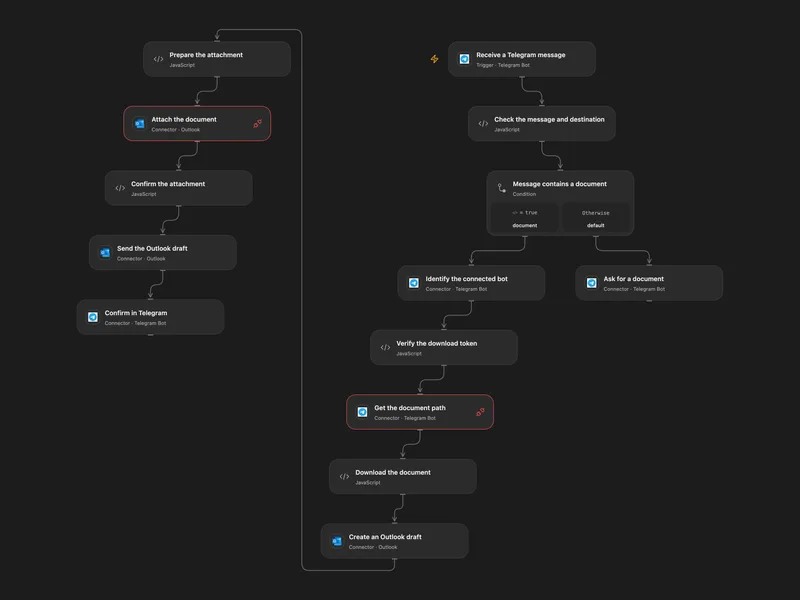
Send an Outlook Draft with an Attachment
Create an Outlook draft, add a downloaded image and send the message.
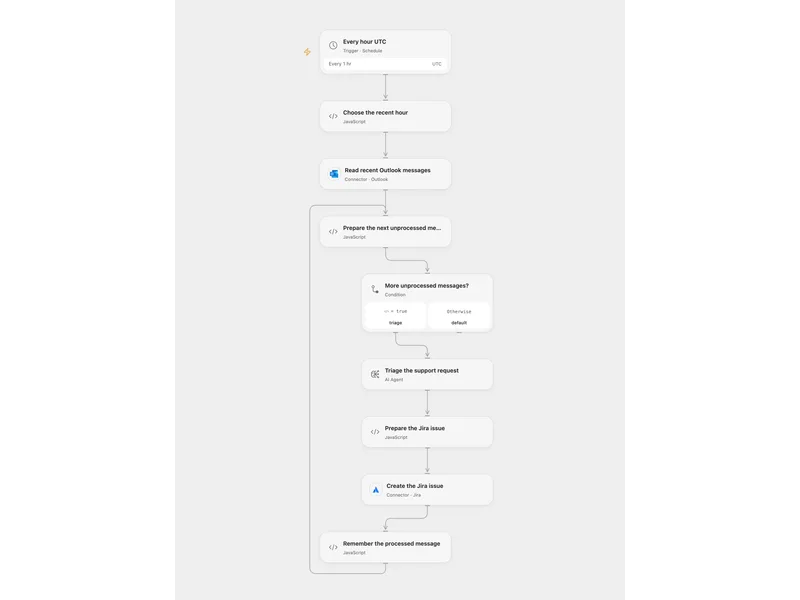
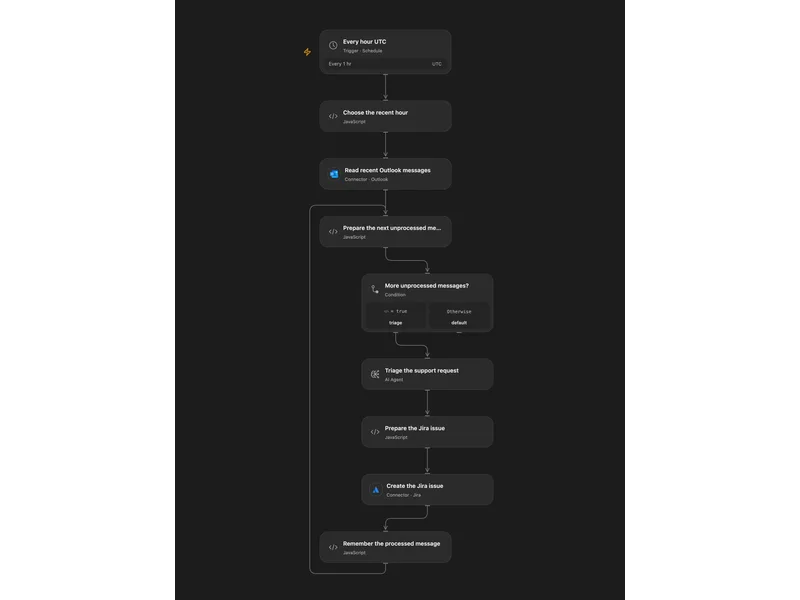
Triage Outlook Support in Jira
Triage recent Outlook support messages with AI and create Jira issues.
All actions
Get Profile
Get the current Outlook account profile from Microsoft Graph so you can identify the connected mailbox.
outlook.get_profileList Mail Folders
List the root-level Outlook mail folders for the connected mailbox, with optional hidden folders and field selection.
outlook.list_mail_foldersList Messages
List Outlook messages from the mailbox or from a specific mail folder, with support for OData filters, sorting, field selection, and pagination.
outlook.list_messagesGet Message
Get a single Outlook message by message ID, including message metadata and optional body formatting.
outlook.get_messageMove Message
Move an Outlook message to another folder in the same mailbox, including Archive or Deleted Items. Use the returned message ID for subsequent operations because moving can change it.
outlook.move_messageArchive Message
Move an Outlook message to the mailbox's Archive folder. Use the returned message ID for subsequent operations. This does not move messages to an Exchange Online archive mailbox.
outlook.archive_messageDelete Message
Delete an Outlook message using the standard mailbox deletion operation. To explicitly move a message to Deleted Items, use move_message with destinationId deleteditems.
outlook.delete_messageSet Message Read
Mark an Outlook message as read or unread.
outlook.set_message_readCreate Draft
Create a new Outlook draft message with subject, body, recipients, and other writable message properties.
outlook.create_draftUpdate Draft
Update an existing Outlook draft message. Use this to revise the subject, body, recipients, or other draft-only properties before sending.
outlook.update_draftSend Draft
Send an existing Outlook draft message by message ID.
outlook.send_draftSend Email
Send a new Outlook email in a single operation, without creating a standalone draft first.
outlook.send_emailReply Email
Reply to an existing Outlook message with either a comment or a replacement body, and optionally add more recipients to the reply.
outlook.reply_emailGet Mailbox Settings
Get the current Outlook mailbox settings, including automatic replies, locale, time zone, and working hours.
outlook.get_mailbox_settingsUpdate Mailbox Settings
Update Outlook mailbox settings such as automatic replies, locale, time zone, working hours, and date or time formatting.
outlook.update_mailbox_settingsNo actions match your search.
Connect Outlook with Open Flow
20,000 free app calls per month (paid services billed separately)