Connect UptimeRobot with Open Flow
Ask your AI assistant to work with UptimeRobot: review monitor status and create monitors.
20,000 free app calls per month (paid services billed separately)
What you can do
UptimeRobot exposes monitor configuration, current status, alert contacts, and supported monitor changes.
Review Monitor Status
List monitors and inspect their current configuration and status.
Create a Monitor
Create a monitor for a specified target and type.
Templates using UptimeRobot
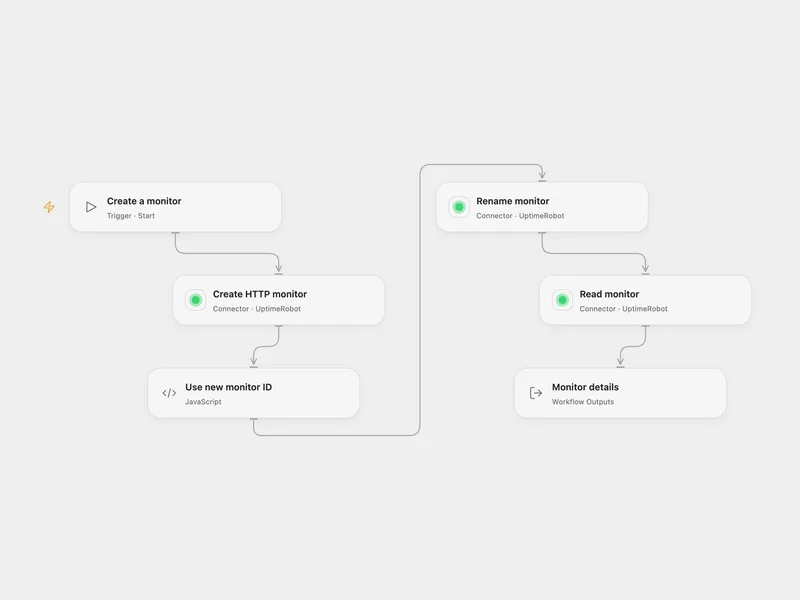
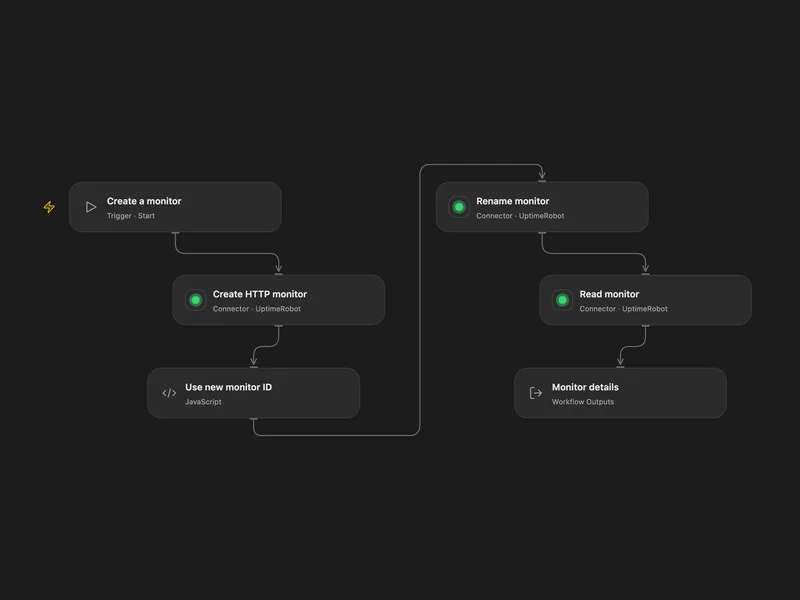
All actions
Get Account Details
Get account-level monitor usage and profile details from the connected UptimeRobot account.
uptimerobot.get_account_detailsList Alert Contacts
List the alert contacts configured in the connected UptimeRobot account.
uptimerobot.list_alert_contactsList Monitors
List monitors available in the connected UptimeRobot account.
uptimerobot.list_monitorsGet Monitor
Get the full configuration and current status of a single UptimeRobot monitor.
uptimerobot.get_monitorCreate Monitor
Create a new monitor in the connected UptimeRobot account.
uptimerobot.create_monitorUpdate Monitor
Update an existing monitor in the connected UptimeRobot account.
uptimerobot.update_monitorDelete Monitor
Delete a monitor from the connected UptimeRobot account.
uptimerobot.delete_monitorNo actions match your search.
Connect UptimeRobot with Open Flow
20,000 free app calls per month (paid services billed separately)