Connect Zotero with Open Flow
Search your library for a research question, compare saved abstracts, and organize the references you want to revisit.
20,000 free app calls per month (paid services billed separately)
What you can do
Search items in user or group libraries, read bibliographic records, and create or update items and collections. You can also remove selected records with the required write access; PDF text is not supplied by these item operations.
Research Library References
List or search items and read a selected bibliographic record.
Create a Reference Collection
Create a named collection in the selected library.
Templates using Zotero
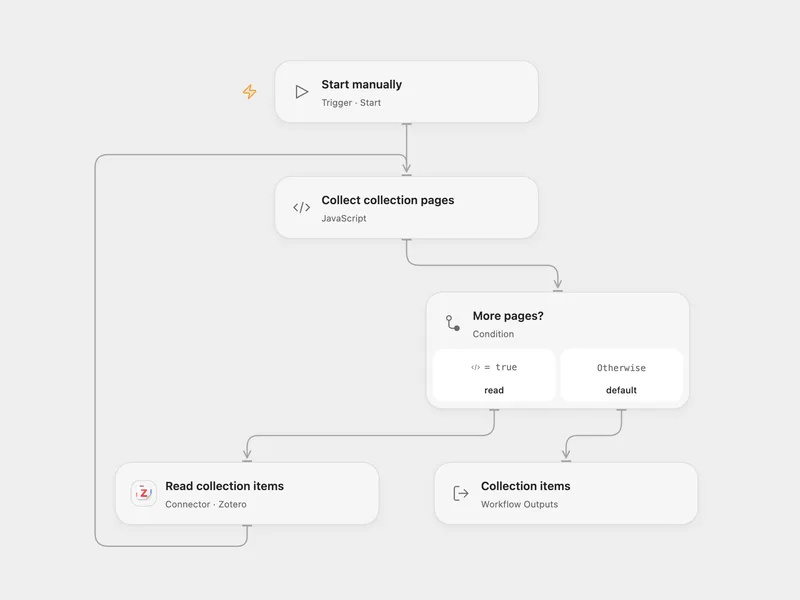
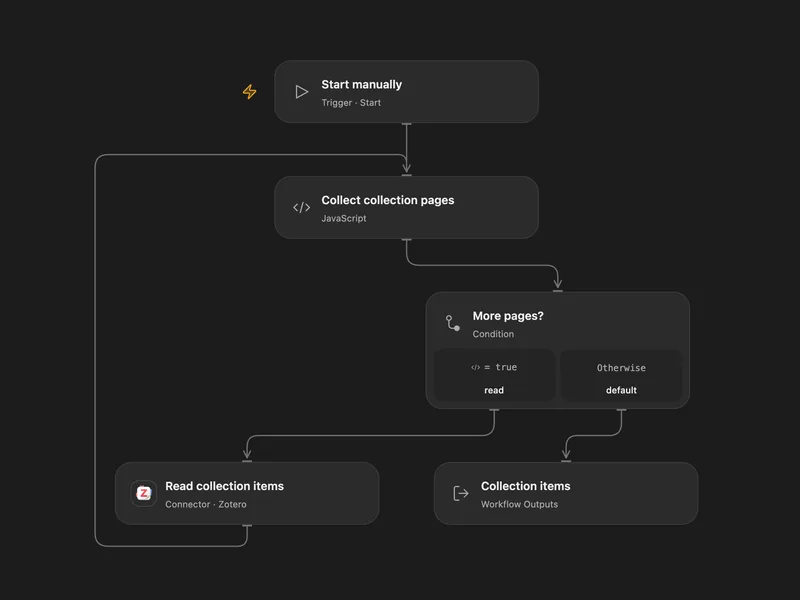
All actions
List Groups
List Zotero groups accessible to the user connected by the current API key.
zotero.list_groupsList Collections
List collections in a Zotero user or group library.
zotero.list_collectionsGet Collection
Retrieve one collection from a Zotero user or group library.
zotero.get_collectionCreate Collection
Create one collection in a Zotero user or group library.
zotero.create_collectionUpdate Collection
Replace the editable fields of one Zotero collection at a known version.
zotero.update_collectionDelete Collection
Delete one Zotero collection at a known version.
zotero.delete_collectionList Items
List or search items in a Zotero user or group library.
zotero.list_itemsGet Item
Retrieve one item from a Zotero user or group library.
zotero.get_itemCreate Item
Create one bibliographic item in a Zotero user or group library.
zotero.create_itemUpdate Item
Partially update one Zotero item at a known version.
zotero.update_itemDelete Item
Delete one Zotero item at a known version.
zotero.delete_itemNo actions match your search.
Connect Zotero with Open Flow
20,000 free app calls per month (paid services billed separately)