Data
Extract PDF Pages from a URL
Download a PDF and extract a selected page range into a new PDF.
Download workflow
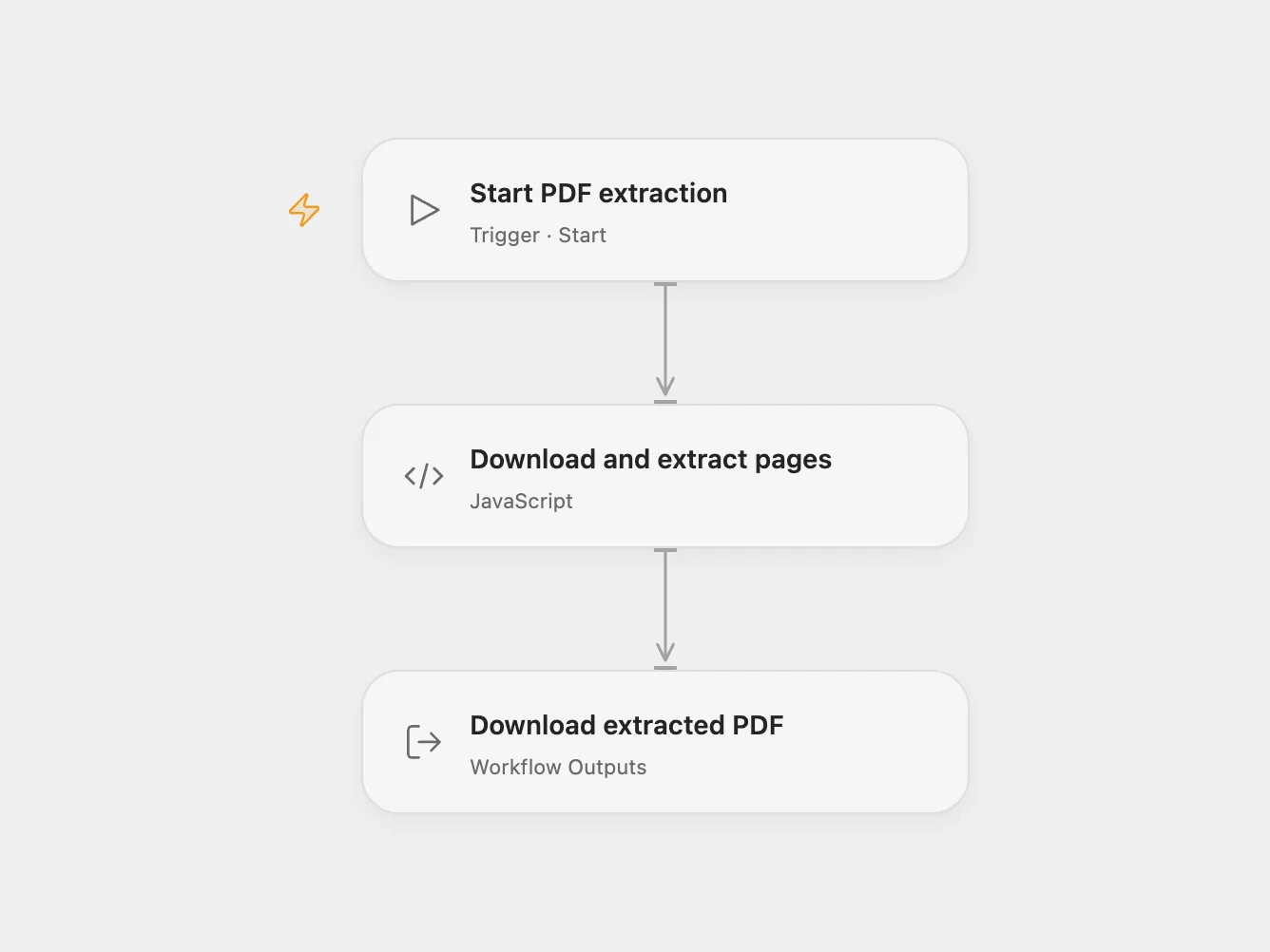
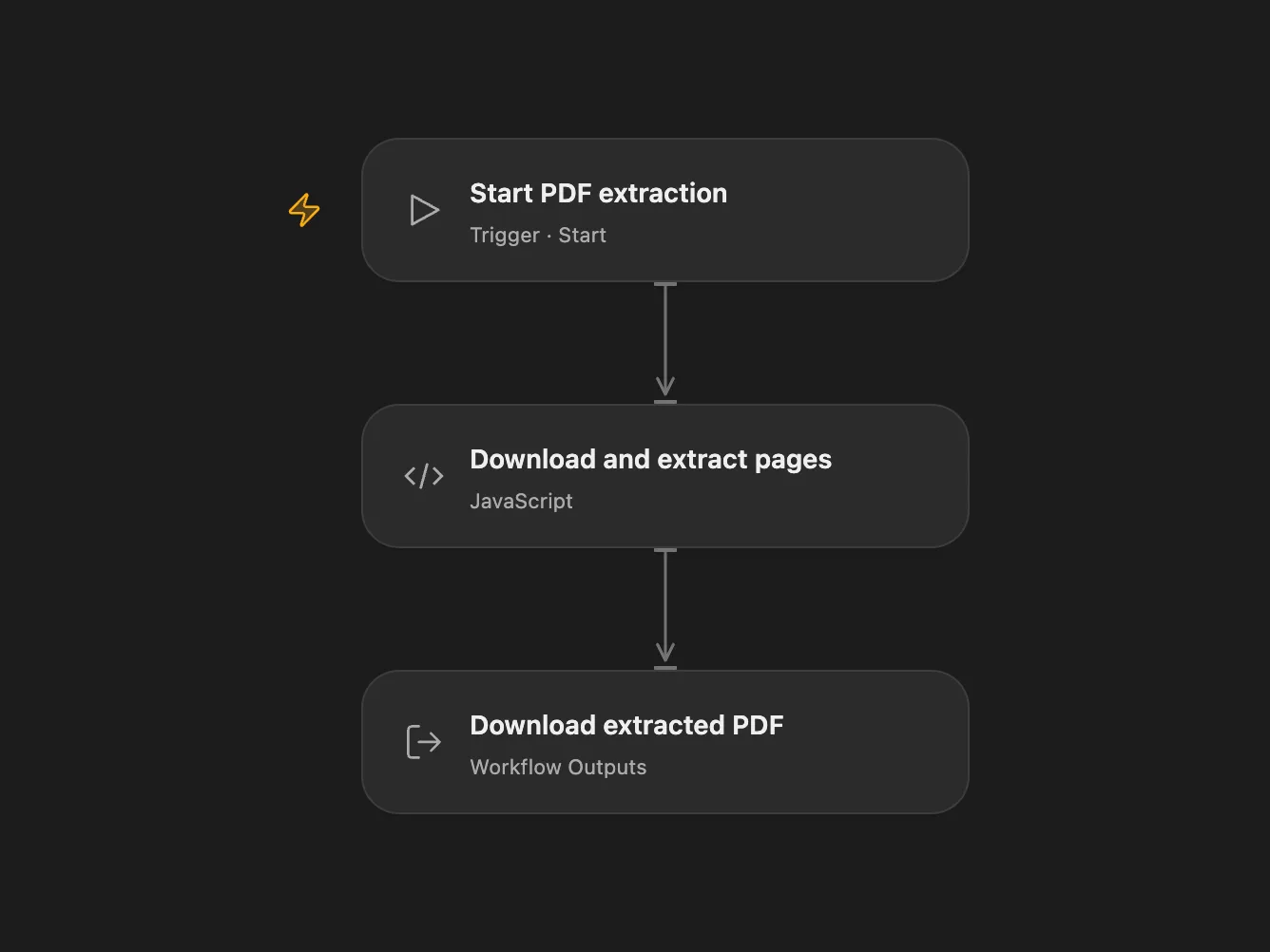
Download a PDF and extract a selected page range into a new PDF.
Setup and use
Run the workflow to download the example PDF and extract pages 2–3. In Open Flow, set the PDF URL and page range in Download and extract pages. Add the URL’s hostname to that node’s allowed HTTP hosts when changing the URL. Large PDFs must support HTTP byte ranges; the server should provide an ETag or Last-Modified validator so the ranges refer to the same version. Download the resulting output.pdf artifact.
Behavior
The workflow copies the selected pages in their original order into a new PDF. Page numbering starts at 1. A missing PDF or an invalid range fails the run. The source URL and document contents are available to the services and execution environment involved; use documents you are permitted to process. Runtime request and artifact size limits apply.
In n8n
For n8n, install the CustomJS PDF Toolkit community node, connect a CustomJS credential and set the URL and page range in HTTP Request and Extract Pages From PDF1. The PDF is sent to CustomJS for processing. Use one format.
Inspiration & credits
Changes to the source
- Open Flow extracts pages locally with pdf-lib and downloads large PDFs in HTTP ranges.
Adapted from Extract pages from a PDF URL in Zie619/n8n-workflows. The source export does not identify a separate template author or license.
The collection’s MIT notice is pinned at a later revision. This is the collection notice at that revision; it does not establish a separate original template author’s license. Our changes are listed above; see repository licensing.
MIT License
Copyright (c) 2025 Zie619
Permission is hereby granted, free of charge, to any person obtaining a copy of this software and associated documentation files (the “Software”), to deal in the Software without restriction, including without limitation the rights to use, copy, modify, merge, publish, distribute, sublicense, and/or sell copies of the Software, and to permit persons to whom the Software is furnished to do so, subject to the following conditions:
The above copyright notice and this permission notice shall be included in all copies or substantial portions of the Software.
THE SOFTWARE IS PROVIDED “AS IS”, WITHOUT WARRANTY OF ANY KIND, EXPRESS OR IMPLIED, INCLUDING BUT NOT LIMITED TO THE WARRANTIES OF MERCHANTABILITY, FITNESS FOR A PARTICULAR PURPOSE AND NONINFRINGEMENT. IN NO EVENT SHALL THE AUTHORS OR COPYRIGHT HOLDERS BE LIABLE FOR ANY CLAIM, DAMAGES OR OTHER LIABILITY, WHETHER IN AN ACTION OF CONTRACT, TORT OR OTHERWISE, ARISING FROM, OUT OF OR IN CONNECTION WITH THE SOFTWARE OR THE USE OR OTHER DEALINGS IN THE SOFTWARE.
pdf-lib 1.17.1 and its bundled dependencies are included under MIT, zlib and Apache 2.0 licenses. Their complete notices are included in the workflow module.