Productivity
Record Recall Transcript Notes
Save verified live transcript segments and create meeting notes when a keyword is spoken.
Download workflow
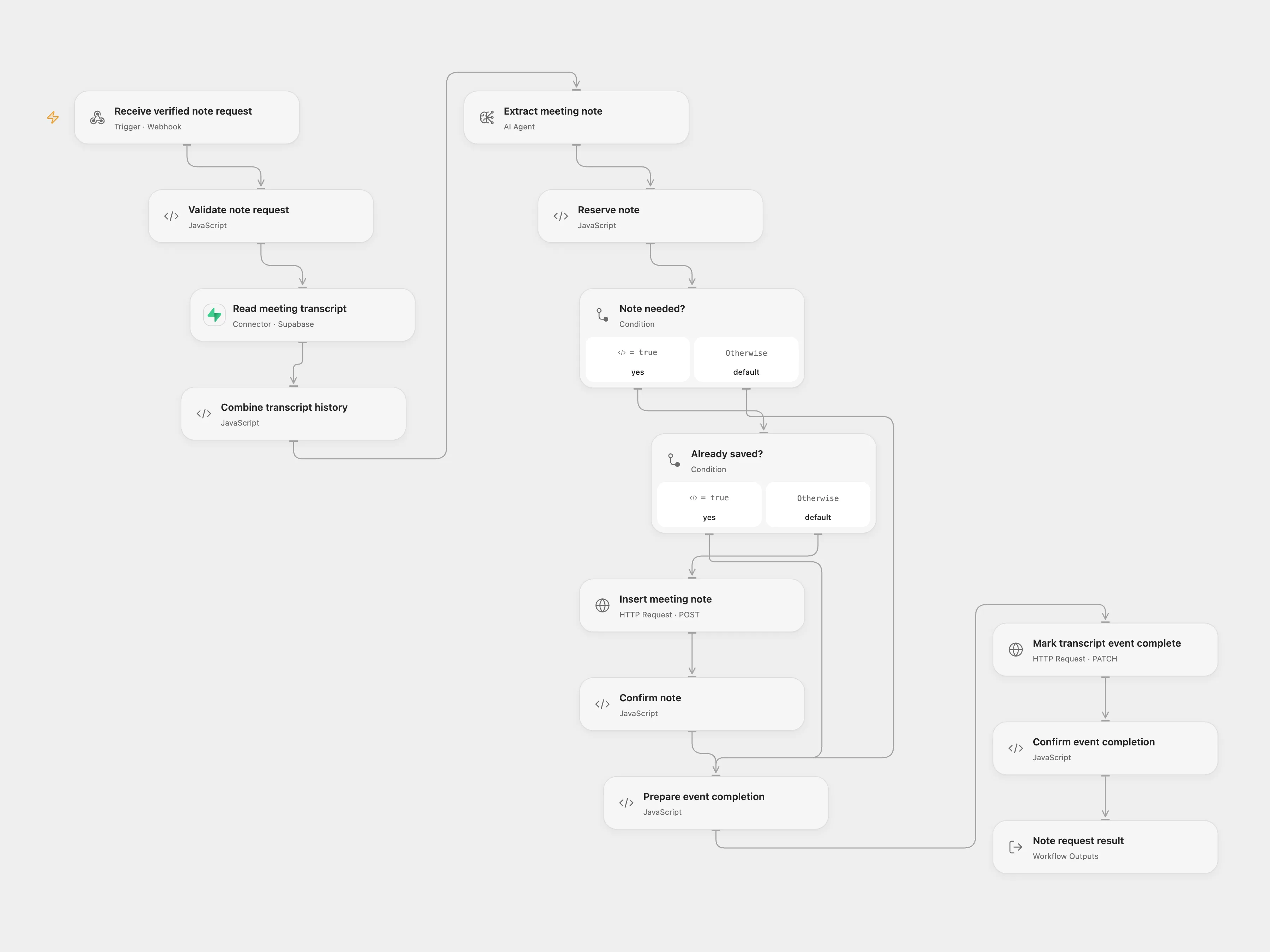
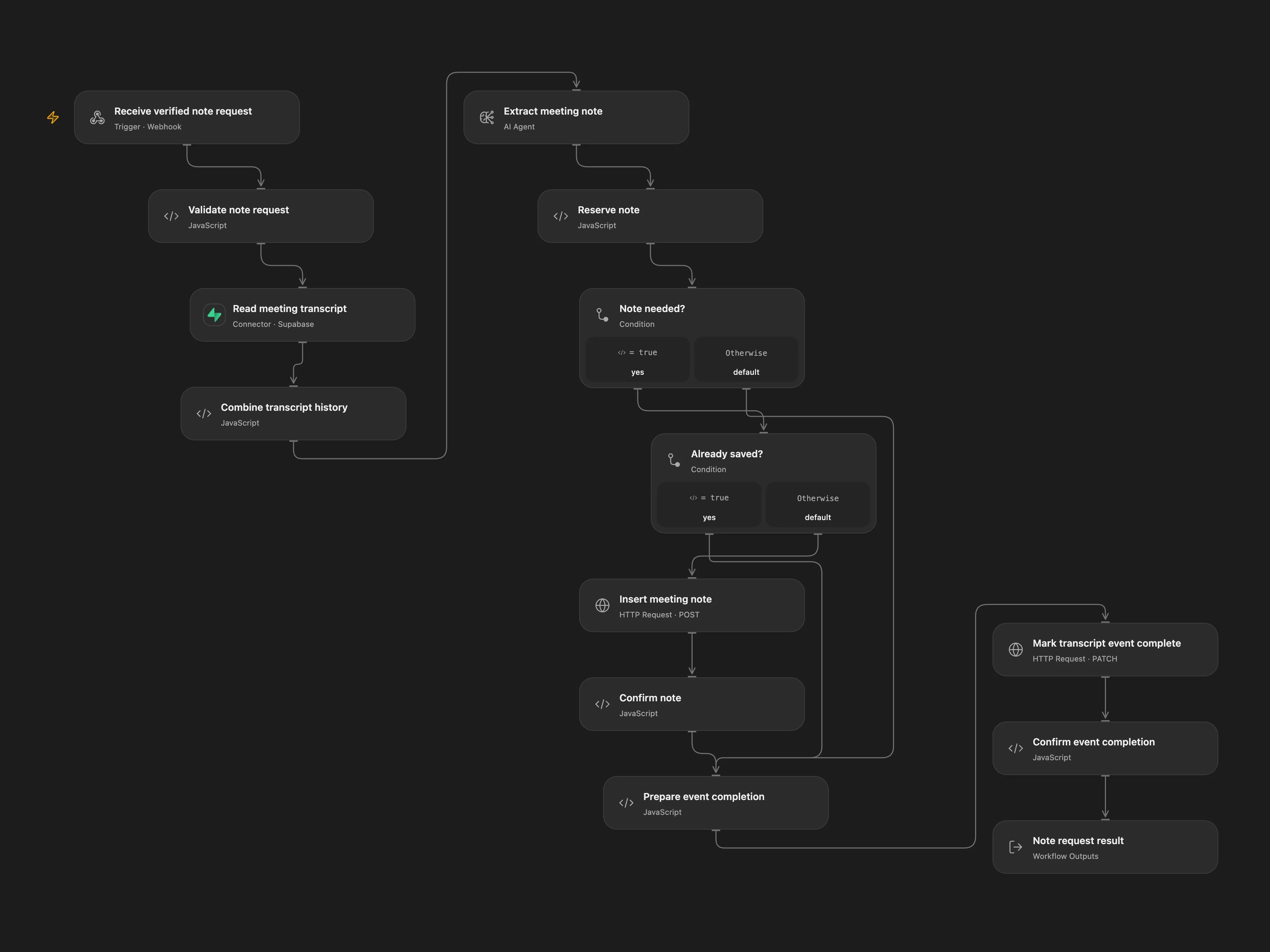
Save verified live transcript segments and create meeting notes when a keyword is spoken.
Setup
Follow the Recall real-time transcription documentation for the bot request. Configure PostgreSQL credentials and create these tables:
CREATE TABLE meeting_utterances (event_id text PRIMARY KEY, bot_id text NOT NULL, speaker text NOT NULL, words text NOT NULL, relative_seconds double precision NOT NULL, note_status text NOT NULL DEFAULT ‘pending’); CREATE TABLE meeting_notes (event_id text PRIMARY KEY, bot_id text NOT NULL, note text NOT NULL);
Behavior
When a segment contains Jimmy, the model may save a note using that bot’s ordered transcript. Replayed pending events can resume; completed events are skipped. Avoid overlapping runs for the same bot. Meeting content is sent to the selected model and stored in PostgreSQL; review the resulting notes. This component does not create Recall bots.
In n8n
Configure a Recall bot separately with recording_config.transcript.provider.recallai_streaming and a recording_config.realtime_endpoints webhook subscribed to transcript.data, pointing to the n8n webhook. Use a Recall workspace verification secret and set RECALL_WORKSPACE_SECRET in the n8n runtime. Self-hosted n8n must allow the Node crypto builtin in its Code task runner (NODE_FUNCTION_ALLOW_BUILTIN=crypto) and allow this environment variable in nodes. In n8n set Choose mode relay to false for direct AI and PostgreSQL notes, or true to forward to Open Flow after verification and storage. In relay mode configure the Open Flow URL, Supabase read-only management connection and project reference, Supabase REST project URL, credentials and persistent State. Both paths must use the same Supabase PostgreSQL database. The REST role must insert and read meeting_notes and select and update meeting_utterances. Restrict the Open Flow webhook to the n8n sender through a private network or authenticated gateway; it has no built-in caller authentication. Configure an available model in the selected mode. The n8n receiver verifies Recall’s raw-body signature before parsing, stores each finalized utterance once by webhook ID, acknowledges the callback, and processes it asynchronously. If processing fails after acknowledgement, inspect and retry the n8n execution from the stored event; a stale signed callback cannot pass verification again.
Inspiration & credits
Adapted from AI Agent for realtime insights on meetings in enescingoz/awesome-n8n-templates.
Source collection notice: © 2024–2026 Enes Cingoz, CC BY 4.0. The source credits Mark Shcherbakov from the 5minAI community; it does not identify a separate template license. See repository licensing for the scope of OOMOL contributions and third-party material.
Changes from source: Verify current Recall webhook signatures, replace the retired Assistants API with a structured AI agent, isolate the transcript receiver and note path, and add durable event tracking and idempotent note writes. Bot creation remains a separate setup step.
Collection license notice:
Creative Commons Attribution 4.0 International License

Copyright (c) 2024-2026 Enes Cingoz

You are free to:

  Share - copy and redistribute the material in any medium or format
  Adapt - remix, transform, and build upon the material for any purpose,
  even commercially.

Under the following terms:

  Attribution - You must give appropriate credit, provide a link to the
  license, and indicate if changes were made. You may do so in any
  reasonable manner, but not in any way that suggests the licensor
  endorses you or your use.

  No additional restrictions - You may not apply legal terms or
  technological measures that legally restrict others from doing
  anything the license permits.

Notices:

  You do not have to comply with the license for elements of the
  material in the public domain or where your use is permitted by an
  applicable exception or limitation.

  No warranties are given. The license may not give you all of the
  permissions necessary for your intended use. For example, other rights
  such as publicity, privacy, or moral rights may limit how you use the
  material.

For the full license text, see:
https://creativecommons.org/licenses/by/4.0/legalcode