Connect Gmail with Open Flow
Ask your AI assistant to find the messages that matter, summarize conversations, and prepare drafts for you to review.
20,000 free app calls per month (paid services billed separately)
What you can do
Gmail is Google’s email service. Connecting your account gives an AI assistant access to supported email operations within the permissions you grant.
Search and Read Email
Find messages by your search criteria and retrieve their content for analysis.
Create Email Drafts
Save a message as a Gmail draft so you can review it before sending.
Manage Message Labels
List available labels and apply them to selected messages.
Templates using Gmail
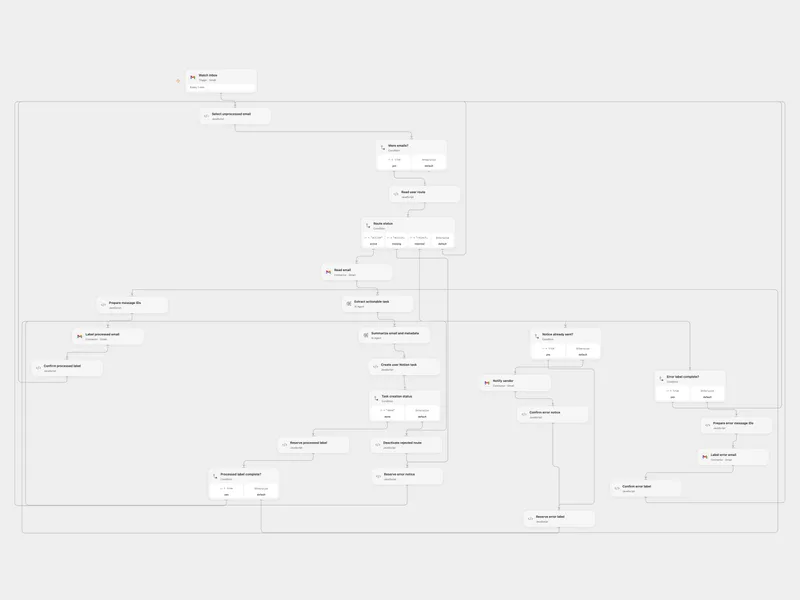
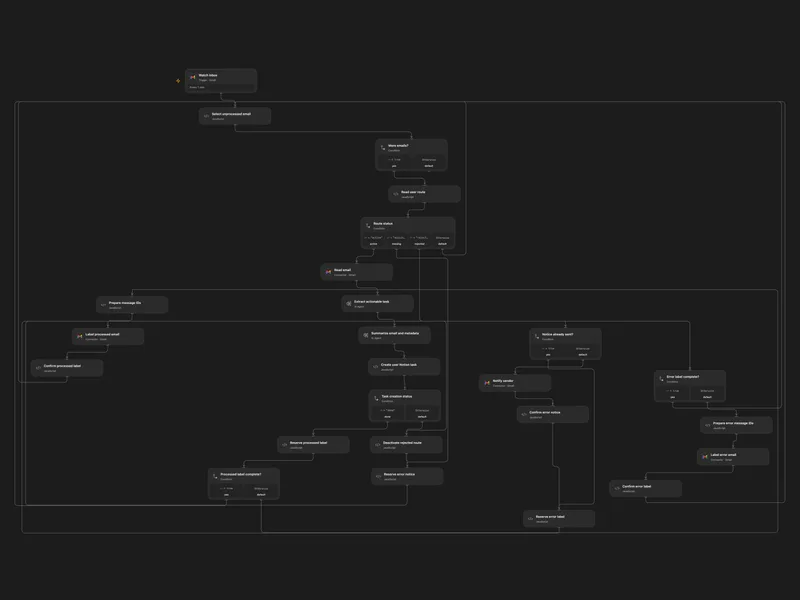
Route Aliased Emails to Notion Tasks
Route inbox messages to each user’s Notion database and create an AI task and summary.
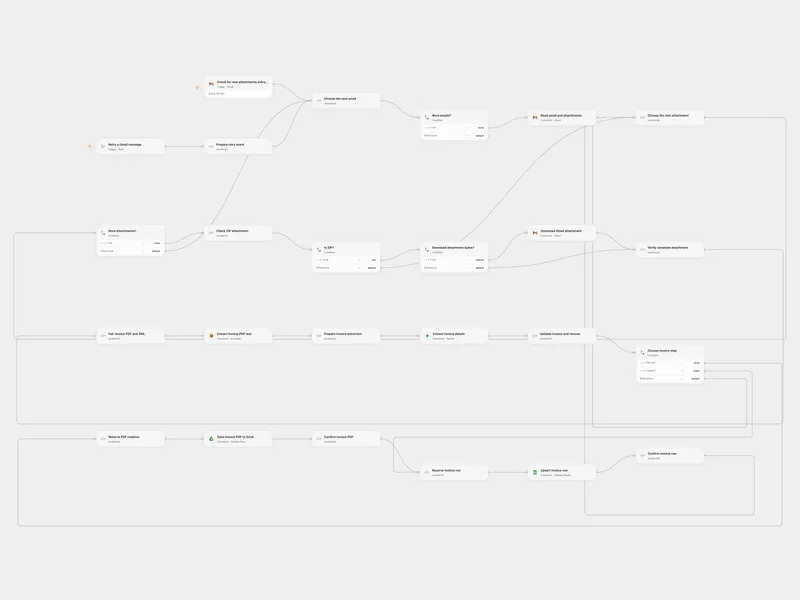
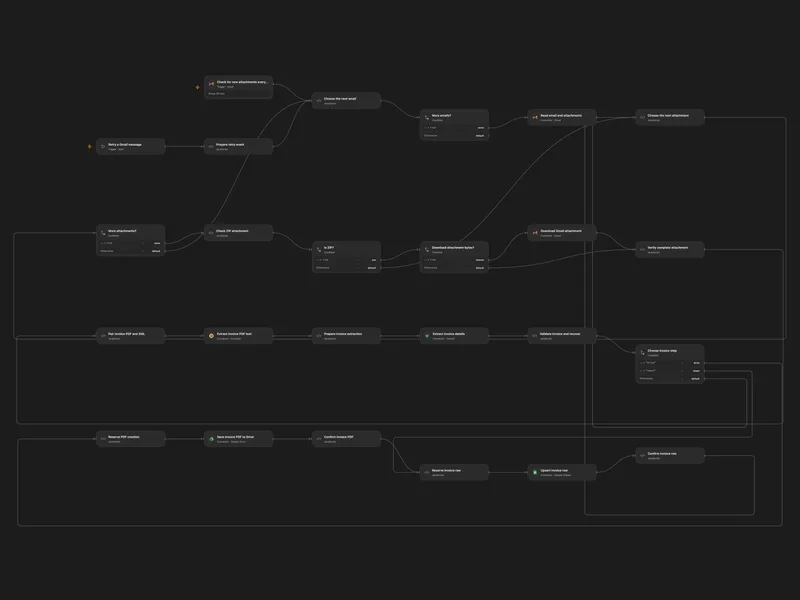
Process Colombian Invoices from Gmail ZIP
Extract Colombian invoice information from ZIP attachments and organize the PDF and invoice row.
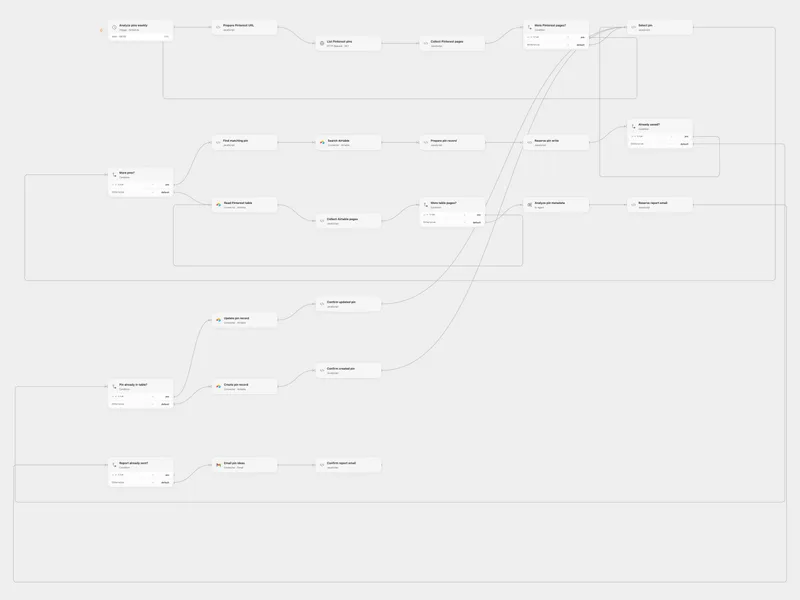
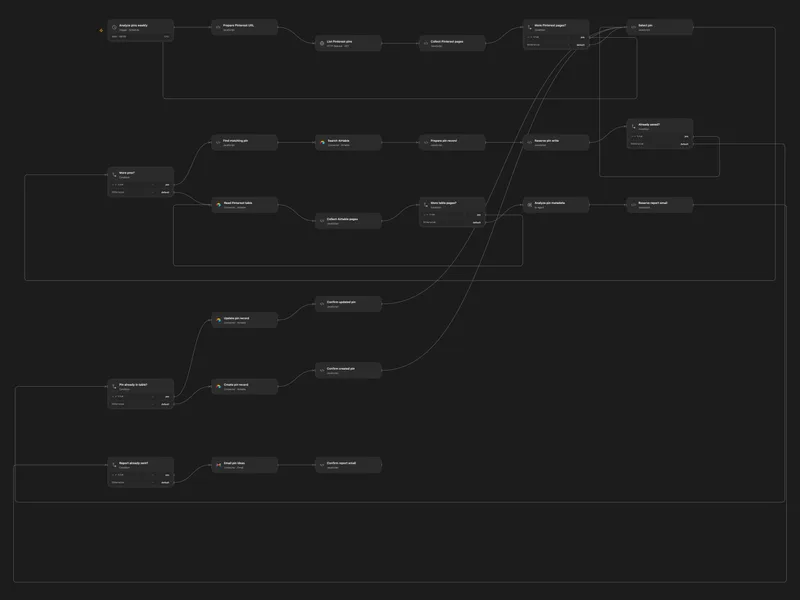
Analyze Pinterest Pins for Content Ideas
Collect Pinterest pins in Airtable and email content ideas based on their metadata.
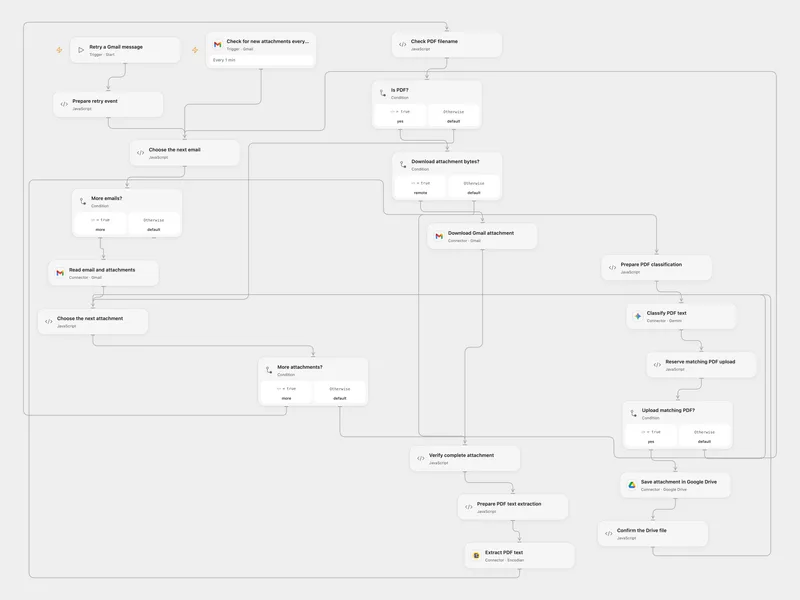
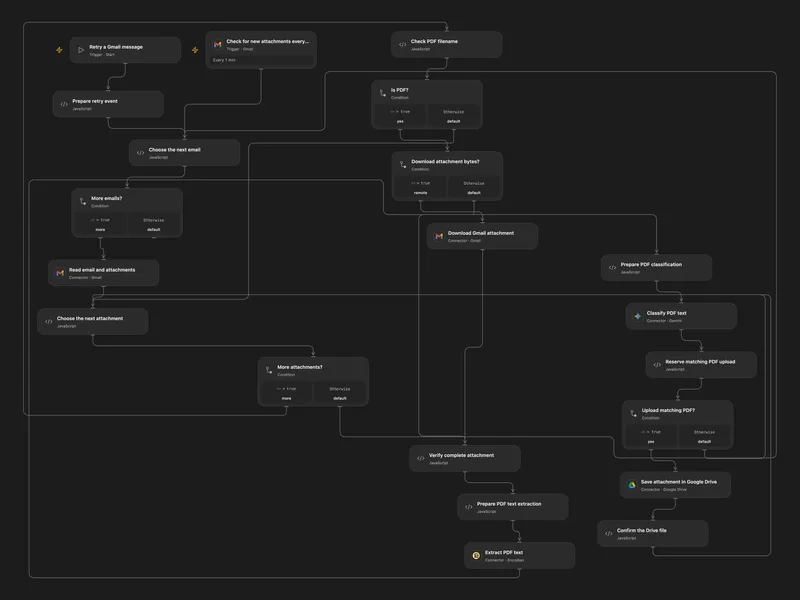
Classify Gmail PDFs and Save to Drive
Classify incoming PDF attachments and save matching originals to Google Drive.
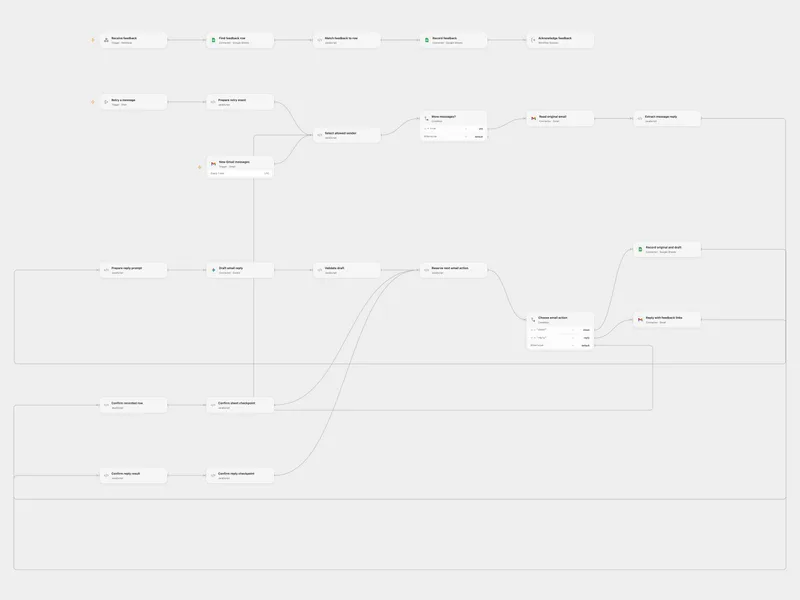
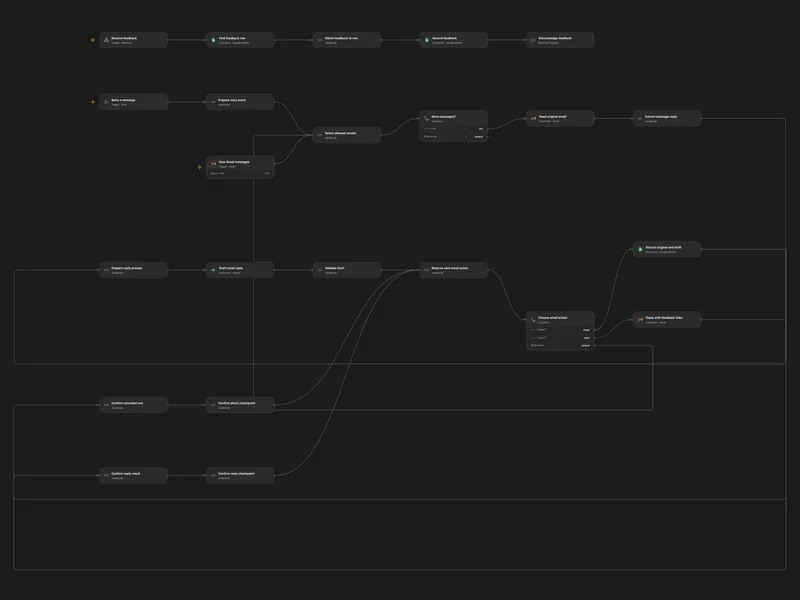
Reply to Gmail with Feedback in Sheets
Reply to selected Gmail messages and record recipient feedback in Google Sheets.
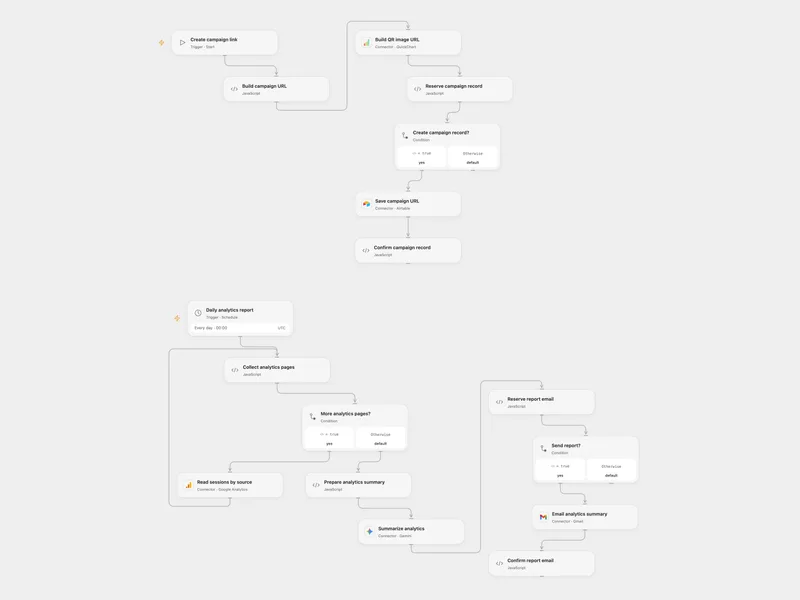
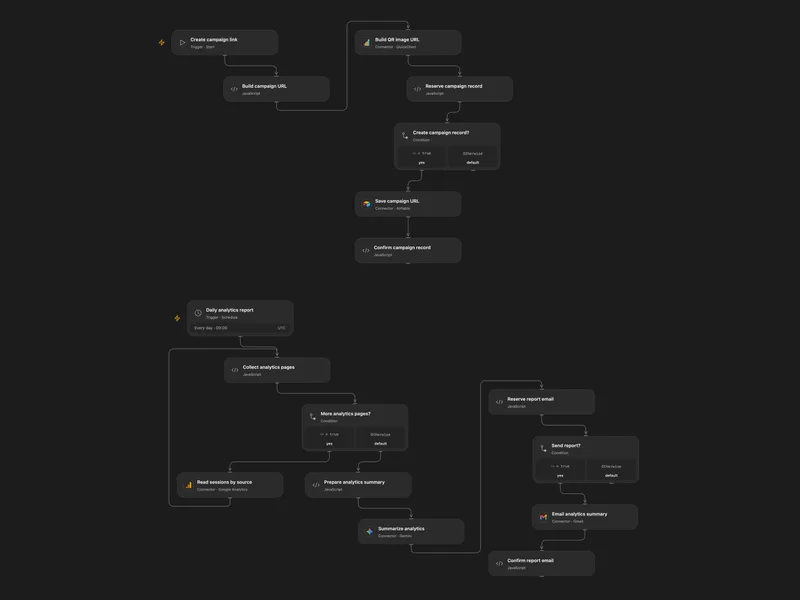
Create UTM Links and Email Analytics
Create a campaign link and QR code, and email a scheduled analytics summary.
More templates (77)
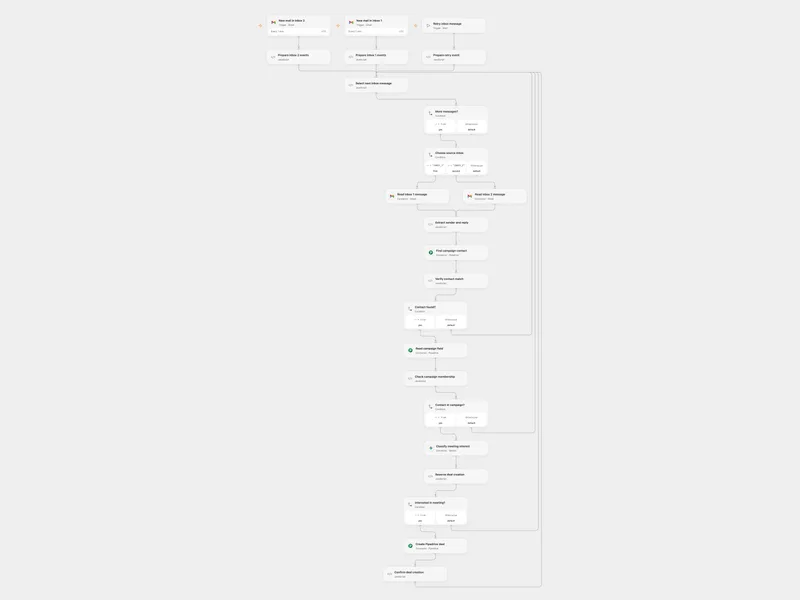
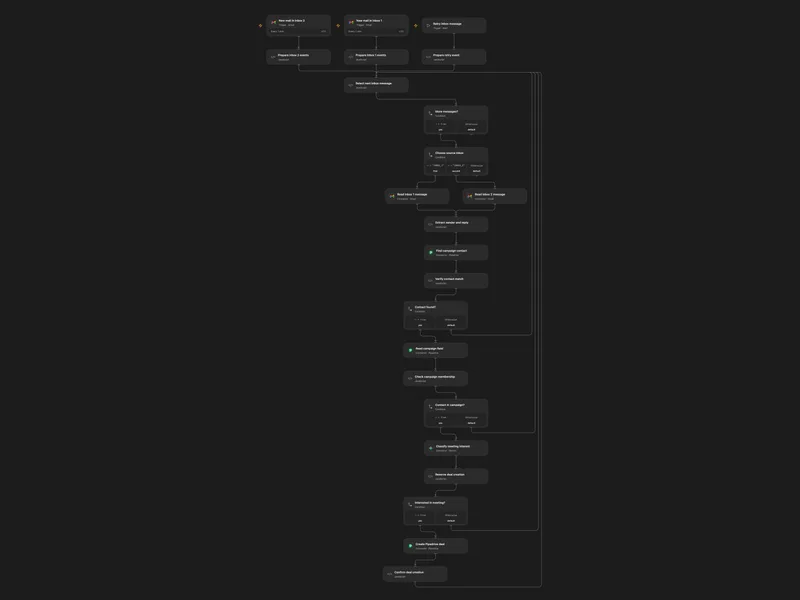
Create Pipedrive Deals from Interested Replies
Check replies from campaign contacts and create a deal when the sender is interested in a meeting.
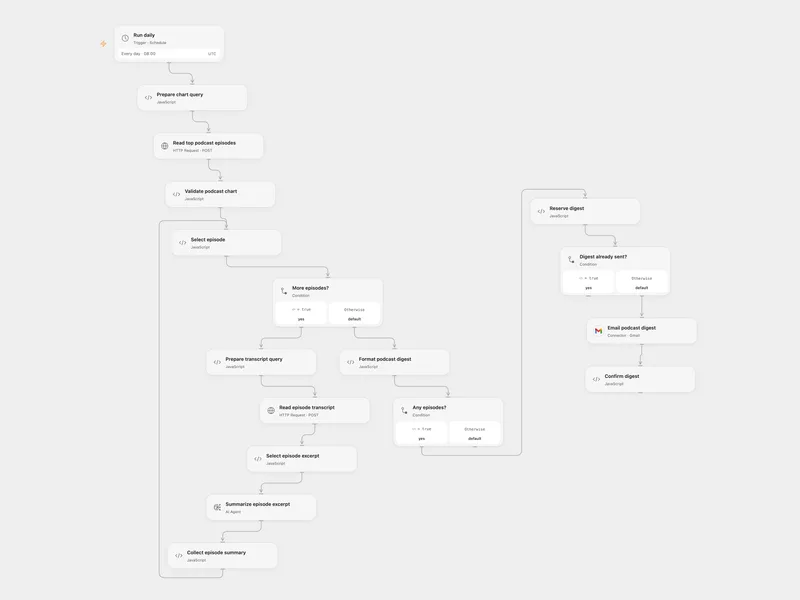
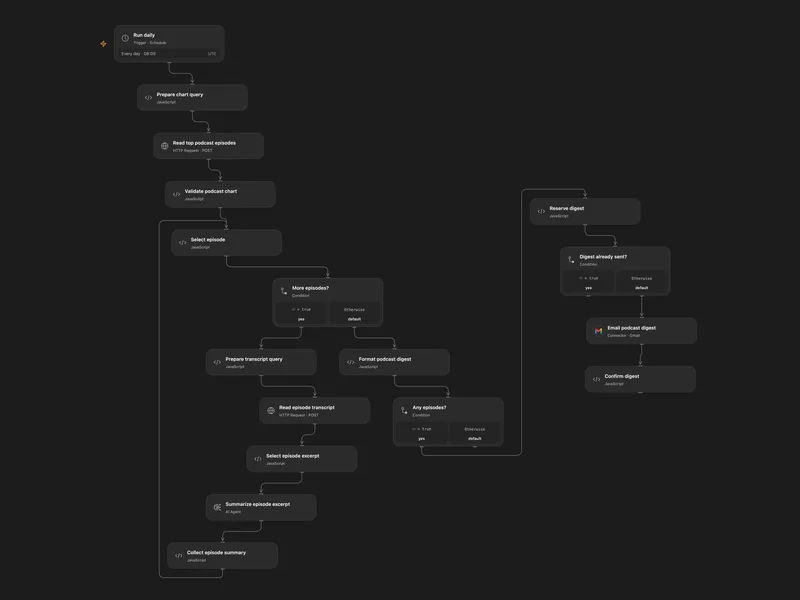
Email Daily Podcast Chart Summaries
Summarize excerpts from the daily podcast charts and email a digest.
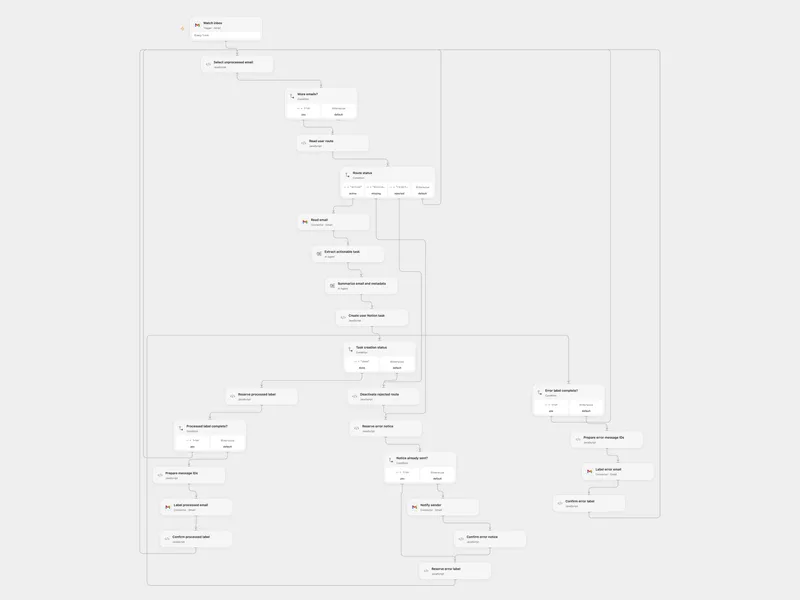
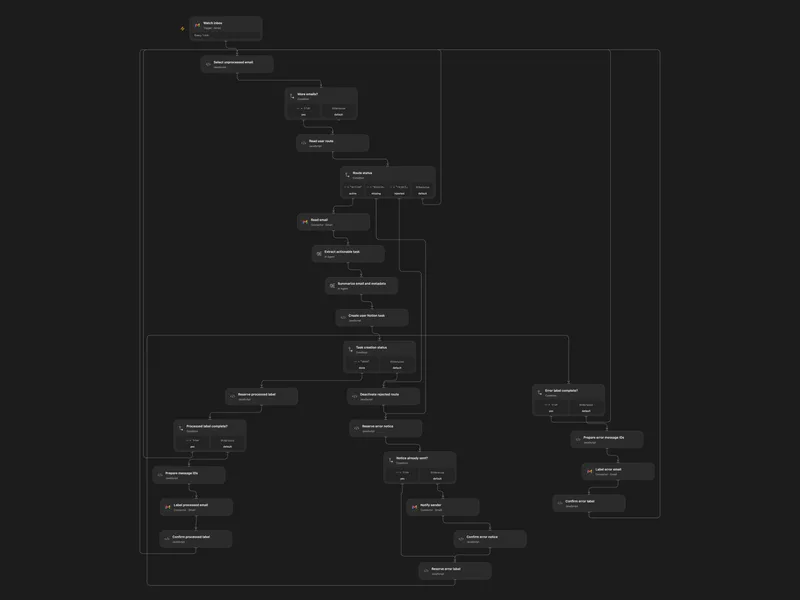
Route Email Tasks to Notion
Route emails through user-specific Notion connections and create tasks and summaries.
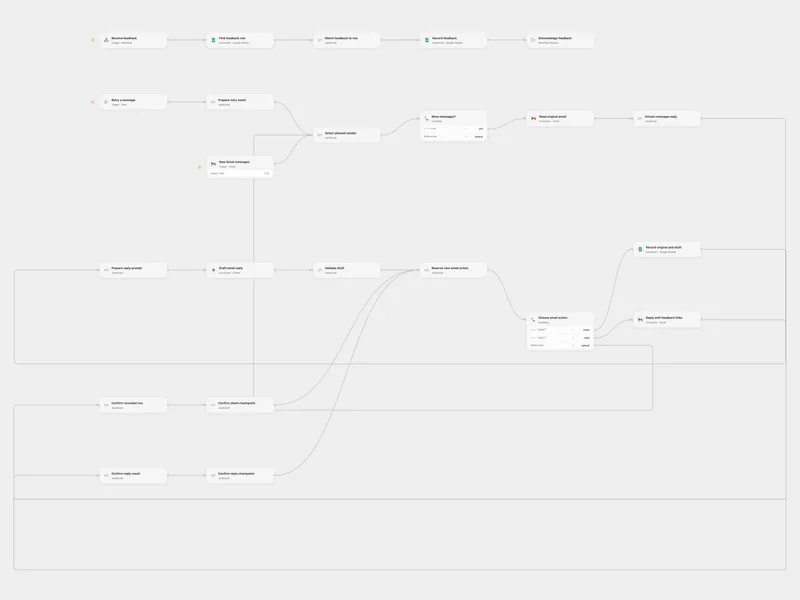
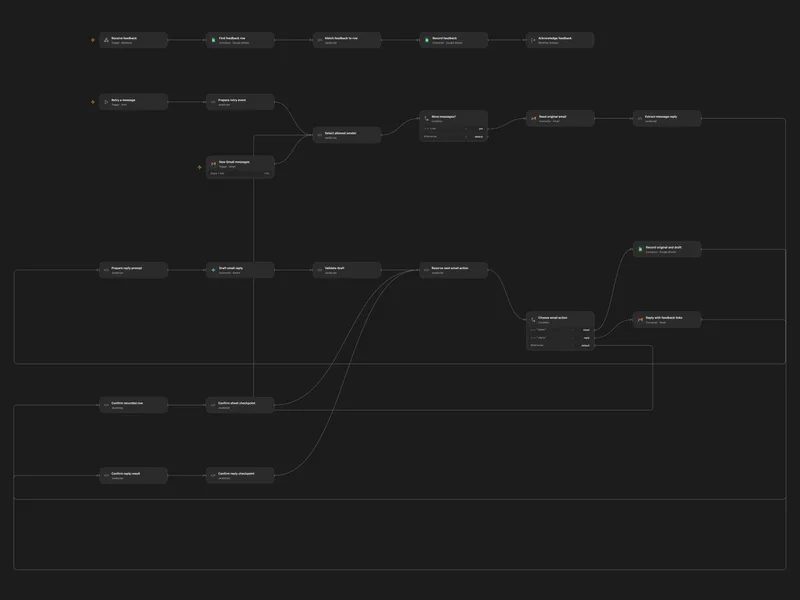
Reply to Gmail and Record Feedback
Draft replies to selected Gmail messages and record recipient feedback in Google Sheets.
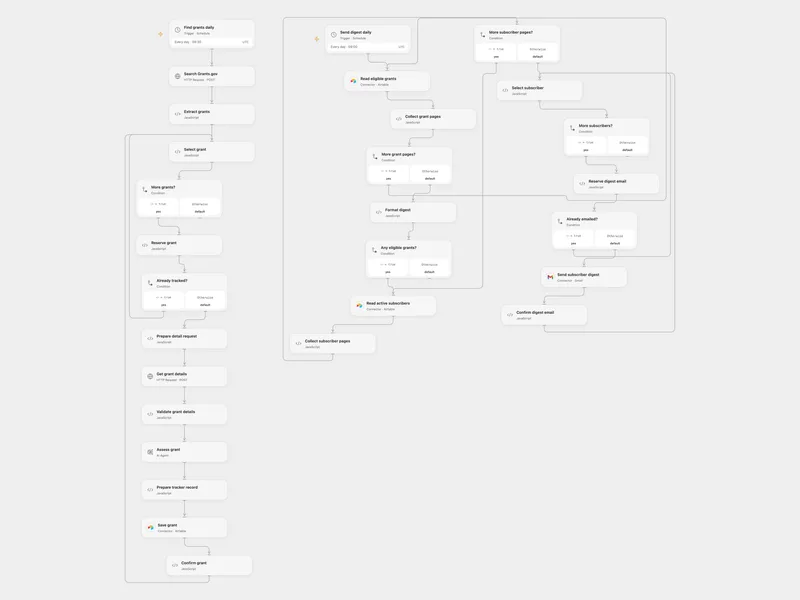
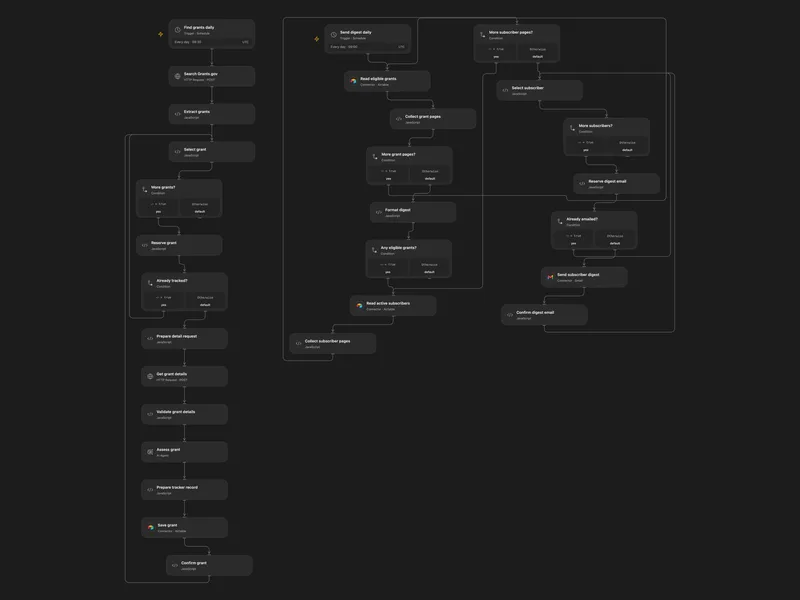
Track AI Grants and Send a Digest
Track new AI grant opportunities and email a digest of eligible listings.
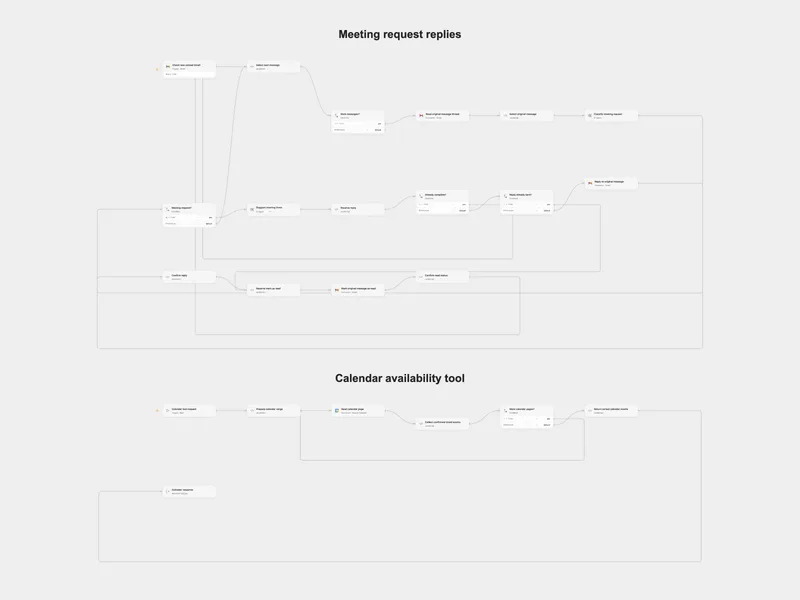
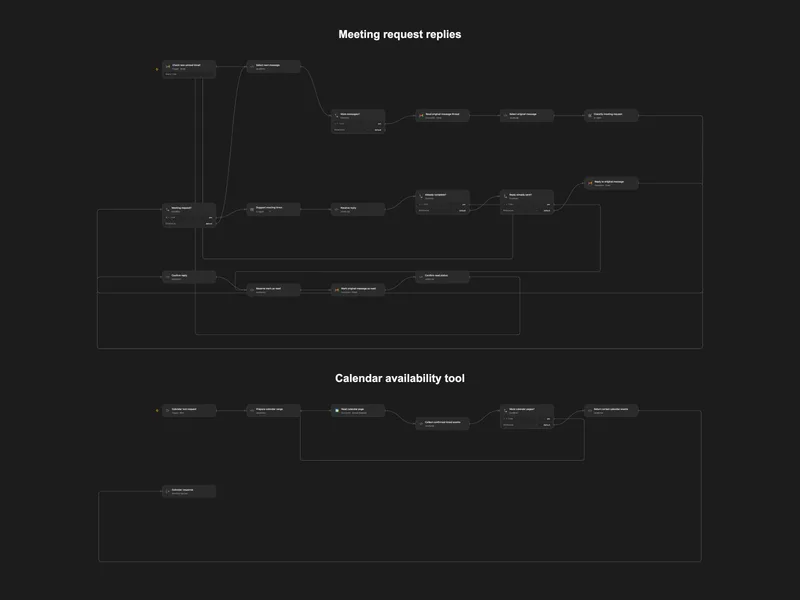
Reply to Meeting Requests with Calendar Availability
Reply to meeting requests with suggested times based on Google Calendar.
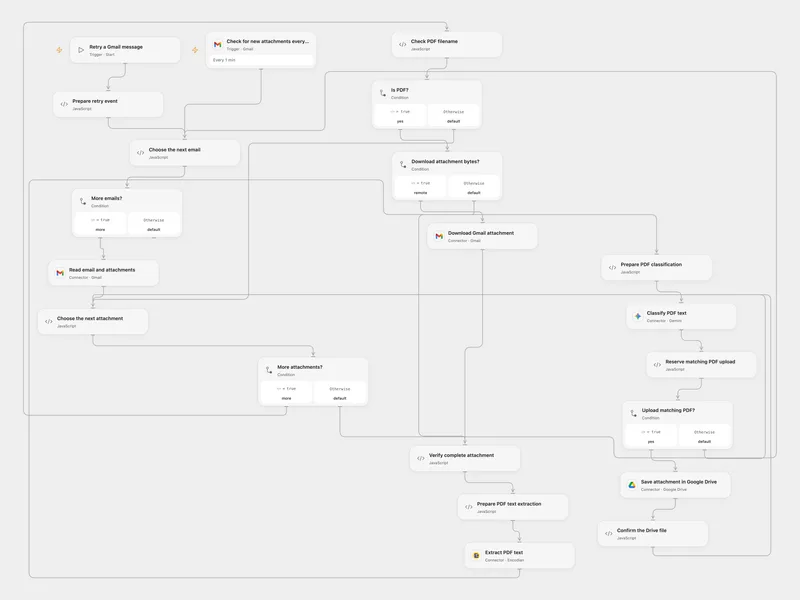
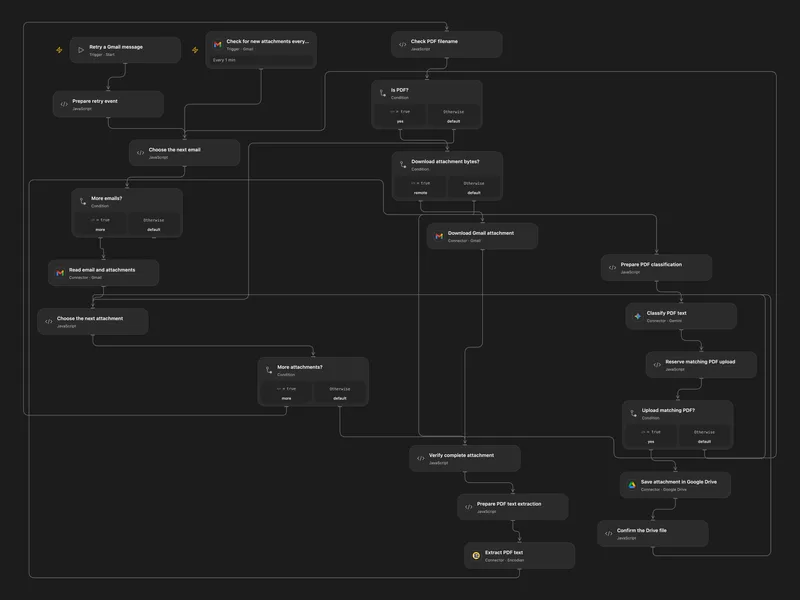
Save Matching Gmail PDFs to Drive
Classify email PDF attachments by text and save matching originals to Google Drive.
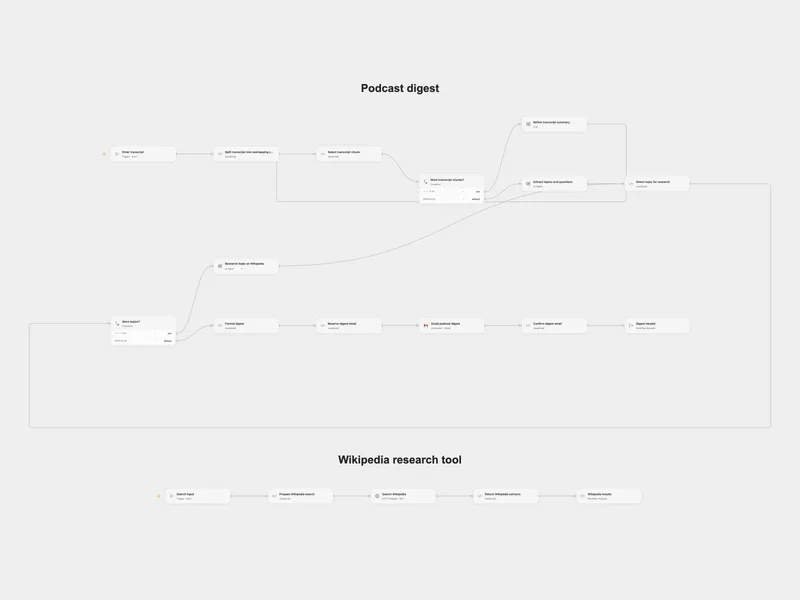
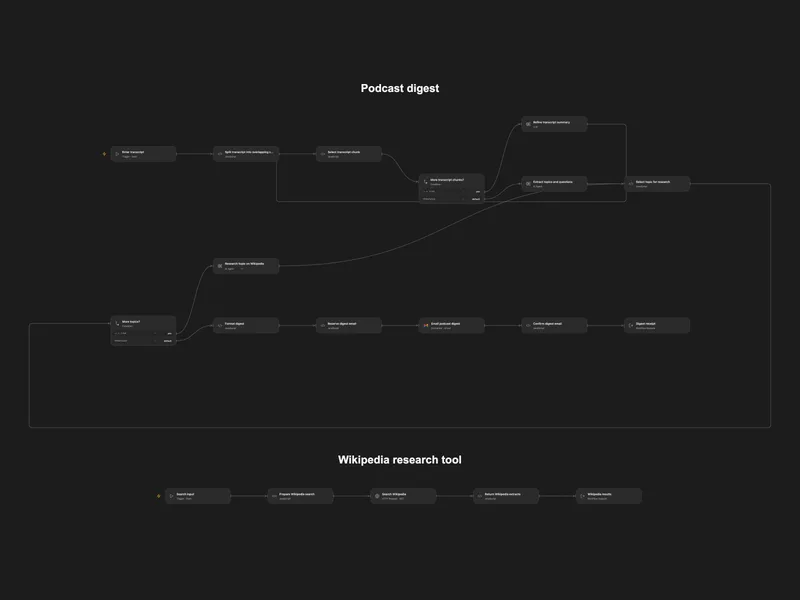
Summarize a Podcast with Wikipedia Research
Summarize a transcript, research its topics using Wikipedia and email a digest.
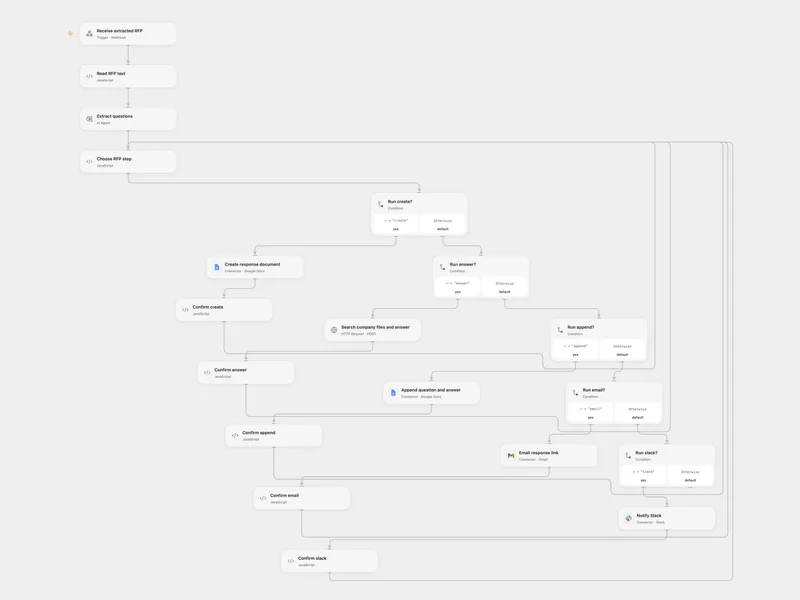
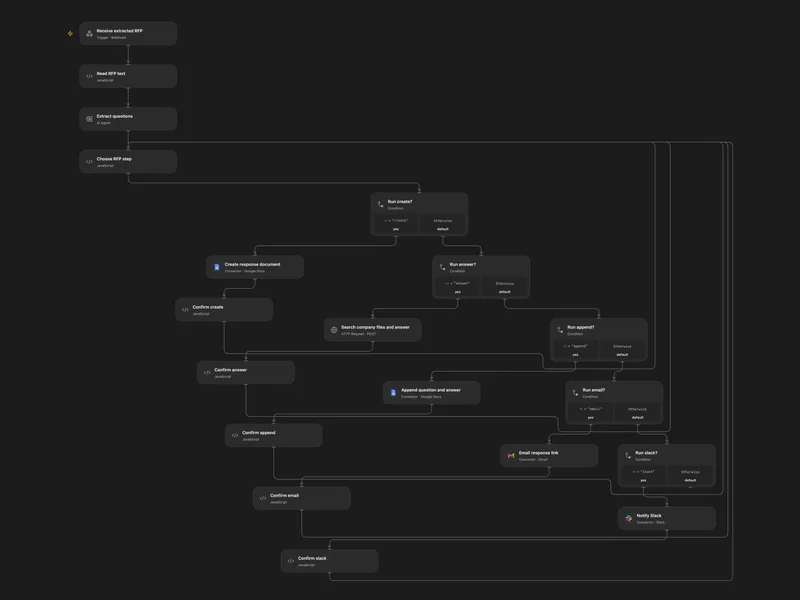
Draft RFP Responses with Company Knowledge
Extract RFP questions, draft answers from company files, and notify the team.
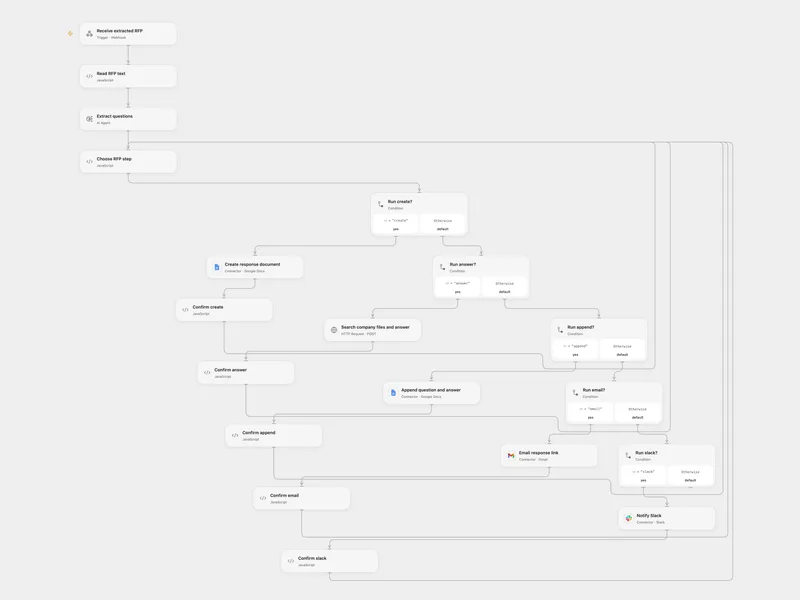
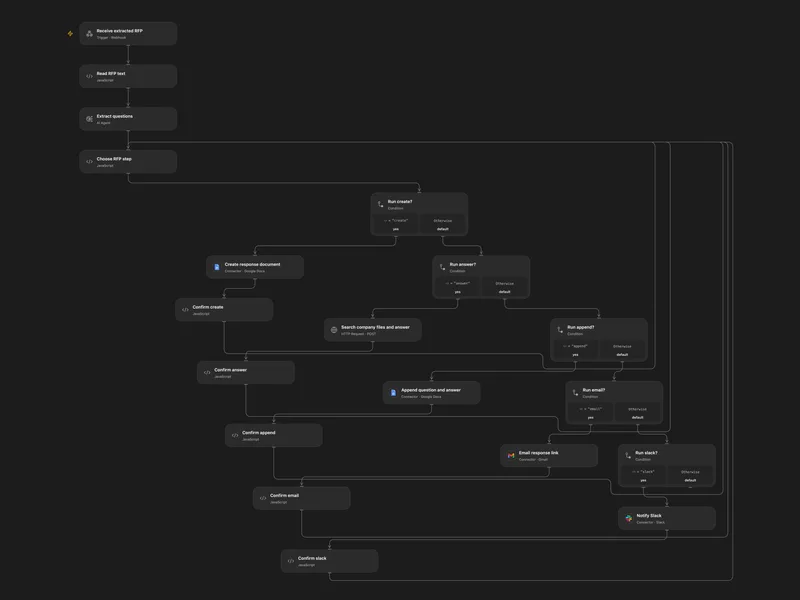
Answer RFP Questions with Company Files
Extract RFP questions, draft answers from company files, and notify the team.
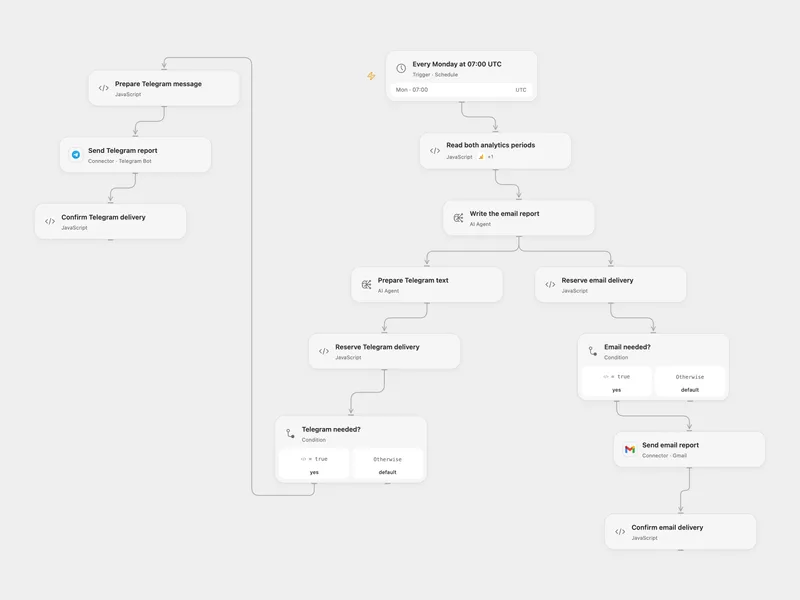
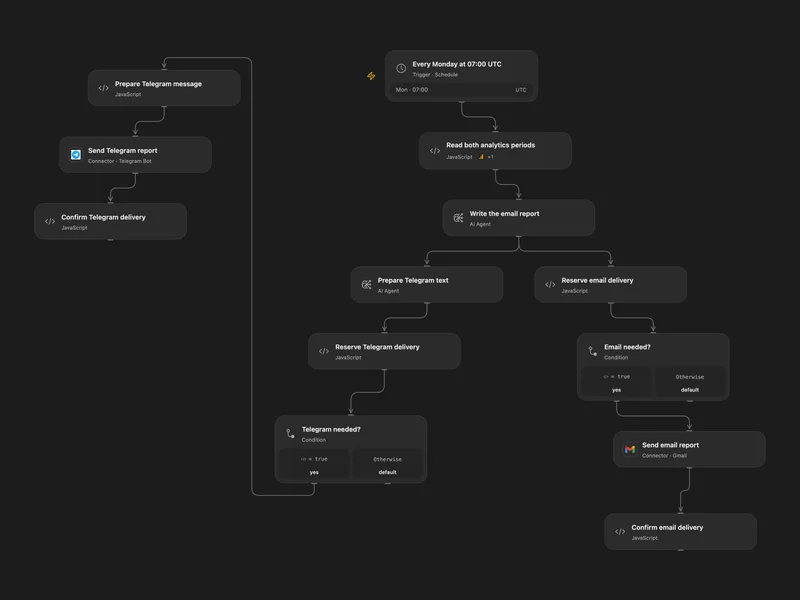
Send Weekly GA4 Report by Email and Telegram
Compare daily GA4 metrics with the same dates a year earlier and send a weekly report.
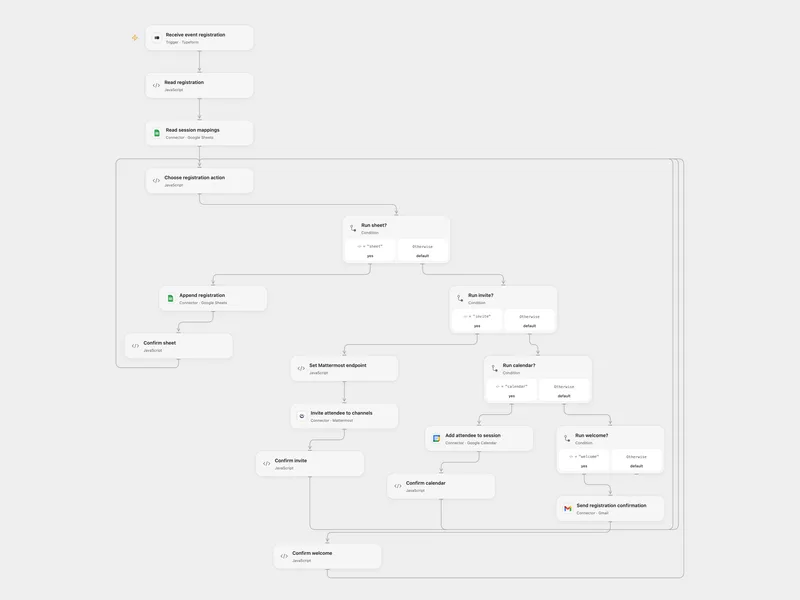
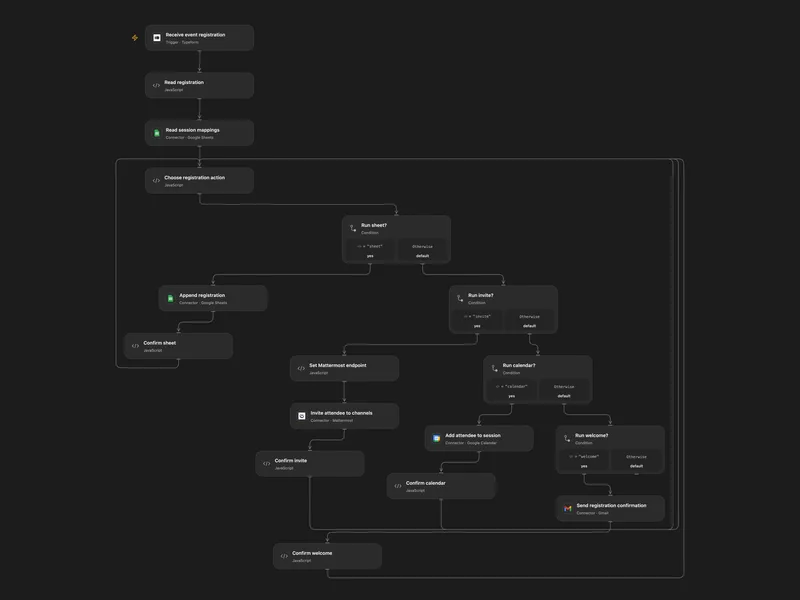
Register Event Attendees and Invite to Channels
Record a registration, invite the attendee to selected session channels and add them to calendar events.
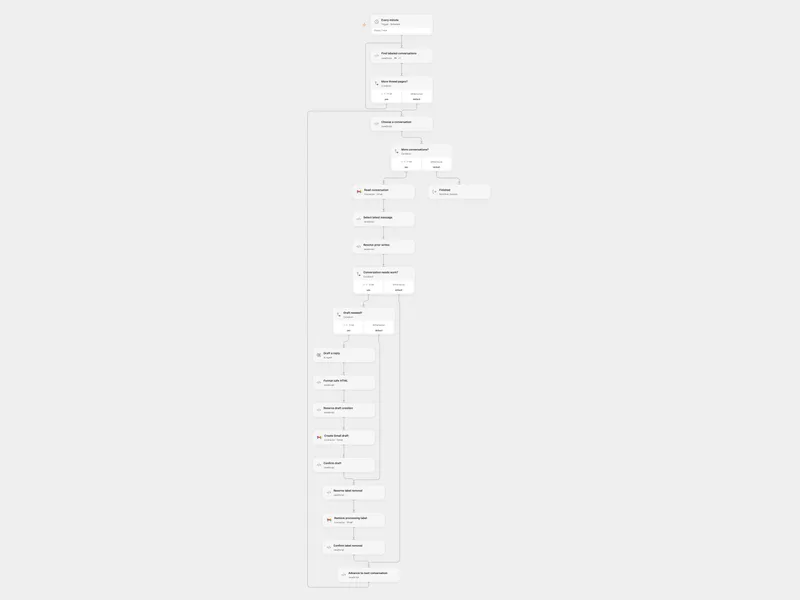
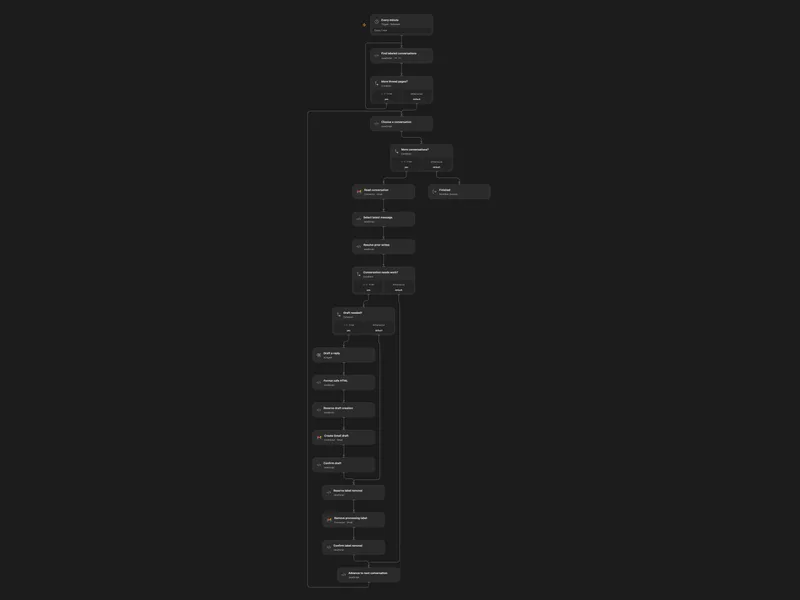
Draft Labeled Gmail Thread Replies
Draft a reply to the latest message in each labeled Gmail conversation and remove the processing label.
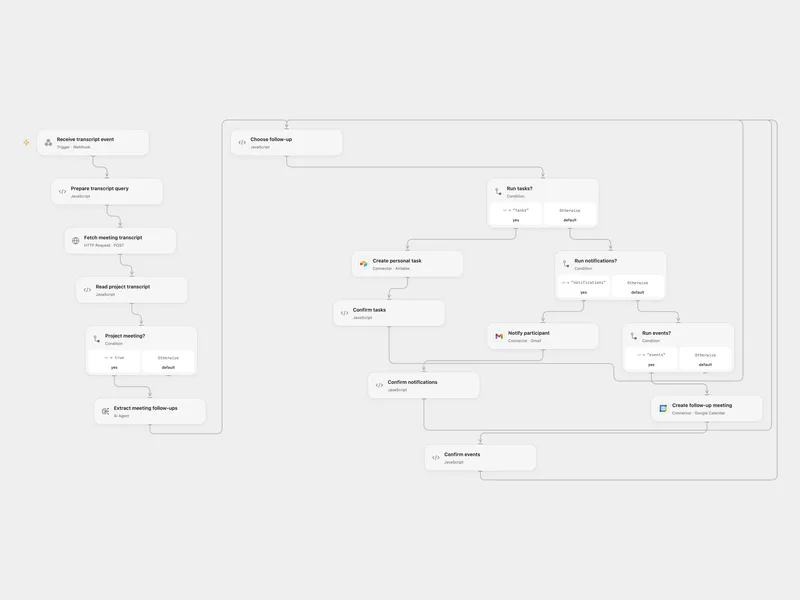
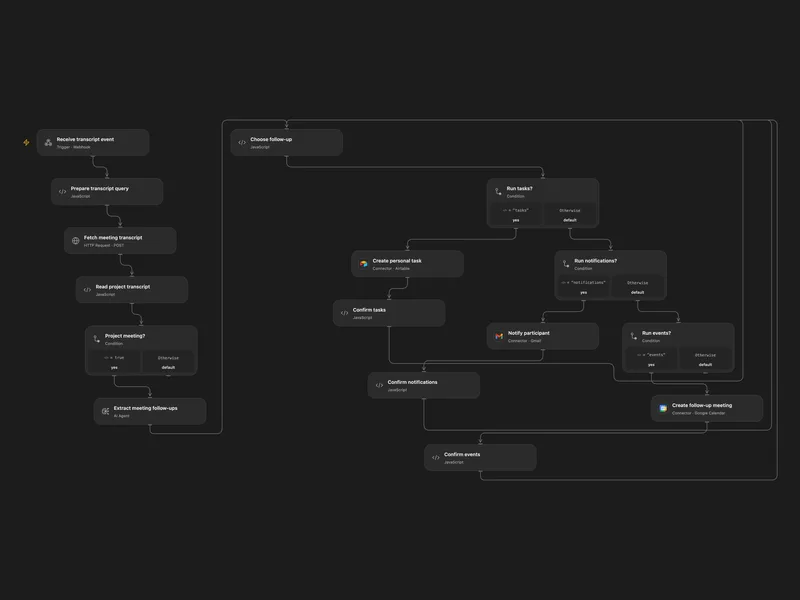
Create Fireflies Project Follow-ups in Airtable
Turn project meeting transcripts into personal tasks, participant updates and follow-up meetings.
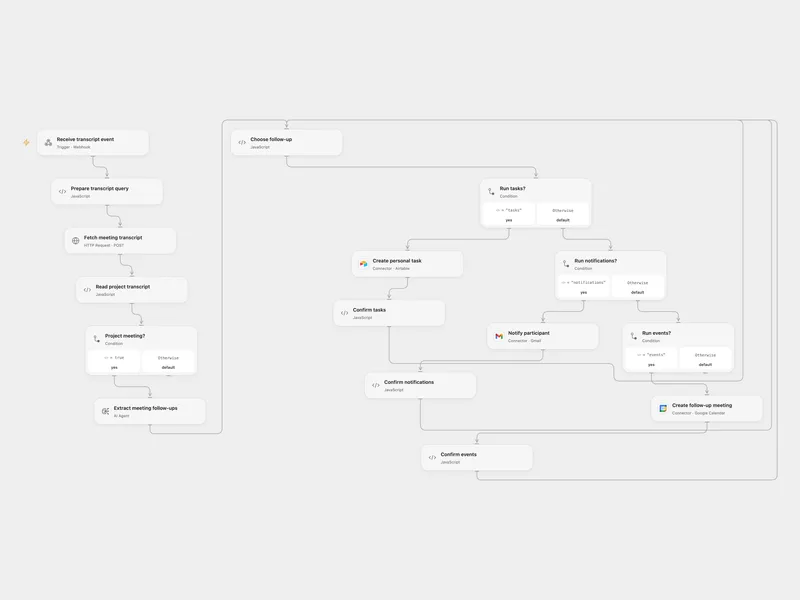
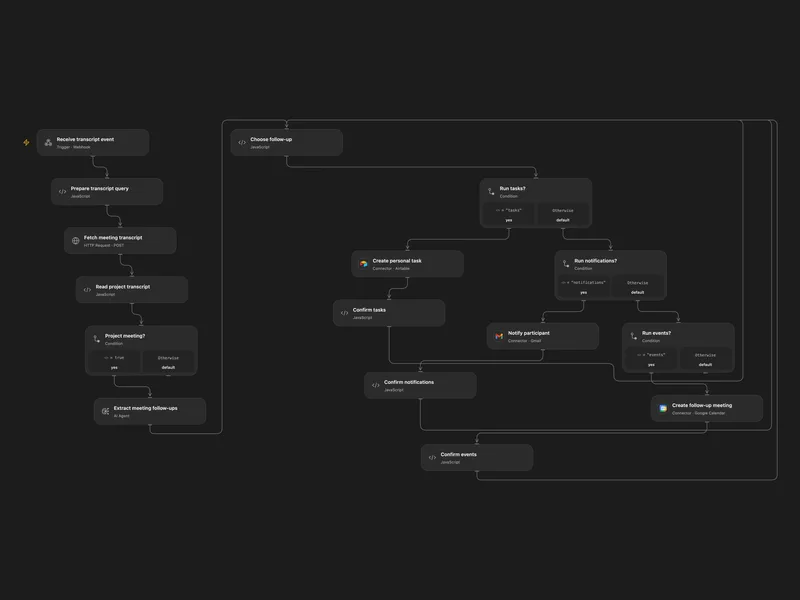
Turn Fireflies Project Meetings into Tasks
Turn project meeting transcripts into personal tasks, participant updates and follow-up meetings.
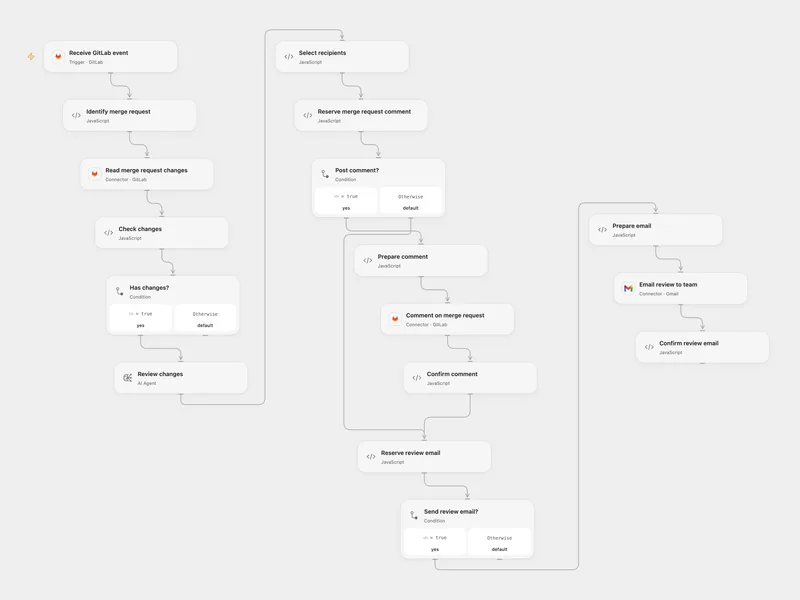
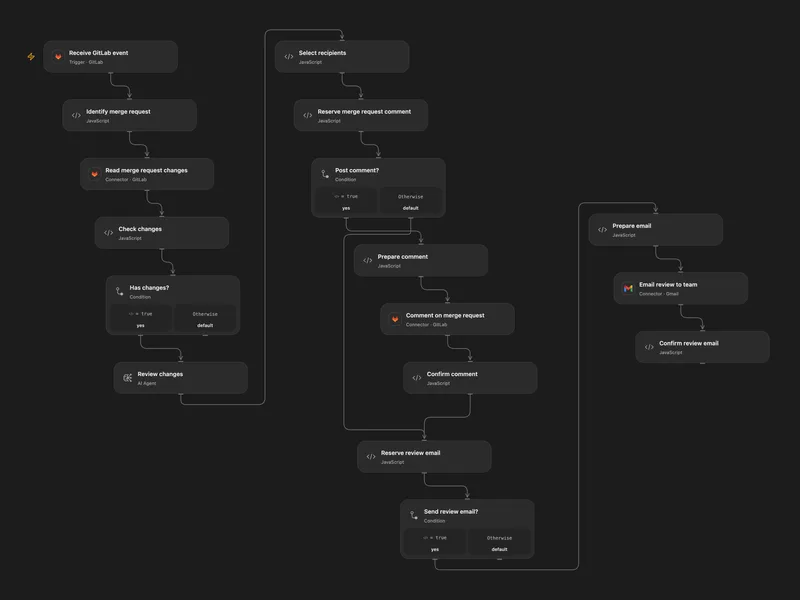
Review GitLab Merge Requests and Notify
Review GitLab merge request changes and send the findings to the merge request and team.
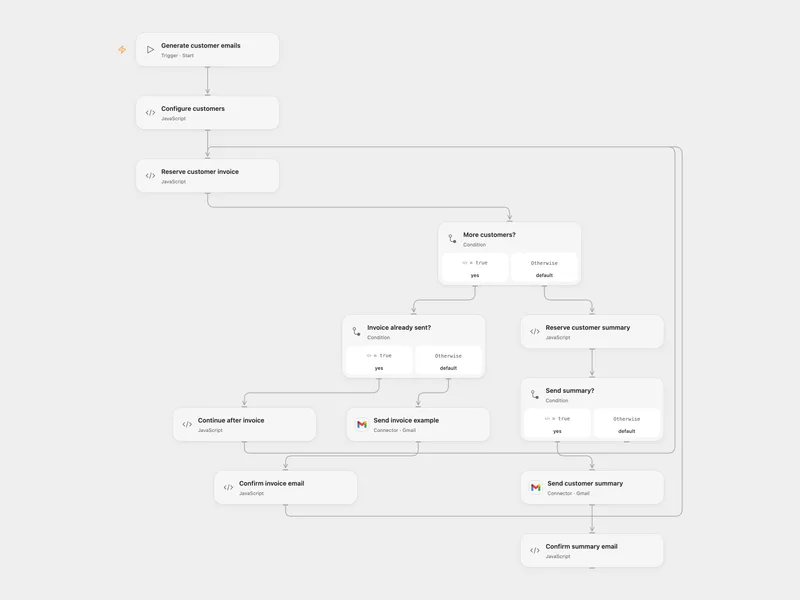
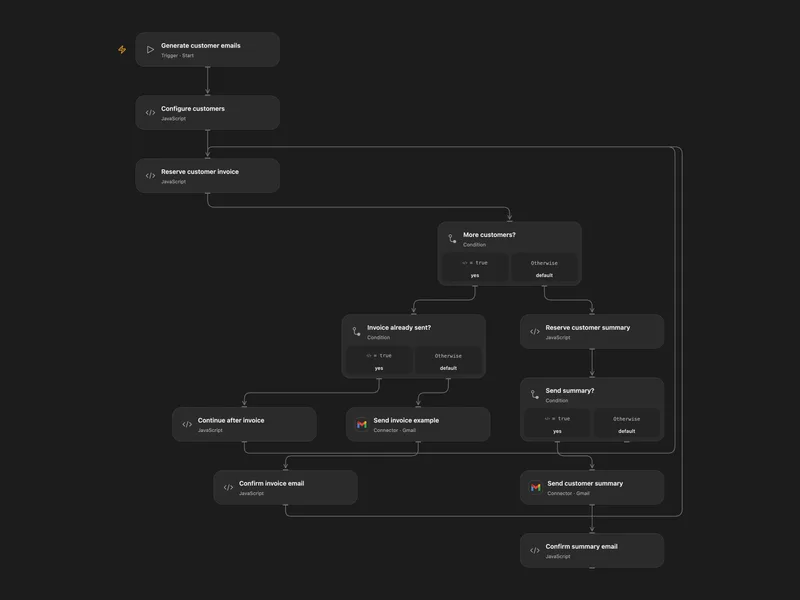
Email Customer Invoice Examples and Summary
Generate an example invoice for each customer and one customer summary email.
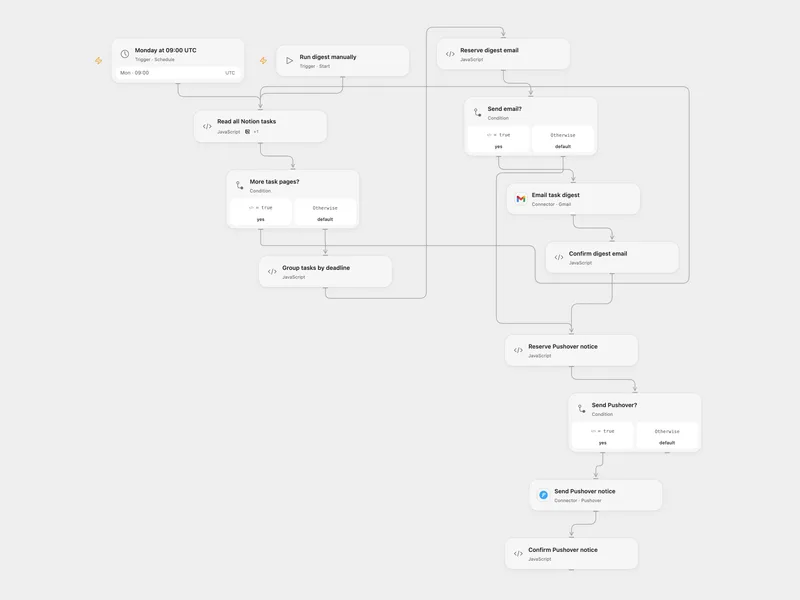
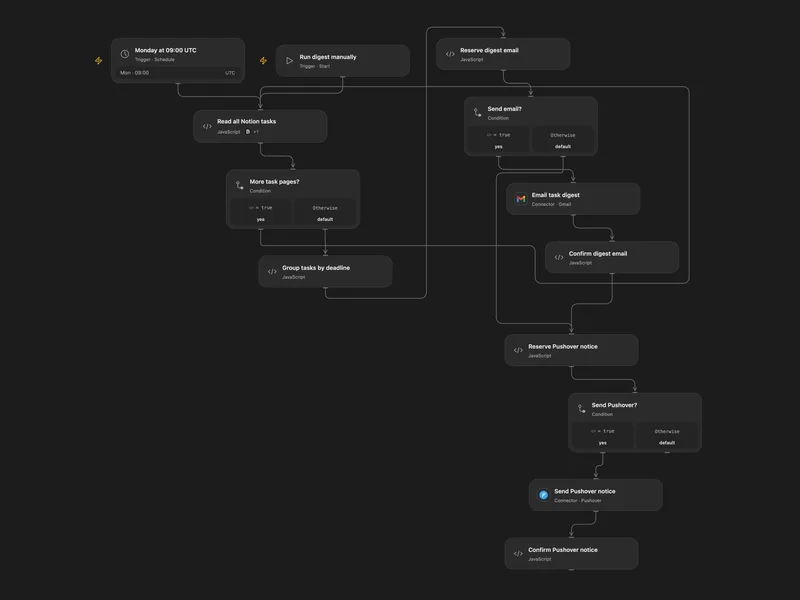
Weekly Notion Task Deadline Digest
Email overdue and upcoming Notion tasks and send a Pushover notification each week.
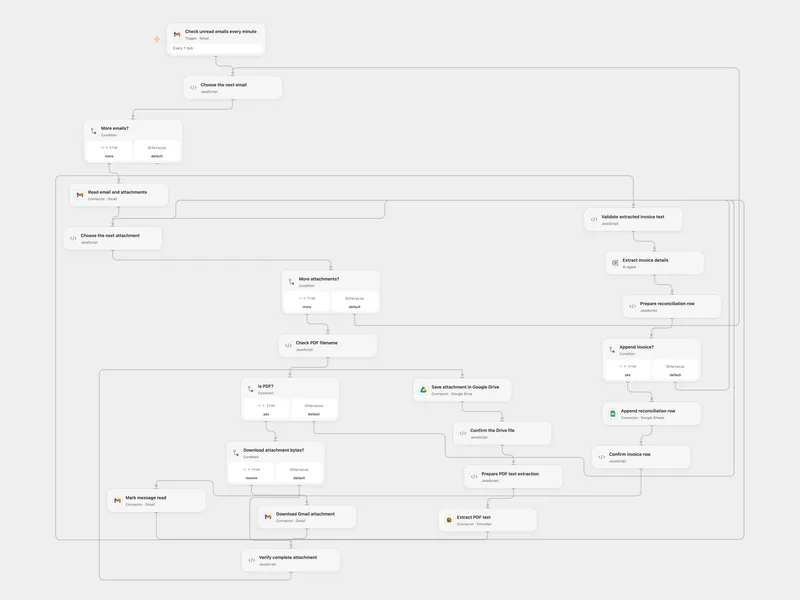
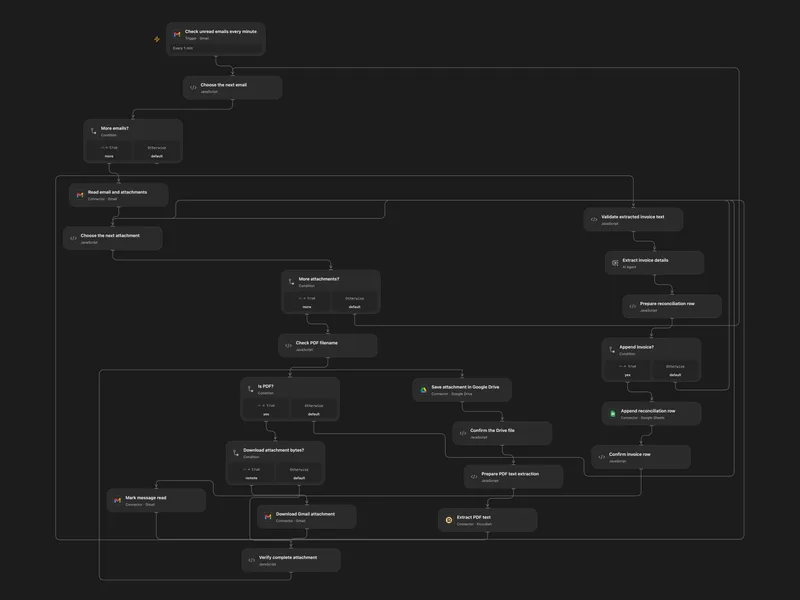
Archive Gmail Invoices in Drive and Sheets
Save unread email PDF invoices to Drive and append extracted invoice details to a reconciliation sheet.
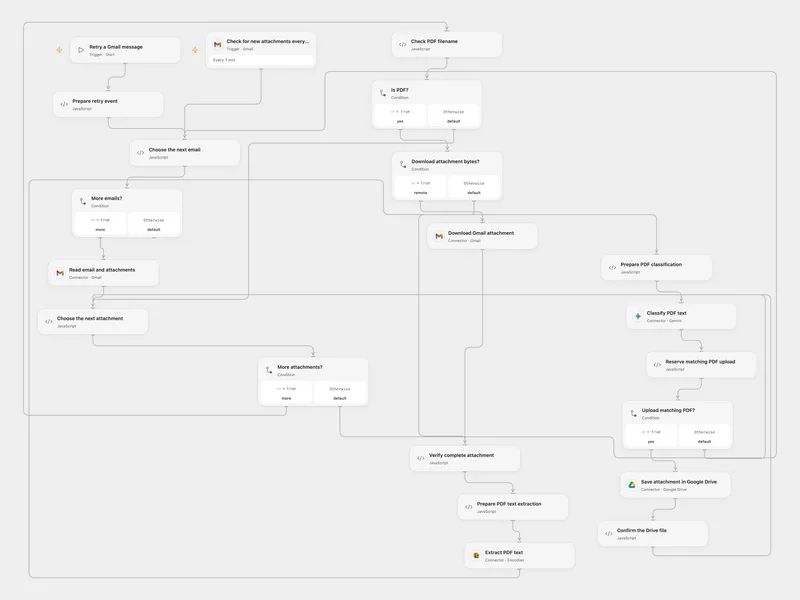
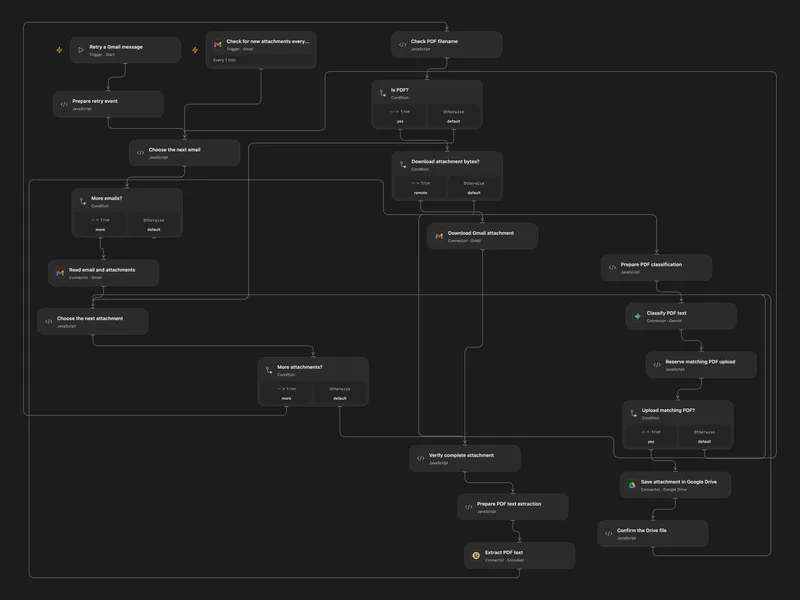
Route Matching Gmail PDFs to Drive
Classify PDF attachments from Gmail by their content and upload matching files to Google Drive.
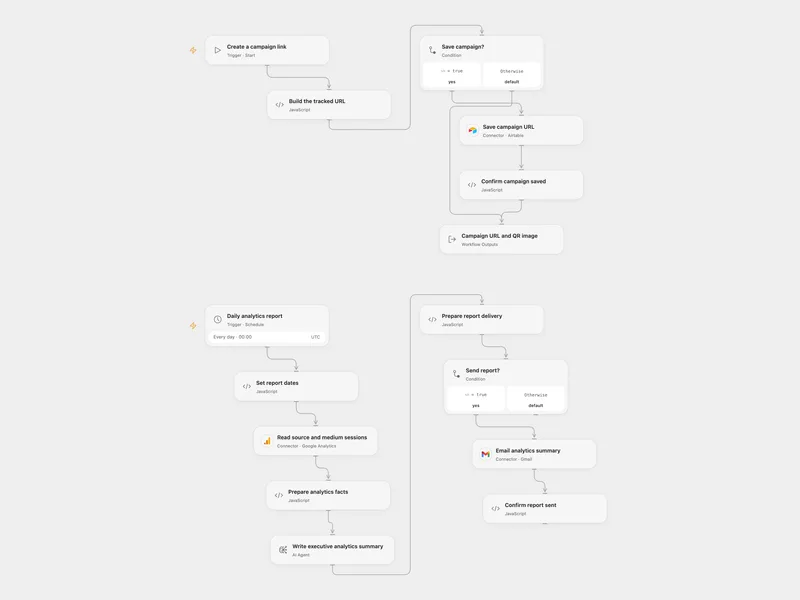
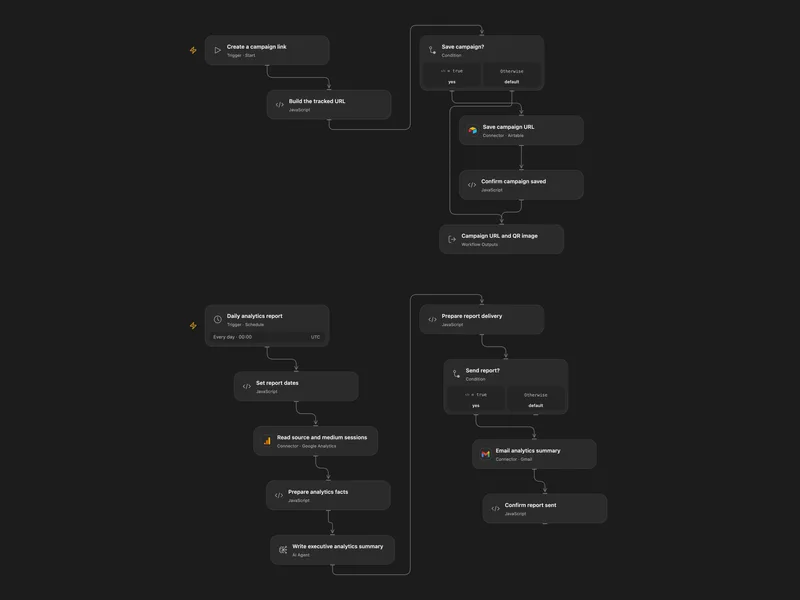
Create Campaign Links and Email Analytics Reports
Create a tracked campaign URL and QR code, and email a scheduled AI summary of Google Analytics traffic.
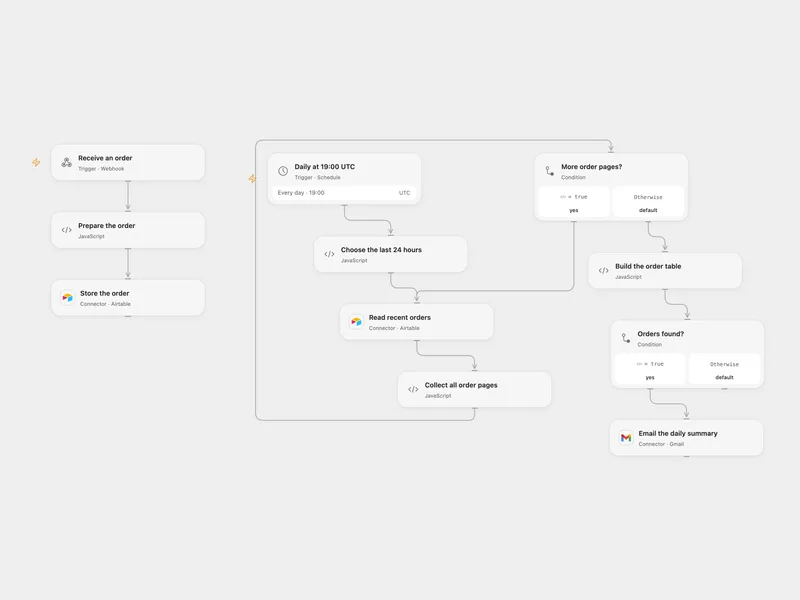
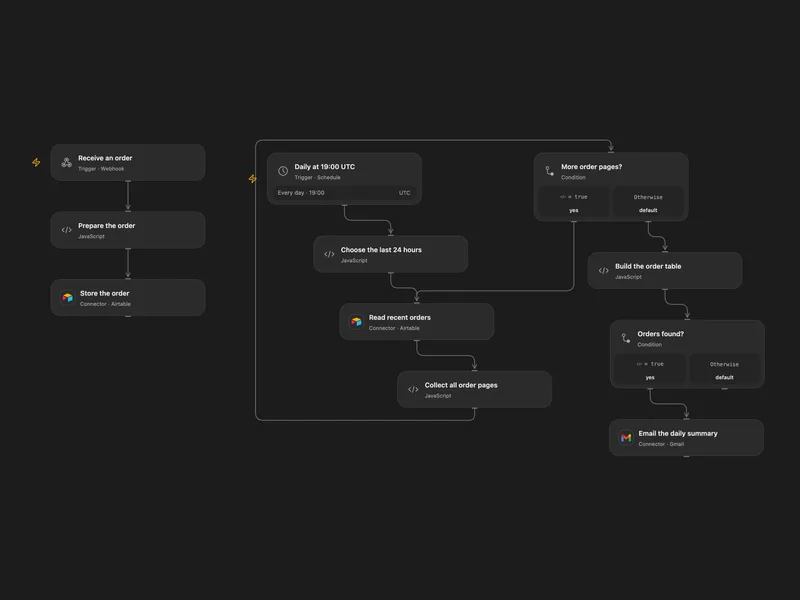
Collect Orders and Email a Daily Summary
Store orders received by webhook in Airtable and email a daily table of recent orders.
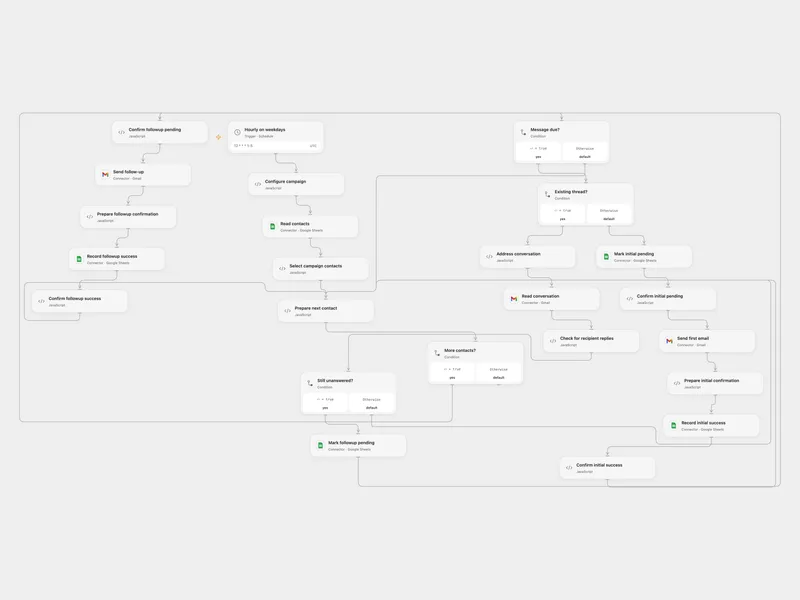
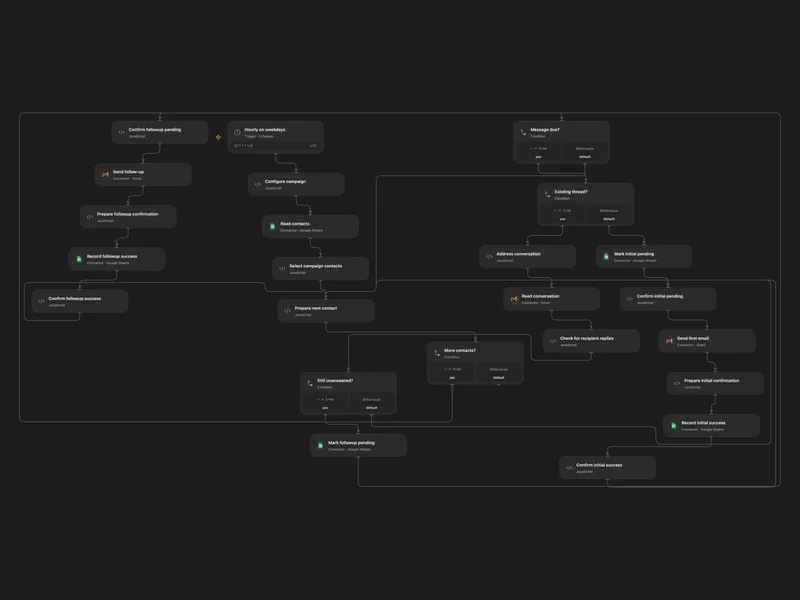
Send Follow-up Campaigns from Google Sheets
Send a configurable email sequence to contacts and stop follow-ups after a reply.
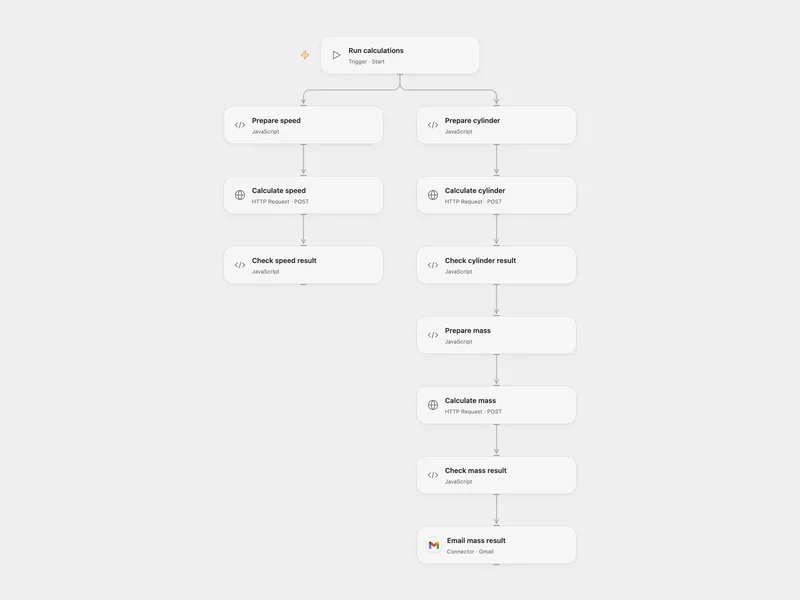
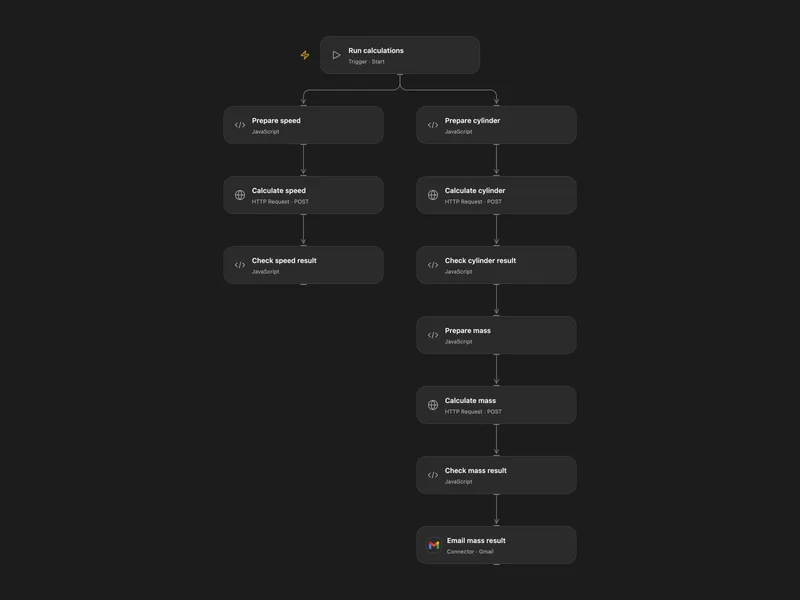
Calculate Cylinder Mass and Speed
Run cylinder, mass and speed calculations with CalcsLive and email the mass result.
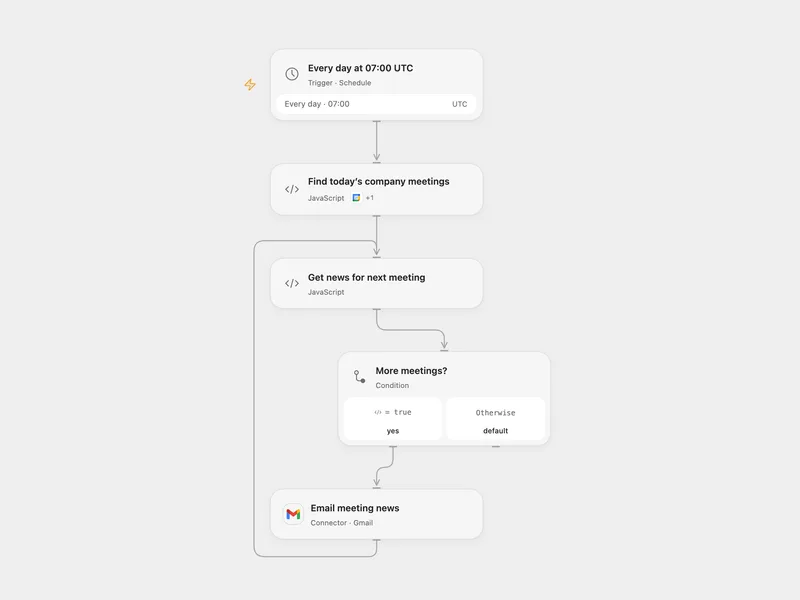
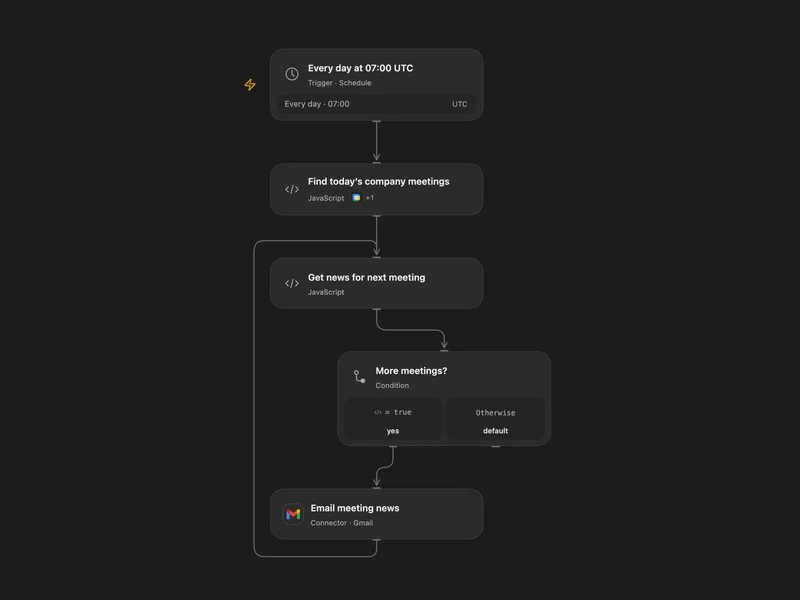
Email News Before Company Meetings
Email recent company news for today’s matching calendar meetings.
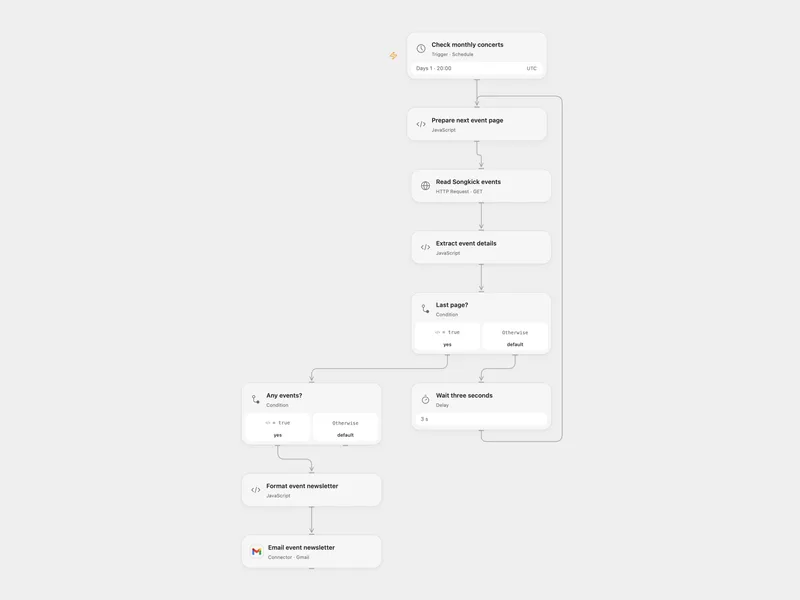
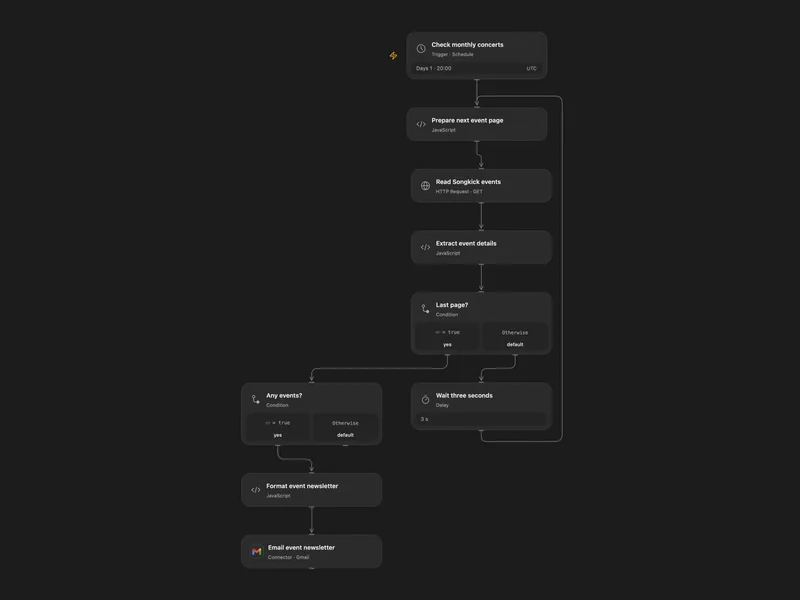
Email Monthly Songkick Events
Email a monthly list of Songkick concerts for a chosen location.
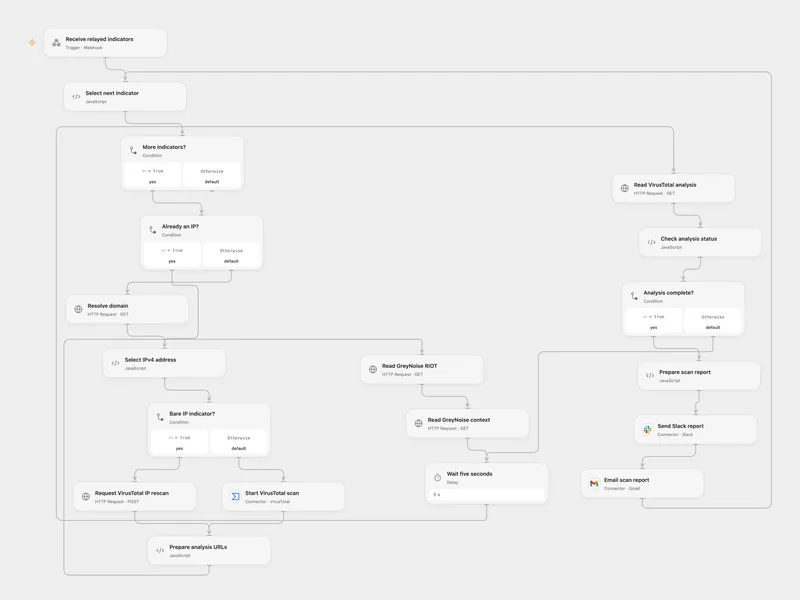
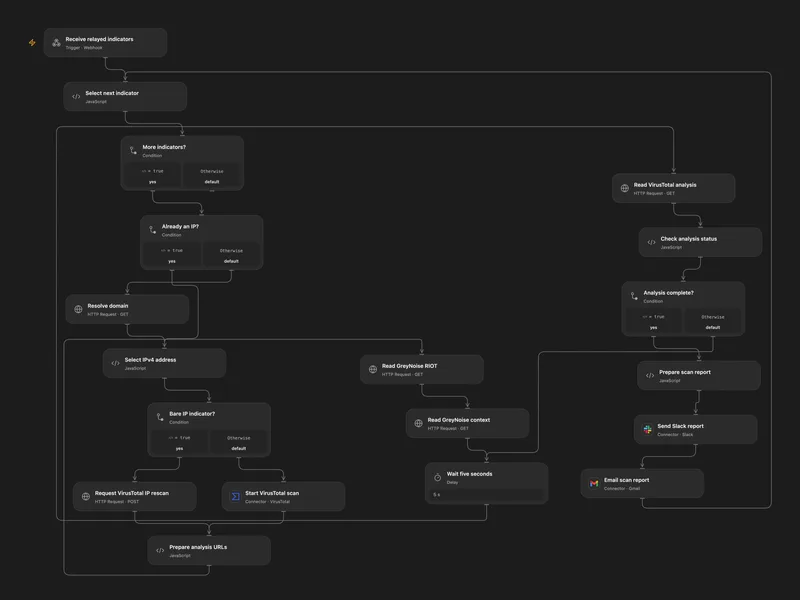
Scan Indicators with VirusTotal and GreyNoise
Scan submitted URLs or IPs, enrich results with GreyNoise and send a report.
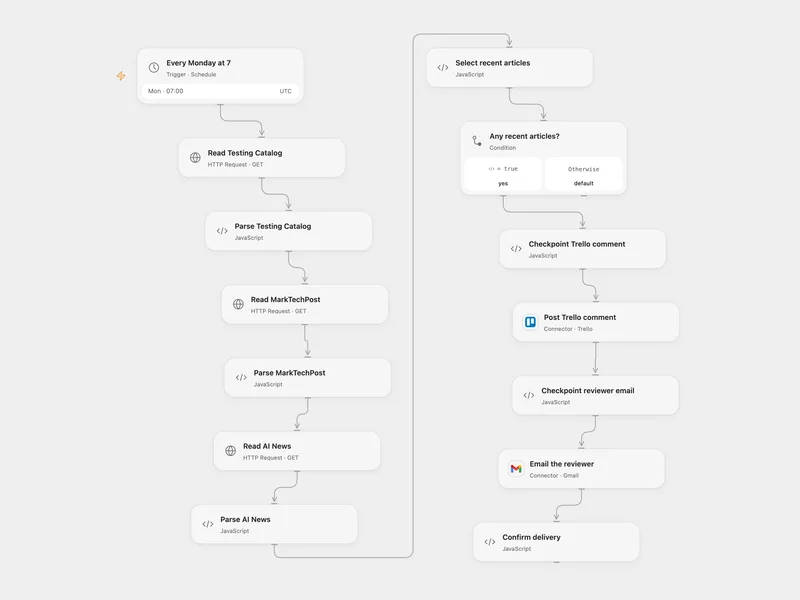
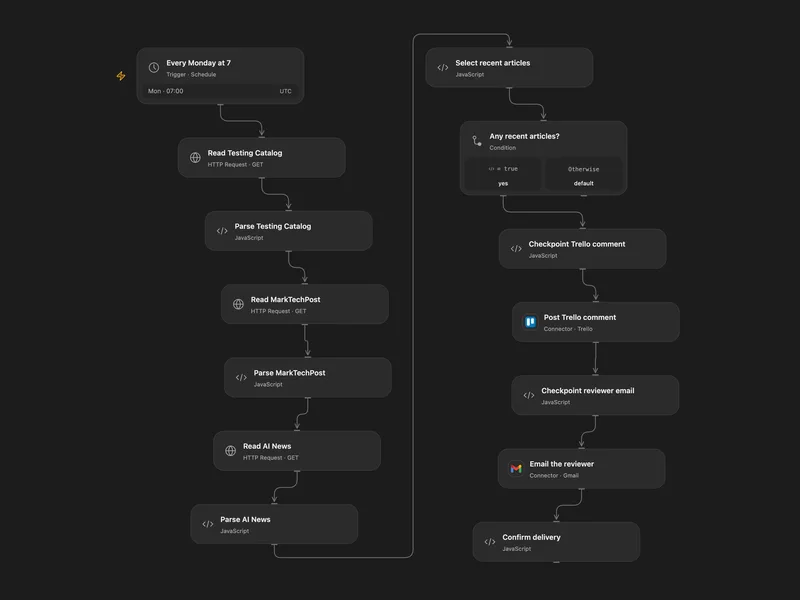
Post Weekly RSS News to Trello
Collect recent RSS articles, post a weekly Trello comment, and email a reviewer.
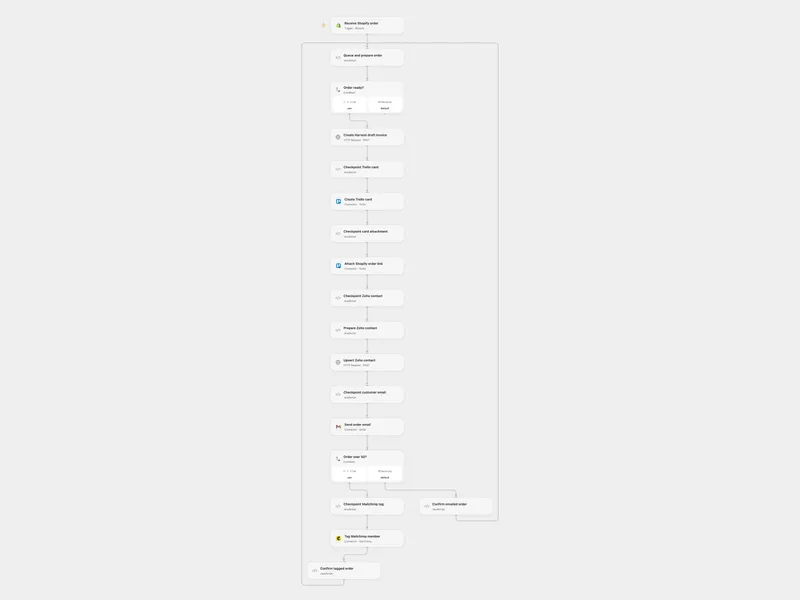
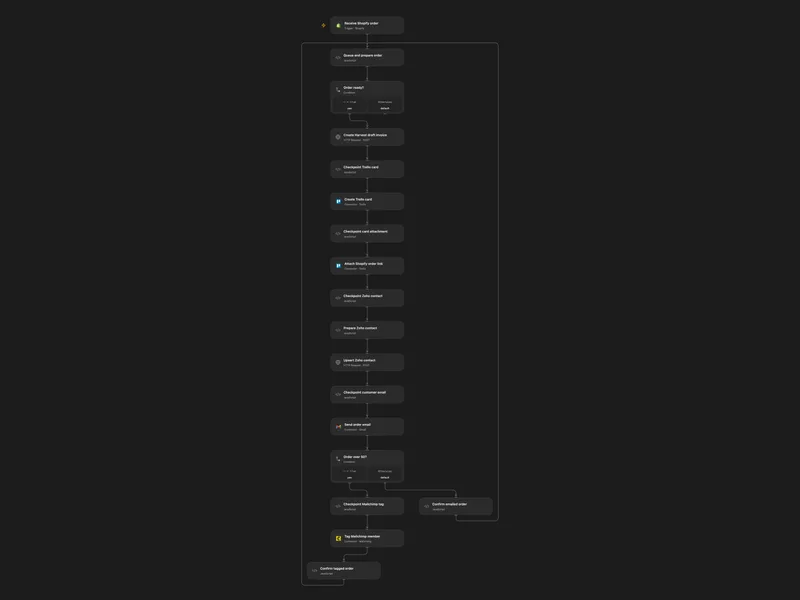
Process Shopify Orders Across Sales Tools
Create sales records and send an order email when a Shopify order is created.
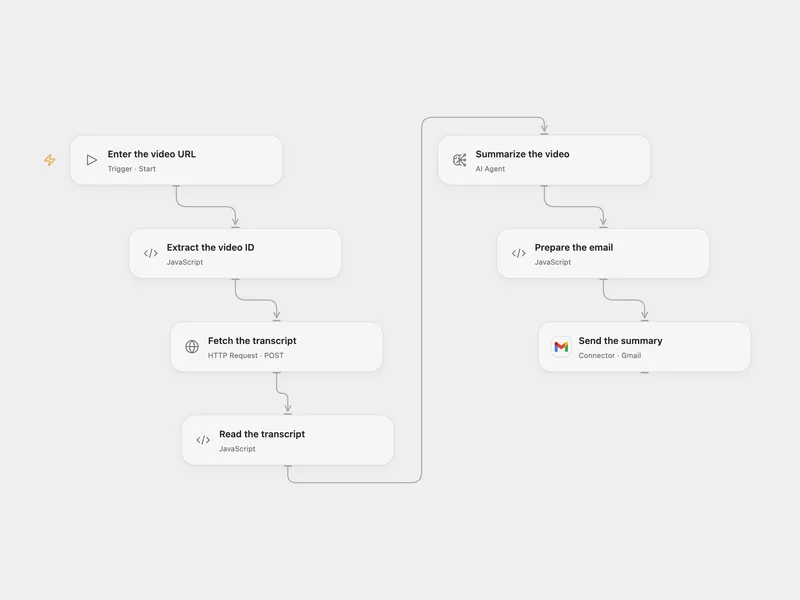
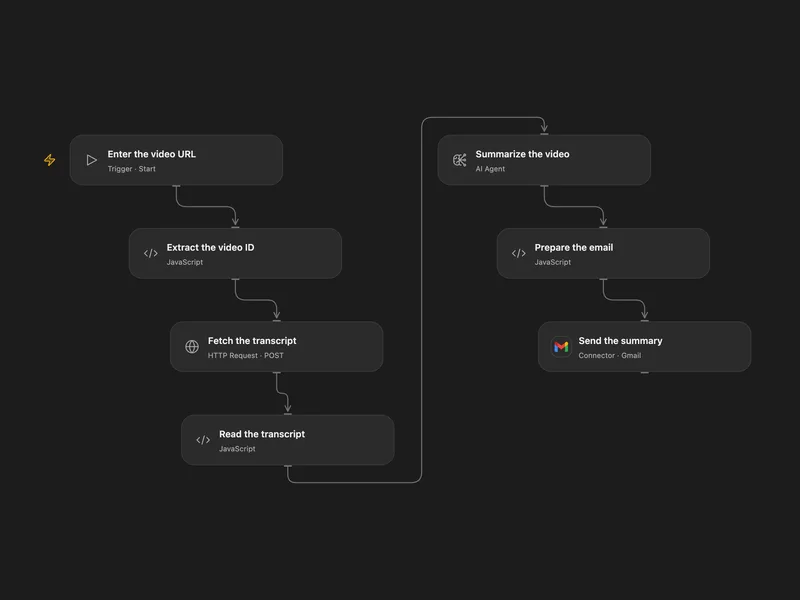
Email a YouTube Transcript Summary
Summarize a YouTube transcript and email the result.
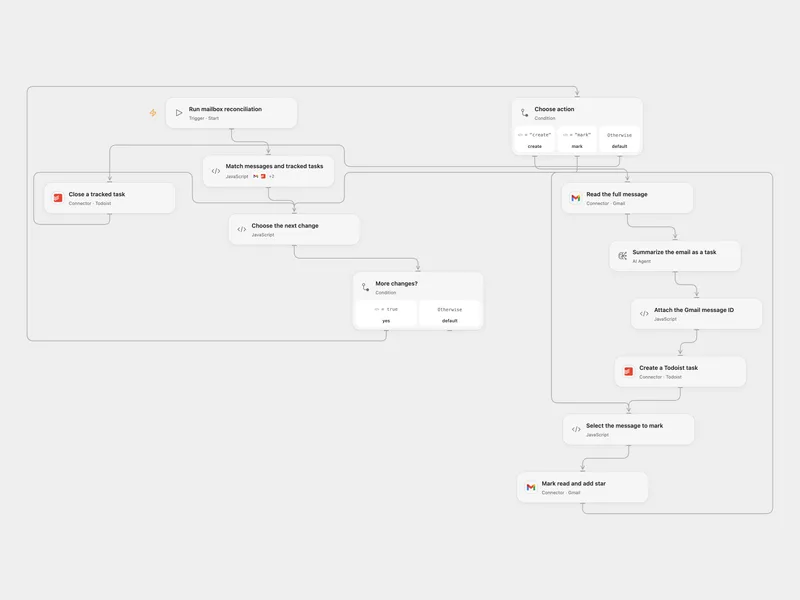
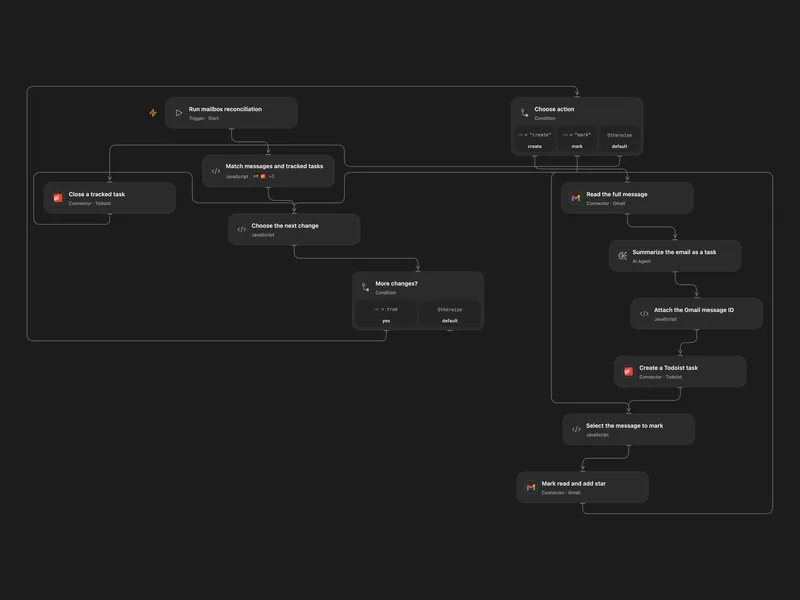
Reconcile Gmail Messages with Todoist Tasks
Turn unread or starred inbox messages into Todoist tasks and close tracked tasks when messages leave the active inbox set.
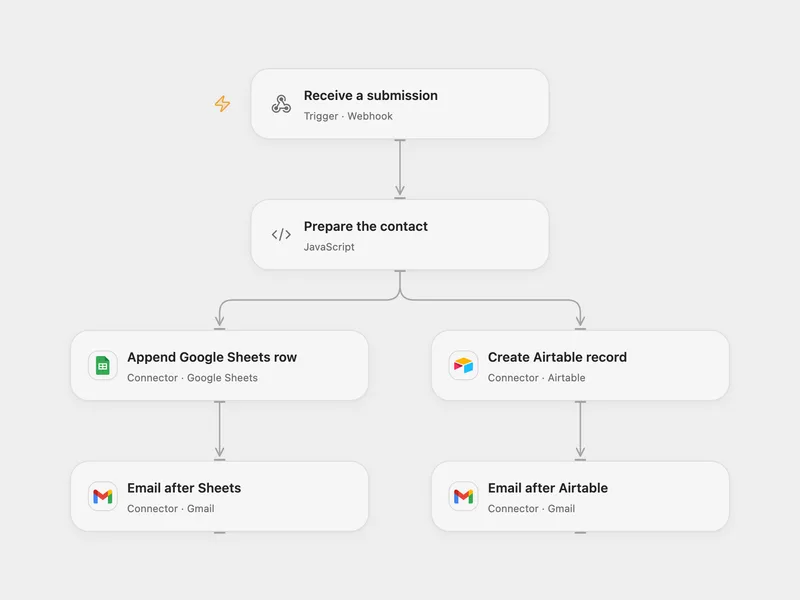
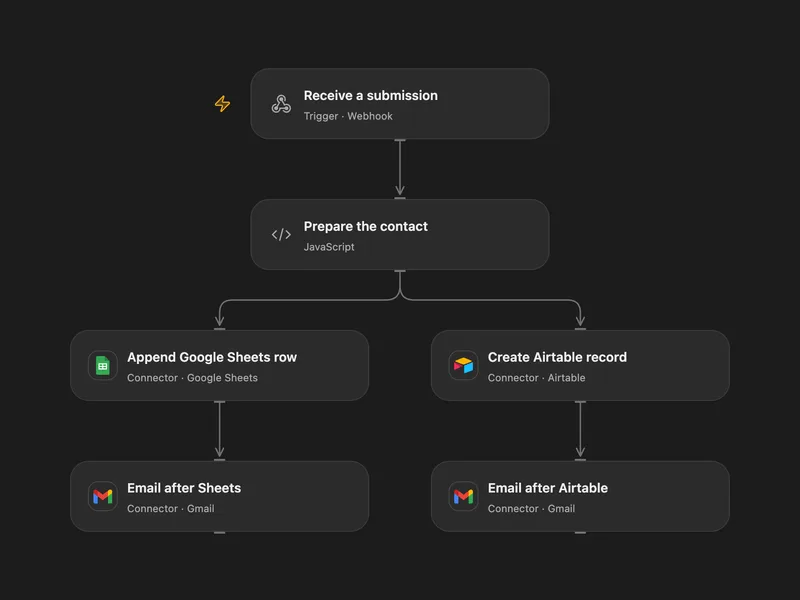
Save Form Submissions to Airtable and Google Sheets
Store form submissions in Airtable and Google Sheets and send a message after each write.
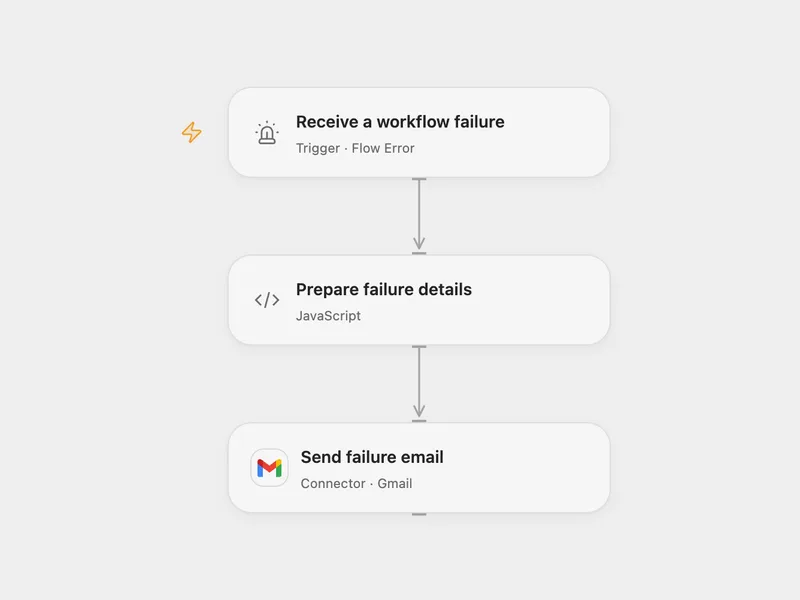
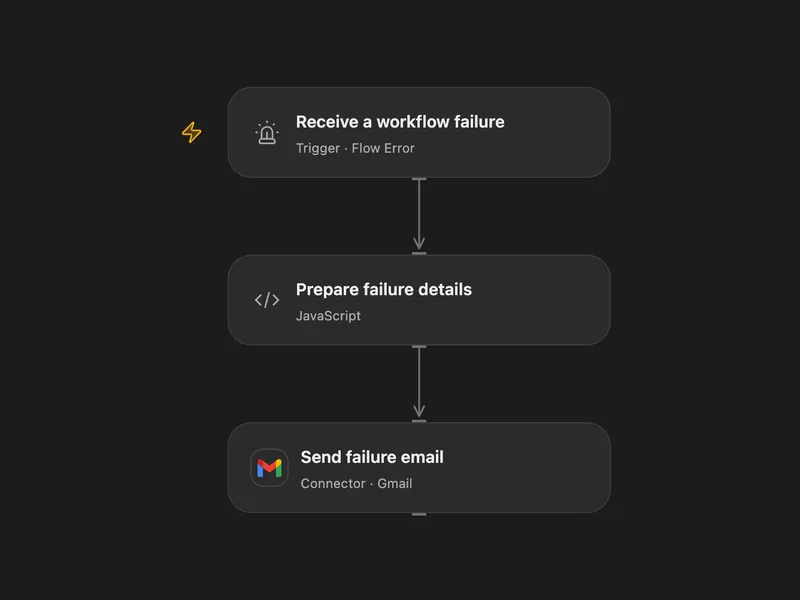
Email a Workflow Failure Alert with Gmail
Email diagnostics when a configured workflow fails.
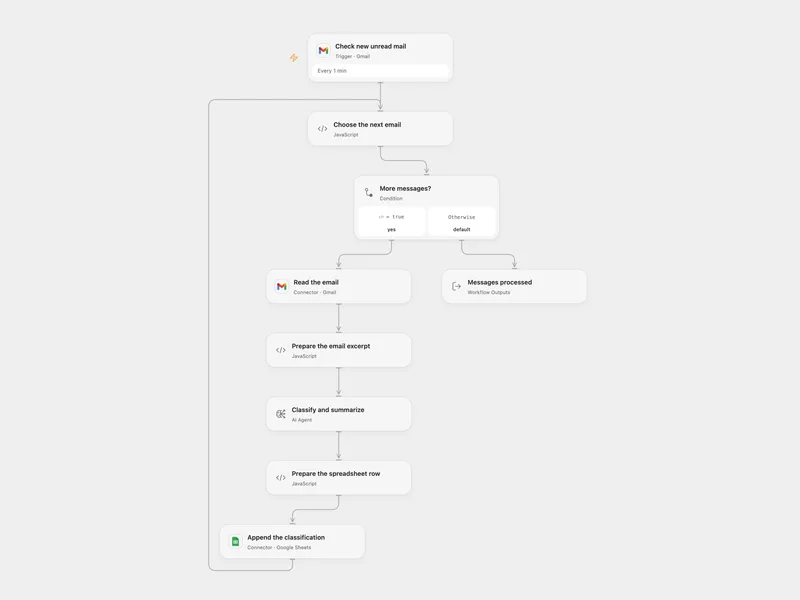
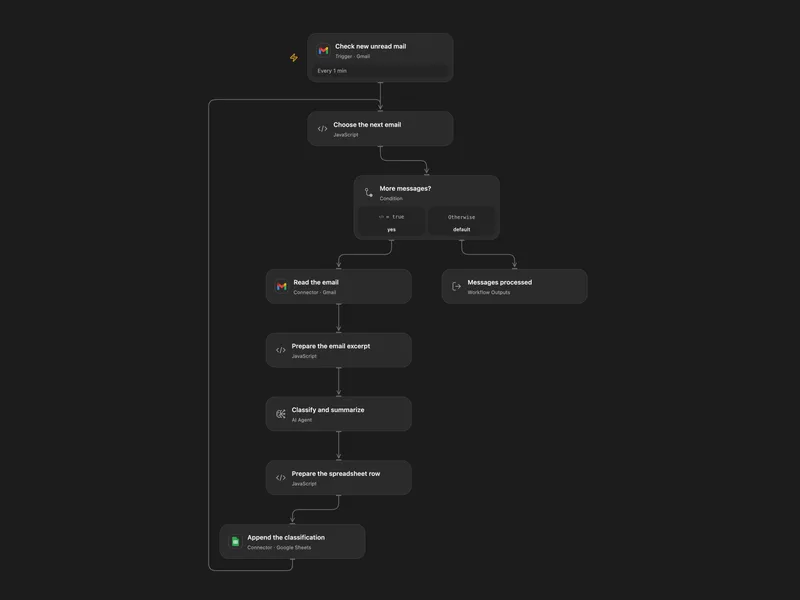
Log Unread Gmail Classifications to Sheets
Classify new unread Gmail messages and log the results in a spreadsheet.
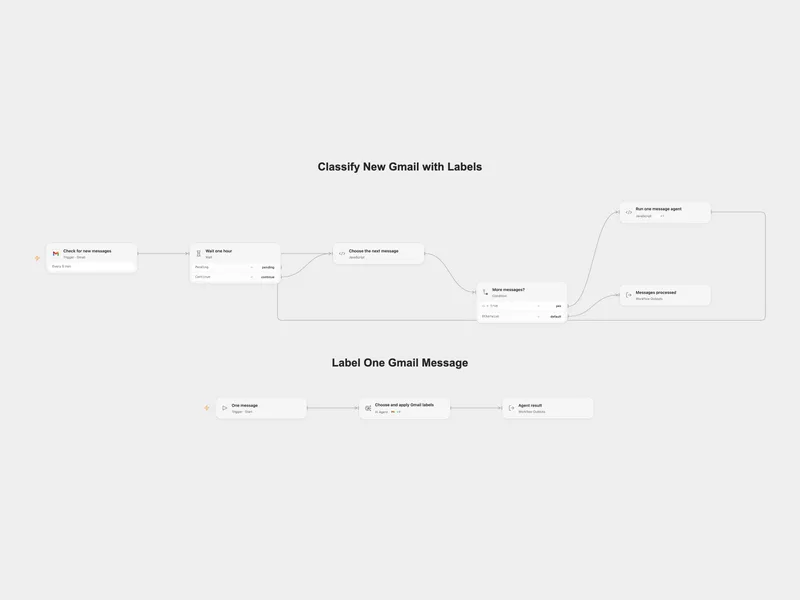
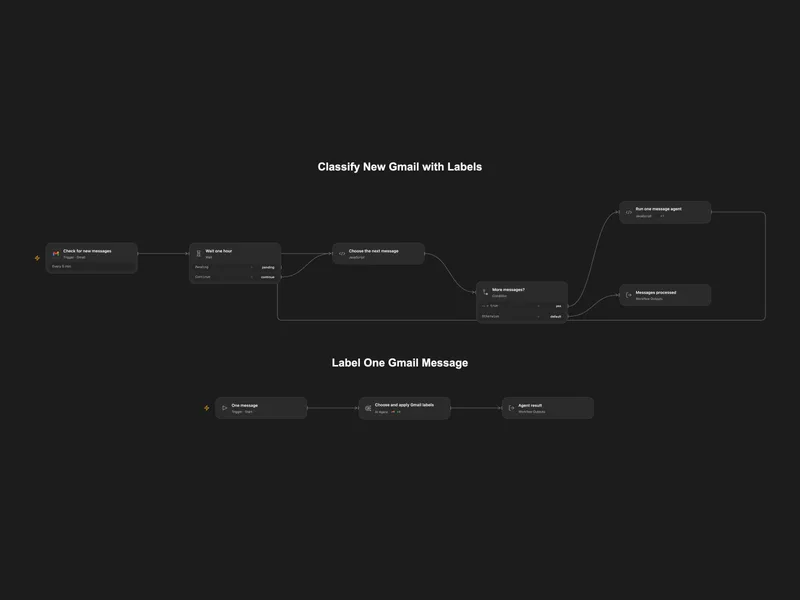
Classify New Gmail with Labels
Classify new Gmail messages using existing labels and create a sublabel when needed.
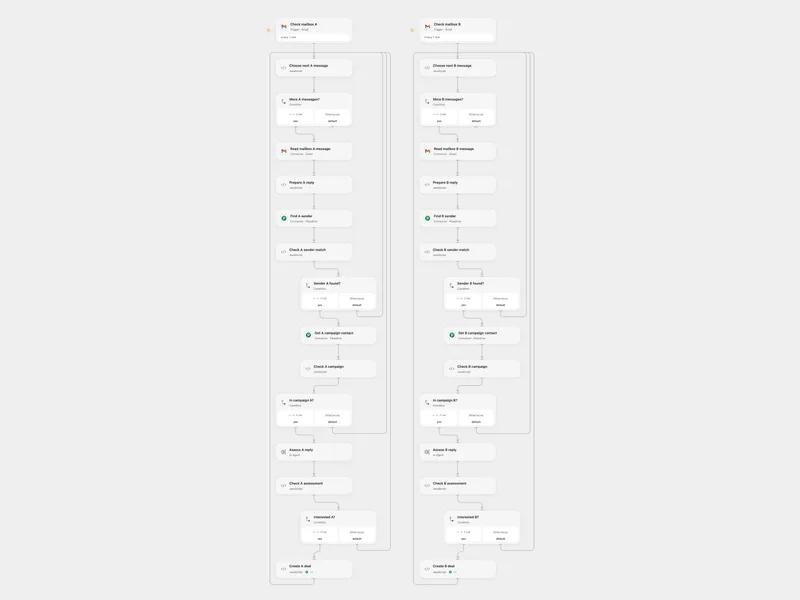
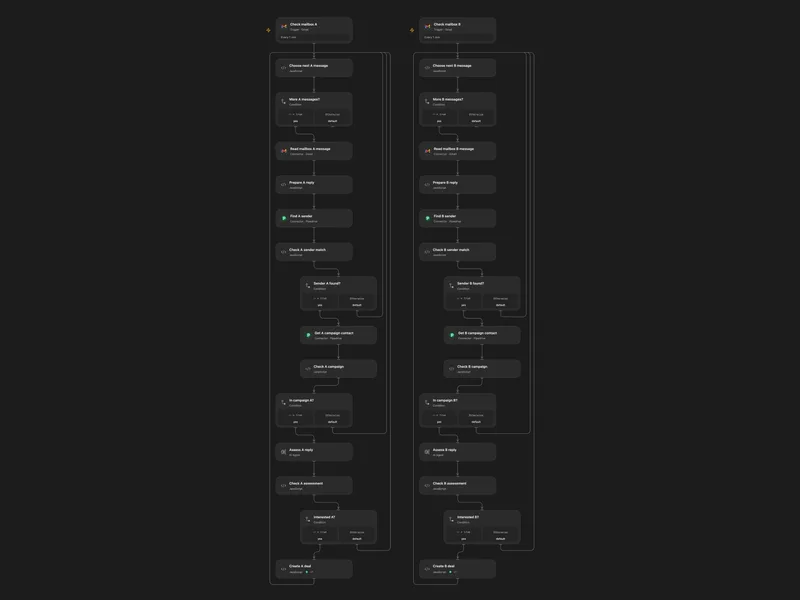
Qualify Sales Replies and Create Pipedrive Deals
Identify campaign contacts interested in a meeting and create a Pipedrive deal from their Gmail reply.
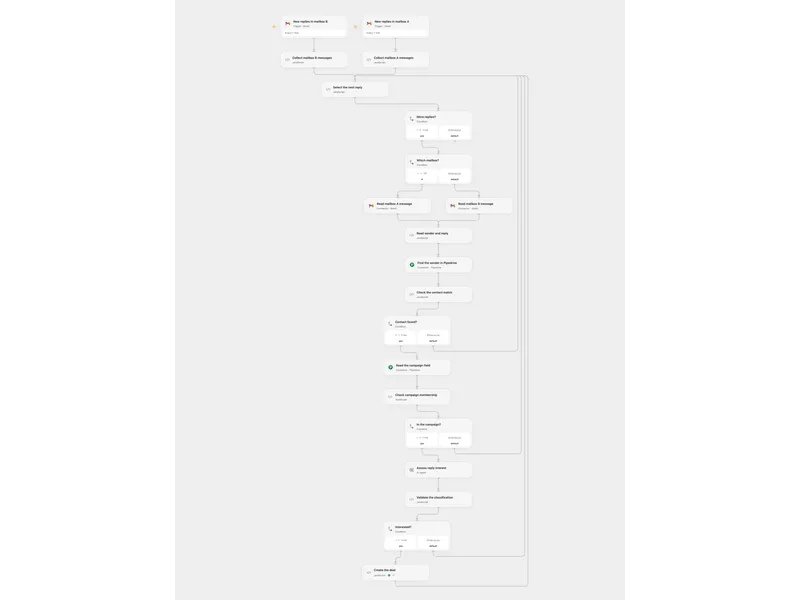
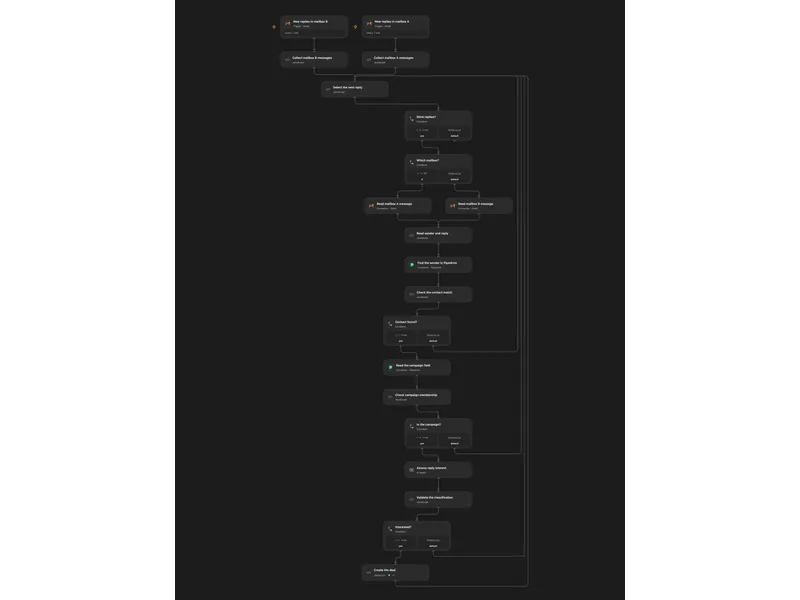
Qualify Campaign Replies in Pipedrive
Classify campaign email replies and create a Pipedrive deal for interested contacts.
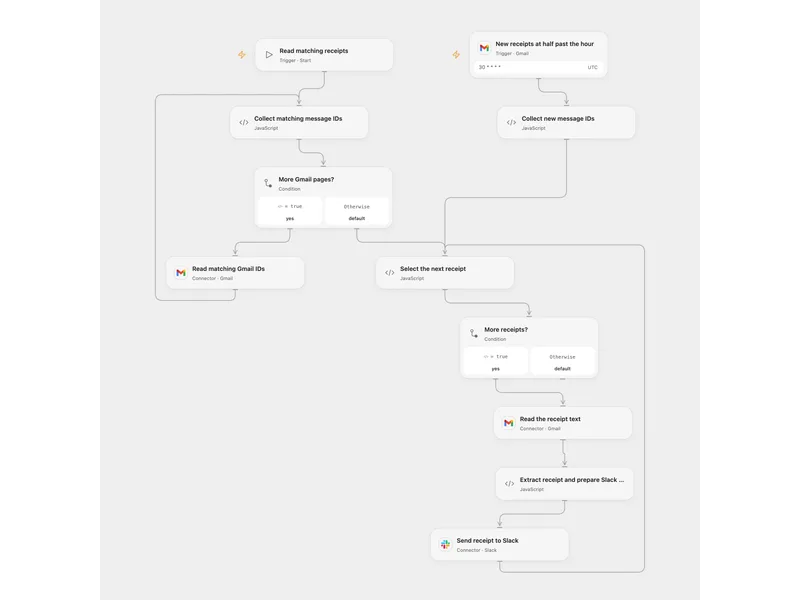
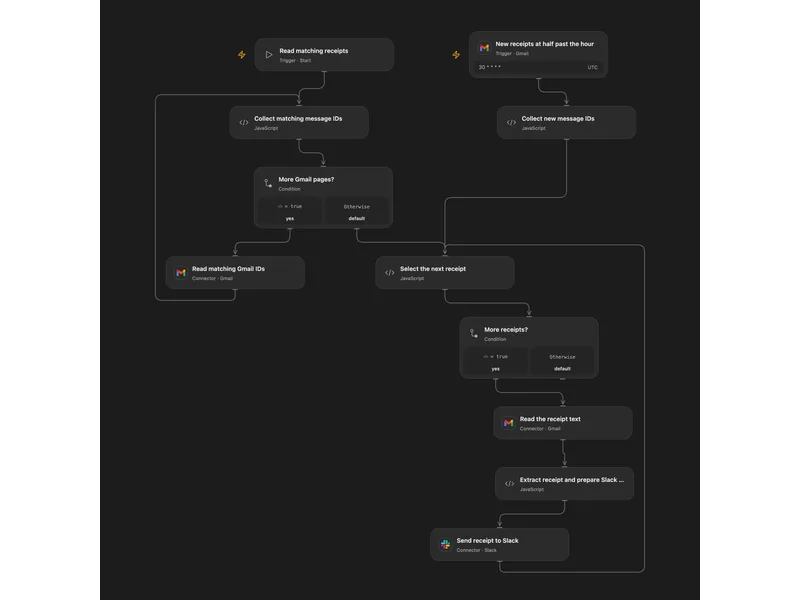
Send Uber Eats Receipts to Slack
Extract food delivery receipt details from Gmail and send them to Slack with a Moze expense link.
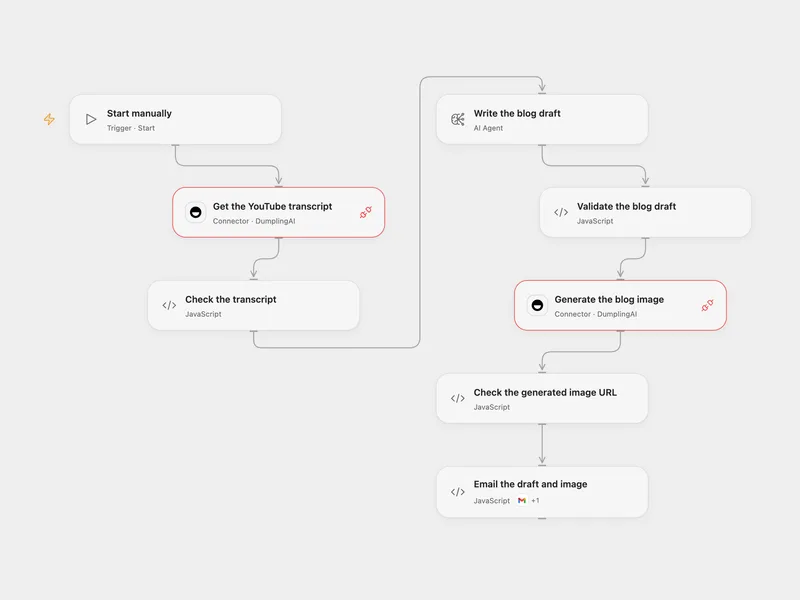
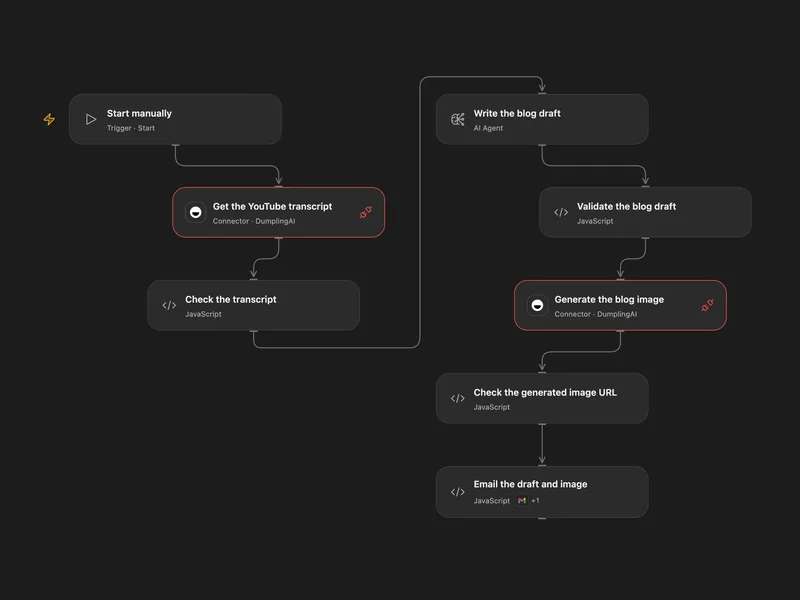
Email a Blog Post from a YouTube Video
Turn a YouTube transcript into a blog draft and generated image, then email both.
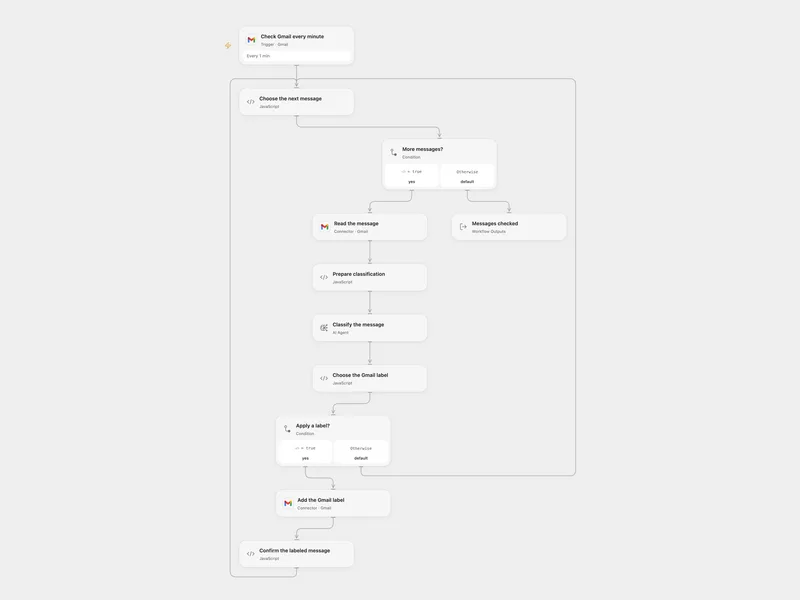
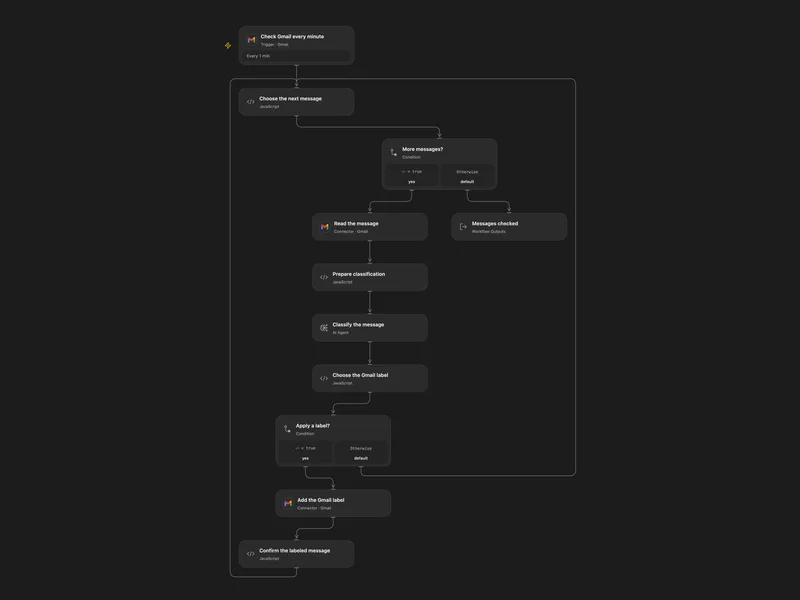
Classify Incoming Gmail Messages with AI
Classify new Gmail messages and apply a priority, work or promotion label.
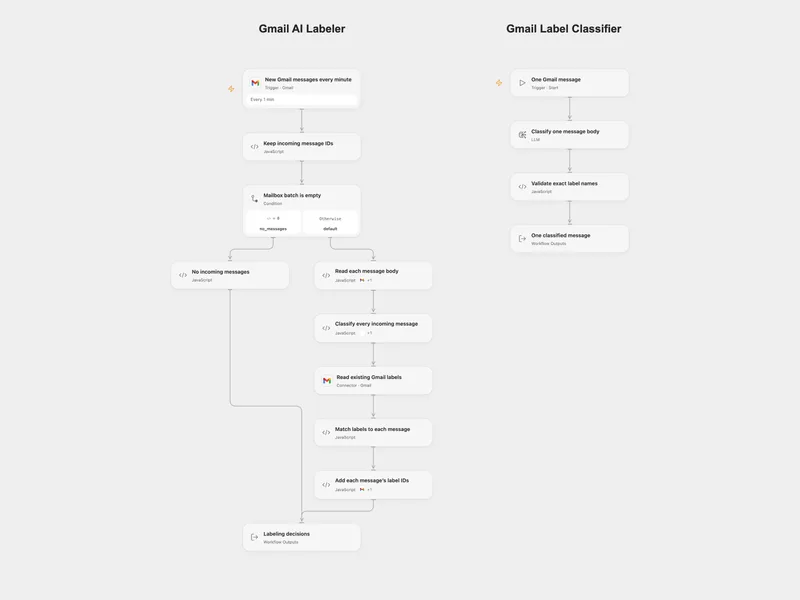
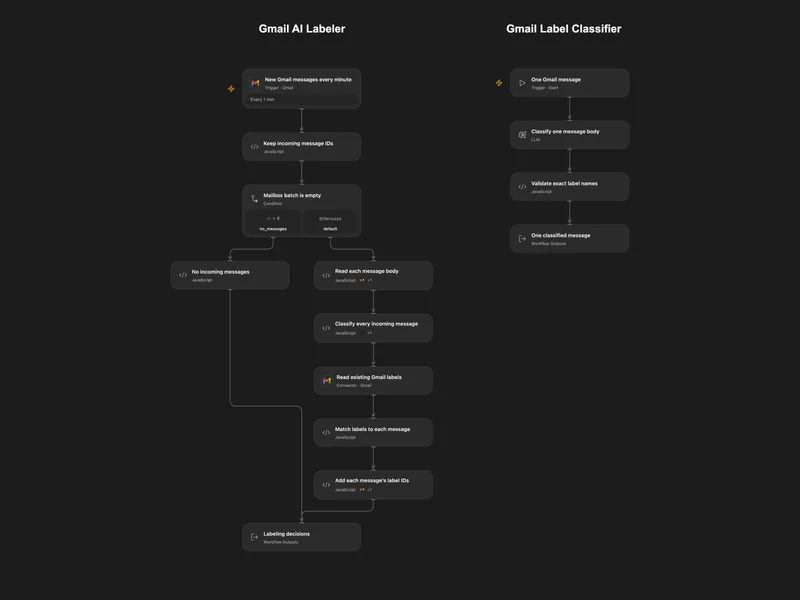
Classify Gmail Messages with AI
Classify incoming Gmail messages and add the matching existing labels.
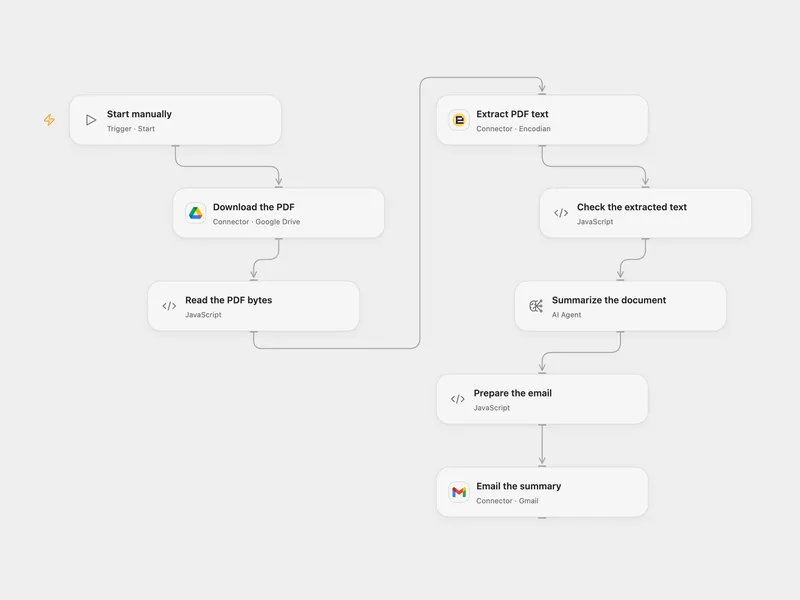
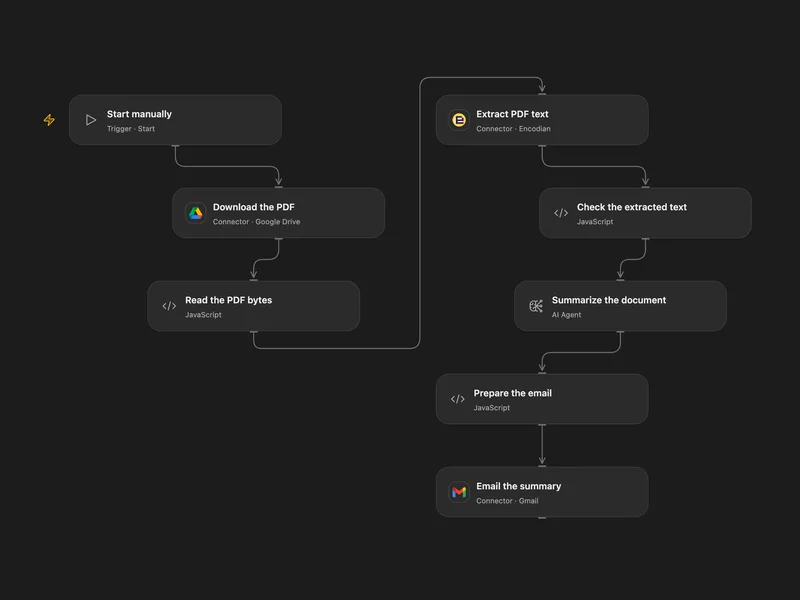
Email a Summary of a Drive PDF
Summarize a PDF stored in Google Drive and email the result.
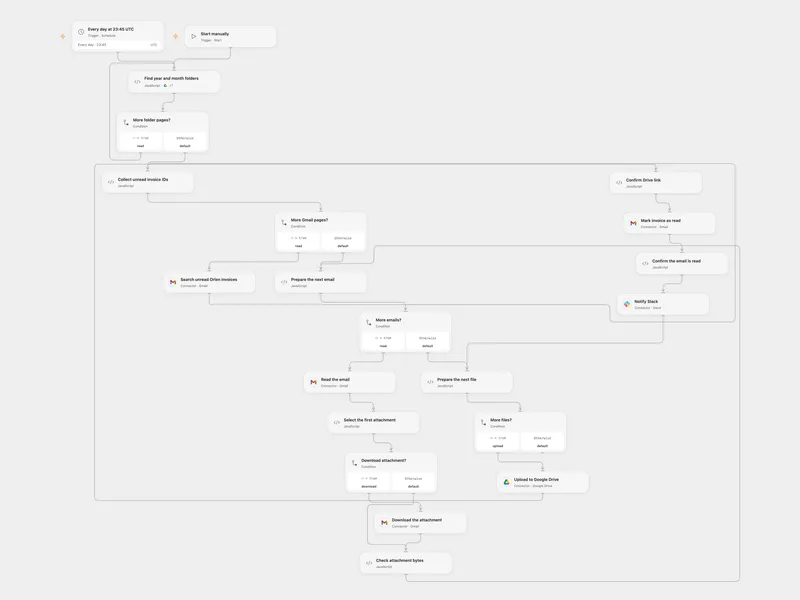
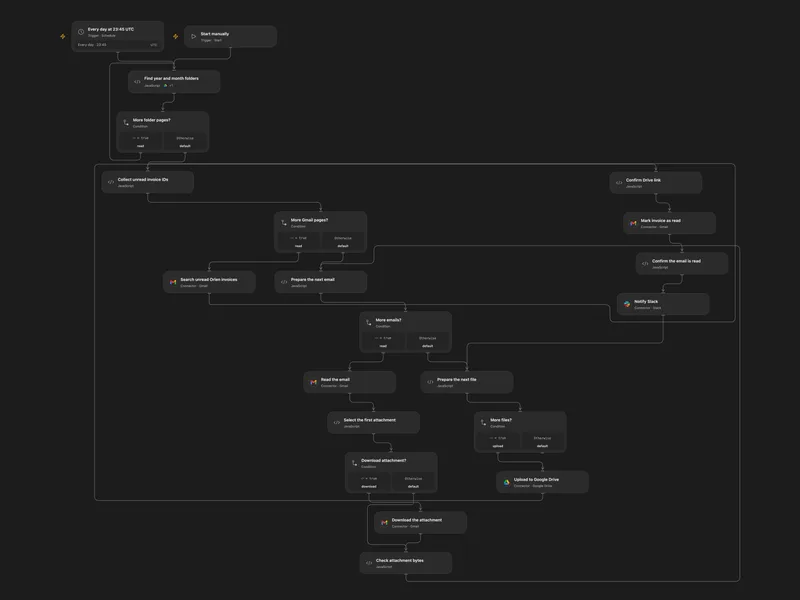
Save Orlen Invoices to Drive
Archive unread Orlen invoice attachments in dated Google Drive folders and notify Slack.
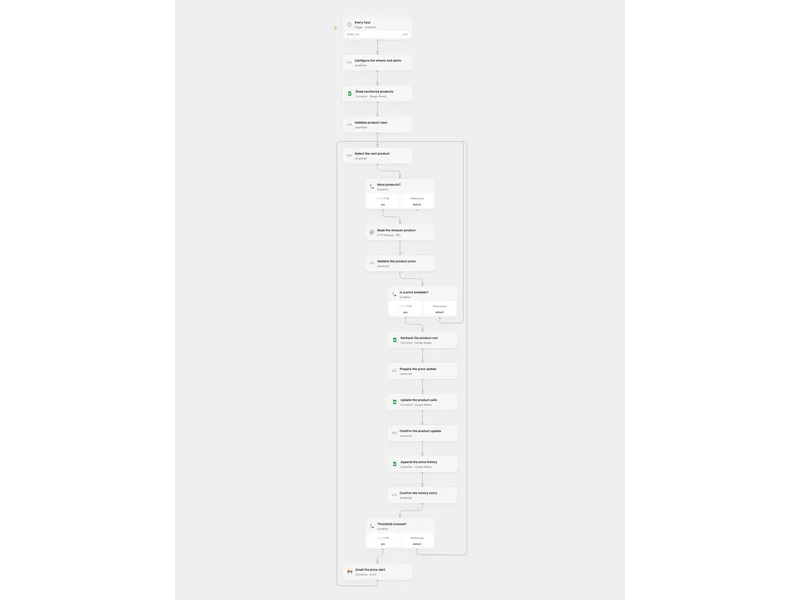
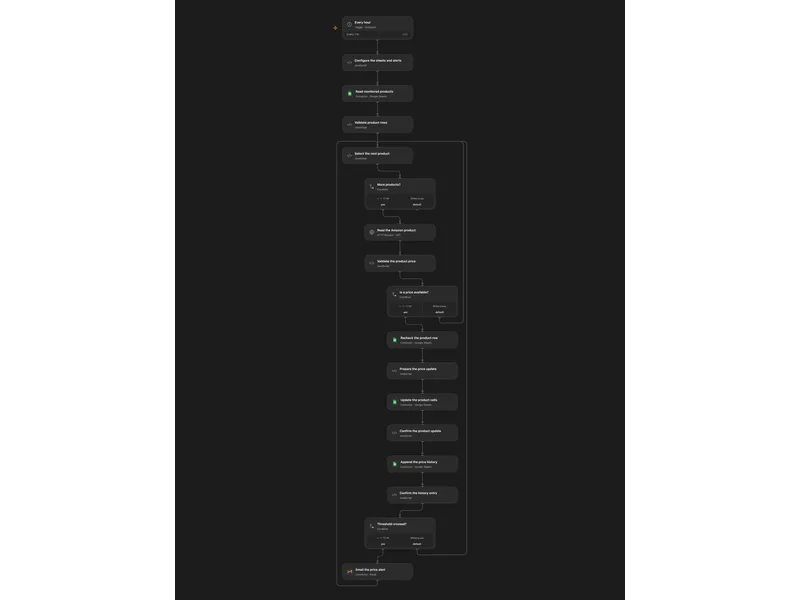
Track Amazon Prices from Sheets
Track Amazon product prices from a sheet, record price history and email threshold alerts.
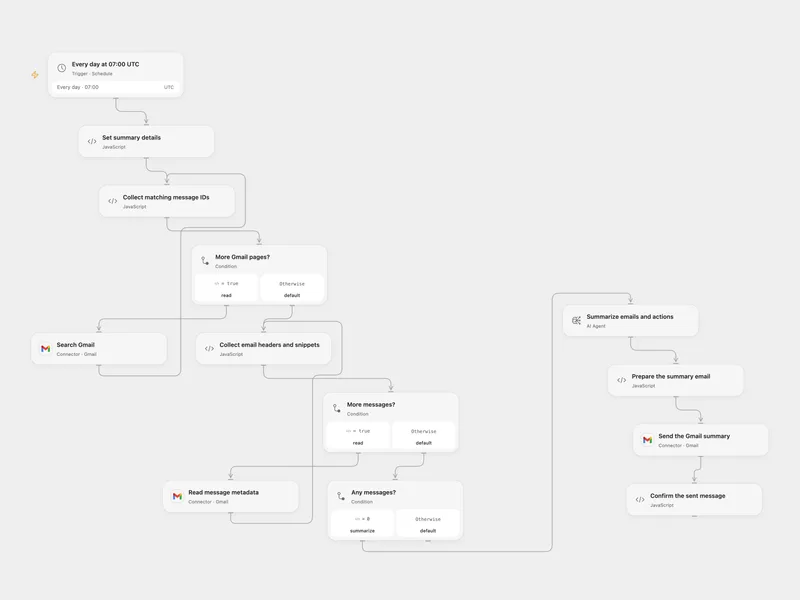
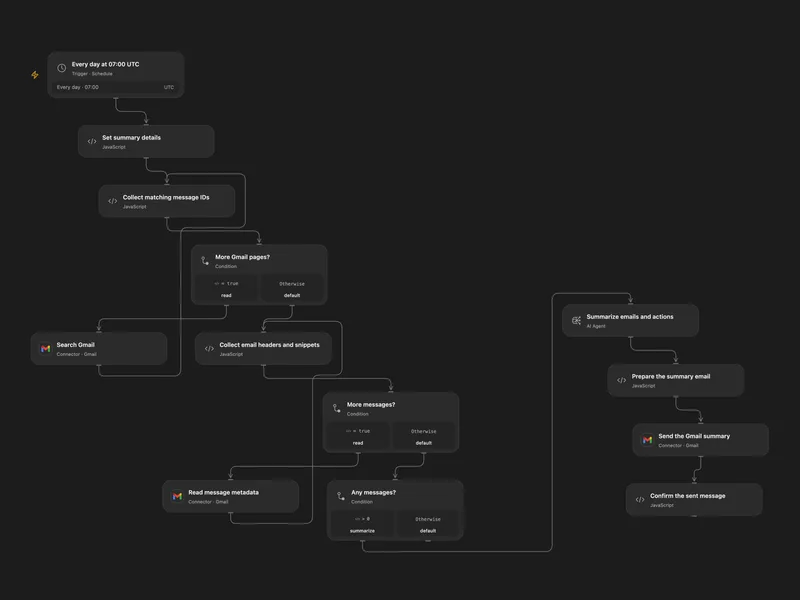
Email a Daily Gmail Summary
Summarize the previous day’s matching Gmail messages and email the summary and actions.
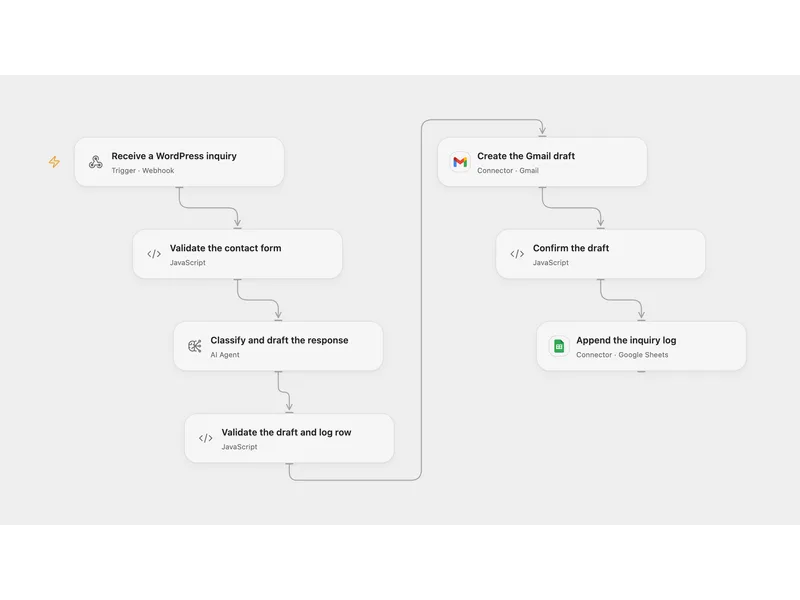
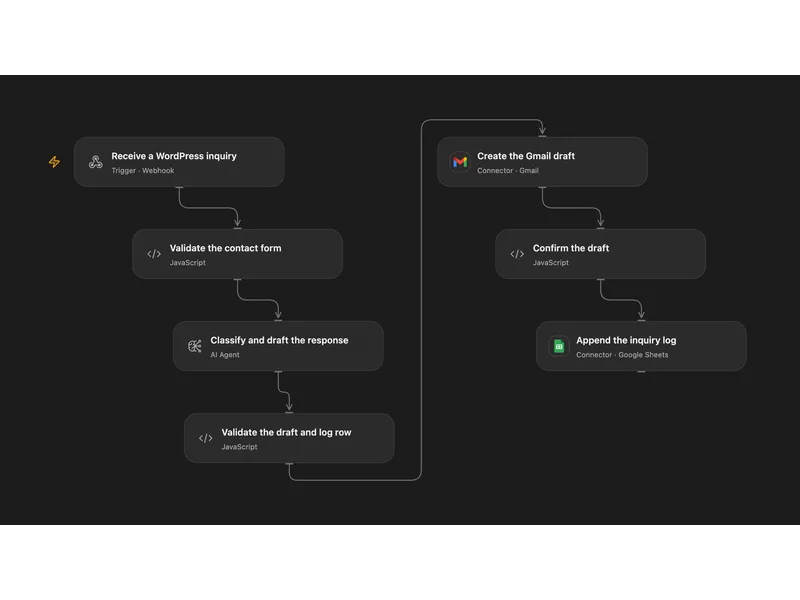
Classify WordPress Inquiries and Draft Replies
Classify incoming WordPress contact inquiries, prepare Gmail drafts for review and log the inquiries in Google Sheets.
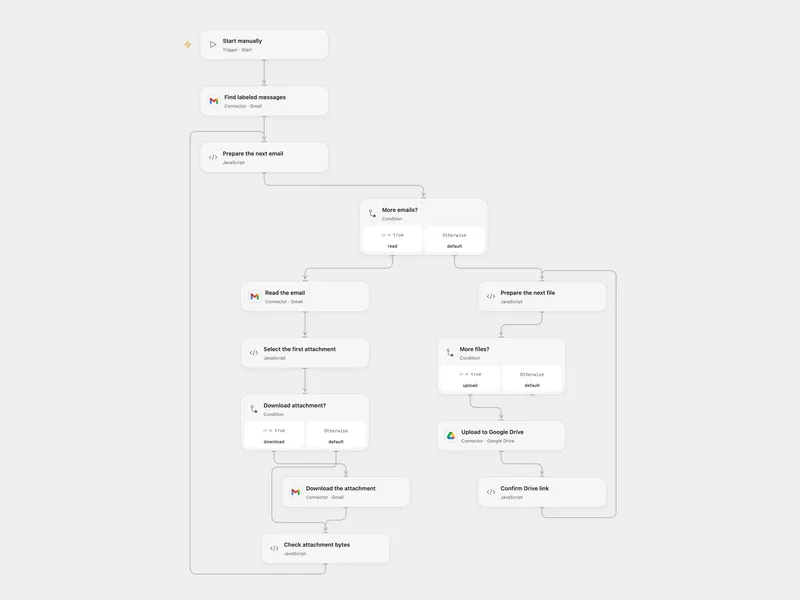
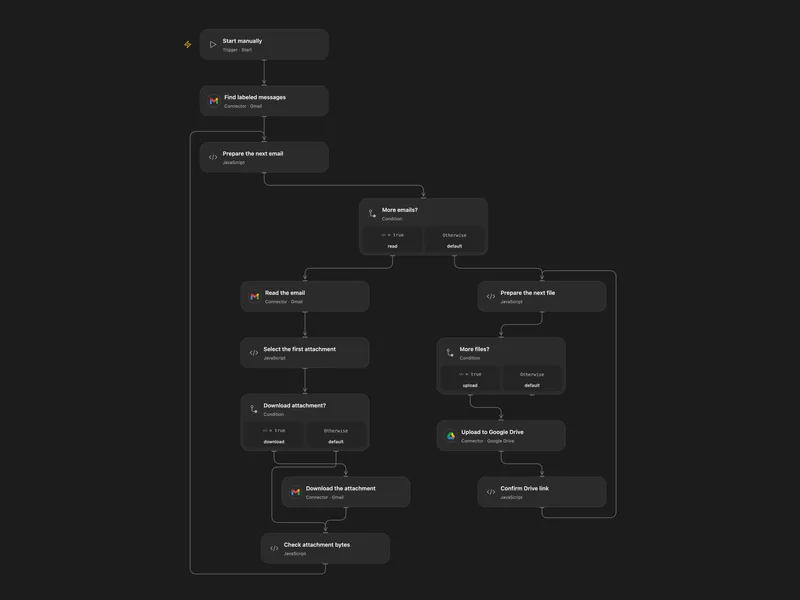
Save First Gmail Attachments to Drive
Save the first attachment from each of up to ten Gmail messages in a chosen label to Google Drive.
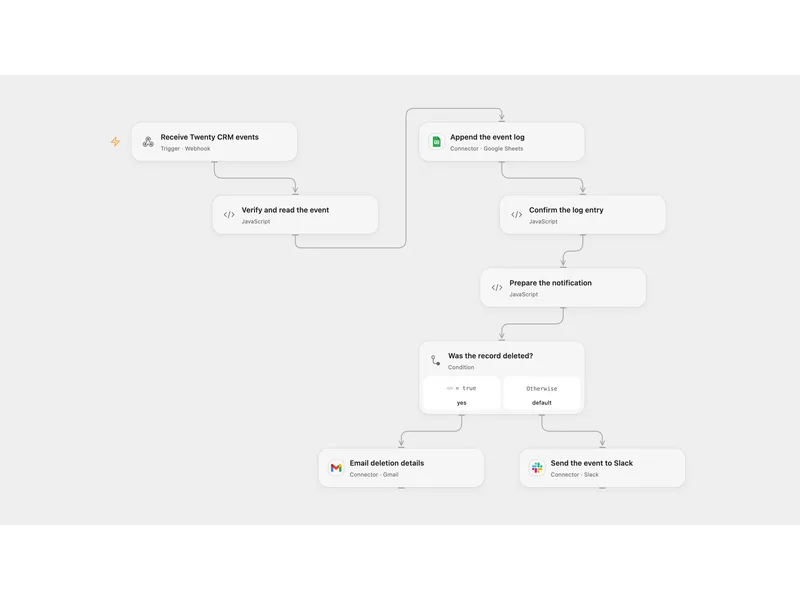
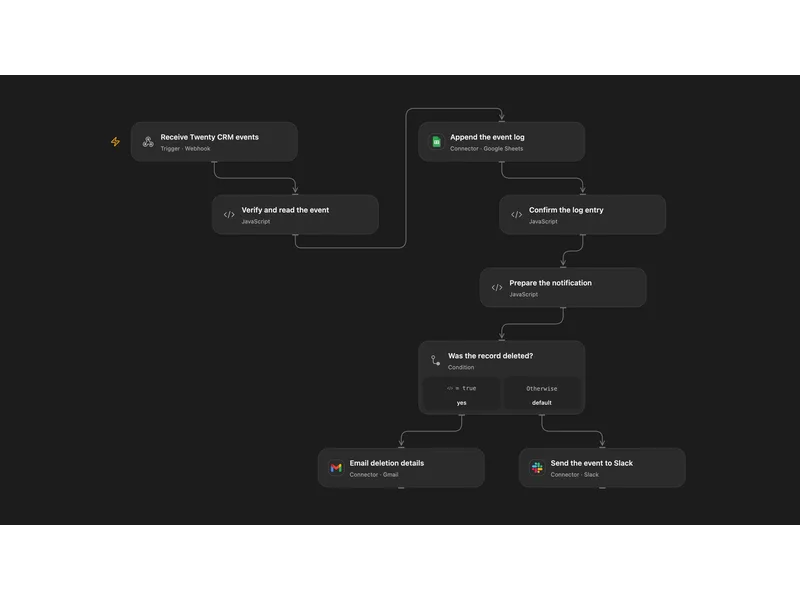
Log and Route Twenty CRM Events
Log signed Twenty CRM record events and notify email for deletions or Slack for other changes.
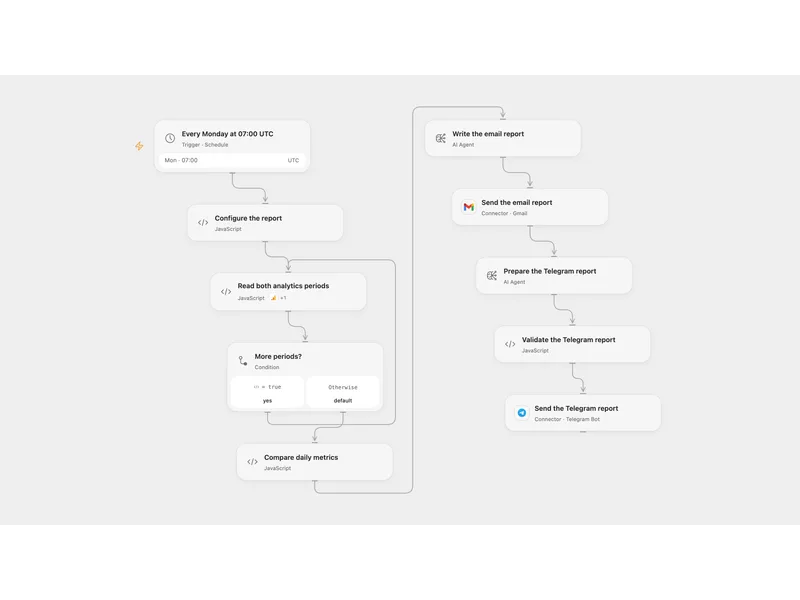
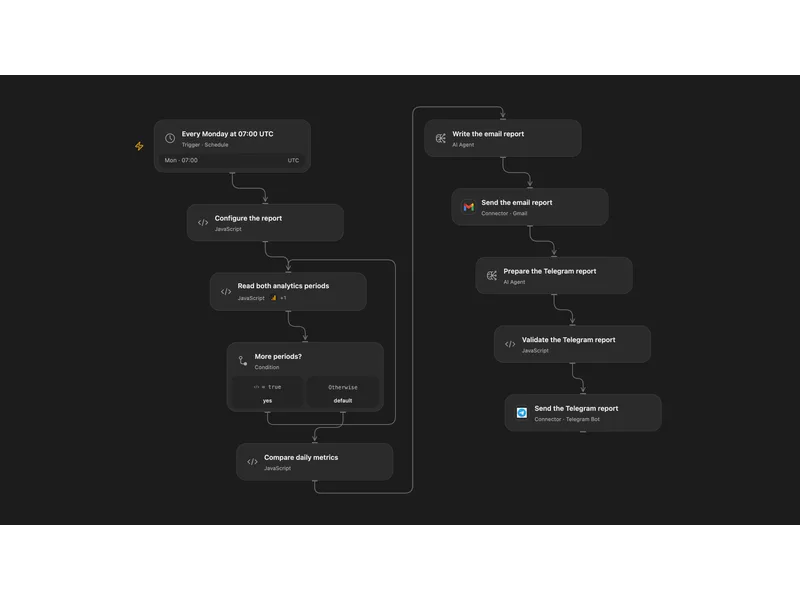
Send Weekly Analytics Comparison to Email and Telegram
Compare weekly Google Analytics metrics with the same dates in the previous year and send an AI-written report by email and Telegram.
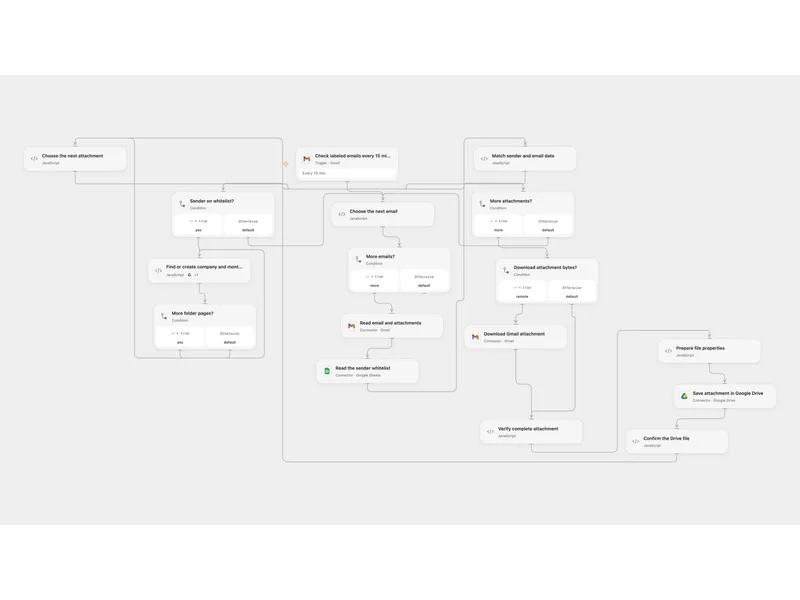
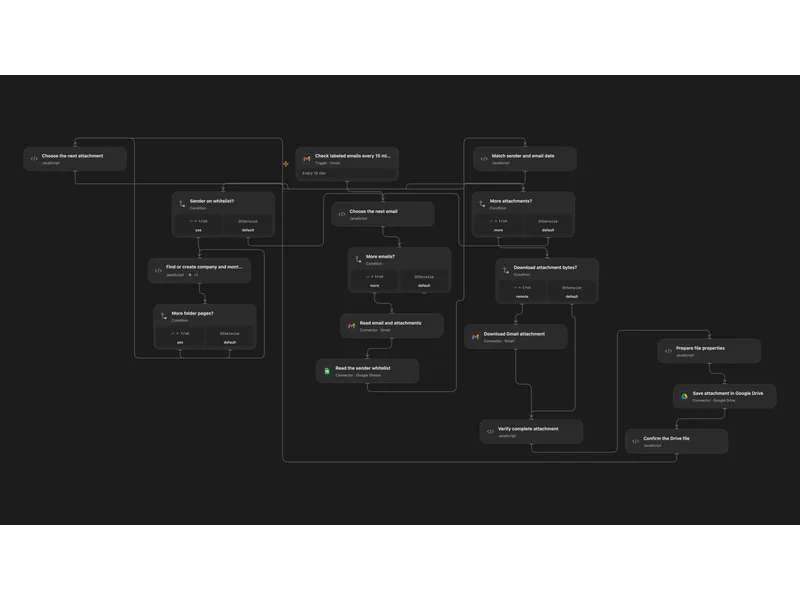
Archive Whitelisted Email Attachments to Drive
Save attachments from whitelisted senders into company and month folders in Google Drive.
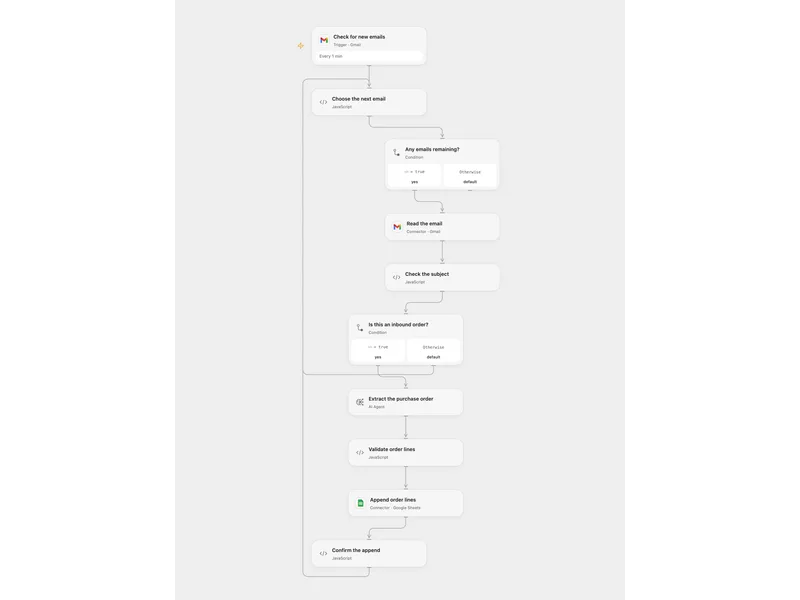
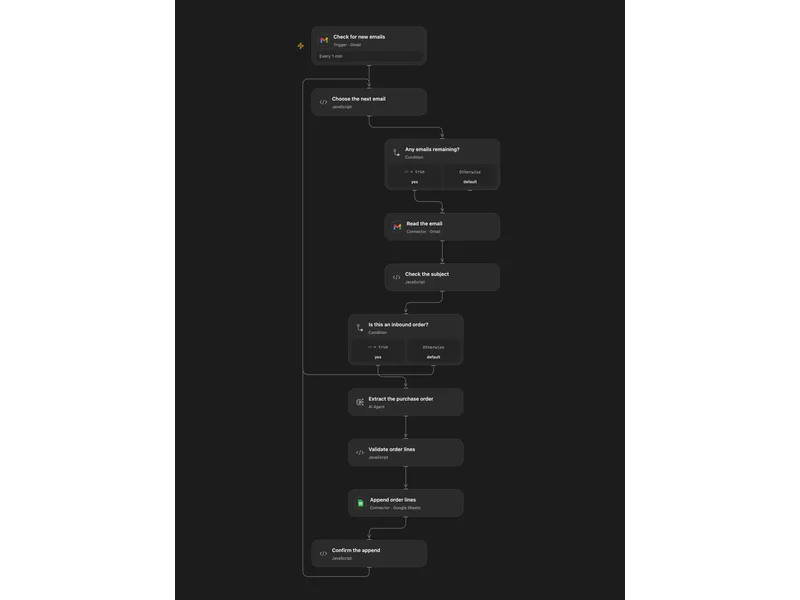
Extract Inbound Orders to Google Sheets
Extract purchase order lines from matching Gmail messages and append them to Google Sheets.
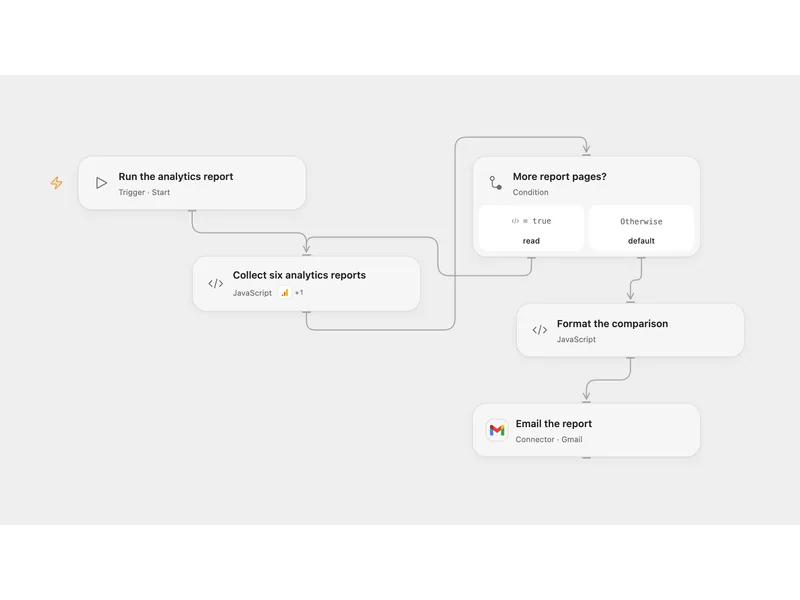
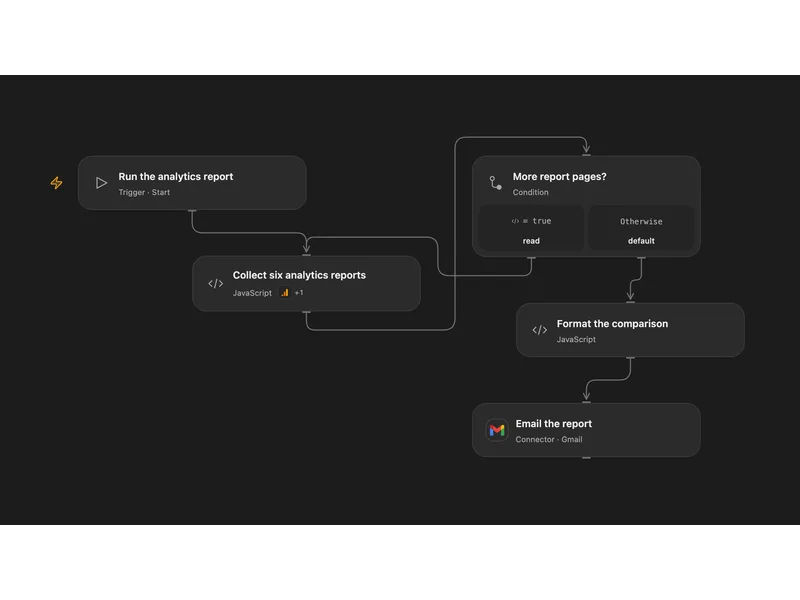
Email a Google Analytics Comparison Report
Compare page engagement, search performance and country views across two seven-day periods in an emailed report.
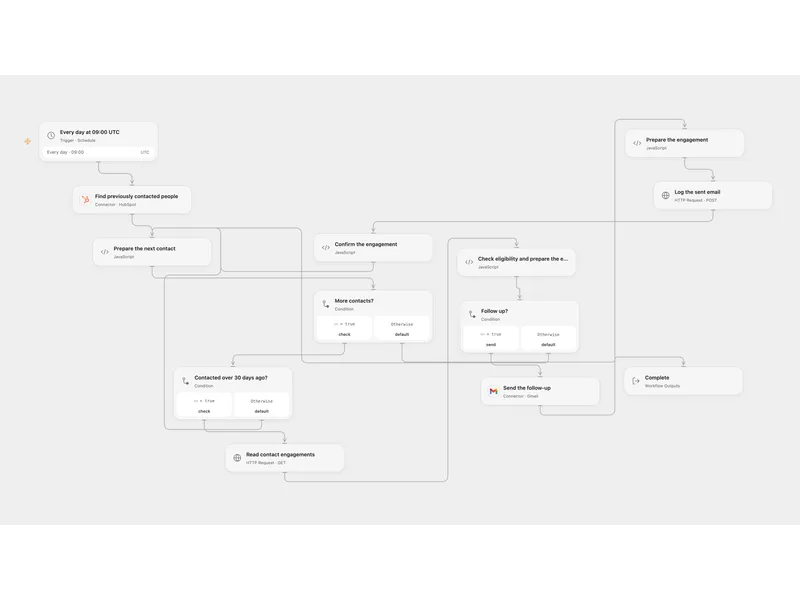
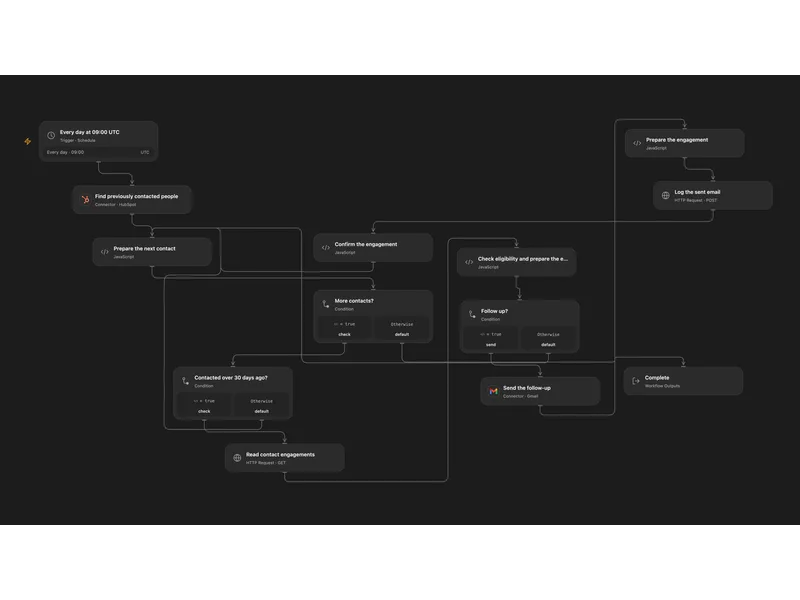
Follow Up HubSpot Contacts with Gmail
Follow up older HubSpot contacts with one engagement and log each sent email.
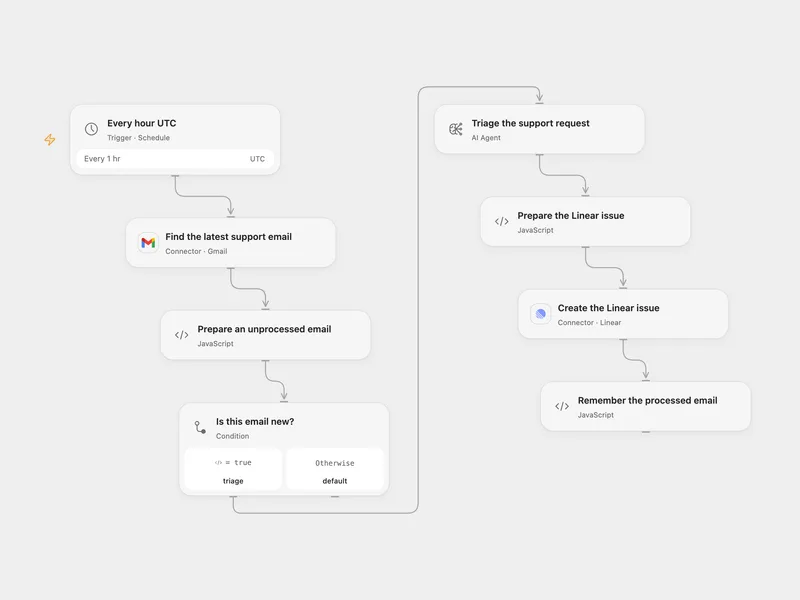
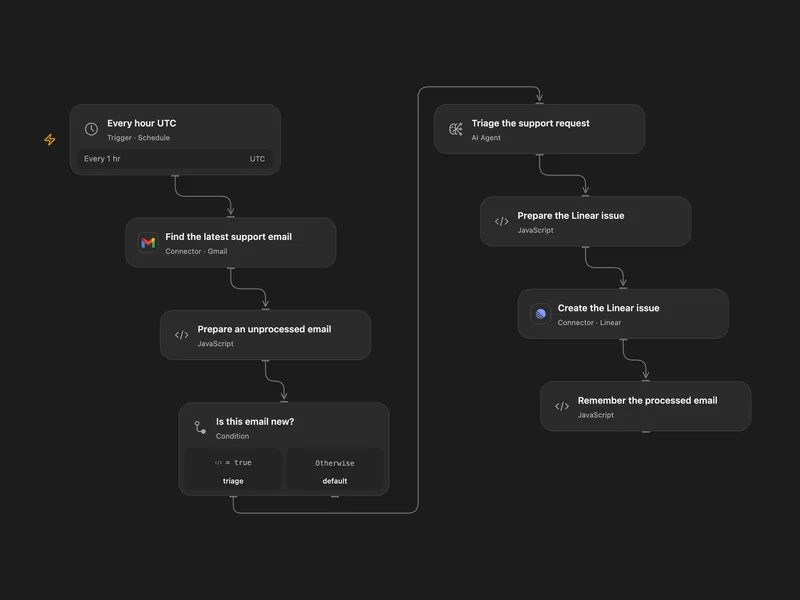
Turn Support Gmail into Linear Issues
Triage the latest matching support email with AI and create a Linear issue.
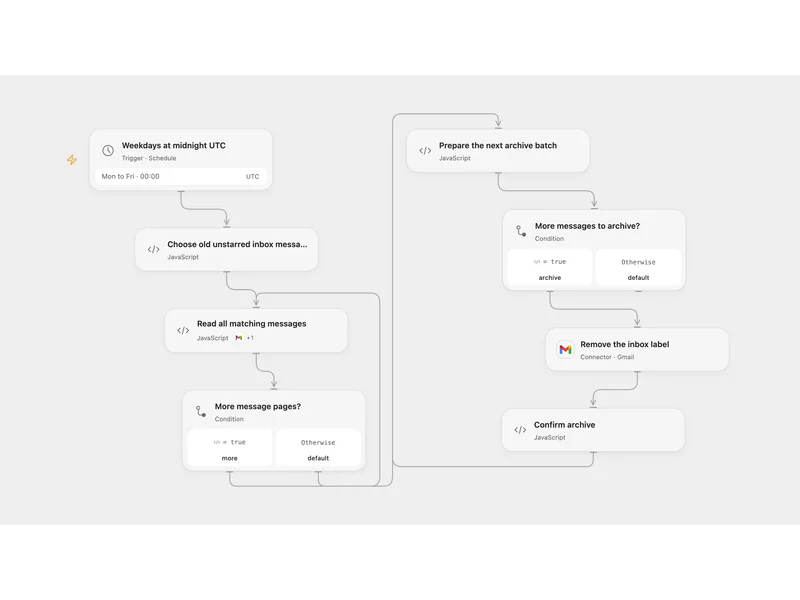
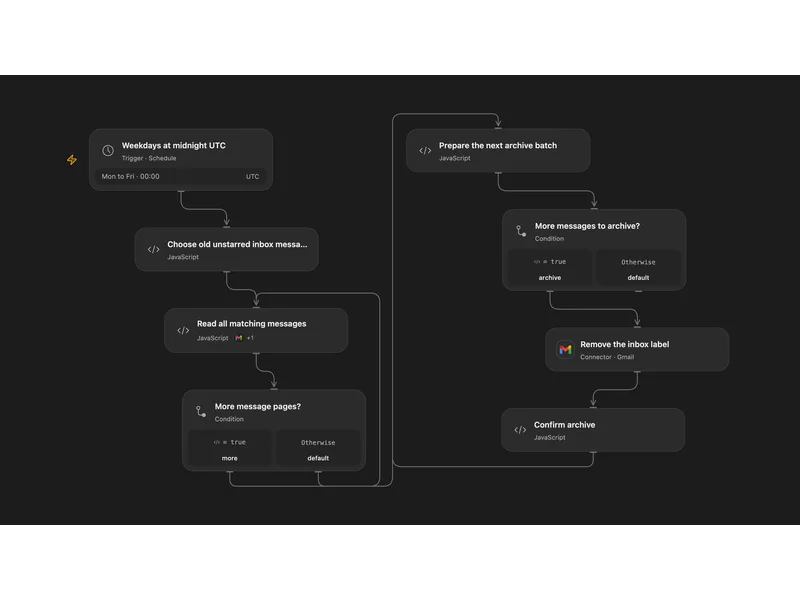
Archive Old Unstarred Gmail
Archive older unstarred inbox messages on workdays while keeping starred messages in the inbox.
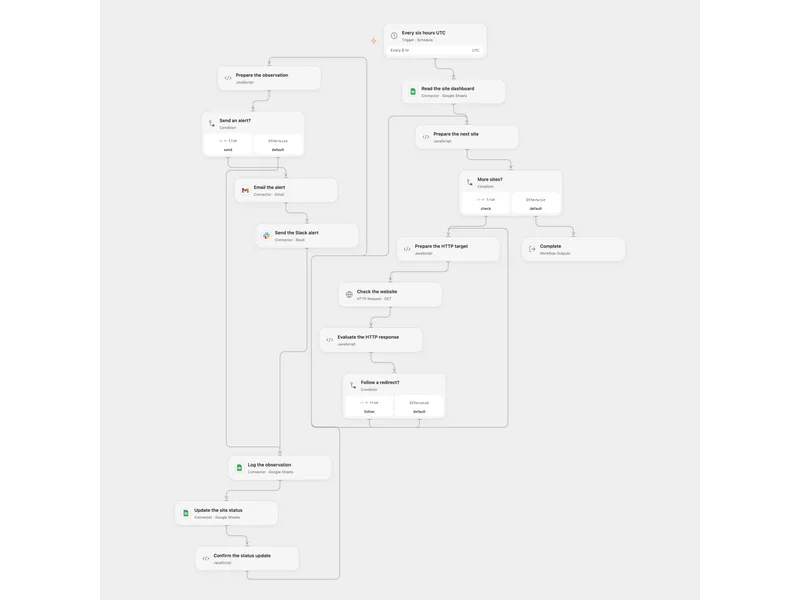
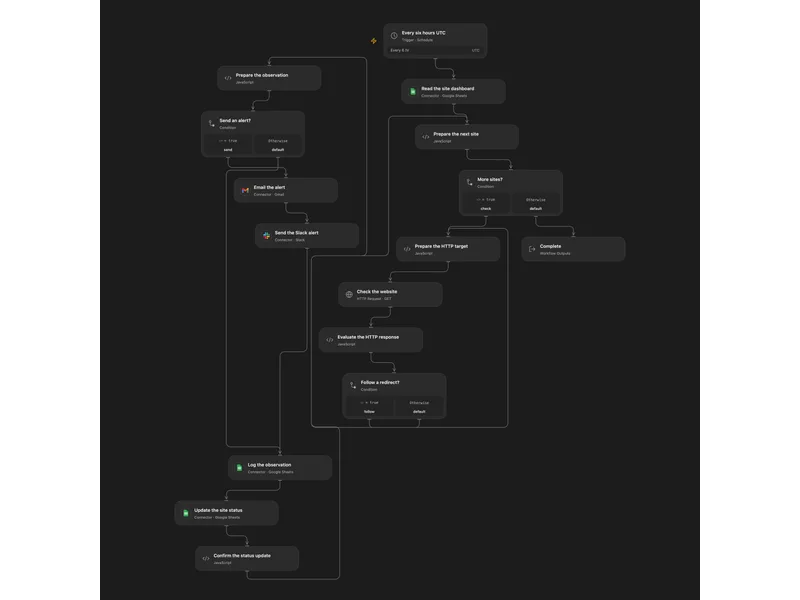
Monitor Website Status in Google Sheets
Check website status, record observations and alert a team when a site is down or recovers.
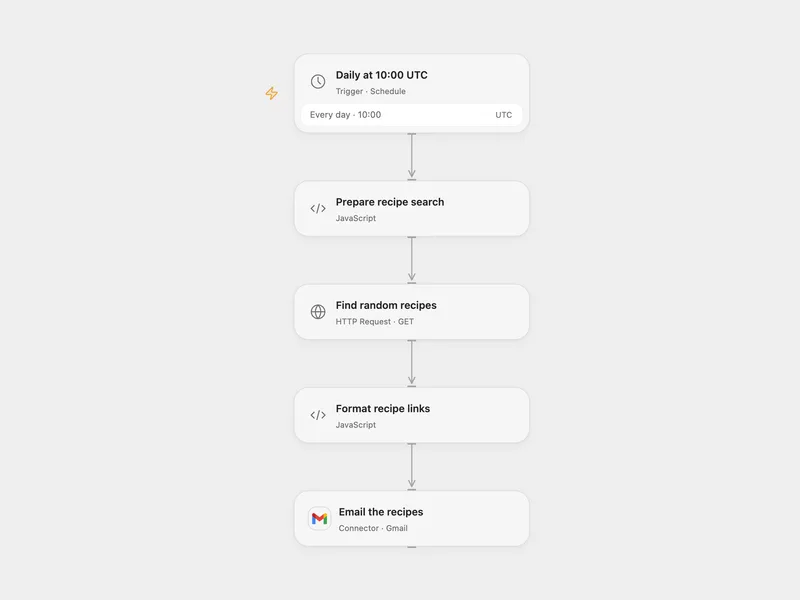
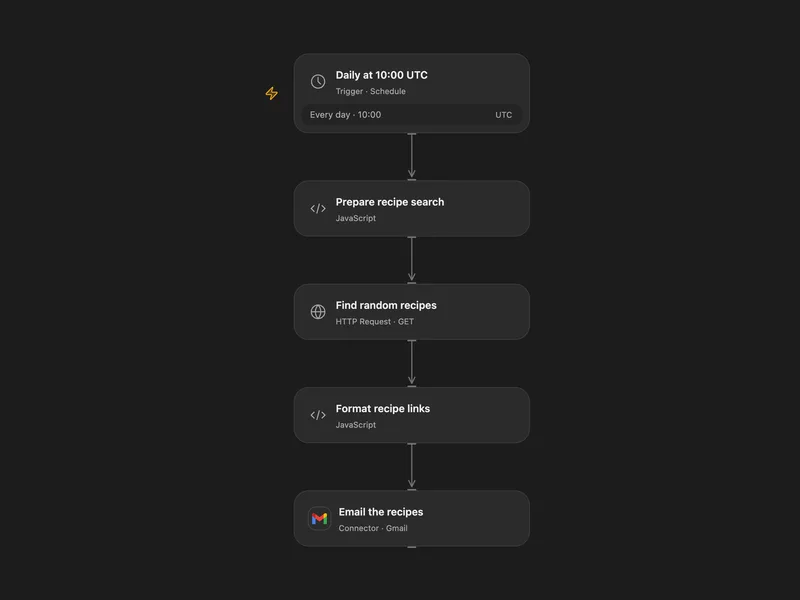
Email Scheduled Recipe Suggestions
Find random recipes matching dietary and preparation filters and email their links each day.
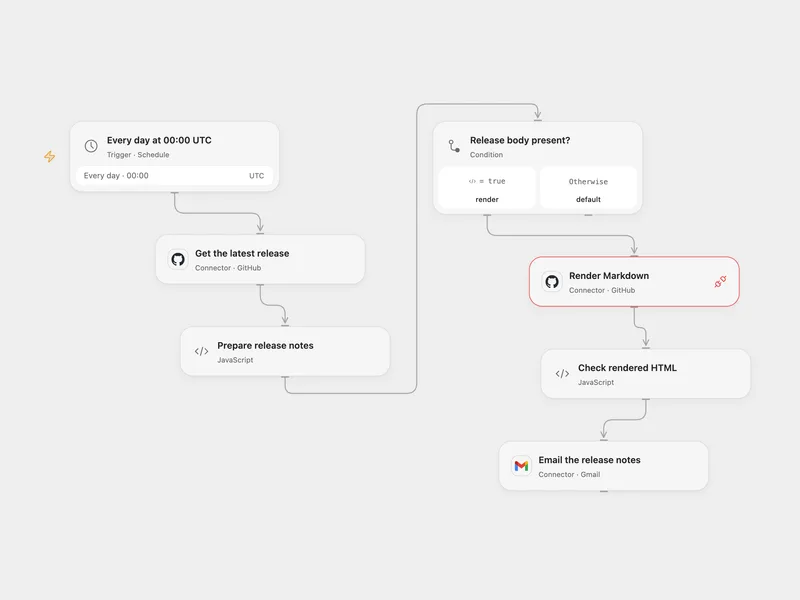
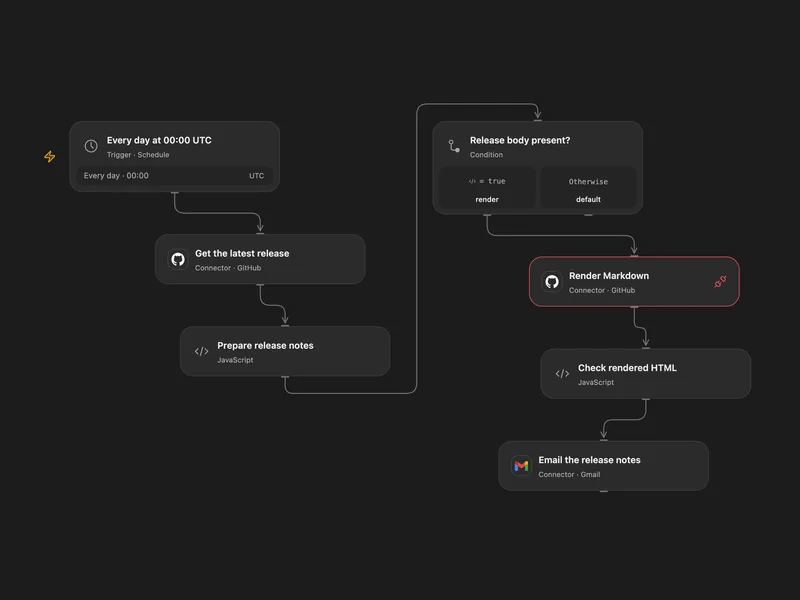
Email the Latest GitHub Release Notes
Email the latest published GitHub release notes as HTML each day.
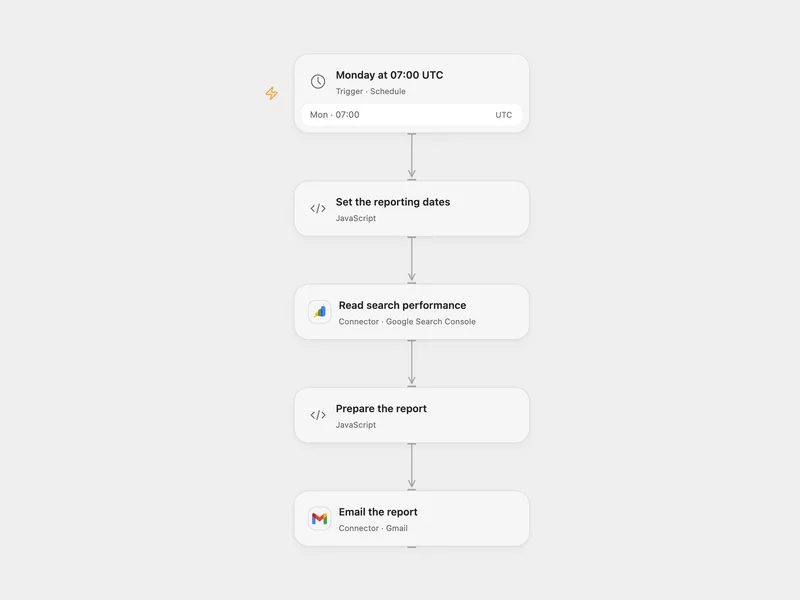
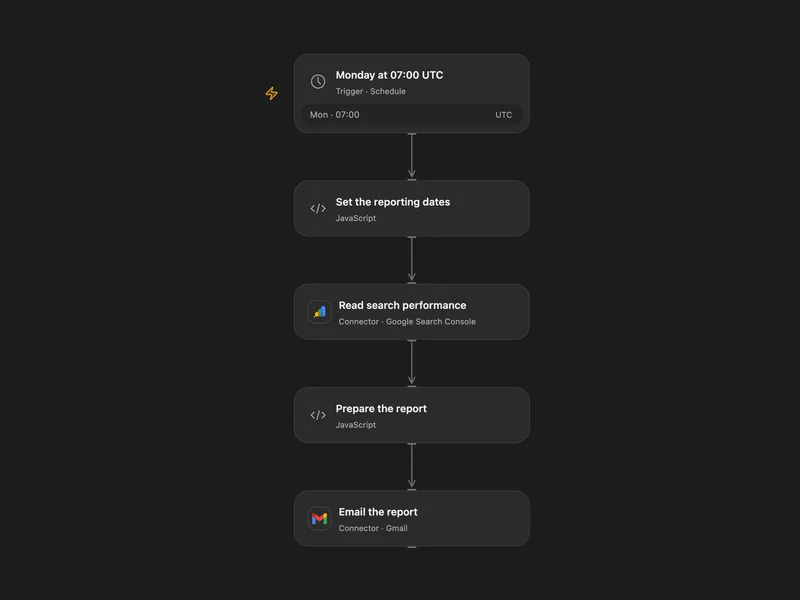
Email a Weekly Search Console Report
Email the top Google Search queries from the previous seven complete Pacific Time dates.
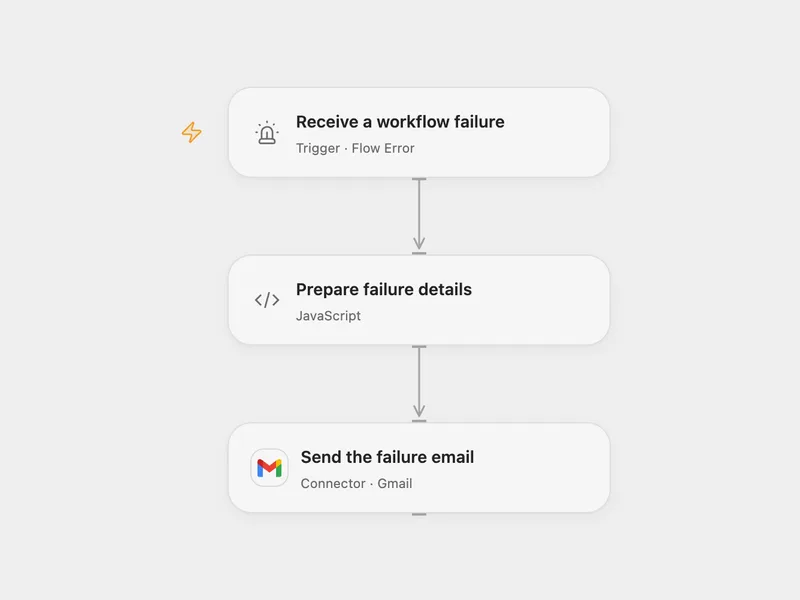
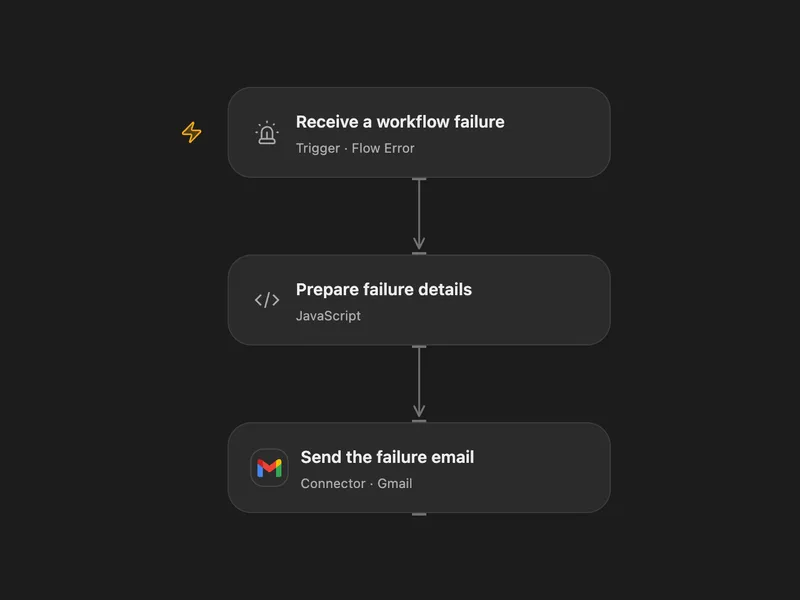
Email Workflow Failure Details
Email diagnostic details when a configured workflow fails.
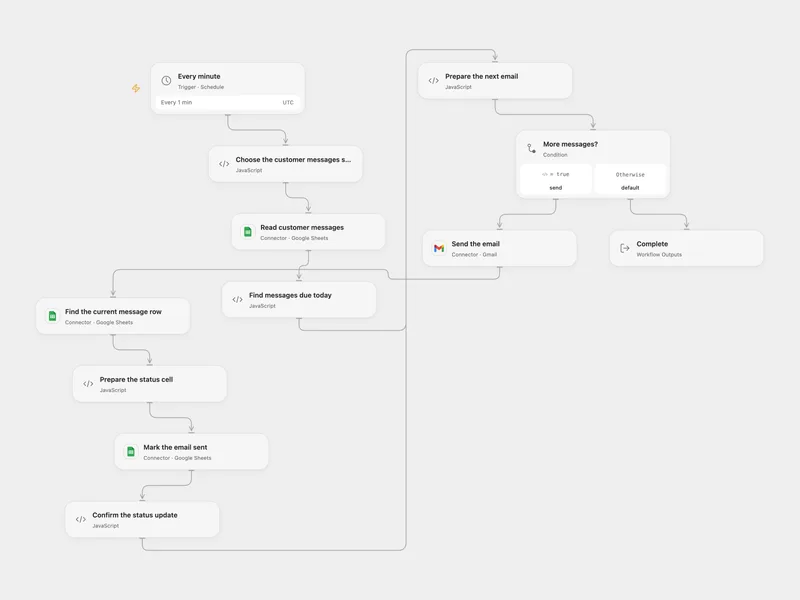
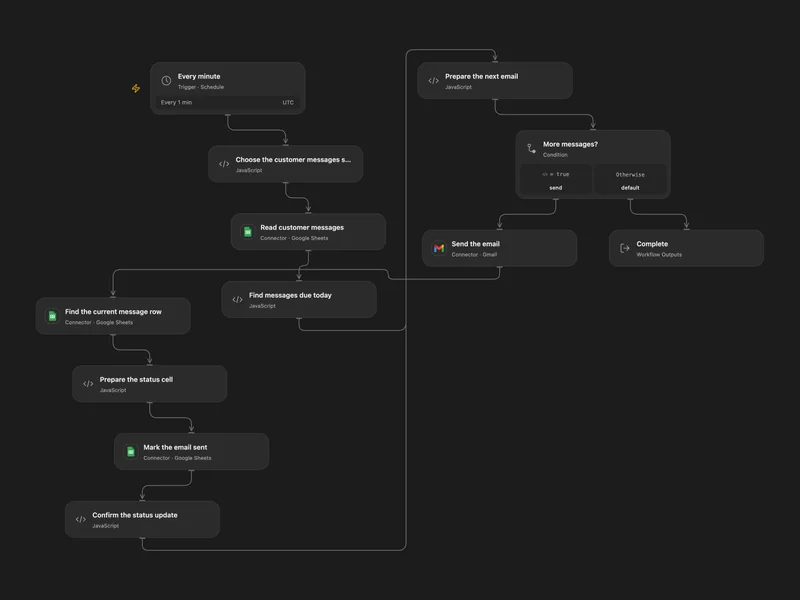
Send Scheduled Customer Emails from Sheets
Send today’s queued customer emails and mark each successful send in Google Sheets.
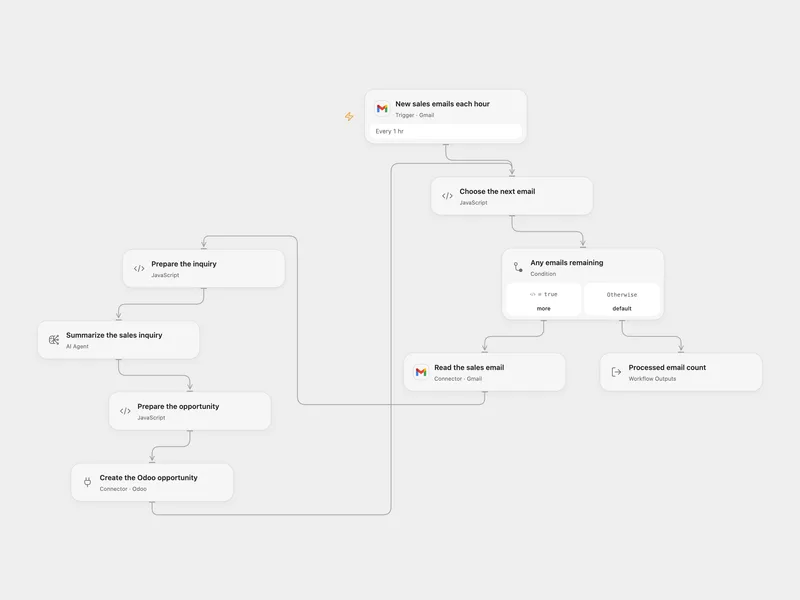
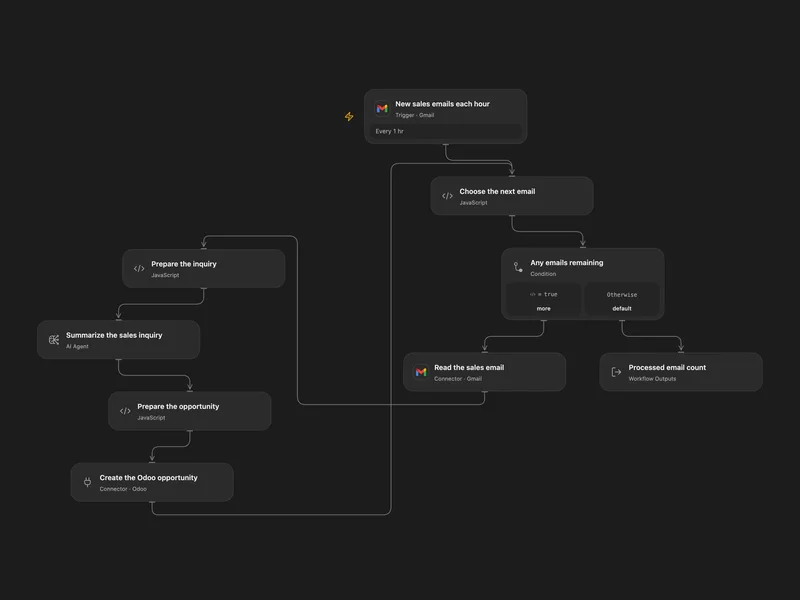
Create Odoo Opportunities from Sales Emails
Summarize labeled Gmail sales inquiries and create Odoo opportunities with the sender and subject.
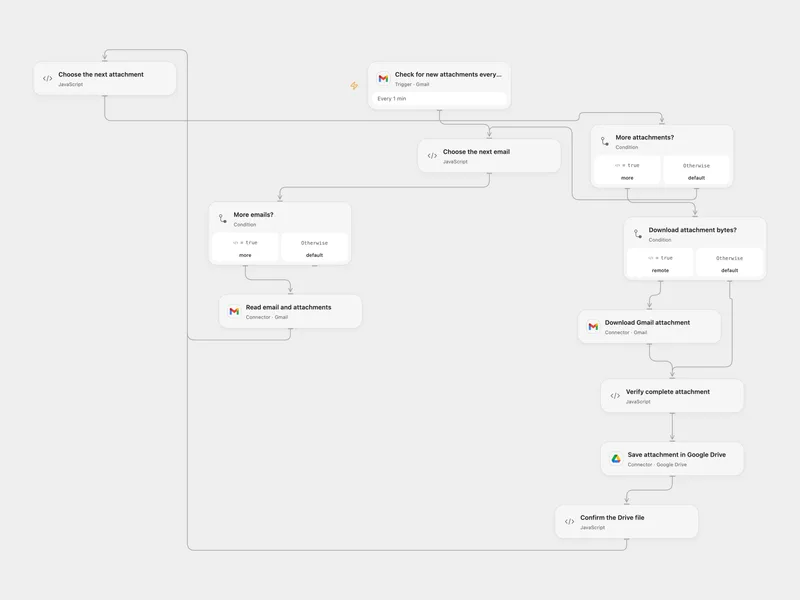
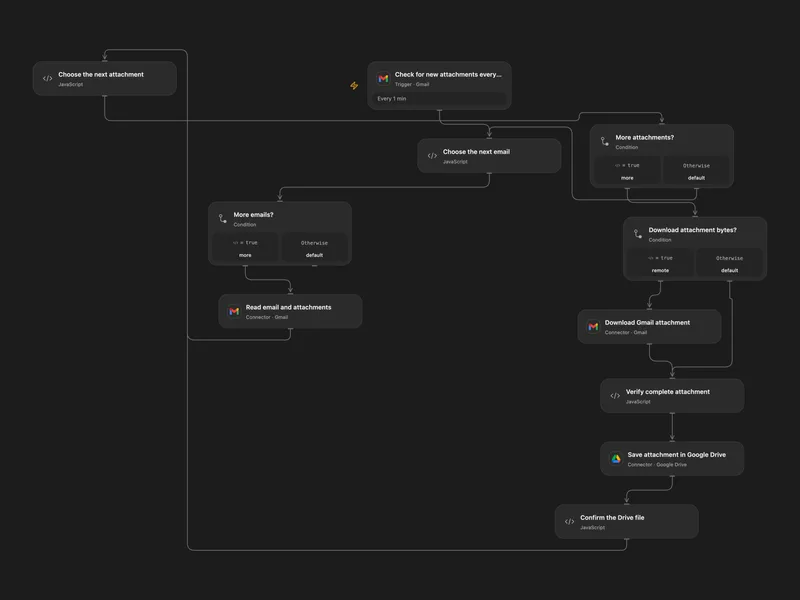
Save Gmail Attachments to Google Drive
Save each incoming Gmail attachment to Google Drive with the sender address in its filename.
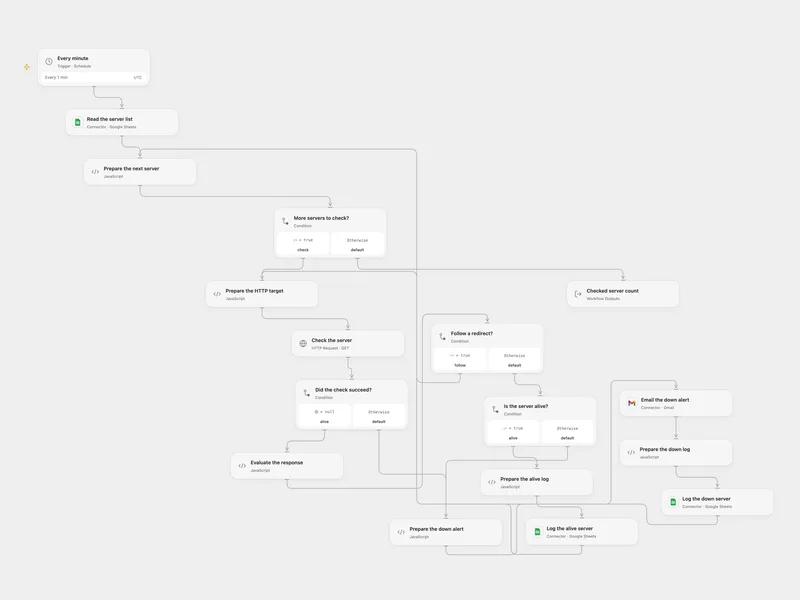
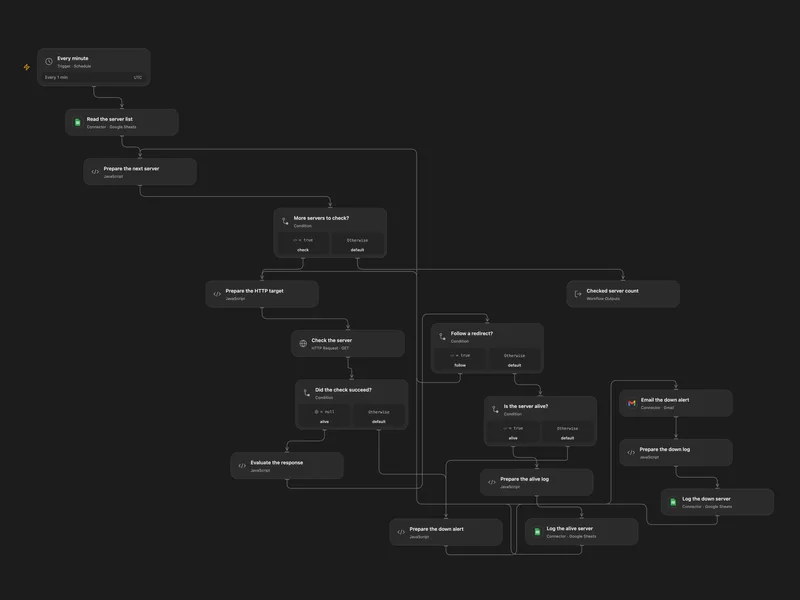
Monitor Sheet Servers and Email Alerts
Check servers listed in Google Sheets every minute, log their status and email an alert when a check fails.
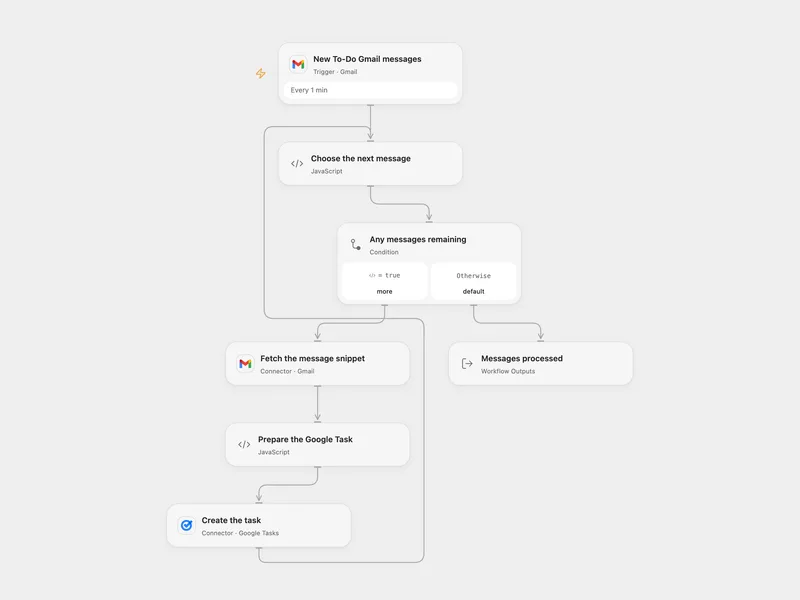
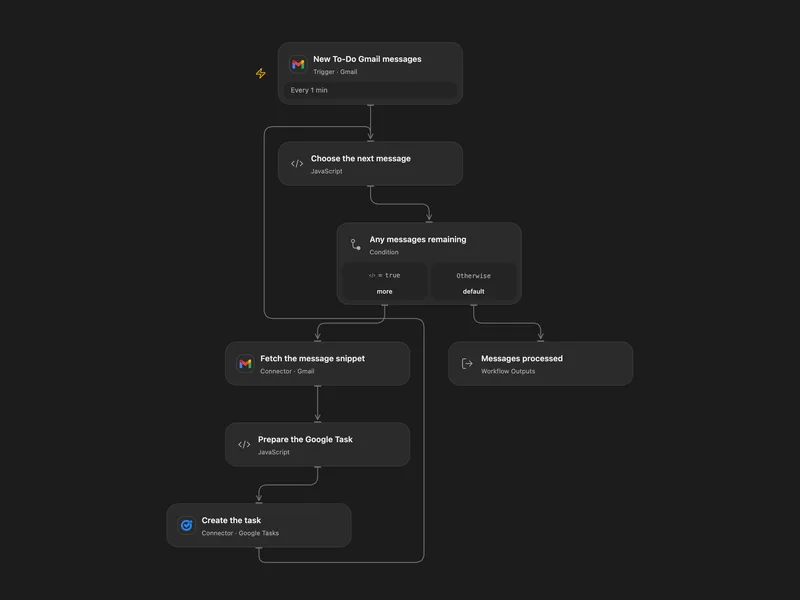
Gmail To-Do Label to Google Tasks
Create a Google Task for each new Gmail message matching label:To-Do, using its subject and snippet.
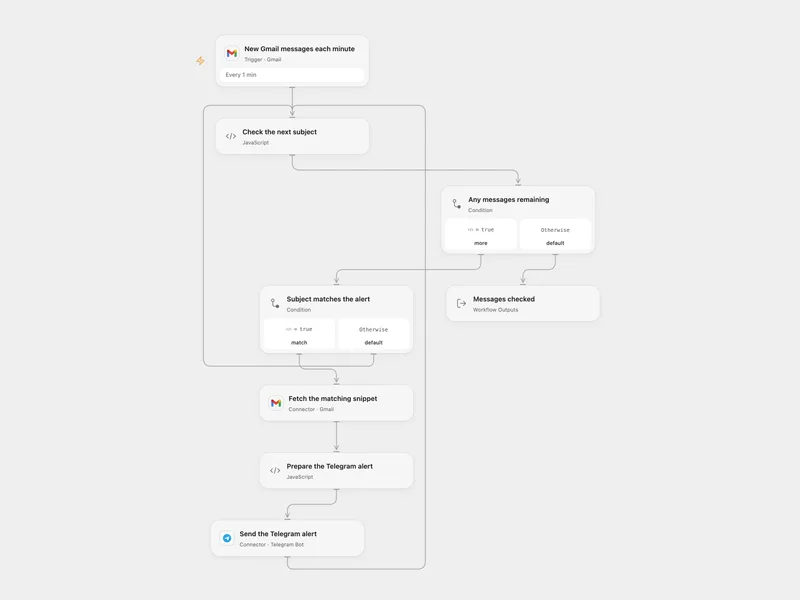
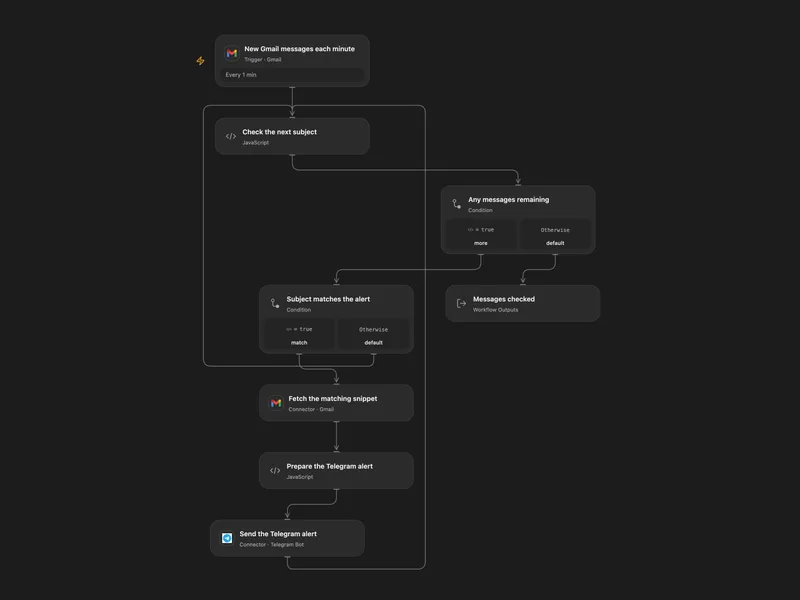
Urgent Gmail Subjects to Telegram
Send a Telegram alert for incoming Gmail subjects containing Urgent or exactly matching Server Down.
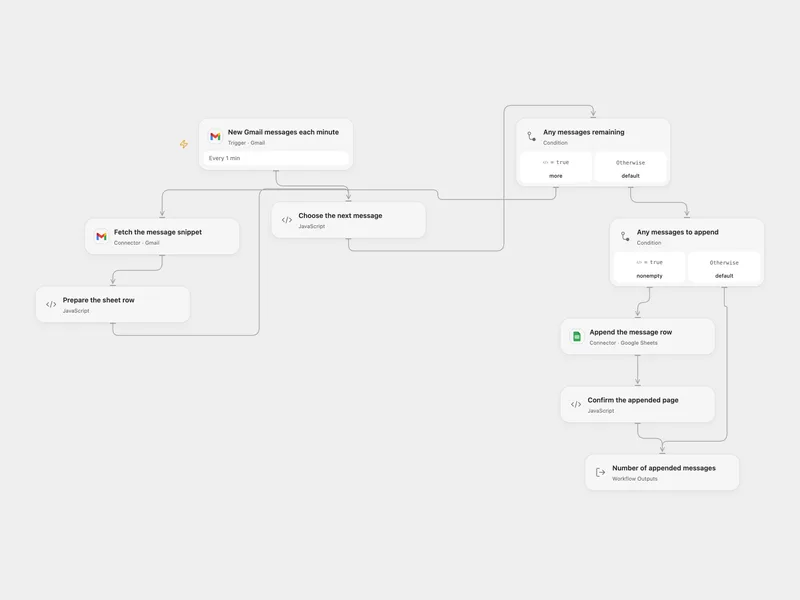
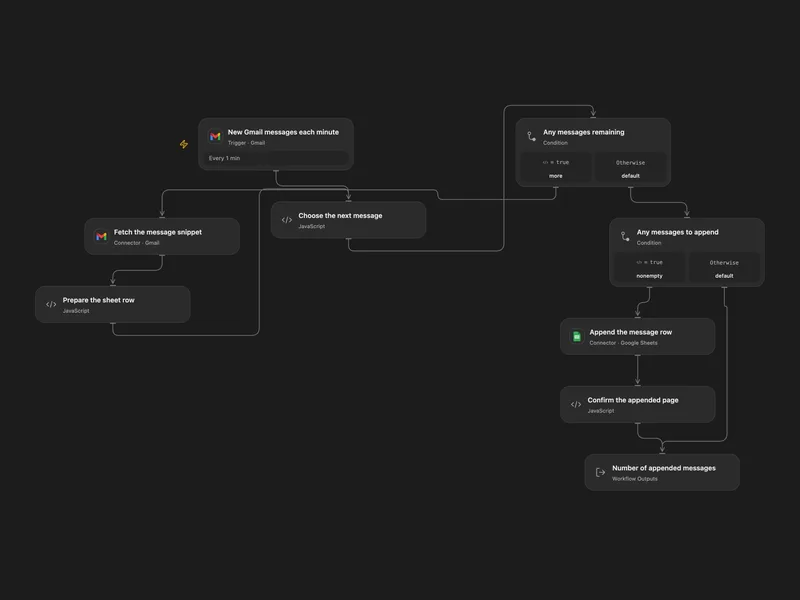
Gmail Message Snippets to Google Sheets
Append the sender, subject and Gmail snippet of each new message to a spreadsheet.
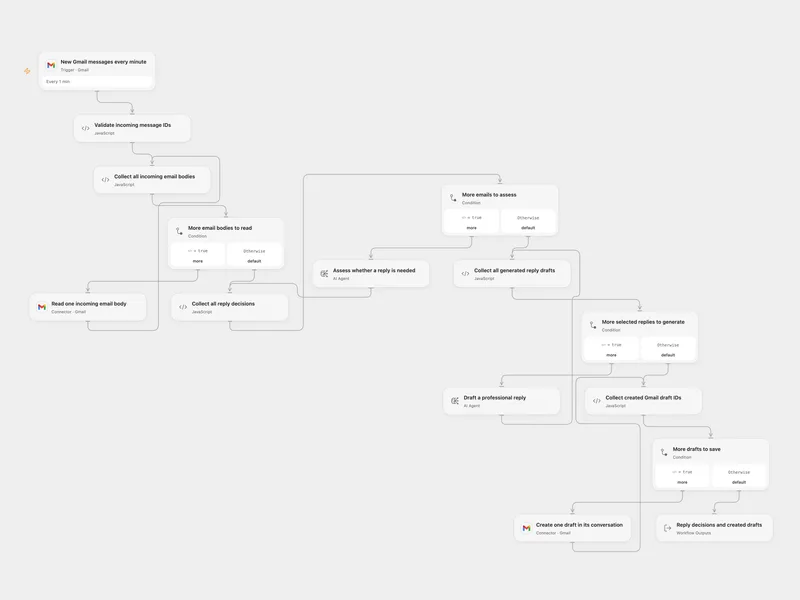
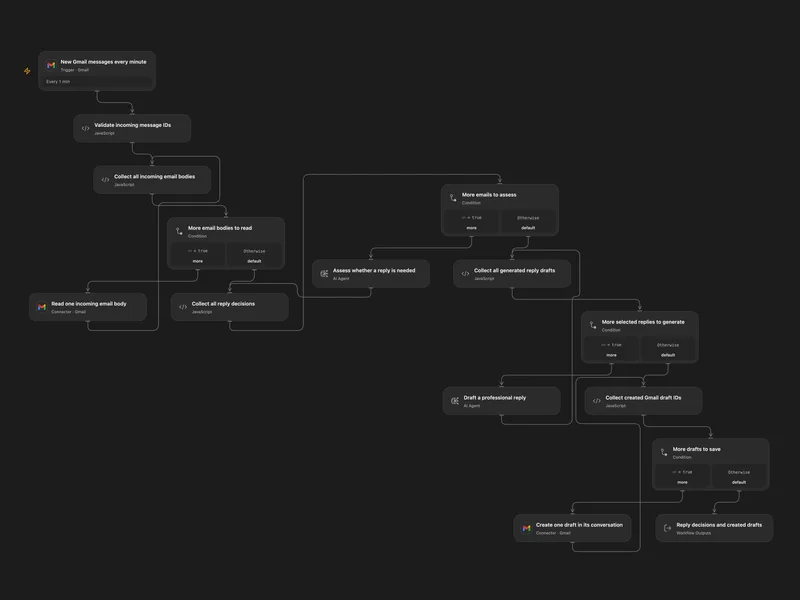
Gmail AI Reply Draft
Assess incoming Gmail messages, generate replies only when needed and save them as drafts in the original conversations.
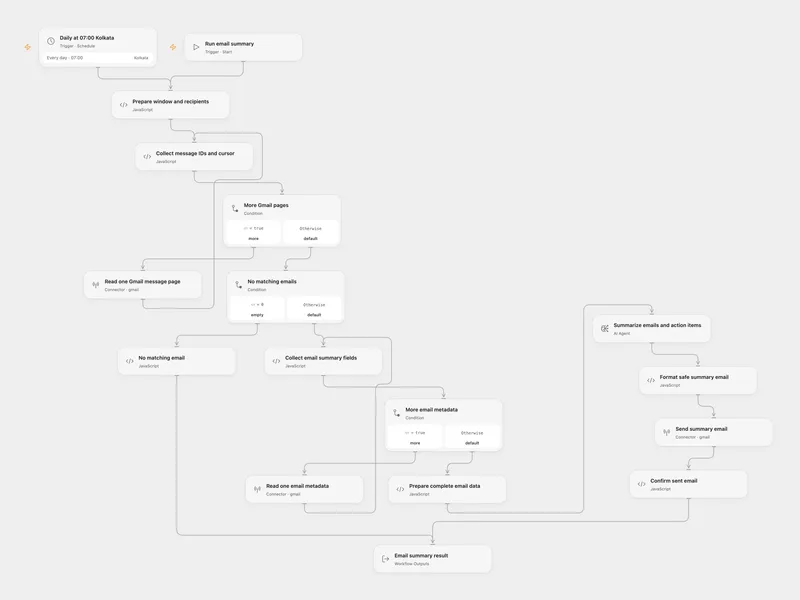
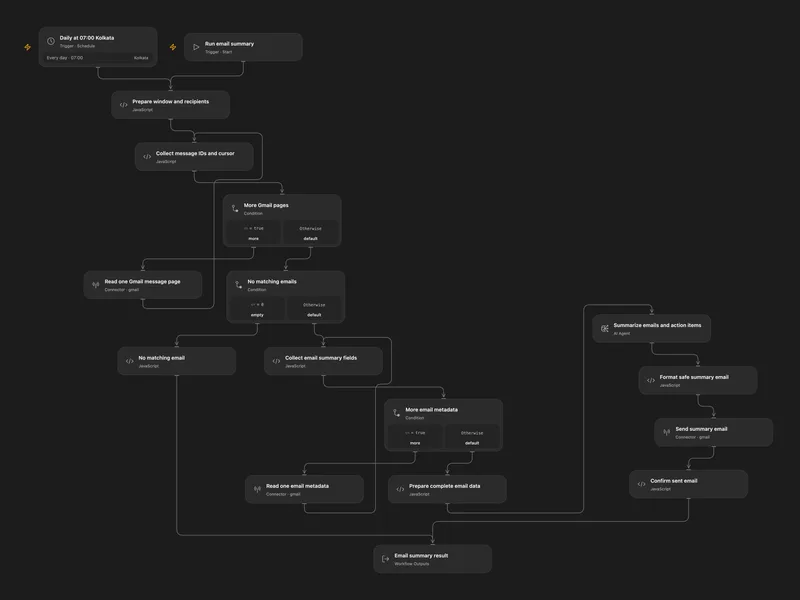
Daily Gmail Summary Email
Summarize matching Gmail email snippets and send one HTML email with key points and named action items.
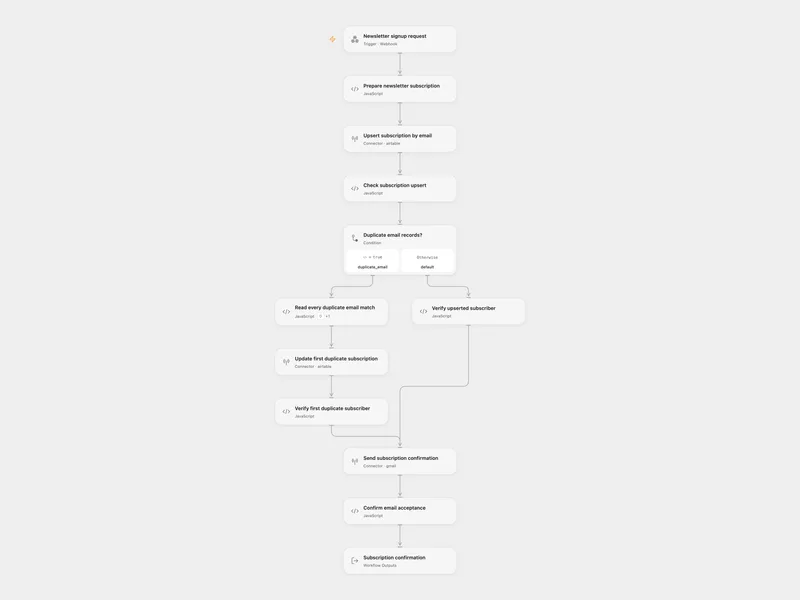
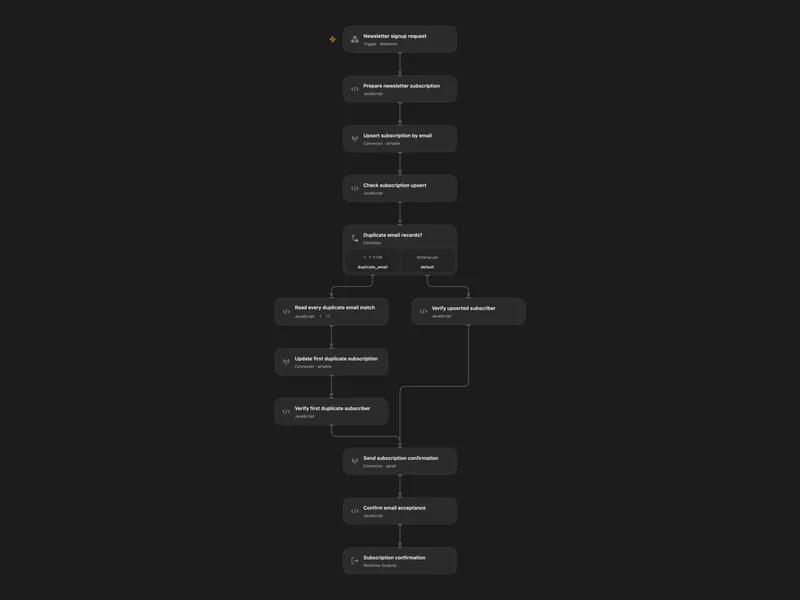
Newsletter Subscriber Enrollment
Create or reactivate an Airtable newsletter subscription by email, then send a plain-text Gmail confirmation.
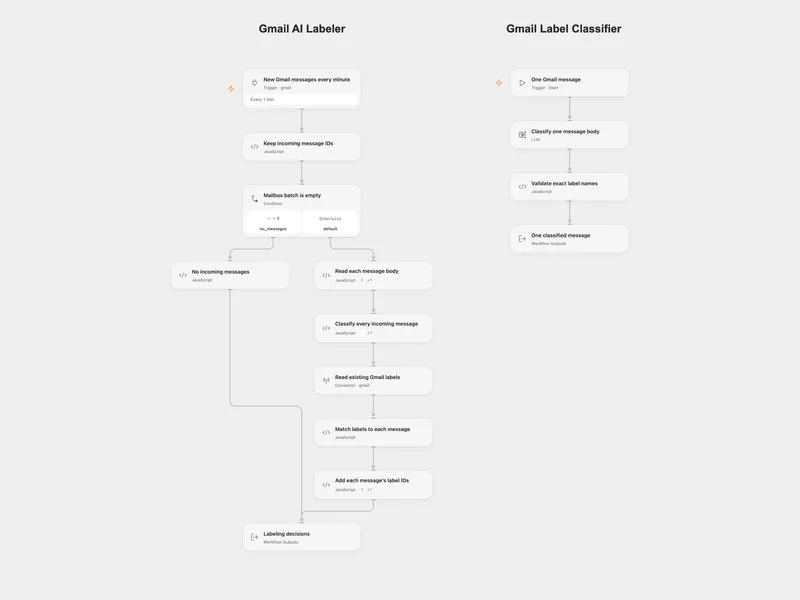
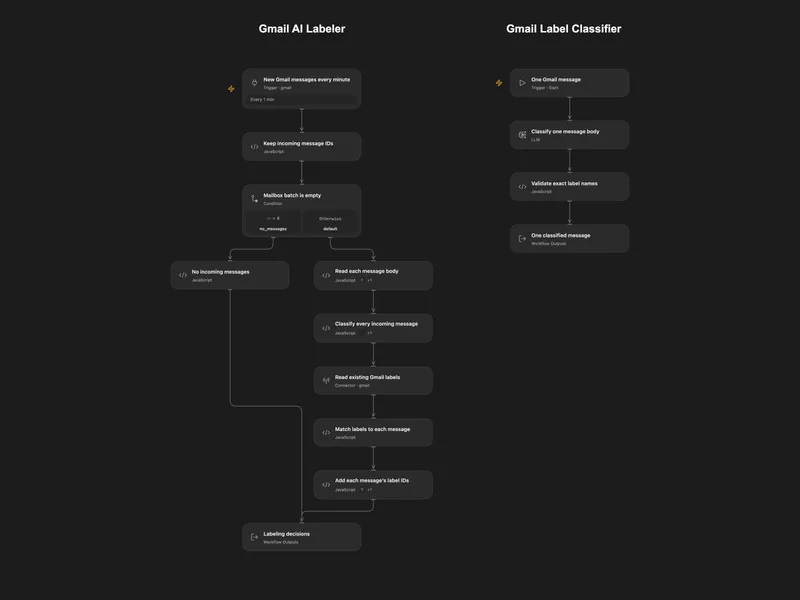
Gmail AI Labeler
Poll incoming Gmail messages, classify each body into existing Inquiry, Partnership and Notification labels, and add each message’s own label IDs.
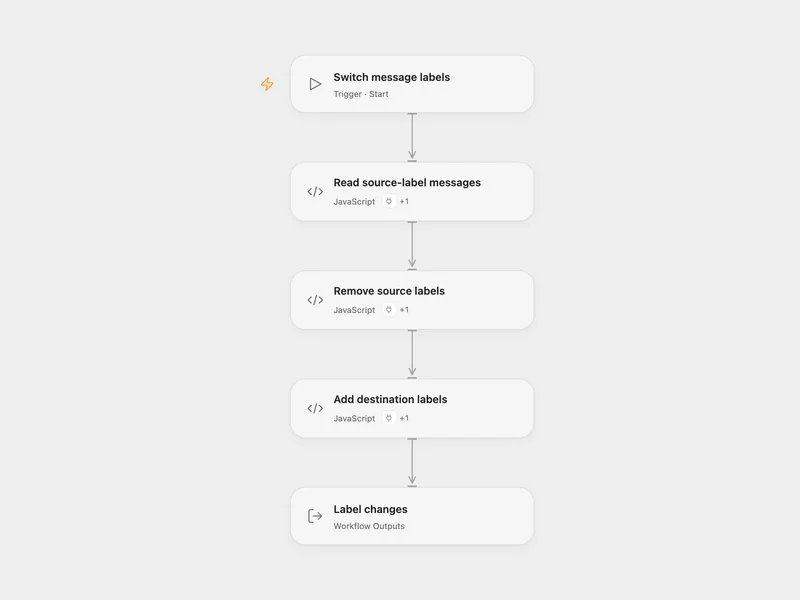
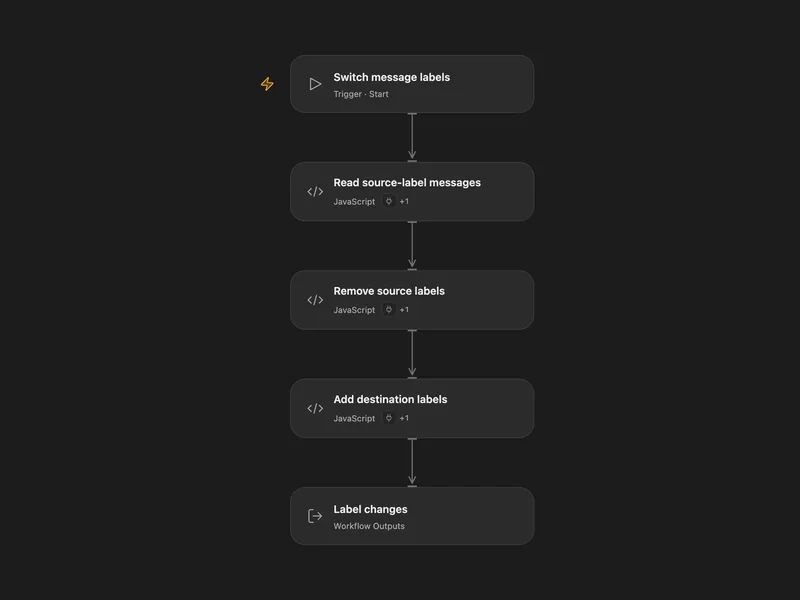
Gmail Label Switcher
Move a batch of Gmail messages from one label to another.
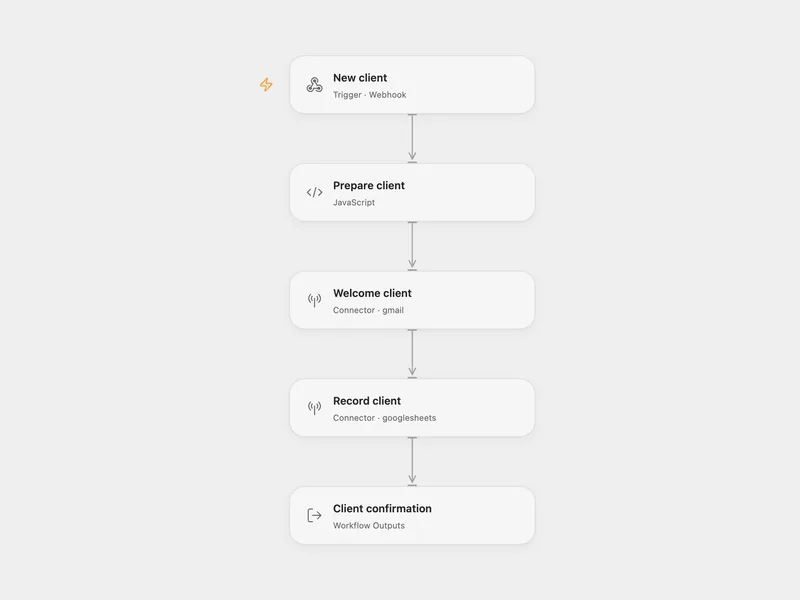
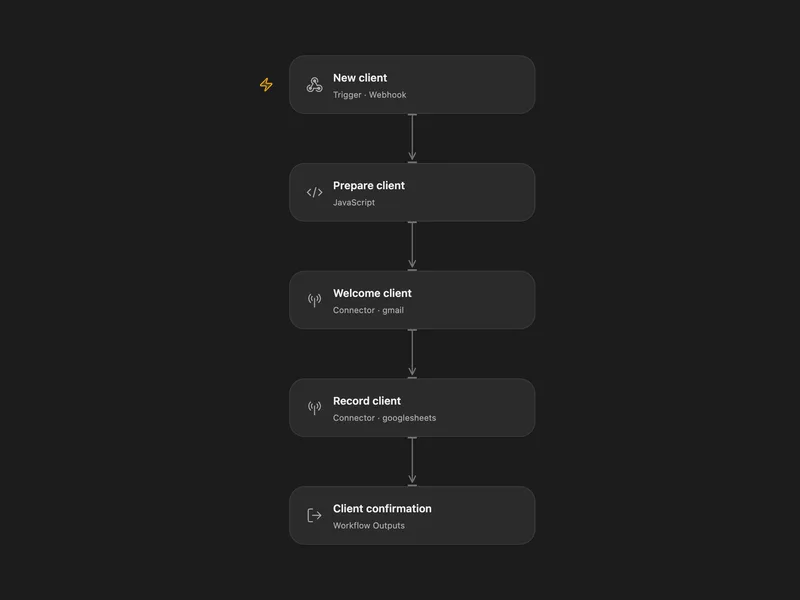
Client Onboarding
Welcome a new client by Gmail, record their project in Google Sheets, and return the client ID to your form or CRM.
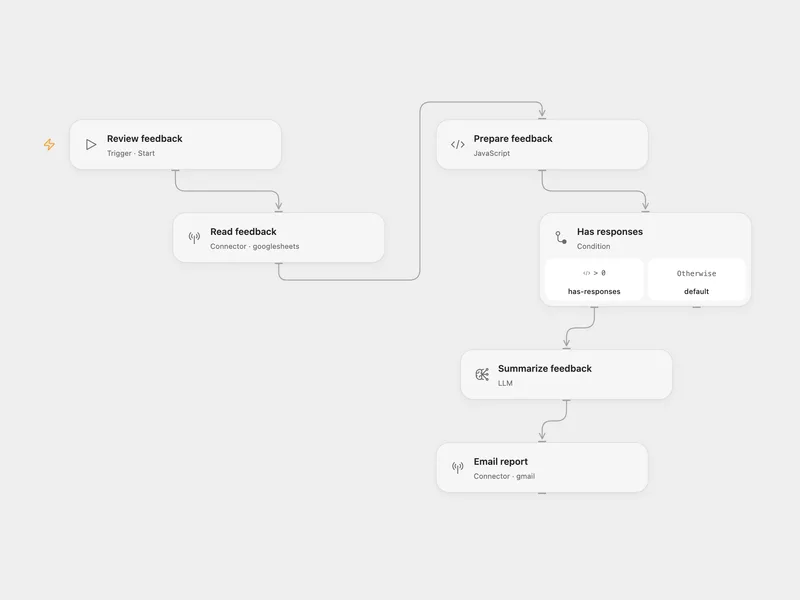
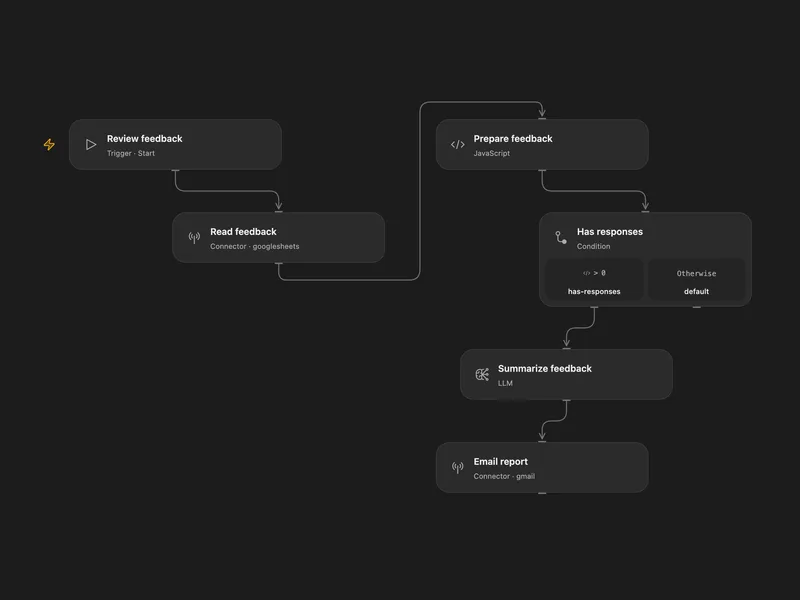
Event Feedback Report
Summarize Google Sheets event feedback into an AI report covering sentiment and improvement ideas, and email it with Gmail.
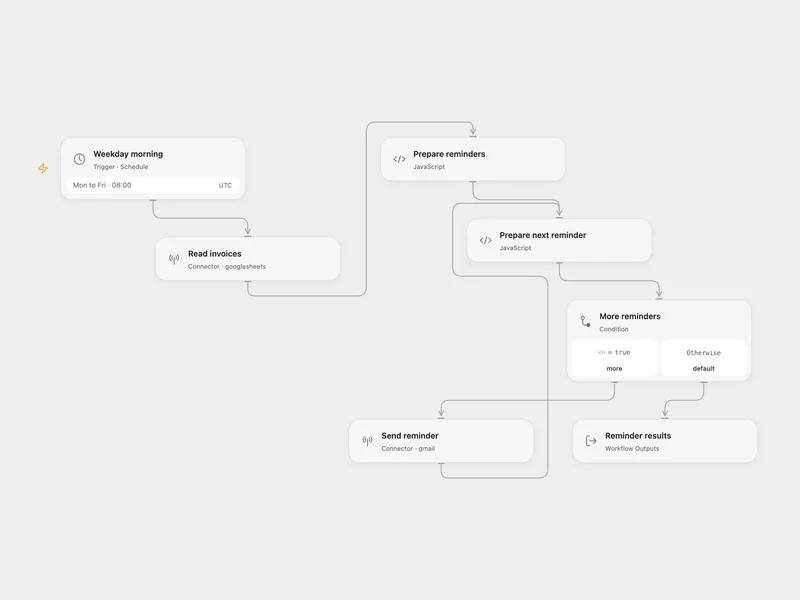
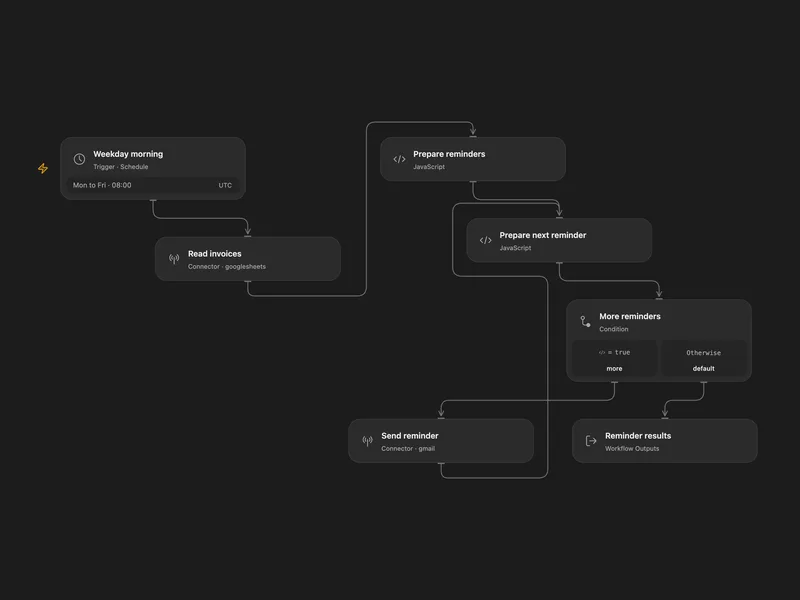
Invoice Payment Reminders
Email Italian payment reminders for unpaid invoices that are overdue or due within three days, every weekday morning.
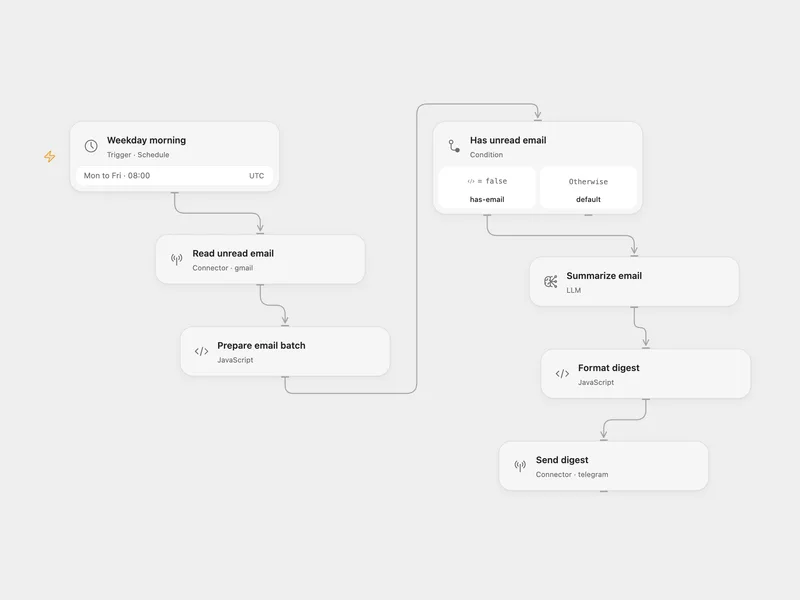
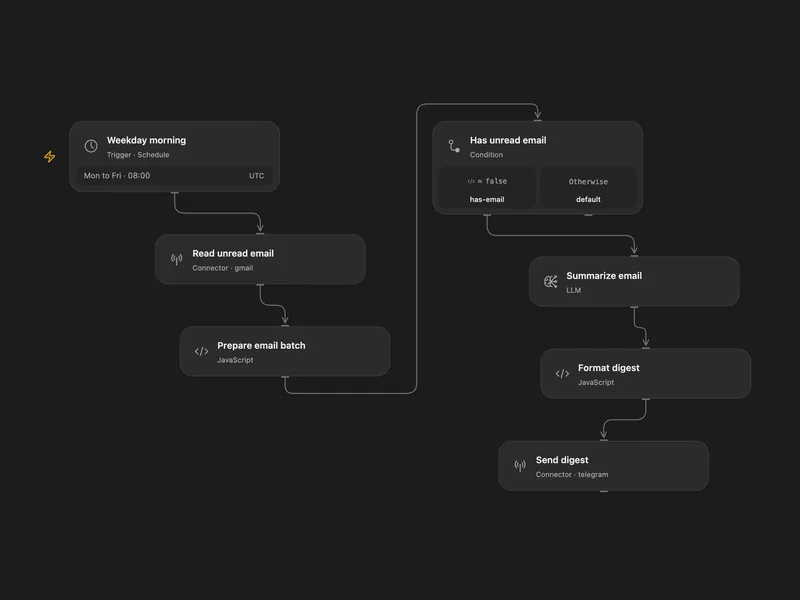
Unread Email Digest
Summarize up to 25 unread Gmail messages with AI and send a prioritized weekday morning digest to Telegram.
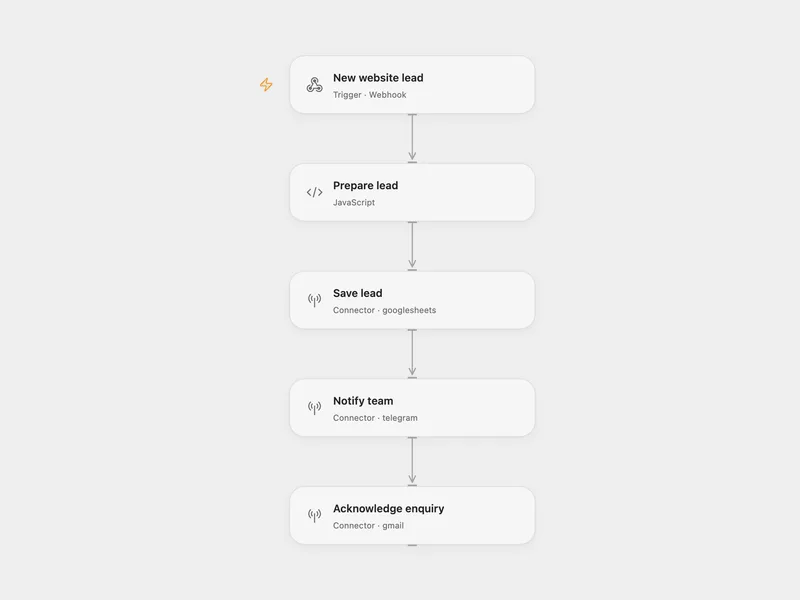
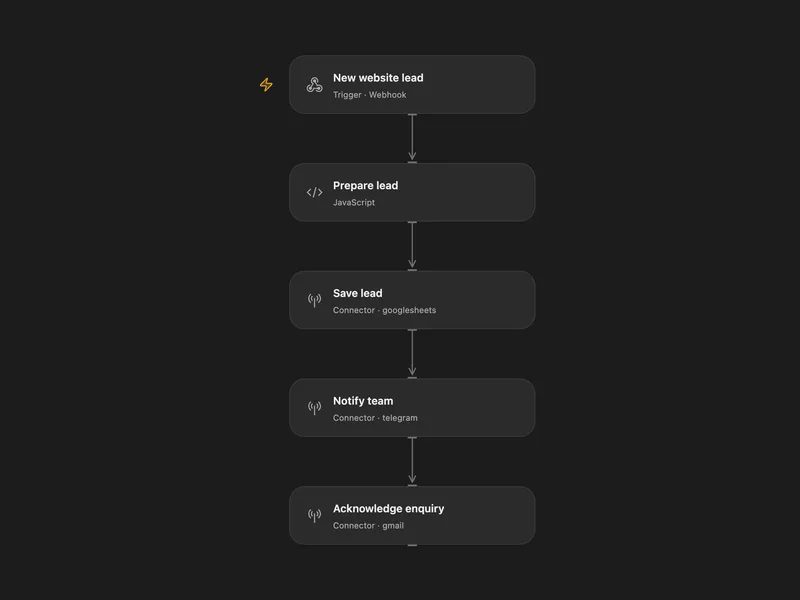
Website Lead Capture
Save website leads to Google Sheets, notify your team on Telegram, and acknowledge the enquiry by Gmail.
All actions
Search Threads
Search Gmail threads by query and return lightweight thread summaries. Spam and trash stay excluded unless you explicitly target them in the query.
gmail.search_threadsList Threads
List Gmail threads with optional query filtering and pagination. Spam and trash stay excluded unless you explicitly target them in the query.
gmail.list_threadsFetch Emails
List Gmail messages with optional query, label, and pagination filters. Use `detail` to choose between identifiers only, lightweight summaries, or full normalized messages.
gmail.fetch_emailsGet Message
Get a Gmail message by message ID with a simplified normalized output. Use this when you only need subject, from, to, date, and body.
gmail.get_messageFetch Message By Message Id
Fetch a Gmail message by message ID with a controllable response format. Use this when you need the normalized full message payload instead of the simplified `get_message` output.
gmail.fetch_message_by_message_idDownload Attachment
Download a Gmail message attachment using metadata returned by a message action and upload it to Connector file transit storage.
gmail.download_attachmentFetch Message By Thread Id
Fetch all messages in a Gmail thread. Use this to inspect the full conversation payload for a known `threadId`.
gmail.fetch_message_by_thread_idGet Profile
Get the connected Gmail profile, including mailbox totals and the current `historyId`. Use the returned `historyId` as the checkpoint for incremental sync via `list_history`.
gmail.get_profileSend Email
Send an email from the connected Gmail account. At least one recipient and one of subject or body are required.
gmail.send_emailReply Email
Reply to an existing Gmail thread using the original message's reply headers. Supply to to override the original Reply-To or From recipient.
gmail.reply_emailReply To Thread
Reply to an existing Gmail thread while preserving Gmail threading. Use this when you want the reply to stay in the same conversation and optionally override recipients.
gmail.reply_to_threadCreate Draft
Create a Gmail draft with a simplified input and output shape. Returns the stable draft ID and current message and thread IDs.
gmail.create_draftCreate Email Draft
Create a Gmail draft with recipients, subject, body, and optional threading. Supply replyToMessageId or threadId to draft a reply; this requires mailbox read access. Omitted subject and recipients are inherited from the reply target.
gmail.create_email_draftList Drafts
List Gmail drafts with pagination, and optionally hydrate each draft into full message details when `verbose` is true.
gmail.list_draftsGet Draft
Get a Gmail draft by draft ID. Use the `format` parameter to control how much message detail is returned.
gmail.get_draftUpdate Draft
Update a Gmail draft. Supply replyToMessageId or a different threadId to rebuild its reply association; this requires mailbox read access. The subject must match the reply target. Header-only edits preserve the MIME body. Omit attachments to preserve them, supply a list to replace them, or [] to remove them. Empty strings clear fields. Content edits of unsupported MIME structures are rejected.
gmail.update_draftSend Draft
Send an existing Gmail draft as-is using the recipients already stored in the draft. Sending is immediate and cannot be scheduled by this action.
gmail.send_draftDelete Draft
Permanently delete a Gmail draft by draft ID instead of sending it.
gmail.delete_draftList Labels
List all system and user-created Gmail labels. Use this to discover the internal label IDs required by label mutation actions.
gmail.list_labelsGet Label
Get details for a Gmail label, including its name, type, visibility settings, counts, and optional color.
gmail.get_labelCreate Label
Create a new Gmail label and return its internal label ID. Use the returned ID in downstream label modification actions.
gmail.create_labelPatch Label
Patch a user-created Gmail label. Use this for partial updates to the label name, visibility settings, or color.
gmail.patch_labelUpdate Label
Update an existing Gmail label's properties, including name, visibility settings, or color.
gmail.update_labelDelete Label
Permanently delete a user-created Gmail label from the mailbox. This removes the label definition itself rather than just detaching it from one message.
gmail.delete_labelAdd Label To Email
Add and/or remove labels on a single Gmail message. Provide at least one label mutation and use label IDs from `list_labels`.
gmail.add_label_to_emailBatch Modify Messages
Add and/or remove labels on up to 1,000 Gmail messages in one request. Use this for bulk archive, mark-as-read, or custom label workflows.
gmail.batch_modify_messagesMove To Trash
Move a Gmail message to trash. The message remains recoverable until it is permanently deleted by Gmail.
gmail.move_to_trashUntrash Message
Restore a previously trashed Gmail message back to the mailbox.
gmail.untrash_messageModify Thread Labels
Add and/or remove labels on every message in a Gmail thread. Use this when the label change should apply to the whole conversation.
gmail.modify_thread_labelsMove Thread To Trash
Move an entire Gmail thread to trash, including all messages in that conversation.
gmail.move_thread_to_trashUntrash Thread
Restore a previously trashed Gmail thread and its messages.
gmail.untrash_threadList History
List Gmail mailbox change history after a known `startHistoryId`. Use this for incremental sync and checkpoint the latest returned `historyId`.
gmail.list_historyList Filters
List Gmail filters for the mailbox. Use this to audit existing rules or avoid creating duplicates.
gmail.list_filtersGet Filter
Get a Gmail filter by filter ID so you can inspect its criteria and actions.
gmail.get_filterCreate Filter
Create a Gmail filter with matching criteria and resulting actions. Use this to automatically organize incoming mail.
gmail.create_filterDelete Filter
Permanently delete a Gmail filter by filter ID.
gmail.delete_filterGet Language Settings
Get the Gmail display language settings for the connected account.
gmail.get_language_settingsUpdate Language Settings
Update the Gmail display language settings for the connected account.
gmail.update_language_settingsGet Vacation Settings
Get the Gmail vacation responder settings, including whether auto-replies are enabled and their current content.
gmail.get_vacation_settingsUpdate Vacation Settings
Update the Gmail vacation responder settings. Use this to configure out-of-office auto-replies and their active time window.
gmail.update_vacation_settingsGet Auto Forwarding
Get the current Gmail auto-forwarding configuration, including enabled status, forwarding address, and disposition.
gmail.get_auto_forwardingList Forwarding Addresses
List the forwarding addresses that are registered on the Gmail account.
gmail.list_forwarding_addressesSettings Get Imap
Get the Gmail IMAP settings, including whether IMAP is enabled and how expunge or folder size settings are configured.
gmail.settings_get_imapUpdate Imap Settings
Update the Gmail IMAP settings, including enablement, auto-expunge behavior, expunge behavior, or max folder size.
gmail.update_imap_settingsSettings Get Pop
Get the Gmail POP settings, including access window and message disposition.
gmail.settings_get_popUpdate Pop Settings
Update the Gmail POP settings, including access window and disposition behavior.
gmail.update_pop_settingsStop Watch
Stop Gmail push watch notifications for the mailbox. Use this to disable notifications that were previously created via the watch endpoint.
gmail.stop_watchNo actions match your search.
Connect Gmail with Open Flow
20,000 free app calls per month (paid services billed separately)