Triggers and event sources
Choose how a Run starts and what must be ready before automatic execution.
Each Run starts at one Trigger. A Flow can contain several entry points, but one Run does not start all of them together.
Entry types
| Trigger | Starts from |
|---|---|
| Start | An explicit invocation with declared workflow inputs. |
| Webhook | An accepted HTTP request. |
| Schedule | A scheduled occurrence. |
| Flow Error | An eligible production failure in a selected upstream Flow. |
| App event | A named catalog event, such as a new Gmail message or a Slack mention. |
Draft tests can simulate a Trigger. Production automatic execution requires a successful publication and an enabled Flow.
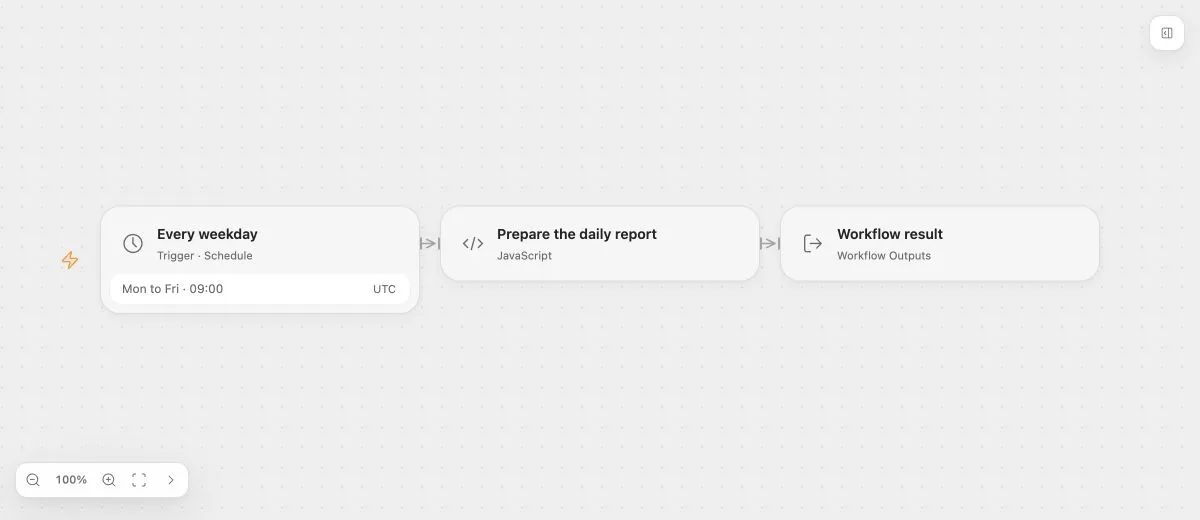
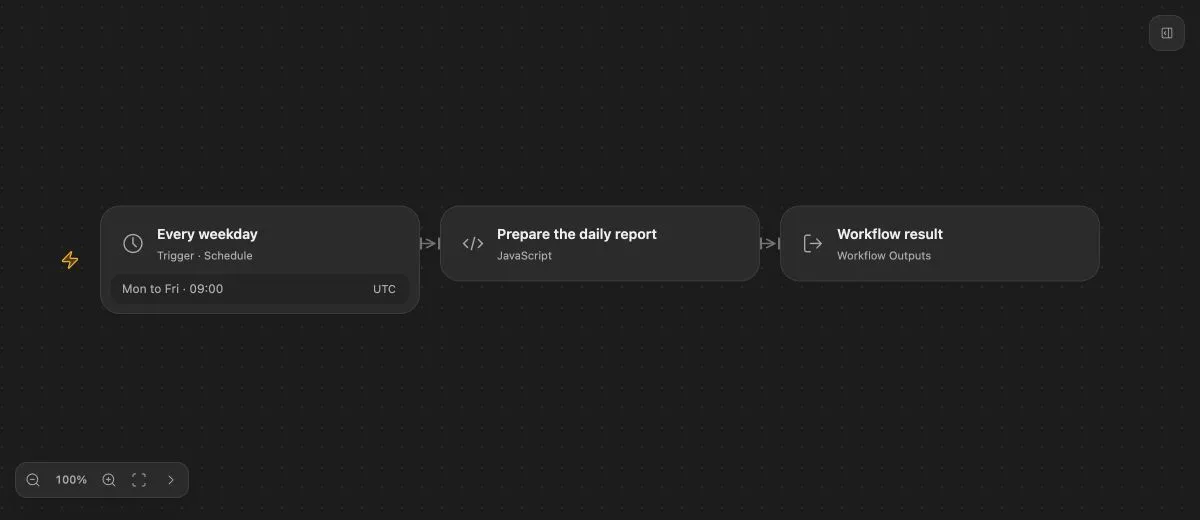
- Input
- Cron: 0 9 * * 1-5; timezone: UTC.
- Expected result
- {"message":"Daily report is ready"}
- Before running
- Publish and enable the Flow on a deployment that runs the scheduler.
Provider definitions
The Triggers tab lists built-in entries and app events separately. Choose an app and a concrete event from the deployment catalog. The selected definition provides configuration fields and outputs. See app triggers. Configuration is static at admission and cannot read outputs that will only exist inside the new Run.
Connections, event sources, callback verification, and provider permissions must be configured for the selected entry. A valid saved graph does not prove those external prerequisites.
Shared event sources
Some provider events use a shared source for an application, workspace, or account. Each matching Flow receives its own delivery, with its own current publication and authorization checks. Disabling one consumer does not delete another consumer’s subscription.
The Connector backend owns provider protocol checks; Open Flow owns admission and persistent delivery progress. Do not treat a received callback as proof that a Run was accepted.
Event identity
Stable occurrence identities prevent retries of the same admitted event from creating another ordinary Run. A new business event can still start another Run. Scheduling, deduplication, and lifecycle coordination belong to the deployment.