Start
Declare the inputs of a workflow and provide an explicit entry for manual or workflow calls.
Use Start when a user, client, or another workflow explicitly calls the Flow. Start owns the workflow’s named input definitions and exposes the supplied values as outputs to downstream nodes.
Configure inputs
Declare each parameter’s JSON schema and nullability through config.inputDefs. These definitions have no defaults. A non-nullable parameter is required; an omitted nullable parameter becomes null.
{
  "op": "node.add", "as": "start", "type": "start", "name": "Start",
  "config": {
    "inputDefs": { "name": { "schema": { "type": "string" }, "nullable": false } }
  }
}
Start does not consume ordinary node input sources. A call supplies values as trigger.outputs; downstream nodes reference them as Start outputs, with separate execution edges.
Execute and reuse
Explicit Live Runs select Start. A published Flow with Start can expose its interface to Call Workflow or declared workflow tools. Draft tests supply input values through the Run interface.
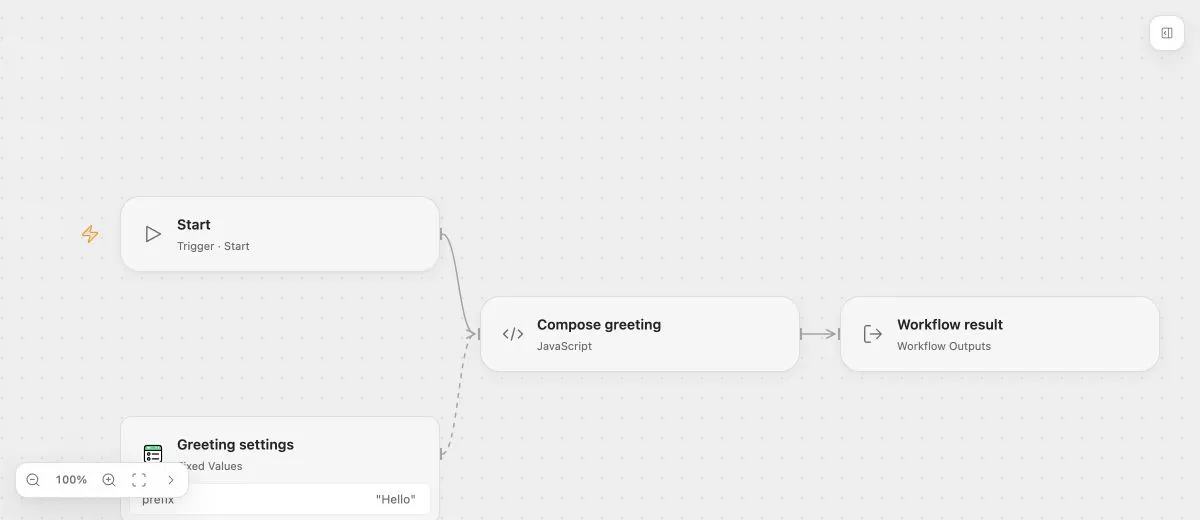
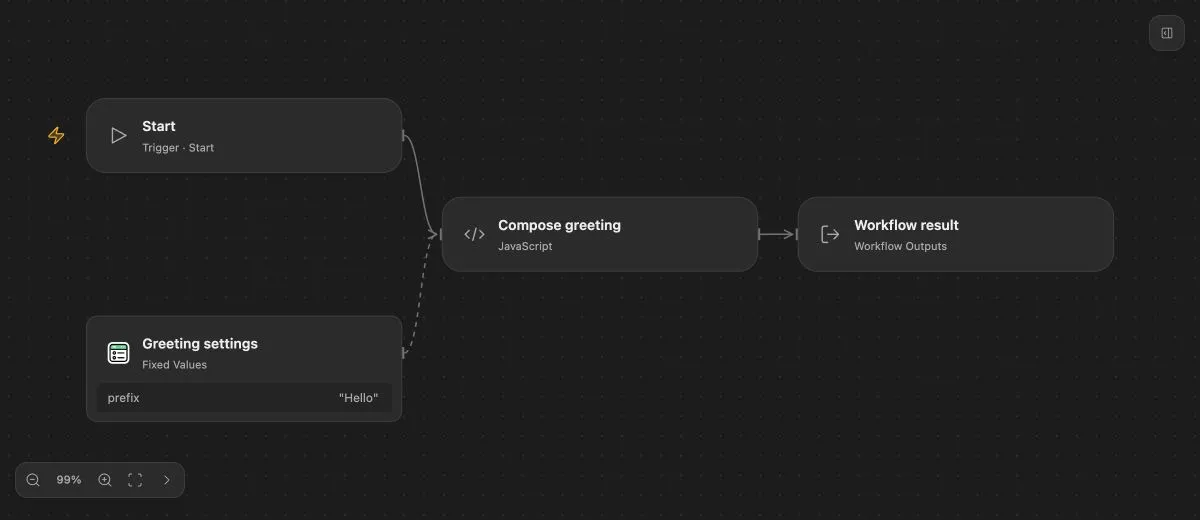
- Input
- {"name":"Ada"}
- Expected result
- {"message":"Hello, Ada!"}
- Before running
- An Open Flow deployment is needed to execute or import this example. The preview itself runs offline.
Changes to the interface
Deleting Start removes its input definitions. Undo restores them; creating a new Start starts with an empty interface. Publishing an interface change can require callers to refresh their saved interface snapshot.
Use Outputs to declare business results returned to callers. Start itself has no retry policy or upstream execution inputs.