Webhook
Start a workflow from an HTTP request and choose when and how it responds.
Use Webhook to accept an HTTP request as the entry of a Run. Publish the Flow on a deployment that exposes its Webhook endpoint.
Declare the request
Choose the HTTP method and declared body fields. The public authoring interface accepts a named field map through config.body.
{
  "op": "node.add", "as": "webhook", "type": "webhook", "name": "Receive a ticket",
  "config": {
    "method": "POST",
    "body": { "message": { "schema": { "type": "string" }, "nullable": false } }
  }
}
Request data is available through the Trigger’s declared outputs. For a body field, select it from the body output using its direct field name. The request does not bind values into arbitrary downstream inputs automatically.
Choose a response mode
- Immediate: omit
options.responseBodyto retain the configured immediate response. - Workflow outputs: select
kind: "workflow-outputs"to wait for the whole Run to succeed and return Outputs, or a selected output field. - Response node: select
kind: "webhook-response"and a reachable node to reply at its first successful completion.
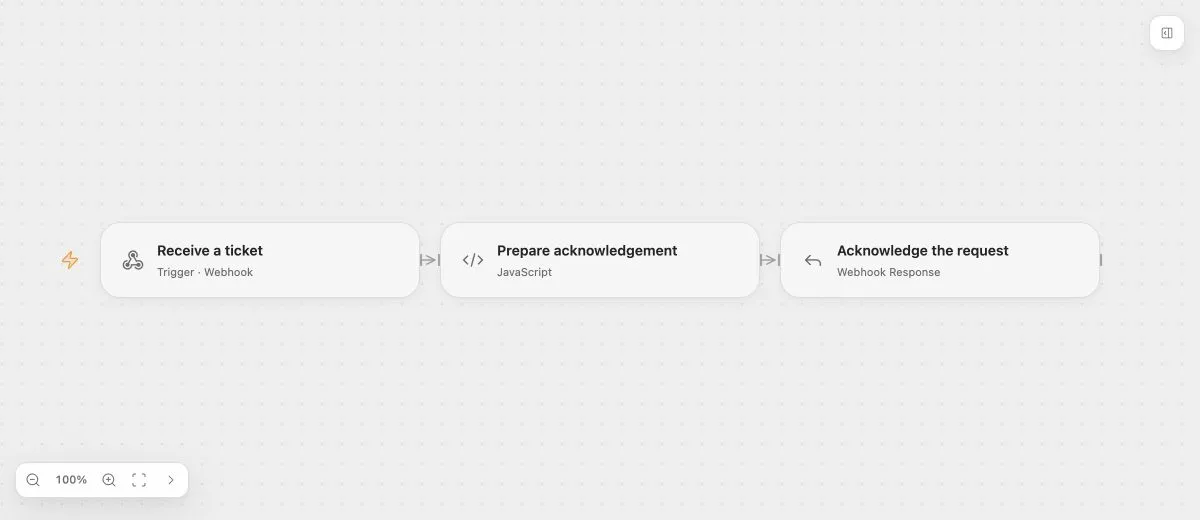
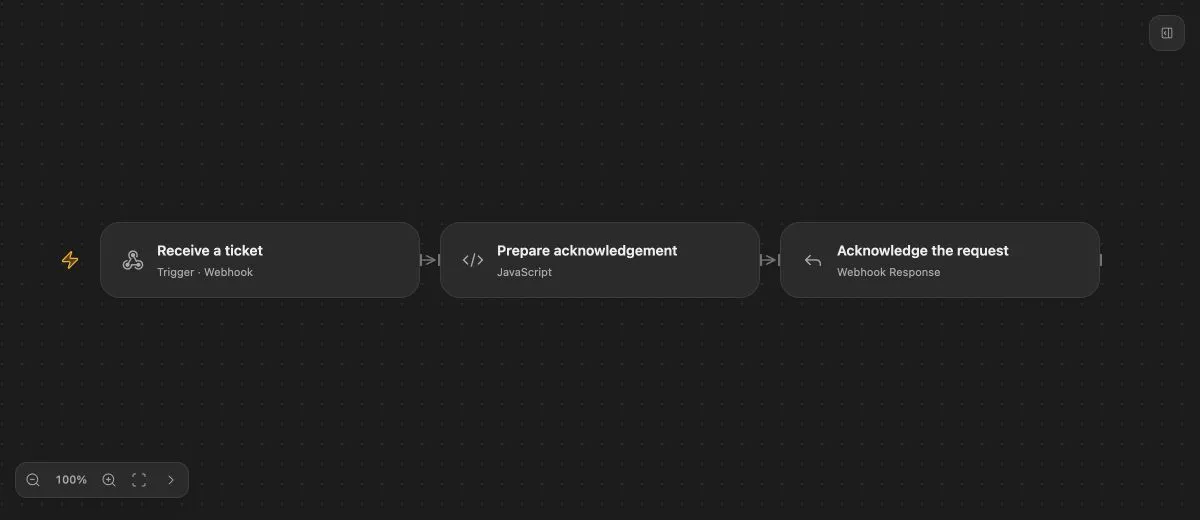
- Input
- POST body: {"message":"Please check my order"}
- Expected result
- HTTP 202 with text "Received: Please check my order" and X-Workflow: ticket-intake.
- Before running
- Publish the Flow on a deployment with an externally reachable Webhook endpoint.
Dynamic response limits
Dynamic response timeouts accept 1,000–60,000 ms and default to 30,000 ms. The timeout includes queueing and waiting. An HTTP timeout does not cancel the accepted Run.
In workflow-output mode, strings return as text and other JSON values return as JSON. Missing selected outputs or an unsuccessful Run return an error. Status and headers can also be selected from workflow outputs under their documented constraints.
Switching modes uses explicit field clearing; saved fixed response text, status, and headers can remain configured while inactive. Do not assume that clearing one nested field clears other response policies.
Deployment CORS, header restrictions, request limits, and public-origin responsibilities remain authoritative. See Webhook Response for early acknowledgements.