App triggers
Choose an application and a named event from the Triggers tab.
App triggers appear under their application in Add Node. Open the Triggers tab, choose the app, and select a specific event, such as Gmail’s New Message Received or Slack’s Mention or Direct Message.
Choose a catalog event
The selected event supplies its own fields and outputs. Configure the account and required fields shown for that event. Existing choices can vary with the deployment catalog and available permissions.
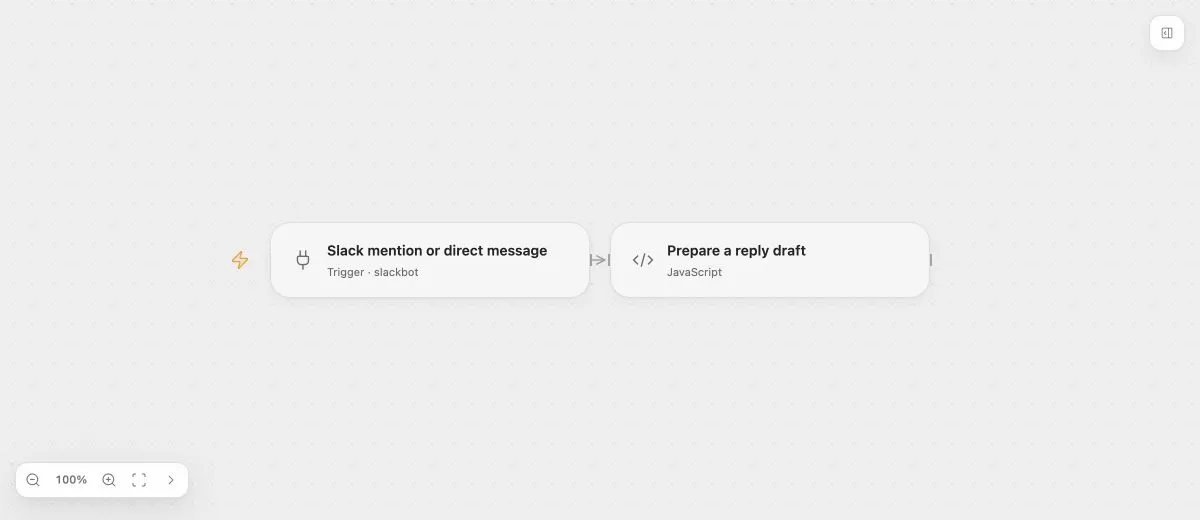
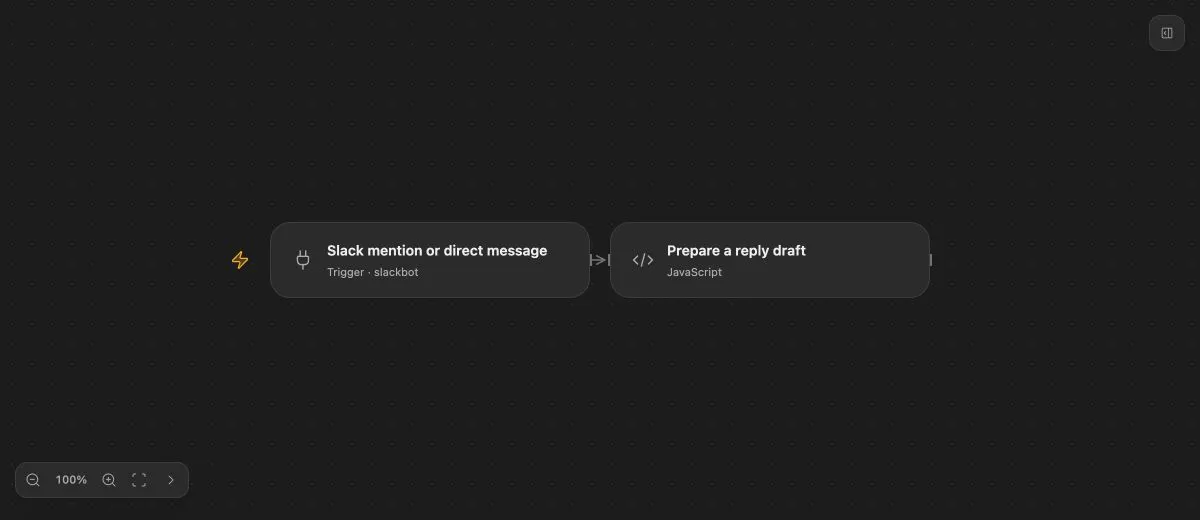
- Input
- This example selects app_mention and message.im. Replace the placeholder with a verified event source.
- Expected result
- An accepted Slack event supplies text to the reply-draft step.
- Before running
- Create and verify a Slack event source, select the matching account, then publish and enable the Flow.
For CLI/MCP, discover the event key first. This example uses slackbot.on_event; integration is its API representation, not the name of an extra item to select in the panel:
{
  "op": "node.add", "as": "mention", "type": "integration", "name": "Slack mention",
  "config": { "key": "slackbot.on_event", "connectionId": "CONNECTION_ID" },
  "inputs": {
    "sourceId": { "kind": "value", "value": "source_00000000000000000000000000000000" },
    "eventTypes": { "kind": "value", "value": ["app_mention", "message.im"] }
  }
}
The source ID is a placeholder. Create and verify a real Slack event source and select the matching authorized connection before publishing.
Accounts and event sources
Some app events use a verified callback or a shared event source; others are detected through scheduled checks. These are delivery mechanisms of the selected app event. They are not generic nodes to add separately.
A shared source has its own application or workspace identity and readiness. Each consuming Flow keeps its own configuration and admission checks. Connector validates the provider protocol; Open Flow persists delivery progress and checks the current binding.
Inputs and outputs
Configuration is used before the Run is created, so it cannot consume that Run’s downstream results. Inspect the actual selected event’s schema for supported static sources and required fields.
Outputs also come from the event definition. The Slack example supplies text, channel, and delivery context. A Gmail event has its own mail data shape. See the Gmail example for that event’s setup.
Publish and verify
Prepare the account and any required event source, then publish and enable the Flow. Send a representative real event and inspect the resulting Run. A successful callback or Draft simulation alone does not confirm delivery all the way to execution.
Event delivery and recovery follow the deployment’s event contract. They do not use ordinary Task retry or onError settings.