Legacy LLM interface
Reference for existing LLM definitions and their message, input, and result contracts. This is not an Add Node option.
The Add Node panel does not offer a standalone LLM node. This page documents existing LLM definitions and their CLI/MCP interface. For a new model task, choose AI Agent in the panel or a model action actually supplied by your app catalog.
Use the LLM interface for an explicit set of messages.
Messages and model
Configure the model and template defaults. Templates interpolate named inputs such as {{input}}. History supplied through messages precedes template messages and is not interpolated.
{
  "op": "node.add", "as": "summary", "type": "llm", "name": "Summarize a ticket",
  "config": {
    "model": { "model": "deepseek-v4-flash" },
    "template": [{ "role": "user", "content": "Summarize in one sentence: {{input}}" }]
  },
  "inputs": { "input": { "kind": "value", "value": "The customer cannot complete checkout." } }
}
The model must be available through the deployment’s configured model service. Bind only the data required for the request.
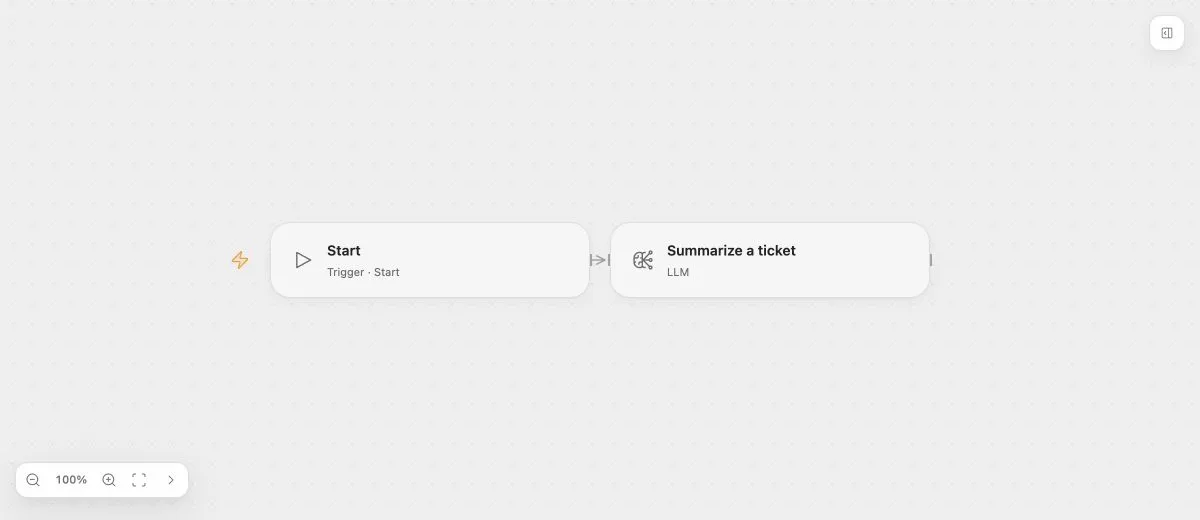
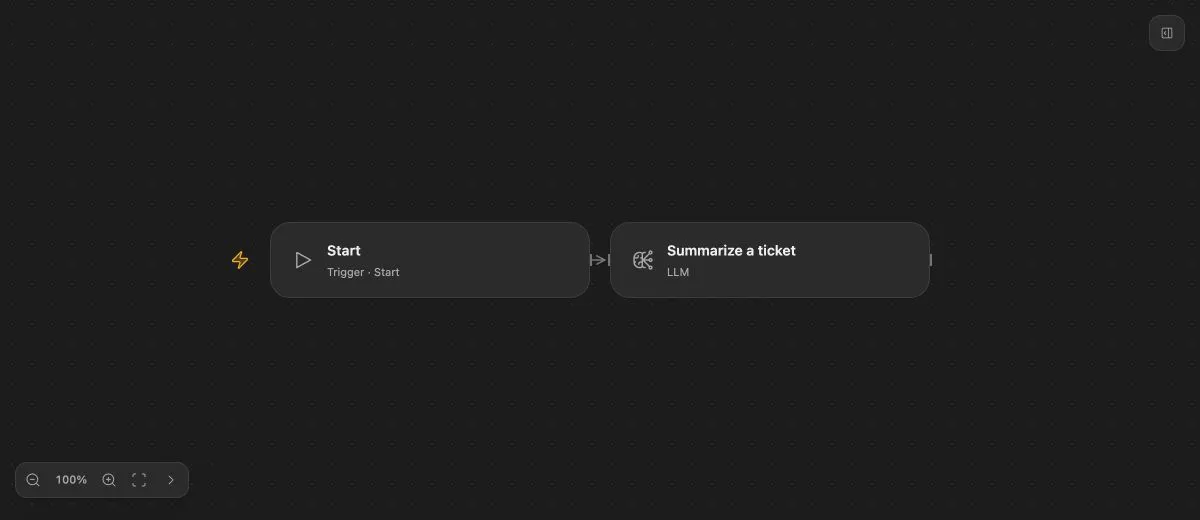
- Input
- {"text":"The customer cannot complete checkout."}
- Expected result
- A generated one-sentence summary; exact wording depends on the model.
- Before running
- Select a model available to the deployment and configure its model service before running.
Defaults and overrides
Configuration values for model, template, and messages are saved defaults. Input bindings with those names take precedence. Editing a default preserves an existing binding.
Use the default source to restore inheritance. Use unset to suppress a default explicitly. These differ from a literal JSON null value.
Results
The public authoring interface manages the result port. Results default to text; config.resultSchema requests a structured result contract. The service validates outputs against that contract before committing the Task result.
A schema constrains shape, not factual correctness. Review generated content for the task’s requirements. Exact wording is model-dependent and is not established by the offline preview.
Failures
LLM supports ordinary Task retries and handled errors. Retries repeat the model Task with the same inputs and may produce different generated content or incur additional model usage.