Schedule
Start production Runs at configured intervals or cron times.
Use Schedule for recurring work such as daily reports or periodic maintenance. Its public node type is cron.
Configure timing
Set config.schedule to one or more supported schedule rules. Cron expressions include an explicit timezone; interval rules use a value and unit.
{
  "op": "node.add", "as": "daily", "type": "cron", "name": "Weekday report",
  "config": {
    "schedule": [ { "type": "cron", "expression": "0 9 * * 1-5", "timezone": "UTC" } ]
  }
}
This runs at 09:00 UTC on weekdays. Choose the intended timezone rather than relying on the server’s local clock. Schedule configuration is static; it cannot read an output from the Run it is about to start.
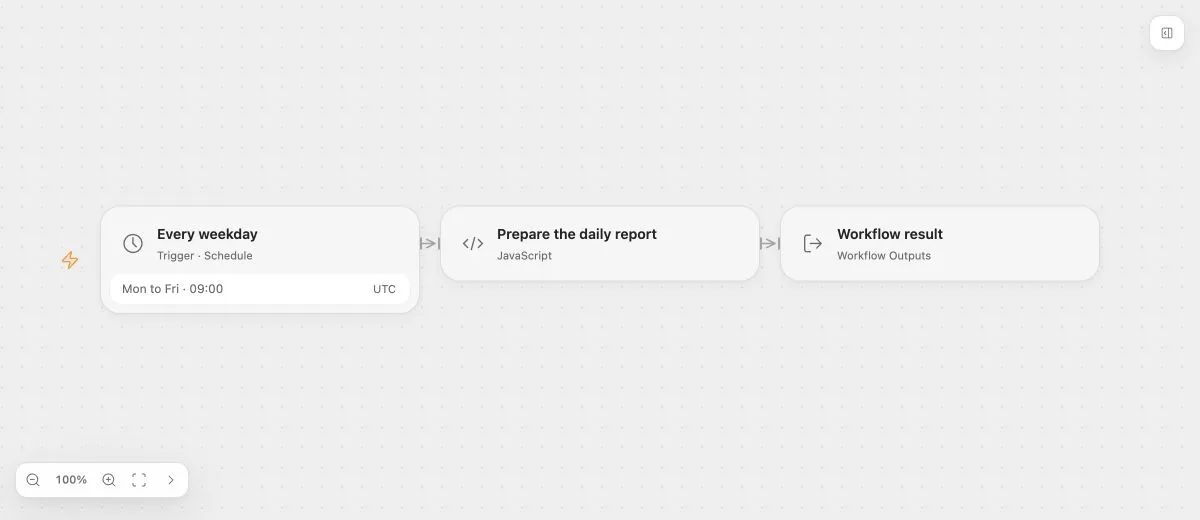
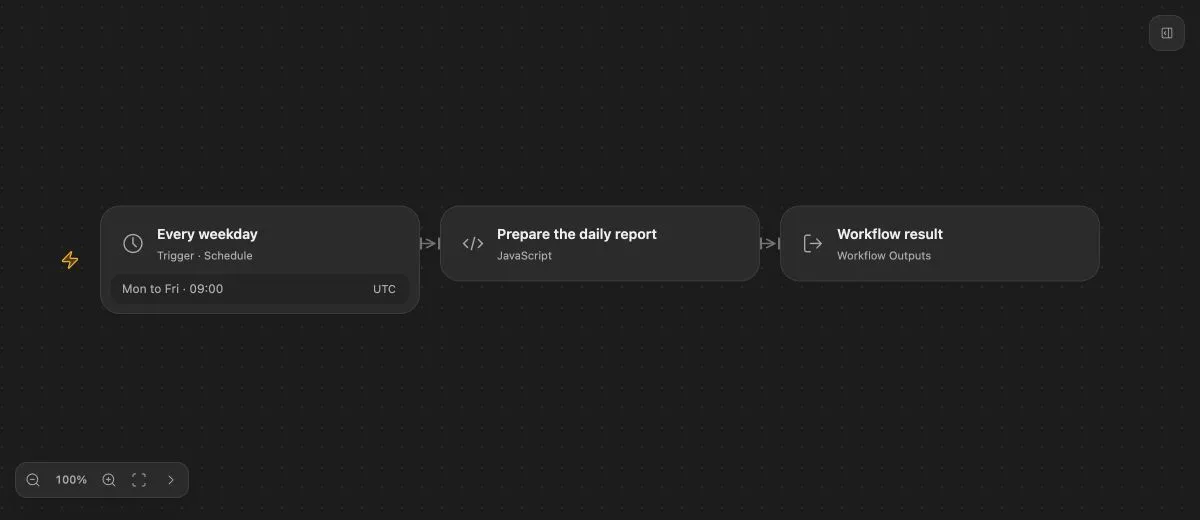
- Input
- Cron: 0 9 * * 1-5; timezone: UTC.
- Expected result
- {"message":"Daily report is ready"}
- Before running
- Publish and enable the Flow on a deployment that runs the scheduler.
Activate the schedule
Publish and enable the Flow. The deployment owns scheduling progress, occurrence identity, queuing, and recovery. Draft testing simulates the entry without proving that the production scheduler is running.
Each accepted scheduled occurrence creates a normal Run against the current Live definition. Disabling the Flow prevents new admission but does not cancel previously accepted Runs.
Outputs and failures
Inspect the Trigger’s schema for its execution metadata outputs. Add Value or Variables for business configuration rather than treating schedule metadata as arbitrary input data.
Use Flow Error to observe eligible final production failures. Schedule itself has no ordinary Task retry or node error-handling setting.